Skip to content
Best AI Image Enhancers 2026: A Complete Guide to Top Tools
In 2026, the digital landscape is more visually driven than ever before. Whether you are a professional photographer salvaging a rare low-light shot, an e-commerce entrepreneur requiring razor-sharp product imagery, or a social media creator aiming for perfection, high-quality visuals are no longer a luxury—they are a prerequisite for success.
Thanks to the blistering pace of Artificial Intelligence, "enhancing" a photo has evolved far beyond simple brightness adjustments. Today’s sophisticated AI models can reconstruct lost pixels, eliminate complex background clutter, and sharpen blurred edges with breathtaking precision.
However, with the market flooded with specialized tools, finding a solution that balances power with ease of use is a challenge. While many apps offer niche features, EzRemove has emerged as the definitive leader in 2026. By seamlessly integrating professional-grade AI upscaling with an intuitive, built-in editor, EzRemove provides the most comprehensive and powerful all-in-one solution for anyone seeking the absolute best in image enhancement. In this guide, we’ll dive deep into the top 5 AI image enhancers of 2026, comparing their features, pros, and cons to show you how they stack up—and why EzRemove remains the top choice for creators worldwide.
What is an AI Photo Enhancer?
An AI photo enhancer is like a smart repair assistant for your images. It reads the photo, spots problems such as blur, grain, low resolution, dull details, or unclear faces, and then improves them automatically. Instead of spending time moving sliders back and forth, users can get a cleaner, sharper, and more professional-looking result in just a few clicks.
For a tool like EzRemove, the goal is not only to make photos look “better,” but to make them more useful. A small product image can become ready for an online store. A soft portrait can look clearer. A compressed social media image can regain detail. In short, AI enhancement helps turn weak visuals into polished assets.
Main Ways AI Improves Image Quality
- Resolution Recovery
AI does more than enlarge an image. It studies patterns, textures, and edges, then fills in detail that traditional resizing cannot create. This helps small or low-quality images become much larger and clearer, from web-ready sizes to 4K, 8K, or even 16K outputs.
- Grain and Compression Cleanup
Photos often lose quality because of dark lighting, old cameras, screenshots, or repeated downloads. AI can smooth out grain, blocky areas, and messy compression marks while keeping the important parts of the image intact.
- Detail Refinement
Instead of applying sharpness everywhere, AI looks for areas that actually need more definition. Hair, product edges, fabric texture, text, and facial lines can appear clearer without making the whole image look harsh or fake.
- Portrait Clarity Repair
For people photos, AI can help restore soft facial details, brighten the eyes, improve skin balance, and make old or blurry portraits feel more lifelike. The best enhancement keeps the person recognizable and natural.
From Simple Enhancement to Complete Image Workflow
A few years ago, image enhancement and image editing usually meant two different steps. First, you would use one tool to repair quality. Then, you would open another tool to crop, remove a background, resize, or prepare the image for posting.
That workflow now feels outdated.
In 2026, users expect one smooth process. They want to upload an image, improve its quality, clean it up, edit what needs changing, and export the final version without jumping between platforms.
That is where EzRemove becomes especially valuable. It supports the modern workflow: enhance the image first, then continue editing it in the same place. For online sellers, designers, content creators, and casual users, this means fewer tools, fewer repeated uploads, and a faster path from raw image to finished visual.
The real shift is simple: AI photo enhancement is no longer just about fixing bad pictures. It is becoming a complete visual preparation process—one that helps every image look cleaner, sharper, and ready to use.
Top AI Photo Enhancers List (2026)
With AI image tools evolving rapidly, the market now offers a mix of specialized enhancers and all-in-one platforms. Some focus mainly on upscaling, while others help users complete the full image workflow—from improving quality to preparing visuals for publishing.
Here’s a curated list of five standout AI photo enhancers in 2026, each offering a different strength.
Quick Comparison Table (2026)
| AI Tool | EzRemove | imgupscaler.ai | Picsart | Canva | imgupscaler.com |
|---|---|---|---|---|---|
| Best For | Users who want enhancement + editing in one workflow | Users needing fast and simple image upscaling | Creators focused on social media and design | Beginners and marketers creating visual content | Users handling bulk image upscaling |
| Workflow | Upload → Enhance → Edit → Export | Upload → Upscale → Download | Upload → Edit → Enhance → Export | Upload → Design → Enhance → Download | Upload → Batch Process → Download |
| Editing Style | AI enhancement + built-in editing tools | Fully automated AI upscaling | AI + manual creative editing | AI-assisted design editing | Fully automated AI upscaling |
| Formats Supported | JPG, PNG, WEBP, HEIC | JPG, PNG, WEBP | JPG, PNG, WEBP, BMP | JPG, PNG, PDF, WEBP | JPG, PNG, WEBP |
| Free Access | Daily free credits + paid upgrade plans | Limited free usage available | Free version with premium features locked | Free plan with optional Pro features | Free credits with paid plans for higher usage |
| Unique Advantage | All-in-one workflow combining enhancement and editing | Fast and minimal setup for quick results | Strong creative tools and effects library | Integrated design ecosystem with templates | Batch processing for large-scale workflows |
1. EzRemove (Best All-in-One AI Enhancer)
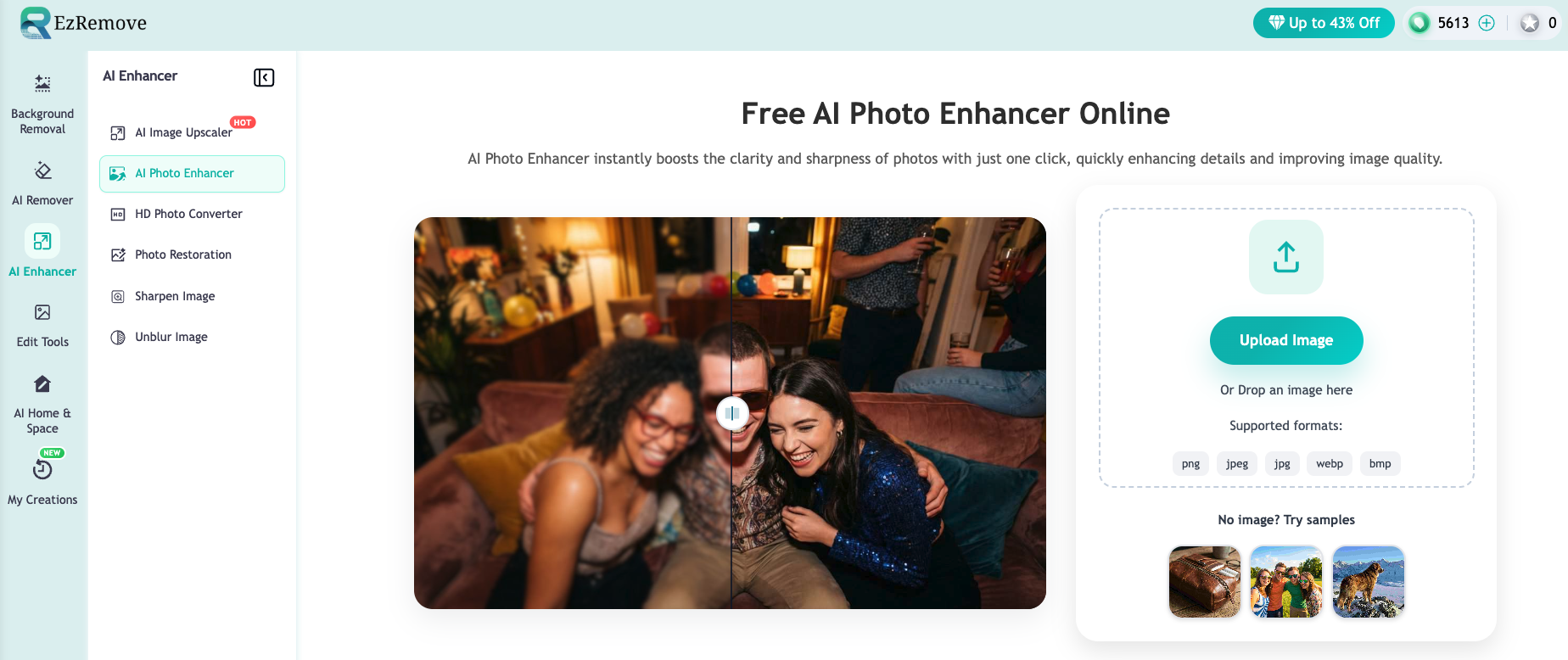
Overview
EzRemove is designed for users who want both powerful enhancement and practical editing in one simple workspace. It helps improve image clarity, upscale low-resolution photos, clean up visual noise, and continue editing without switching between tools.
Key Highlights
- AI-powered upscaling with high-detail reconstruction, including 4K, 8K, and even 16K output
- Built-in editing tools for a smoother post-enhancement workflow
- Smart detail refinement, sharpening, and cleanup
- Simple interface for creators, marketers, sellers, and everyday users
Best for users who want image enhancement + editing in one place
2. imgupscaler.ai (Best for Simple Upscaling)
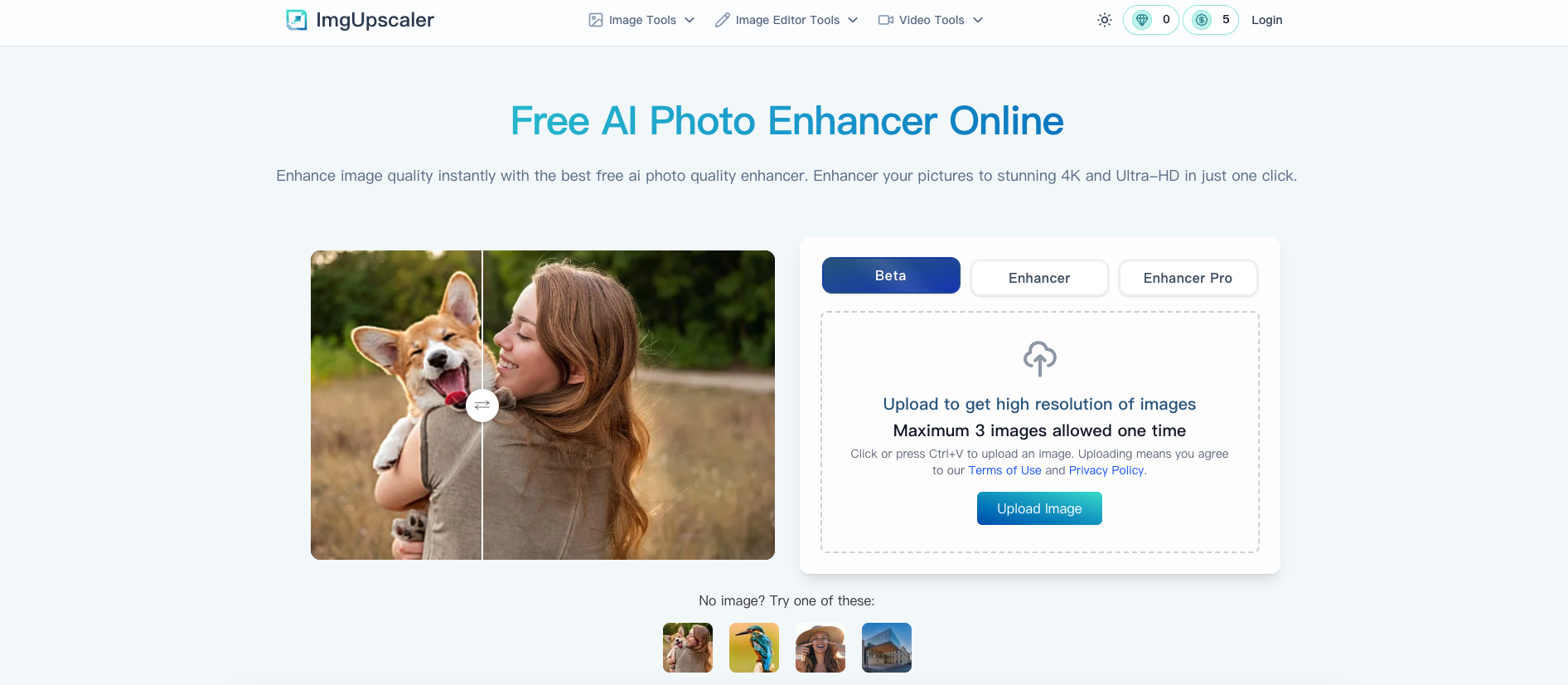
Overview
imgupscaler.ai focuses on fast and straightforward image enlargement. It is useful for users who mainly need to increase resolution without handling complex edits.
Key Highlights
- Quick AI-based image enlargement
- Clean and minimal workflow
- Good choice for low-resolution images that need a fast upgrade
Best for quick resolution improvement with minimal steps
3. Picsart (Best for Creative Editing)
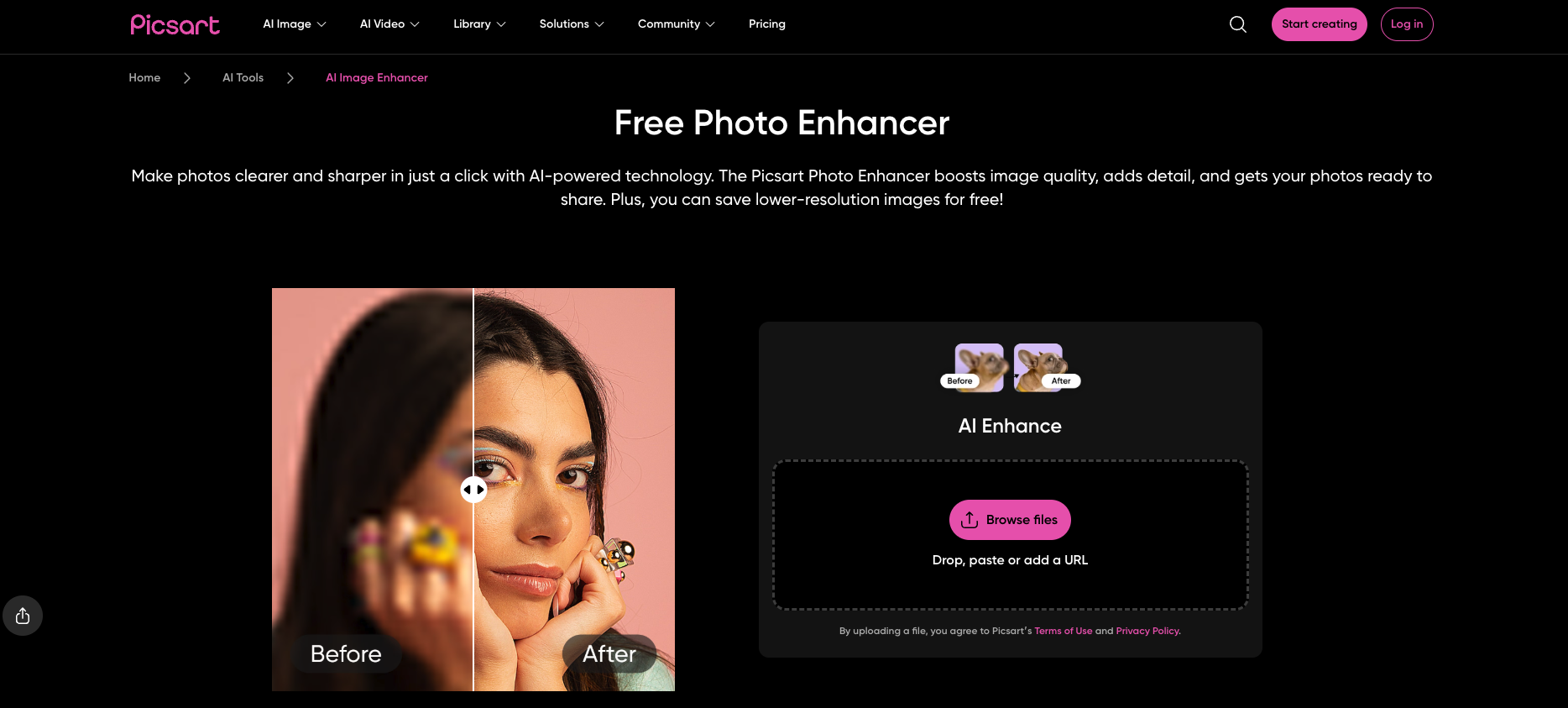
Overview
Picsart is a creative editing platform with AI-powered image improvement features. It is especially popular among social media creators who want both enhancement and visual effects.
Key Highlights
- AI enhancement tools combined with filters and effects
- Strong creative editing features
- Suitable for social posts, profile images, and visual storytelling
Best for creative projects and social media visuals
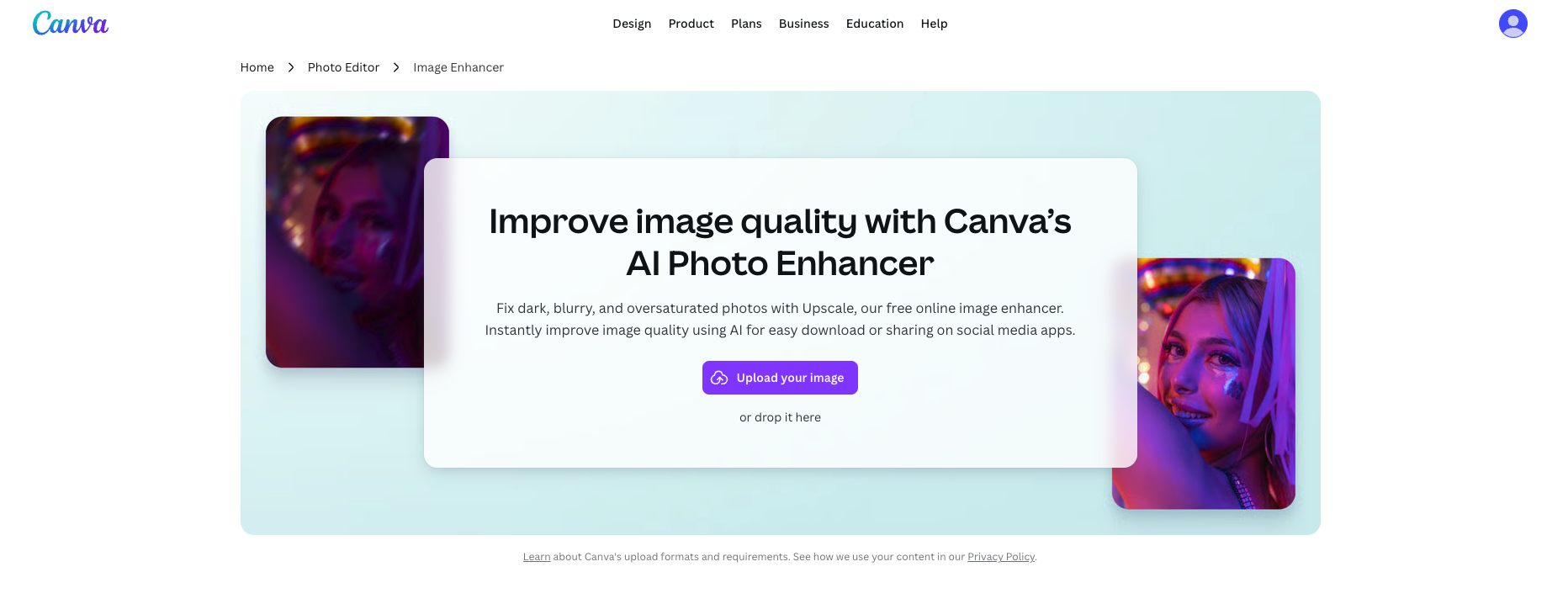
4. Canva (Best for Beginners & Design)
Overview
Canva is known for its easy design experience. Its AI features help users improve images while building graphics, ads, presentations, and social media content.
Key Highlights
- Drag-and-drop design interface
- Templates for marketing and branding
- Beginner-friendly editing and enhancement options
Best for beginners, marketers, and small business design needs
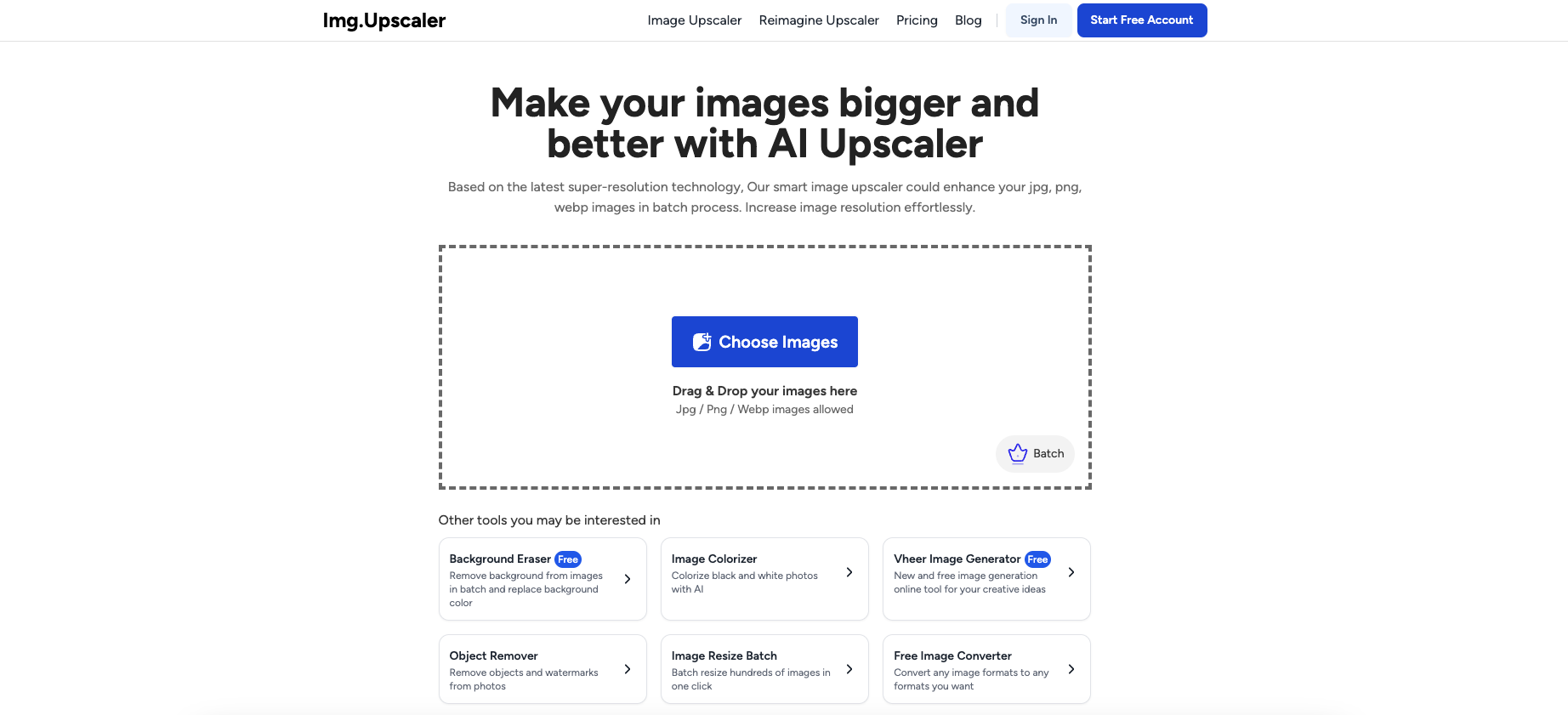
5. imgupscaler.com (Best for Batch Upscaling)
Overview
imgupscaler.com is built around AI upscaling and is useful for users who need to enlarge multiple images efficiently.
Key Highlights
- AI image enlargement
- Batch processing support
- Practical for repeated upscaling tasks
Best for bulk image upscaling workflows
Quick Insight
- EzRemove stands out for users who want to enhance, edit, and export images in one workflow.
- imgupscaler.ai and imgupscaler.com are better suited for focused upscaling tasks.
- Picsart and Canva are stronger choices when creative editing, design templates, and social content matter most.
How to Use EzRemove AI Photo Enhancer
Using EzRemove is simple, even if you have no photo editing experience. The process is built to help users move from a low-quality image to a clear, polished result in just a few steps. 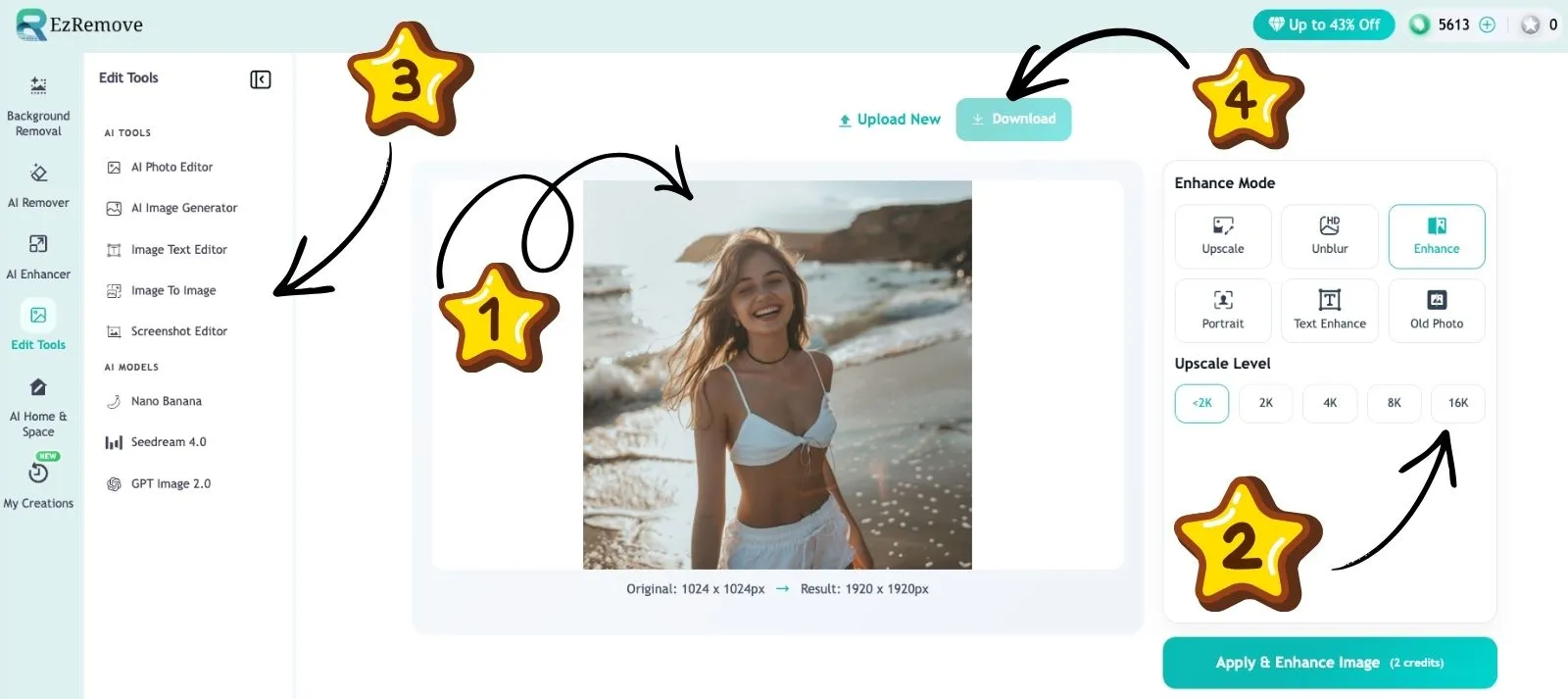
Step 1: Upload Your Image
Choose the image you want to enhance and upload it to EzRemove. It can be a blurry photo, a compressed image, a small product picture, or an old photo that needs better clarity.
Common image formats such as JPG, PNG, and WEBP are supported, making the upload process quick and convenient.
Step 2: Choose the Right Enhancement Mode
After uploading, ezremove gives you different enhancement options based on what your image needs. Instead of applying one fixed effect to every photo, you can choose a mode that matches your goal.
Available enhancement modes include:
- Upscale – enlarge images while keeping details clear
- Unblur – reduce blur and make soft images sharper
- Enhance – improve overall clarity, detail, and visual quality
- Portrait – refine faces and improve portrait details
- Text Enhance – make text in images clearer and easier to read
- Old Photo – restore aged, faded, or low-quality old photos You can also select an Upscale Level, including <2K, 2K, 4K, 8K, and 16K, depending on the resolution you need.
This gives users more control than a basic one-click enhancer, while still keeping the workflow simple and beginner-friendly.
Step 3: Refine the Image with Built-In Tools
Once the image is enhanced, you can continue editing inside EzRemove. This helps you prepare the final version without switching to another platform.
You can:
- Resize or adjust the image
- Clean up unwanted areas
- Remove or change the background
- Fine-tune the result for product photos, social media, or design use using the built-in AI Image Editor for more precise adjustments and creative control
This gives users both automatic AI enhancement and practical editing control in one workflow.
Step 4: Download the Final Result
When the image looks ready, download the enhanced version in high quality. The final image will appear sharper, cleaner, and more professional, making it suitable for websites, online stores, social media posts, presentations, or personal use.
With EzRemove, users can enhance and edit images quickly, making it a practical choice for anyone who wants better visuals with less effort.
Final Thoughts
In 2026, image quality is directly tied to trust, attention, and conversion. A clear product photo, a sharp portrait, or a polished social media visual can make people stop, look, and take action.
The five tools in this guide all solve different problems. imgupscaler.ai and imgupscaler.com are useful for quick enlargement. Picsart works well for creative edits. Canva is a strong choice for design beginners.
But if you want one tool that helps you improve image quality and continue editing without extra steps, EzRemove is the strongest choice. It brings enhancement, upscaling, cleanup, and editing into a more practical workflow.
For creators, online sellers, marketers, and everyday users, that matters. You don’t just need a sharper image—you need a faster way to turn imperfect visuals into ready-to-use content.
With EzRemove, better images are not complicated. They’re closer than you think.