Skip to content
How to Remove Background for Ecommerce Product Photos: A Step-by-Step Guide

For ecommerce sellers, product photos are crucial to driving sales. The clarity, professionalism, and eye-catching appeal of your images directly influence whether customers will click and buy. Background remover is a key step in optimizing product images, but many sellers face various challenges when trying to achieve high-quality results. In this blog, we will compare five popular background removal tools—Remove.bg, Canva, Remaker, PhotoRoom, and EzRemove—to help you easily remove backgrounds and create high-quality product images suited for ecommerce.
Problems Ecommerce Sellers Face When Removing Backgrounds
1. Need for High-Quality Results
Ecommerce platforms like Amazon, eBay, and Etsy have strict requirements for product photos. A clean, professional background helps products stand out and builds customer trust. However, many sellers encounter the problem that even when using basic background removal tools or trying to change the background, the final image can appear blurry or the background filling looks unnatural, impacting the overall image quality.
2. Time and Efficiency
For most ecommerce sellers, creating high-quality product photos in bulk is a time-consuming and tedious task. Especially for small-to-medium-sized businesses, manually removing backgrounds can be not only time-consuming but also requires design and editing skills. Professional tools can drastically improve efficiency, saving valuable time for businesses.
3. Inconsistent Image Quality
Many sellers struggle with inconsistent image quality when editing product photos. Sometimes, images turn out great, but other times, the results are less than ideal. This inconsistency affects the overall aesthetic of a product catalog. Ecommerce platforms require a consistent look for product images, and the quality of background removal tools directly influences the final output.
Why Background Removal is Crucial for Ecommerce Product Photos
Background removal isn't just about cleaning up the image; it offers several key benefits:
- Improved Visual Appeal: A clean, simple background lets the product shine, making it more appealing to potential buyers.
- Enhanced Brand Image: Uniform, high-quality product images help convey professionalism and build brand credibility.
- Meeting Platform Requirements: Many ecommerce platforms require product images to have a white or transparent background. Background removal ensures your images meet these standards.
- Higher Conversion Rates: A polished, clear product photo increases click-through rates and conversions, directly boosting sales.
5 Top Tools for Removing Backgrounds from Ecommerce Product Photos
1. EzRemove
EzRemove provides a versatile solution for background removal, offering several mode options to cater to different types of product photos and backgrounds. Whether you're working with a simple product cutout or a more complex image, EzRemove gives users the flexibility to switch between manual and AI-driven modes based on their control and precision needs. 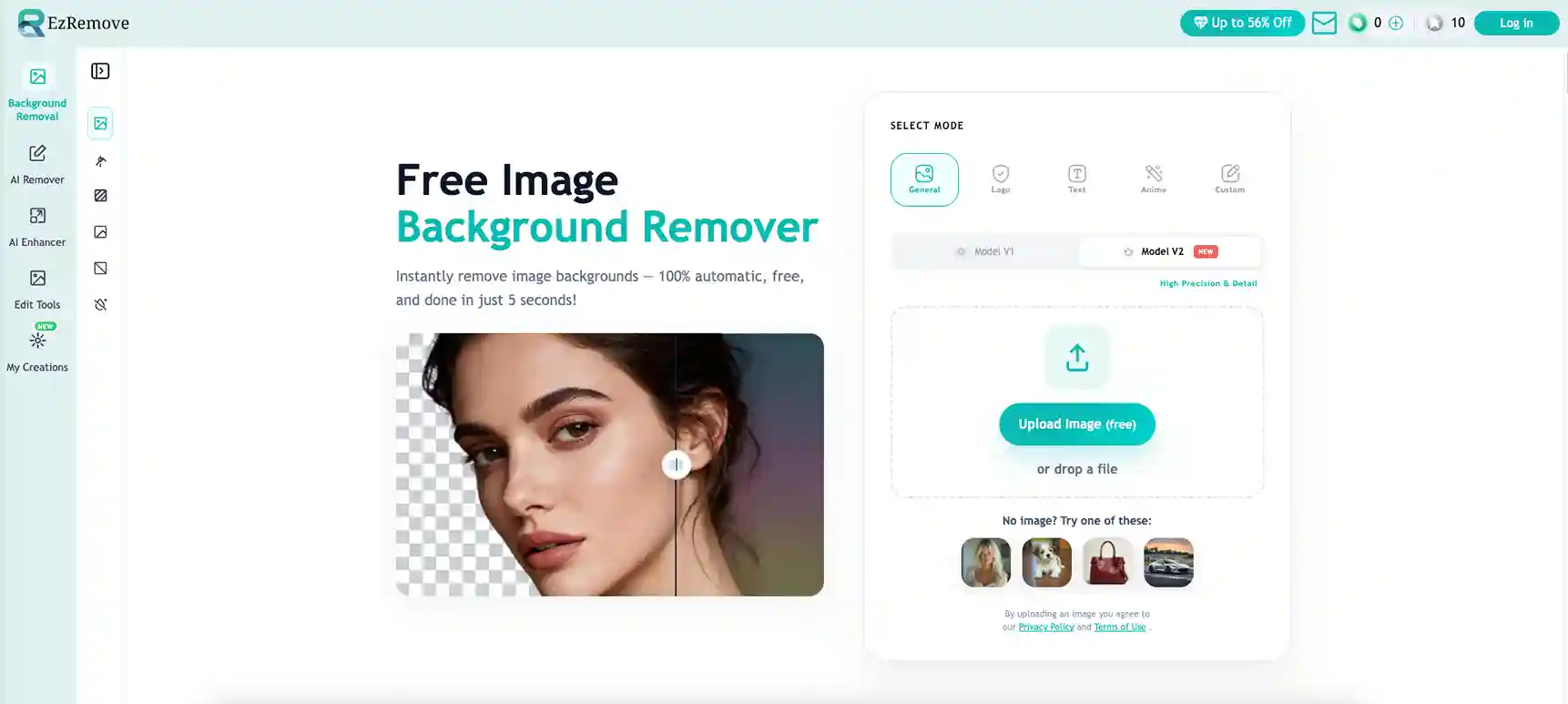
Features:
- Dual Modes: Choose between Manual Erase for precision or Edit Mode for quick AI-powered removal.
- Model V1 and V2: Model V1 is perfect for standard product images with simple backgrounds, while Model V2 offers greater precision for products with soft edges, textured surfaces, or complex outlines.
- Background Reconstruction: After removing the background, EzRemove rebuilds the missing area to make the image look natural.
- High-Resolution Output: Ensures that your product images retain their quality even after background removal.
- Affordable Pricing: Offers daily free credits, making it ideal for frequent use without breaking the bank.
Best For: Ecommerce sellers seeking flexible background removal with the option for precise control over the final image result.
2. Canva
Canva is a versatile design tool that also offers background removal. This makes it a great choice for ecommerce sellers who not only need to remove backgrounds but also want to create promotional materials and product presentations. 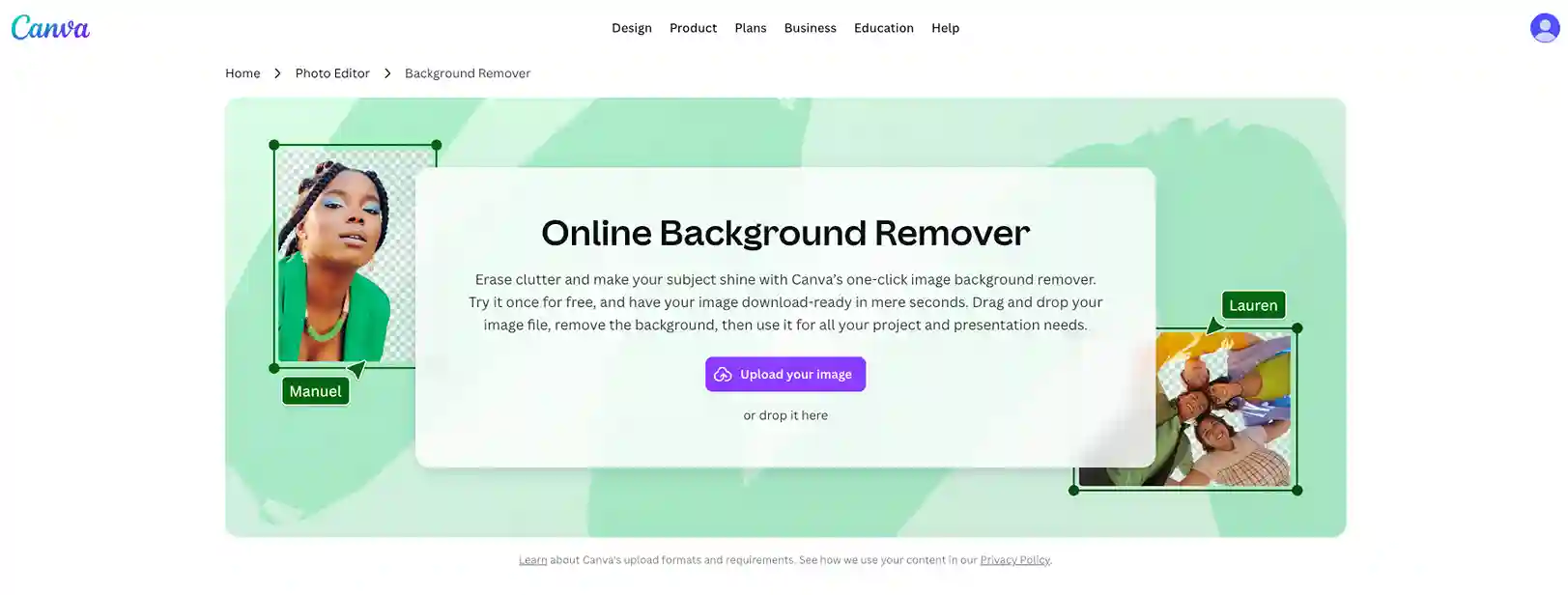
Features:
- User-Friendly: Canva’s drag-and-drop interface makes it accessible even to beginners.
- Design Flexibility: After removing the background, you can place your product on different backgrounds or add text, logos, and other design elements.
- Affordable: Canva’s Pro plan offers unlimited background removals, making it a cost-effective solution for small businesses.
- Integrated Design Tools: Canva lets you create beautiful graphics for social media, ads, and marketing materials—all in one platform.
Best For: Ecommerce sellers who want both product image editing and creative design features in one platform.
3. Remaker
Remaker is a more general AI image editing tool that includes background removal. It’s often used for portrait and lifestyle-style edits, which makes it more suitable for clothing and fashion product images. 
Features:
- Easy-to-Use: Just upload the image, select the area to remove, and download the cleaned image.
- Fast Processing: Complete the background removal process in seconds, saving time for busy sellers.
- Free to Use: The basic functionality is free, making it an affordable option for new or small businesses.
- No Watermark: Free versions allow you to download images without a watermark.
Best For: Small businesses or entrepreneurs who need quick background removal with minimal effort.
4. PhotoRoom
PhotoRoom is an excellent tool designed specifically for ecommerce sellers. It allows you to remove backgrounds and enhance product images with various features tailored to online selling. 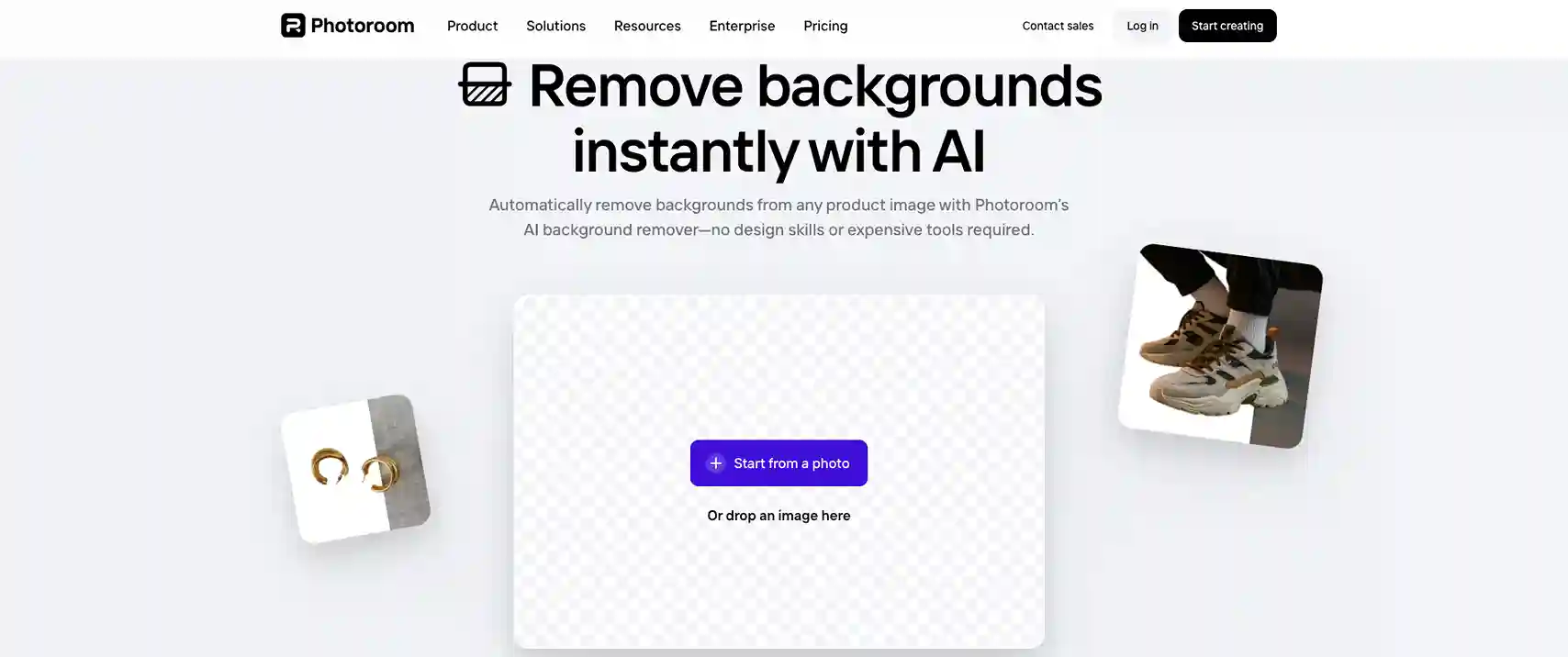
Features:
- AI-Powered: PhotoRoom automatically removes the background and delivers natural results.
- Ecommerce Templates: Provides ready-made templates optimized for ecommerce platforms like Amazon and Etsy.
- Branding Features: You can add logos, watermarks, and other branding elements directly to your product images.
- Marketplace-Specific Features: PhotoRoom optimizes images to meet the requirements of online marketplaces, helping you create images that align with marketplace guidelines.
Best For: Ecommerce sellers who want an all-in-one solution that ensures their product images meet online marketplace standards.
5. Remove.bg
Remove.bg is an AI-powered background removal tool focused on speed and automation. It automatically detects the subject and removes the background, making it a practical option for ecommerce sellers working with large volumes of images. 
Features:
- Efficient Batch Processing: Process many images at once, saving time for large-scale ecommerce operations.
- Precise AI Background Removal: Automatically detects and removes the background with minimal manual adjustments.
- Includes API Access: Offers API integration for automating background removal, making it suitable for workflows that require processing images at scale.
Best For: Large ecommerce businesses that need fast, bulk background removal.
Quick comparison table
| AI Tool | EzRemove | Canva | Remaker | PhotoRoom | remove.bg |
|---|---|---|---|---|---|
| Best For | Ecommerce sellers who need flexible background removal control | Small businesses needing both editing and design features | Small businesses needing quick background removal | Ecommerce sellers with marketplace-specific features | Ecommerce businesses handling large image volumes |
| Workflow | Upload. Choose mode. Brush. Remove. Download | Upload. Select tool. Edit. Download | Upload. Select. Remove. Download | Upload. AI process. Refine. Download | Upload. Process. Download |
| Editing Style | Manual Erase + Edit Mode | Manual + AI-driven | Fully automated AI | AI-powered with customization | Fully automated AI |
| Formats Supported | JPG, PNG, HEIC, WEBP, TIFF | PNG, JPG, JPEG, WEBP, BMP | PNG, JPG, JPEG, WEBP, BMP | PNG, JPG, JPEG, WEBP, BMP | JPG, PNG, HEIC, WEBP, TIFF |
| Free Access | Free low-resolution downloads; 20 free credits per day + extra bonus from daily check-ins | Limited background removals in free version | Free basic version available | Free low-resolution downloads; high resolution requires credits or subscription | Free low-resolution downloads; high resolution requires credits or subscription |
| Unique Advantage | Dual mode selection, background reconstruction, high-resolution output | Integrated design tools for creative needs | Free, fast, and simple for single background removal | Marketplace-specific templates, branding features | Batch processing, high automation efficiency |
Step-by-Step Guide: Using EzRemove for Ecommerce Product Photos
Step 1: Select a Mode and Choose the Right Model
Start by opening EzRemove Background Removal and selecting the mode that best suits your product image. EzRemove offers several mode options to cater to different types of product photos and backgrounds.
Multiple Mode Options to Suit Different Needs:
- General Mode: Ideal for most product images, this mode quickly removes simple backgrounds and is highly efficient for common product types.
- Logo Mode: Designed specifically for logo removal, ensuring that the edges are smooth and the background is cleanly removed.
- Text Mode: Perfect for images containing text. This mode preserves the text while effectively removing the background.
- Anime Mode: Specially tailored for anime-style images, making it suitable for handling intricate and uniquely styled visuals.
- Custom Mode: Users can describe the object in their image, and EzRemove will help remove the background with greater precision, ensuring a natural and detailed result.
Next, choose between Model V1 and Model V2:
- Model V1 works well for standard product cutouts and simple backgrounds.
- Model V2 offers higher precision and better handling of finer details, making it perfect for products with soft edges, textured surfaces, or complex outlines.
If you need a more detailed and accurate result, Model V2 is the stronger option for ecommerce images. 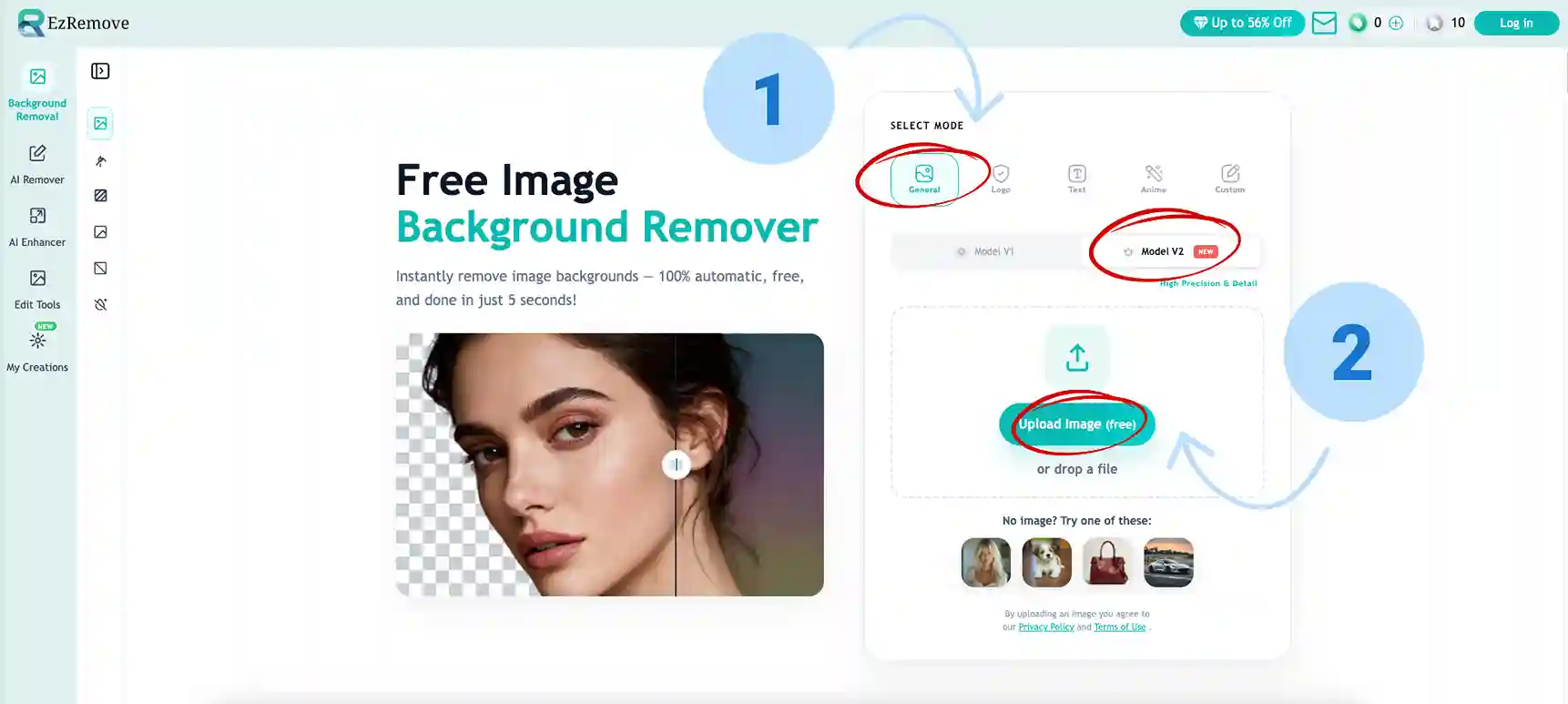
Step 2: Upload Your Product Image
After choosing the mode and model, upload your product photo. EzRemove supports common ecommerce image formats such as JPG, PNG, WEBP, HEIC, and more.
Once uploaded, the tool automatically removes the background, giving you a clean cutout in just a few seconds. This makes it easy to process product photos quickly without starting from scratch.
Step 3: Check the Result and Refine the Image
After the background is removed, review the cutout carefully. This step matters because ecommerce product images need to look clean, sharp, and professional.
At this stage, you can:
- check the edges of the product for any missed spots
- switch to a background color if you want a clean white or solid-color ecommerce look
- Choose a background pattern or photo background if you need a more styled product presentation. You can easily use the AI Background Editor to explore a variety of background options that complement your product’s aesthetic.
- Use the Erase or Restore tools to manually fix small details and improve tricky areas
This extra refinement is especially helpful for products with shadows, soft fur, transparent parts, or detailed edges. Ezremove allows you to seamlessly modify the background and further enhance your product’s visual appeal, ensuring it’s perfectly tailored for your ecommerce platform. 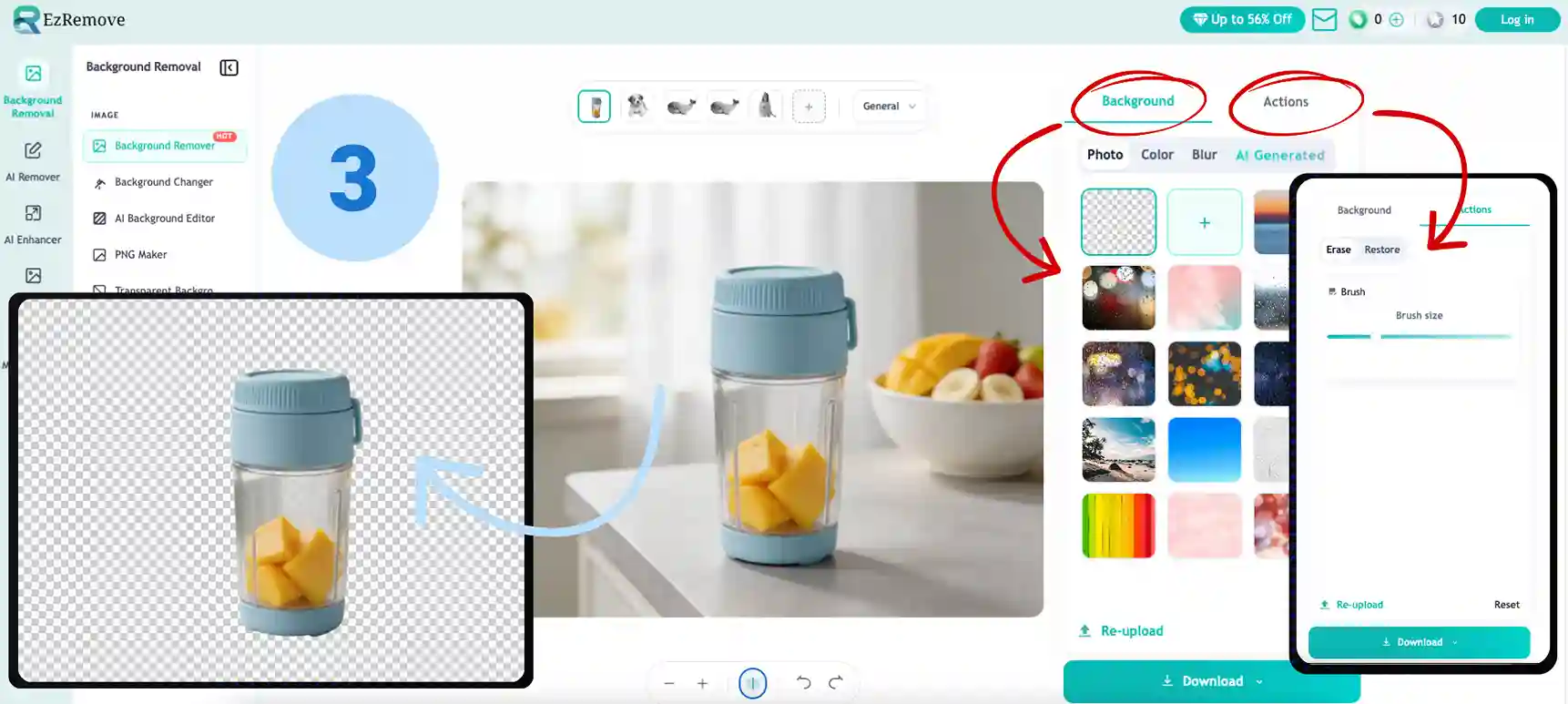
Step 4: Download the Final Image
Once everything looks right, click Download to save your finished product image. You’ll get a polished background-free image that’s ready for:
- ecommerce product listings
- online marketplaces
- social media posts
- ads and promotional creatives
A clean final export helps your product look more professional and more consistent across your store.
Conclusion
Removing backgrounds from ecommerce product photos is a crucial step in creating professional and appealing product listings. Whether you're just starting or managing a large online store, choosing the right tool can save you time and help enhance the quality of your product images. Tools like remove.bg, Canva, Remaker, PhotoRoom, and EzRemove offer different features, so you can pick the one that best fits your business needs.