Free AI Kissing Generator Online
Turn your photos into a romantic kiss in seconds. Create an AI kissing photo or bring the moment to life with a video. Simply upload your photos and let your story unfold.
Turn Two Photos into AI Kissing Photos and Videos
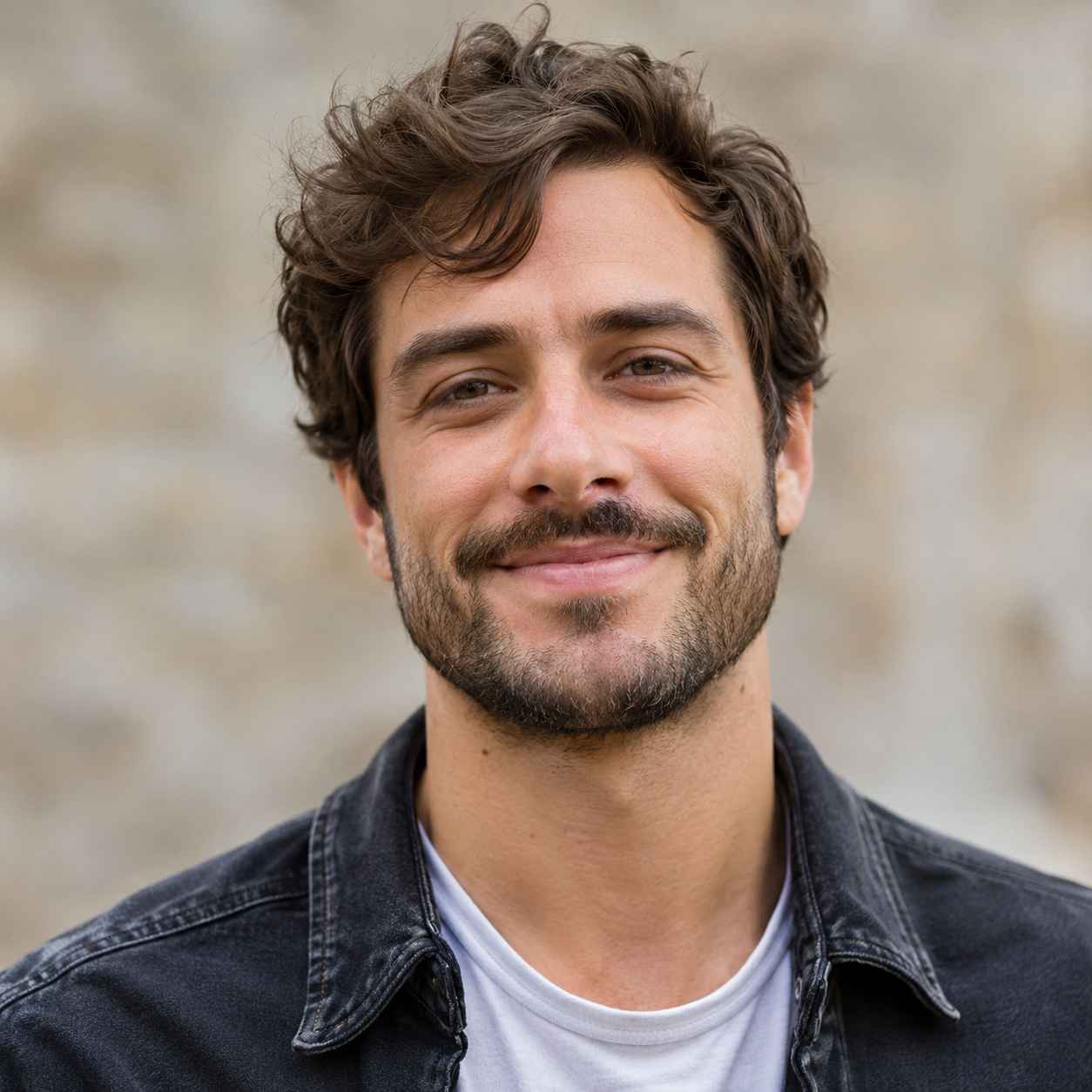
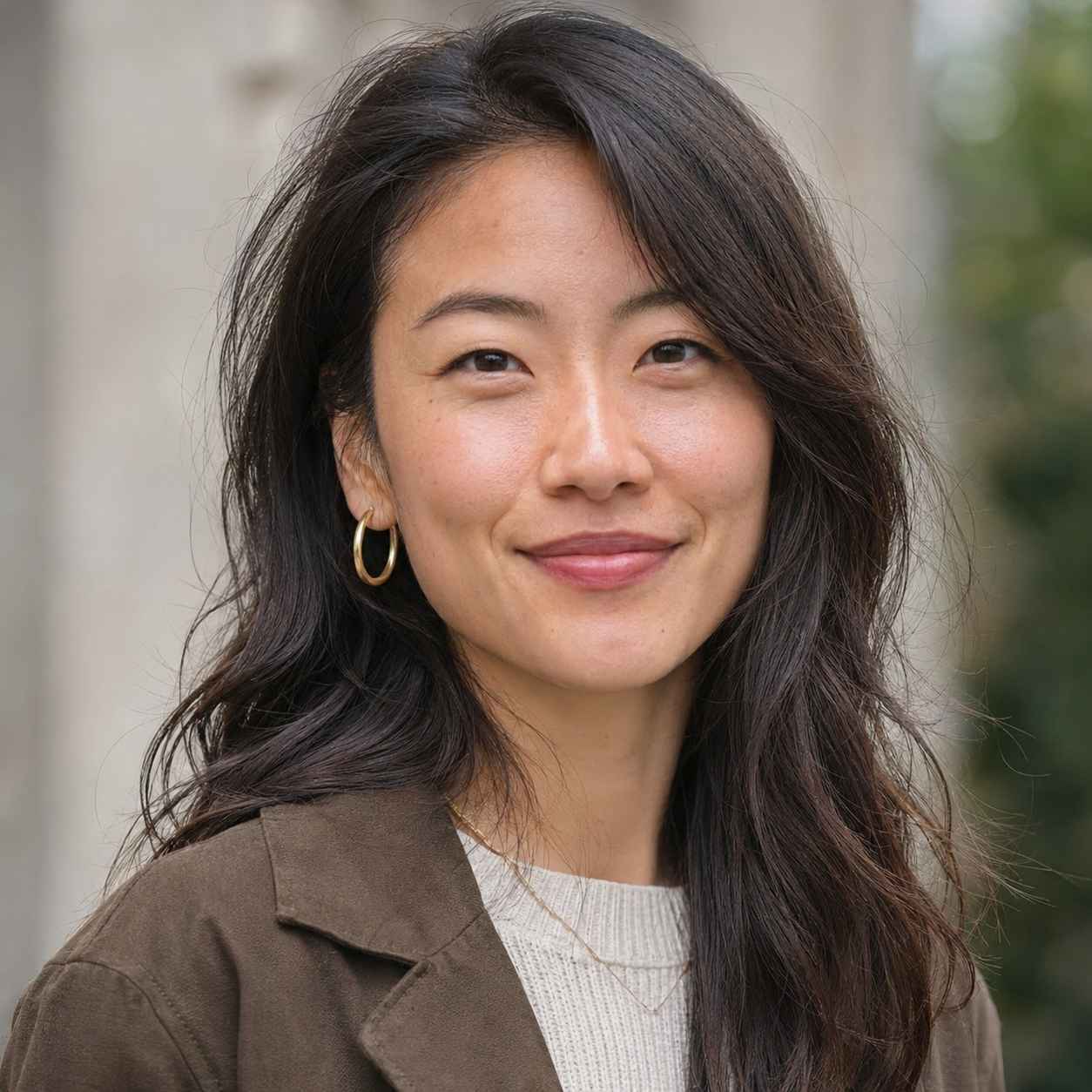
You don’t need a photo together to create a romantic moment. Upload one clear portrait of each person, and the AI Kissing Generator can bring them together in a kissing photo or video. Create a still image to save as a keepsake, or choose a video to watch the moment come to life. For a more natural result, start with photos that have visible faces, similar framing, and even lighting. If either portrait looks blurry or lacks detail, you can enhance the photos first before using them to generate your image or video.
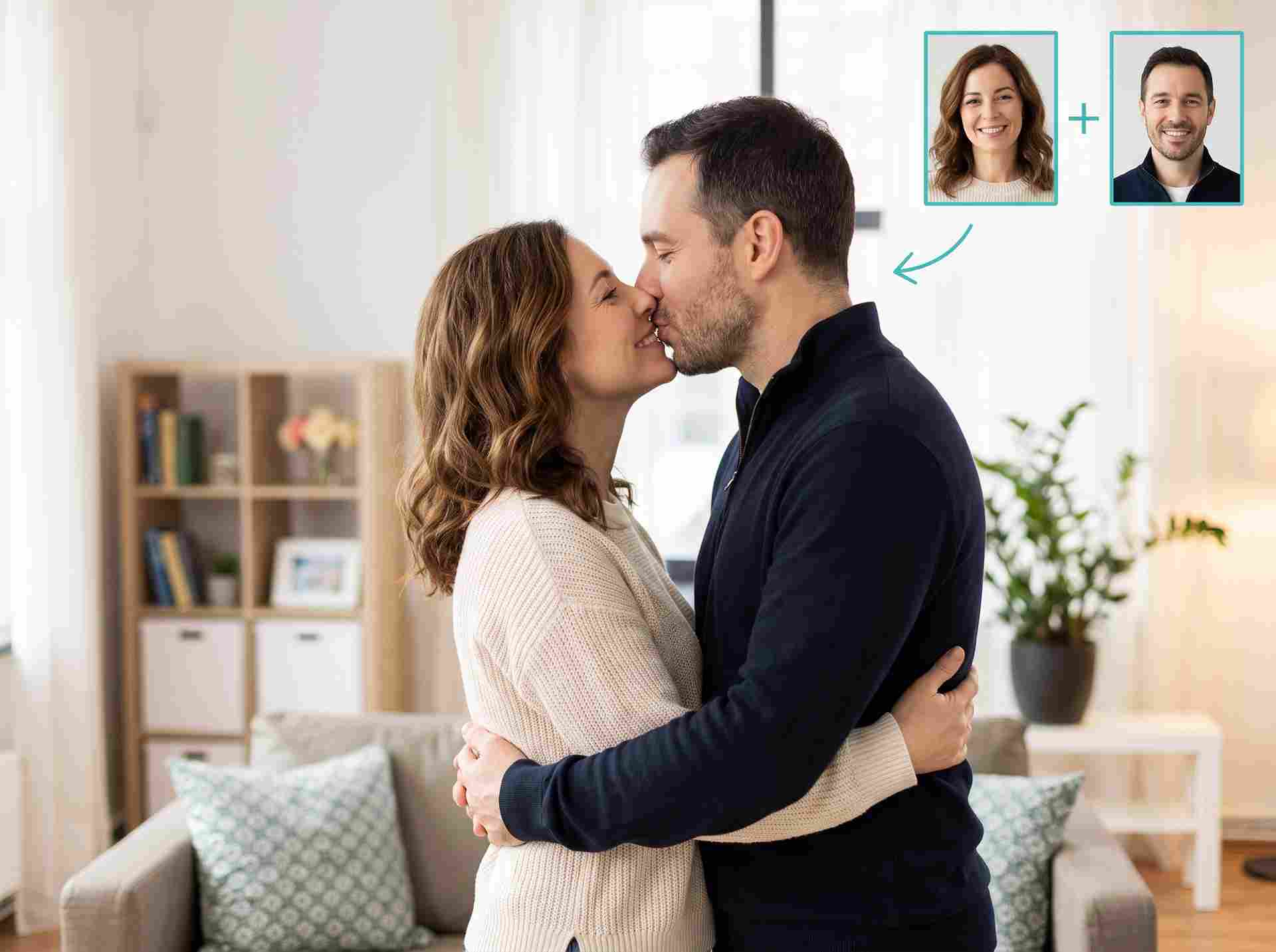
Try the AI Kissing Generator Free Before You Commit
Want to see how your photos look together before using more credits? Try the AI Kissing Generator with the free usage or credits available in your account. Upload your photos, choose a kissing photo or video, and create a romantic scene that feels right for you. Whether you’re making a sweet surprise for your partner or trying out a creative idea, you can preview the result before deciding what to do next. Credit requirements may vary depending on whether you generate an image or a video, so check the amount shown before you start.
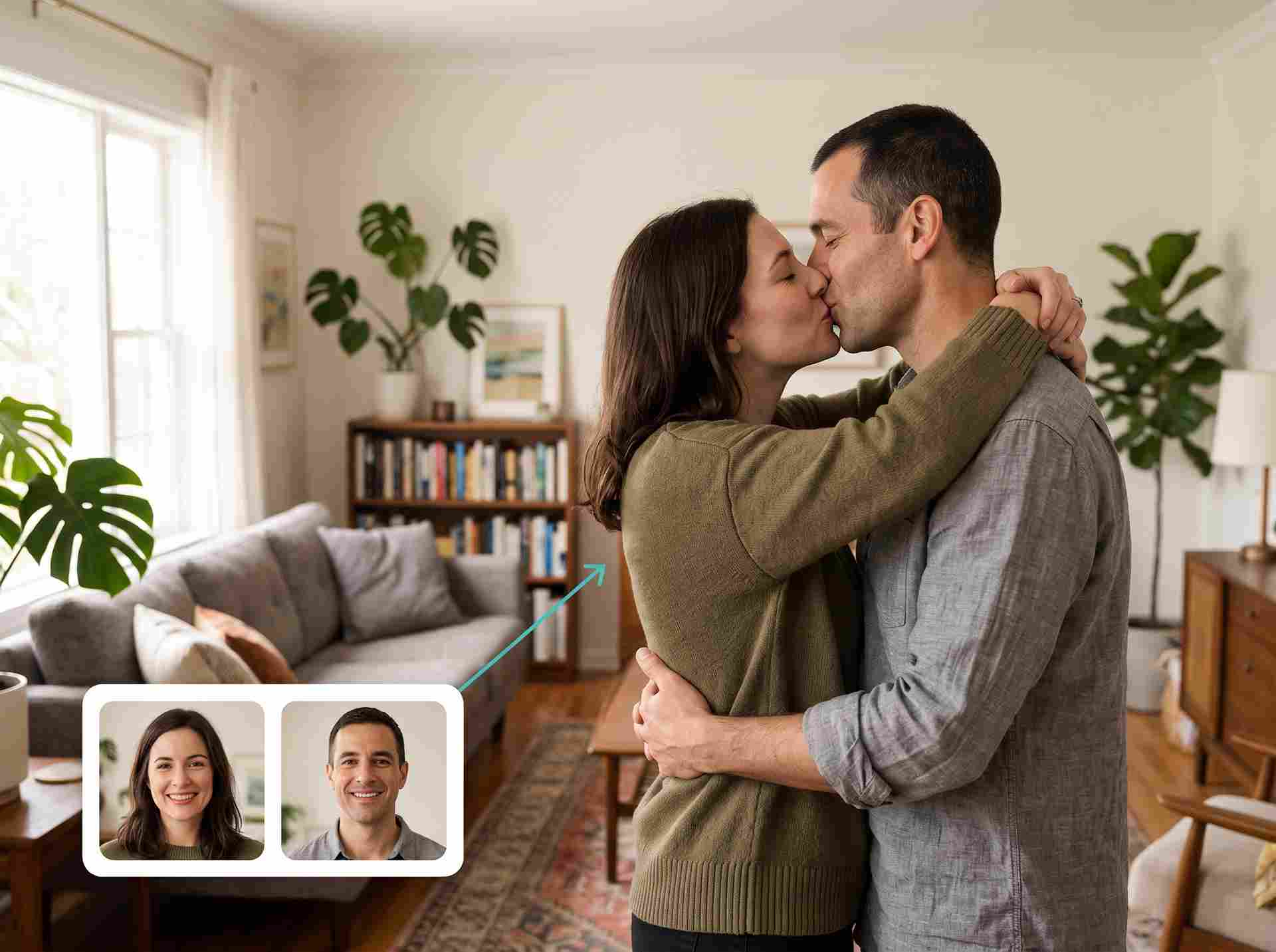
Try the AI French Kiss Video Generator Free
Want to create a more passionate moment? Try the AI French Kiss Video Generator for free and turn your photos into a romantic video. Choose a French kiss template, upload clear portraits, and let the AI Kissing Generator bring the two people together in one scene. For a more natural-looking result, use well-lit photos with visible faces and similar framing. You can also explore the available image templates if you’d prefer to capture the moment as a kissing photo.
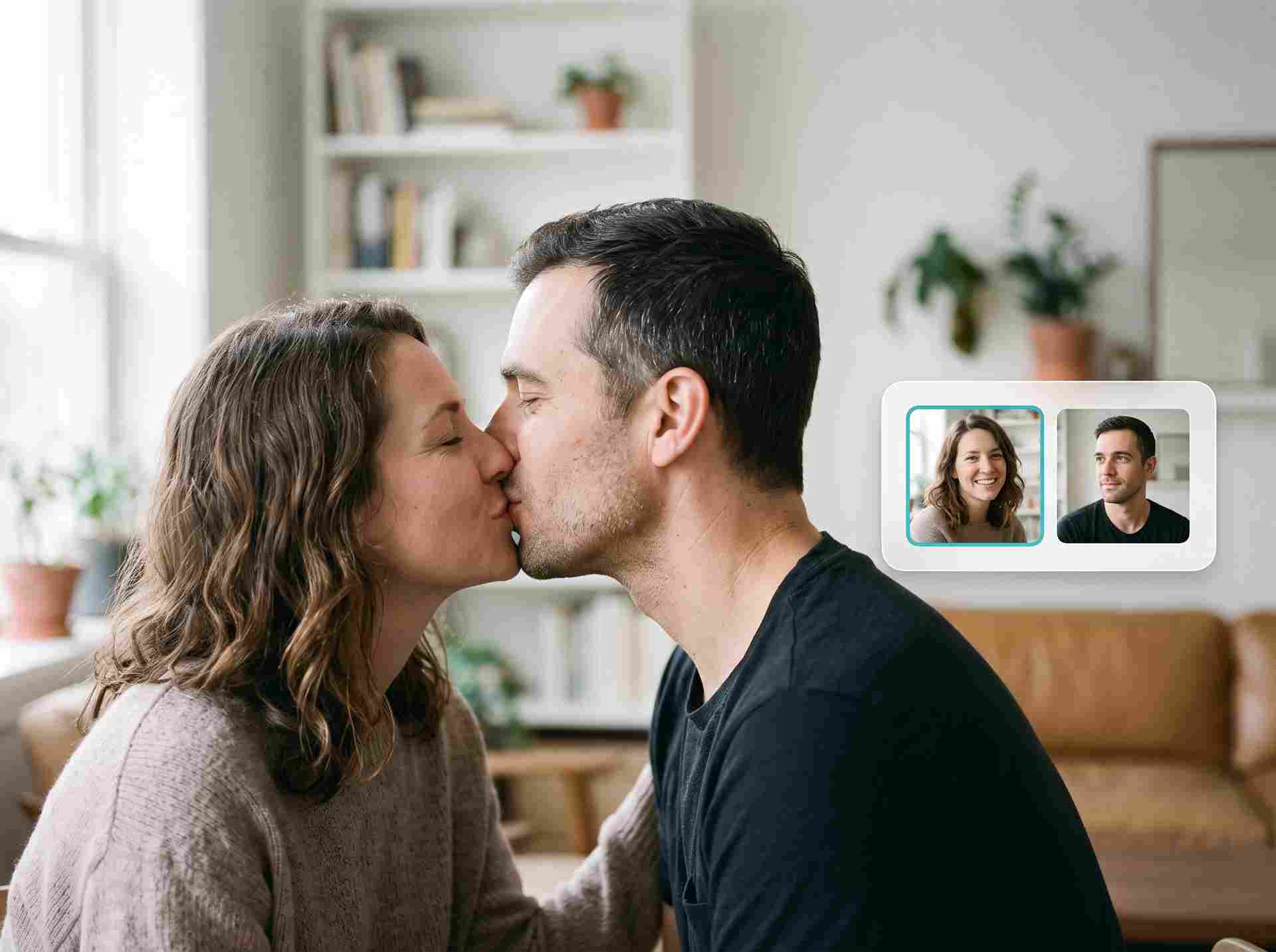
Make Two People Kiss AI Videos from Separate Portraits
Have great individual photos but no kissing photo together? The AI Kissing Generator helps bring two separate portraits into one romantic scene. Upload a clear photo of each person and create an AI kiss video that brings the moment to life, or choose an image for a keepsake you can save and share. It’s an easy way for long-distance couples, wedding editors, and creators to make something personal from the photos they already have. If your source photos need a little adjustment, you can refine your portraits before generating your result.
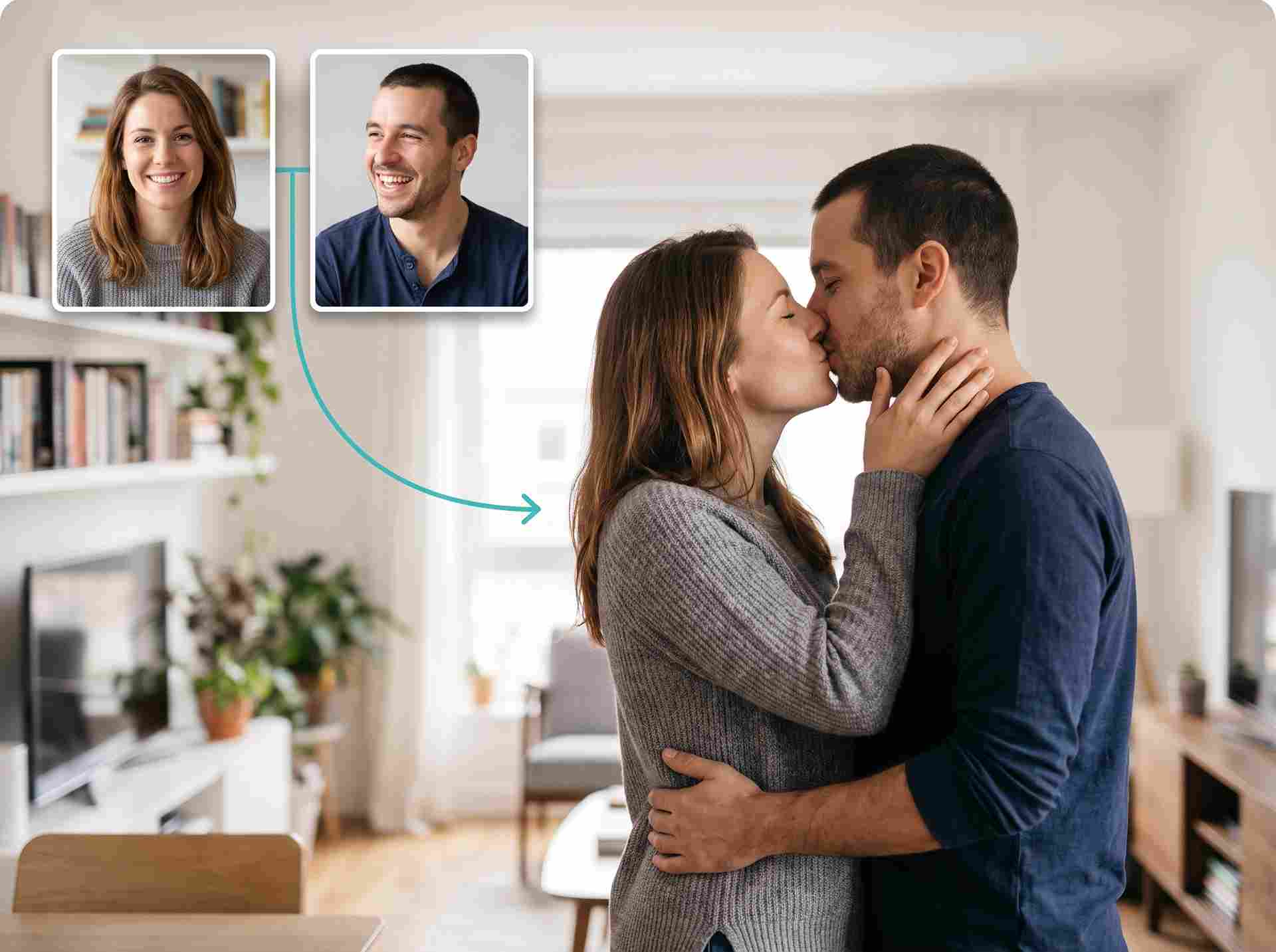
Use an AI Kiss Maker When the Camera Missed the Moment
Some moments happen too quickly to capture. Maybe your favorite kiss at a wedding was missed, or you simply don’t have a photo of the two of you together. With EzRemove’s AI Kissing Generator, you can turn your photos into a romantic image or a short video inspired by the moment you have in mind. Create a keepsake for an anniversary, add a personal touch to a message, or make a romantic scene to share. Choose photos you have permission to use, then let this AI kiss maker help bring your idea to life.
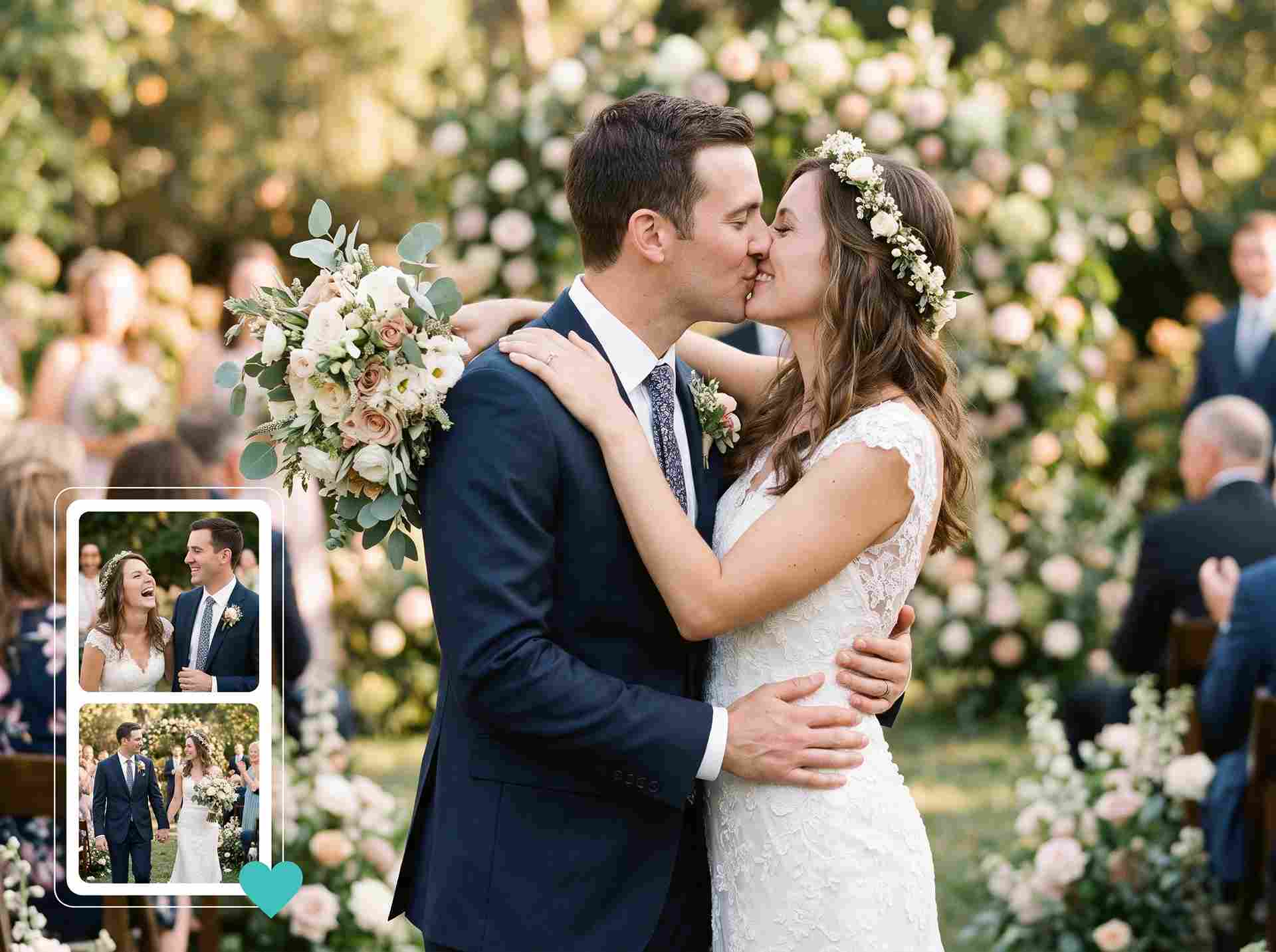
How to Use EzRemove AI Kissing Generator Online
-
1
Choose a Photo or Video
How do you want to capture your moment? Create a romantic kissing photo you can keep and share, or choose a video to see the kiss come to life. Select Image or Video to get started.
-
2
Pick Your Favorite Template and Upload Photos
Browse the available kissing templates and find a scene that feels right for you. Whether you’re imagining a sweet forehead kiss or a romantic wedding moment, choose the template you love and upload your photos. Clear images with visible faces work best.
-
3
Generate and Download Your AI Kiss
Click Generate and let the AI Kissing Generator bring your chosen moment to life. Once your photo or video is ready, take a look at the result and download it to save as a keepsake, send to someone special, or share with your friends.
Ways to Use an AI Kissing Generator Online
Create an Anniversary Surprise from Afar
Miles apart on your anniversary? Turn two separate portraits into a romantic kissing photo that brings you closer. Add it to a digital card, pair it with a heartfelt message, or save it as a little reminder of the moment you’re looking forward to sharing.
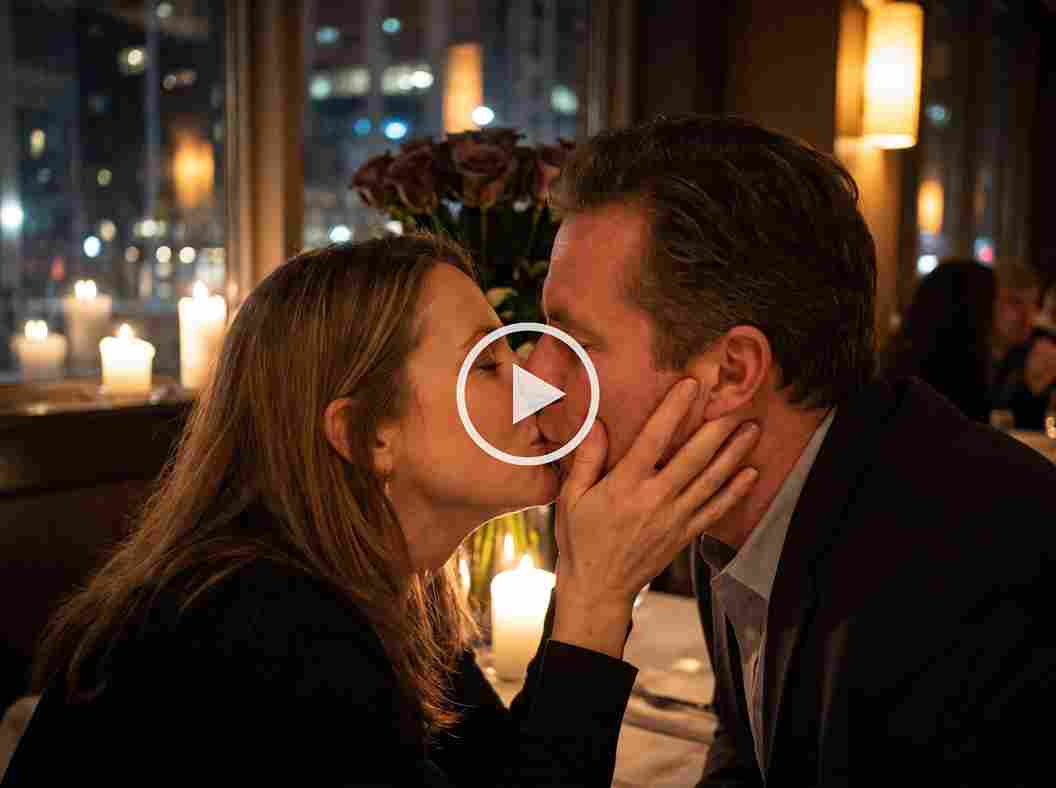
Add a Creative Kiss Scene to a Wedding Montage
Give a wedding montage one more romantic moment. Use the couple’s portraits to create an AI kiss video that fits alongside their favorite photos and clips. It’s a creative way to add a personal touch to an anniversary video or a wedding-day keepsake.
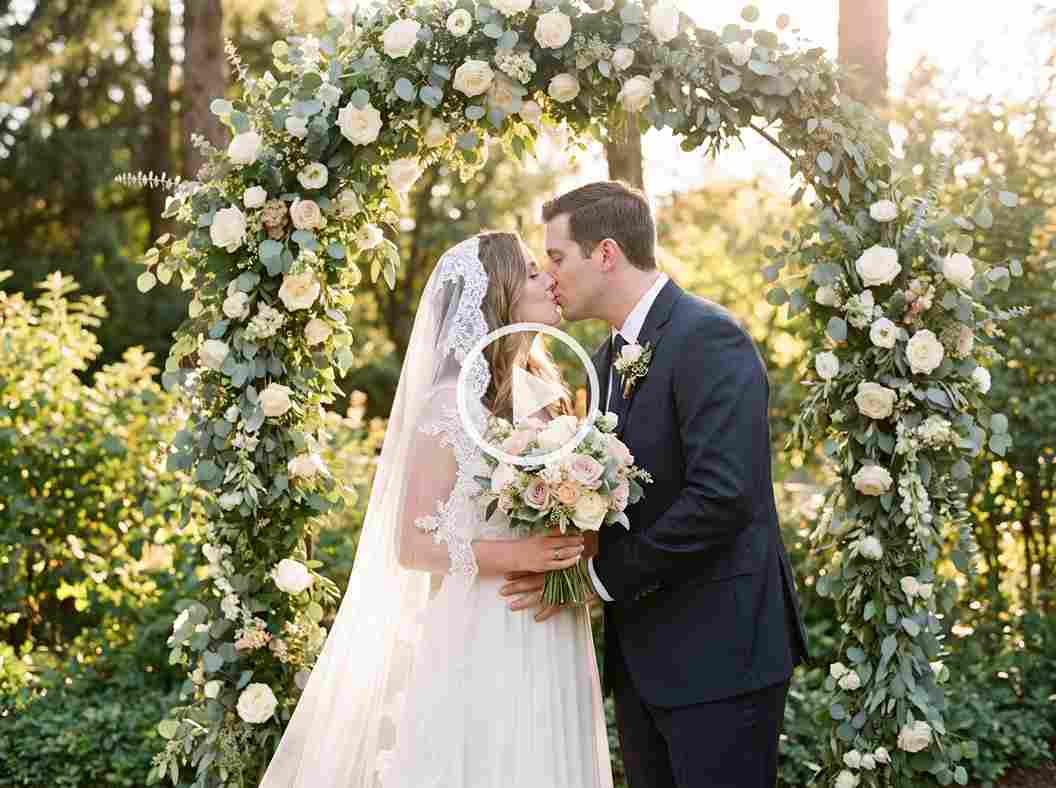
Make a Romantic Social Post
Have an idea for a romantic post but need the right visual? The AI Kissing Generator can turn your photos into a kissing image or video for your next Story, Reel, or post. Pick a scene you love and create something that feels personal to you.
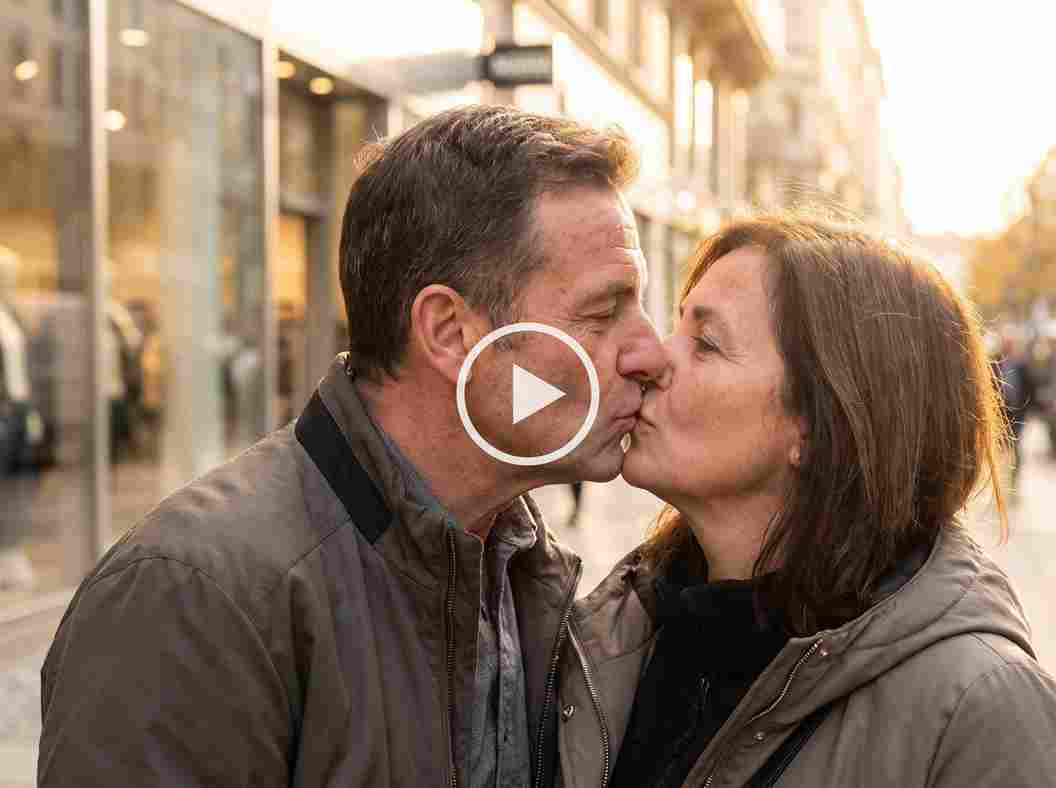
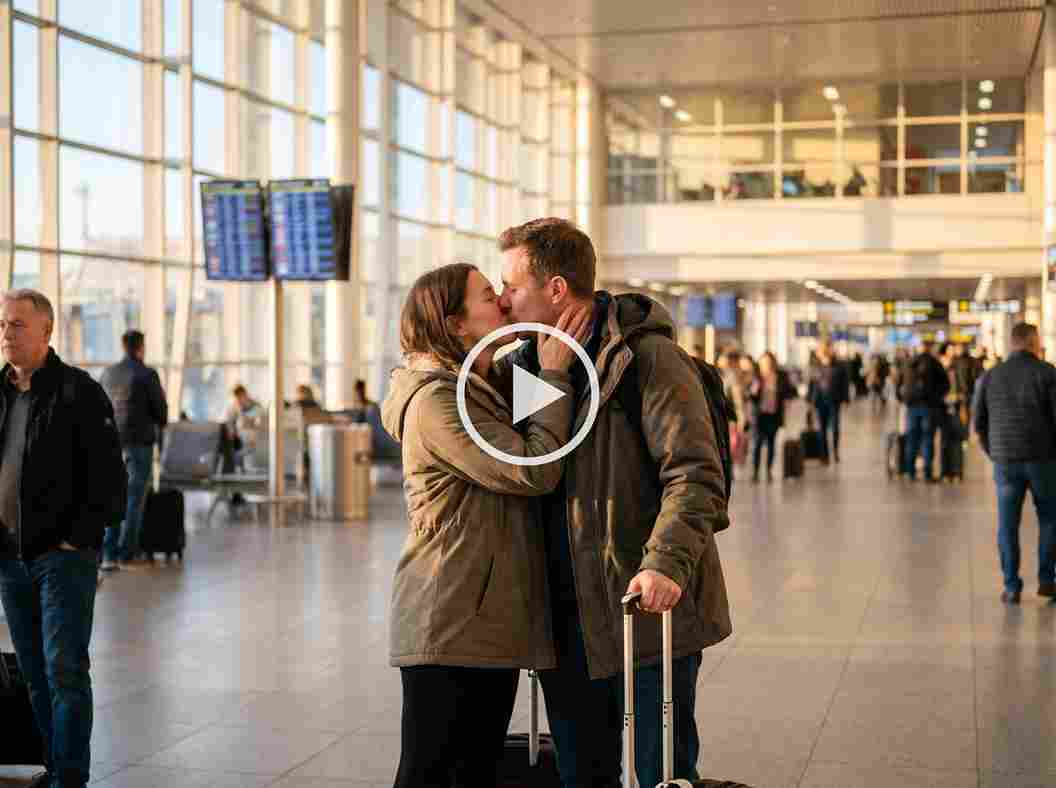
Bring Separate Travel Photos Together
Sometimes the best travel photos are the ones you took of each other. Bring those separate portraits together in an AI kissing photo and imagine yourselves sharing a romantic moment on your trip. Add it to your travel album or send it to your partner as a favorite memory from afar.
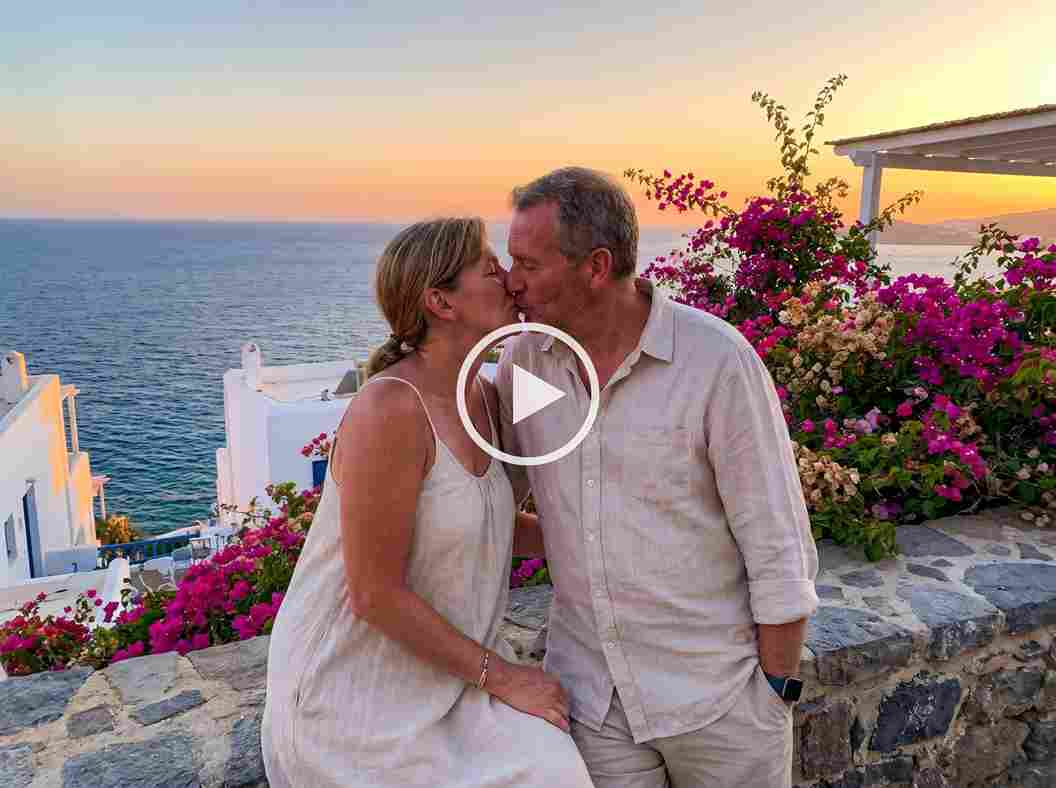
Create a Valentine's Day Video Greeting
Make your Valentine’s Day message a little more memorable. Choose your favorite photos and turn them into a romantic kissing video for someone special. Add the clip to a digital card or send it with a personal note for a surprise they can watch again and again.
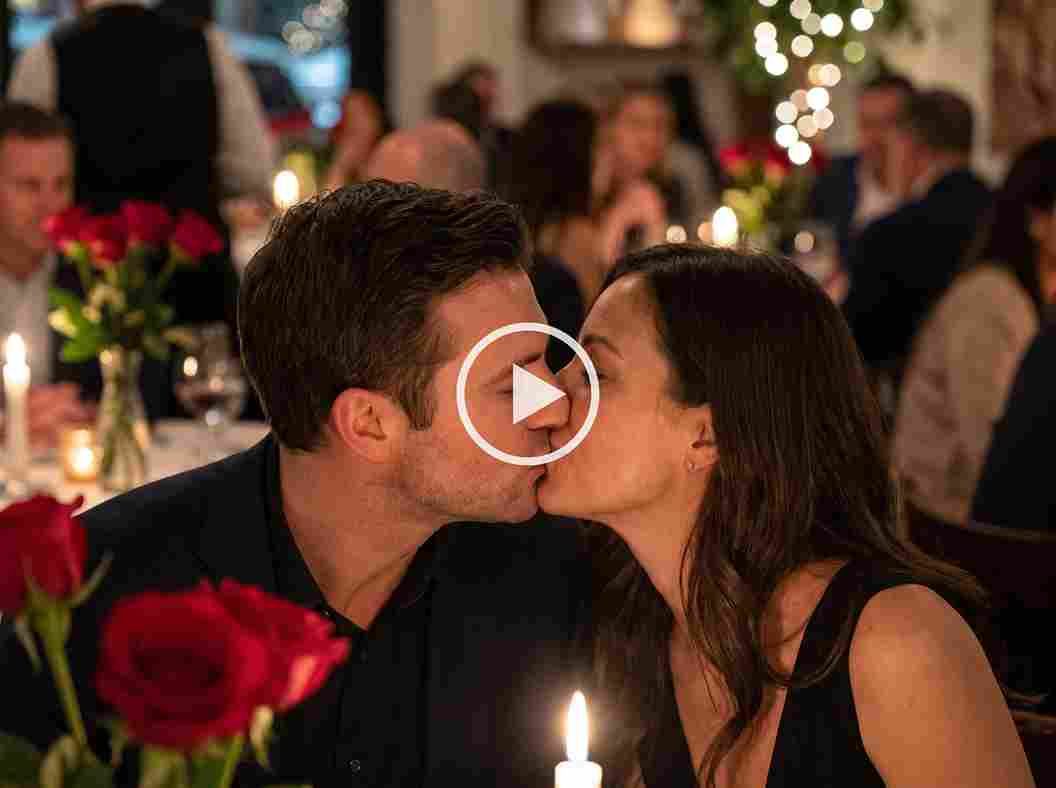
Imagine a Reunion Moment
Counting down the days until you see each other again? Use the AI Kissing Generator to create a photo or video inspired by the reunion you’re looking forward to. Share it with your partner as a sweet reminder that your next moment together is worth the wait.
Why Creators Choose EzRemove for AI Kiss Videos

Create from Photos You Already Have
Start with one portrait per person instead of planning a new shoot. The AI Kissing Generator gives existing images a new use when the two people were photographed separately.

Skip the Manual Animation Timeline
There is no need to keyframe two faces or blend a kiss frame by frame. Upload the photos, generate the scene, and spend your time reviewing the result rather than building the motion yourself.

Create with Your Privacy in Mind
Your portraits and generated videos are treated with care. EzRemove does not use your uploaded content to train AI models, so you can explore your creative ideas with greater peace of mind.

Test the Idea with Available Free Usage
EzRemove offers free usage or credits for AI video generation and shows the required amount before generation. This gives you a way to see how your own portraits work before purchasing additional credits.

Improve the Starting Images When Needed
Soft detail, heavy filters, blocked faces, and sharply different crops can weaken the source pair. EzRemove's related image tools give you a practical way to prepare the portraits before another generation attempt.

Create on Your Preferred Device
Use the AI Kissing Generator online from your phone, tablet, or computer. Upload your photos and create a kiss video in your browser, whether you are at home or on the go.
What Users Say About the AI Kissing Generator
AI Kissing Generator FAQ
What does an AI Kissing Generator do?
An AI Kissing Generator brings two separate portraits together to create a romantic kissing scene. With EzRemove, you can choose to generate an AI kissing photo or a short video. Select your preferred result, pick a template, and upload one portrait of each person.
Is the EzRemove AI Kissing Generator free to try?
Yes. You can try the AI Kissing Generator with the free usage or credits available in your account. The credits required may vary depending on whether you generate a photo or a video. Check the amount displayed before you start.
How many photos do I need?
You need two photos: one clear portrait of each consenting adult. Choose images with visible faces, good lighting, and similar framing to give the AI Kissing Generator a better starting point.
Can I create both AI kissing photos and videos?
Yes. You can use the same AI Kissing Generator to create either a kissing image or a kissing video. Choose the type of result you want, select a template, and upload two separate portraits.
Can I turn two separate photos into a kissing photo?
Yes. Upload one portrait of each person, and the AI Kissing Generator can bring them together in a romantic kissing image. Choose clear, well-lit photos with visible faces for a more natural-looking result.
Can I make two photos kiss in a video?
Yes. Select the video option, choose a kissing template, and upload one portrait of each person. EzRemove will use the photos to create a short video of them sharing a kiss.
Can I use the AI French Kiss Video Generator Free online?
Yes. You can try the AI French Kiss Video Generator Free online using the free usage or credits available in your account. Choose a French kiss video template and upload two clear portraits. The result may vary depending on the source photos, so preview the video and try different images if needed.
What kind of photos work best with an AI kiss maker?
Choose two clear, well-lit portraits with each person’s face visible. Similar face sizes and camera angles can give the AI kiss maker a better starting point. Avoid sunglasses, hands covering the face, heavy filters, strong shadows, and severe blur.
Whose photos can I upload?
Upload photos you own or are authorized to use, and only create intimate content featuring consenting adults. Make sure both people agree to the creation and sharing of the generated photo or video.
Are my uploaded photos private?
Personal photos are sensitive. Review EzRemove’s current Privacy Policy and Terms before uploading, especially when another person appears in an image. Make sure you have permission to use both photos and share any generated result.
Why does my kissing photo or video look unnatural?
Different face angles, inconsistent crop sizes, blocked facial features, low light, blur, or heavy filters can affect the result. Try using clearer portraits with similar framing. If a video looks unnatural, review how both faces move throughout the clip and try another photo pair if needed.
How long does generation take?
Generation time can vary depending on whether you create an image or a video, as well as the current service load. Check the progress shown in EzRemove and wait for your result to finish before downloading it.
Can I use the generated photos and videos commercially?
Before using a generated photo or video commercially, make sure you have the necessary rights to the uploaded photos and permission from the people shown. You are responsible for checking whether your intended use complies with applicable laws and third-party rights. EzRemove is not responsible for how generated content is used.