FAQs About Our AI Photo Editor
What is an AI image editor and how does it work?
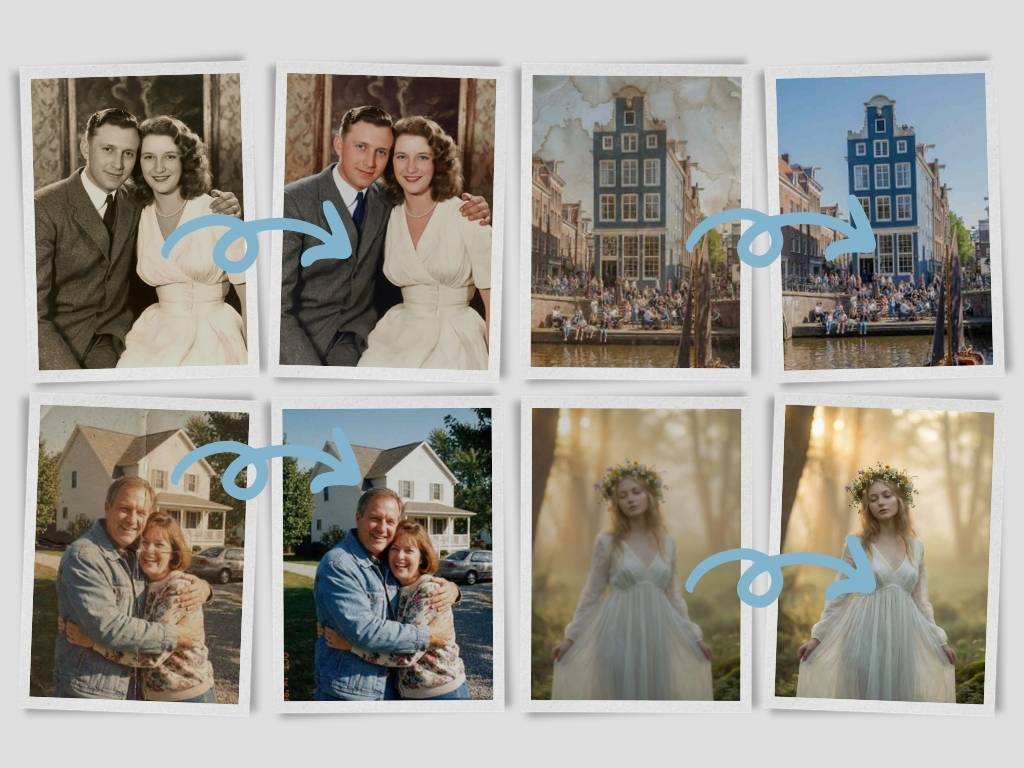
An AI photo editor is an online tool that uses artificial intelligence to edit and enhance images without the need for professional design experience. Just upload a photo, explain the edit you want, and the tool will process it automatically. This AI photo editor detects the key elements in your image and can handle tasks such as background removal, style changes, and detail adjustments. It helps you create clean, polished photos quickly, even if you are new to editing.
Do I need design skills to use the AI image editor?
No design skills are needed. The AI photo editor is made for beginners and everyday users, so you can get started without learning complex software. Simply upload your image, enter a short instruction, and click generate. The AI handles the rest. Instead of working with layers, brushes, or manual tools, this AI photo editor produces clear edits in seconds. Even first-time users can create quality results with ease.
Is the AI photo editor free to use?
Yes, this AI photo editor provides free access to essential editing features. You can upload images, experiment with different prompts, and generate edited results directly online. It supports popular formats like JPG and PNG, making it easy to use your images across websites, social media, and other platforms. You can get a certain number of free trials each day. After the free usage limit is reached, you can upgrade to a premium plan for more edits, downloads, and advanced features. Compared to many tools that lock basic functions behind subscriptions, this AI photo editor makes high-quality editing more accessible for everyone.
Can I use the AI photo editor free without signing up?
Yes. You can use the AI photo editor without signing up. Simply upload your image, apply your edits, and preview the result online. Registration is only needed if you want to save history, access more usage, or upgrade your plan.
Which file formats does this free AI photo editor support?
Our AI photo editor supports popular image formats, including JPG, JPEG, PNG, and WebP. These formats work well for selfies, product photos, social media images, website visuals, and everyday photo editing.
What makes this AI photo editor online different from others?
This AI photo editor focuses on a faster, simpler, and more accessible editing experience. Unlike traditional editing software or complicated AI platforms, everything can be done in one place. You can choose models, use ready-made prompts, and regenerate results until the image looks right. The streamlined workflow saves you from switching between apps. With free downloads and an easy interface, this AI photo editor is a strong option for quick, high-quality edits.
Is the AI image editor safe to use for personal photos?
Yes, the AI photo editor is designed with privacy in mind. Your uploaded images are handled securely and are not shared with other users. They are used only to create your edited results. Unlike platforms that may keep or reuse user data, this AI photo editor prioritizes image privacy and secure processing. You can use it confidently for personal pictures, product photos, creative projects, and more.
Can I use the free AI photo editor on mobile devices?
Yes. The free AI photo editor online works smoothly on modern mobile browsers. You can edit photos from your phone or tablet without installing an app, making it easy to create visuals anytime.
What makes this one of the best AI image editor online tools?
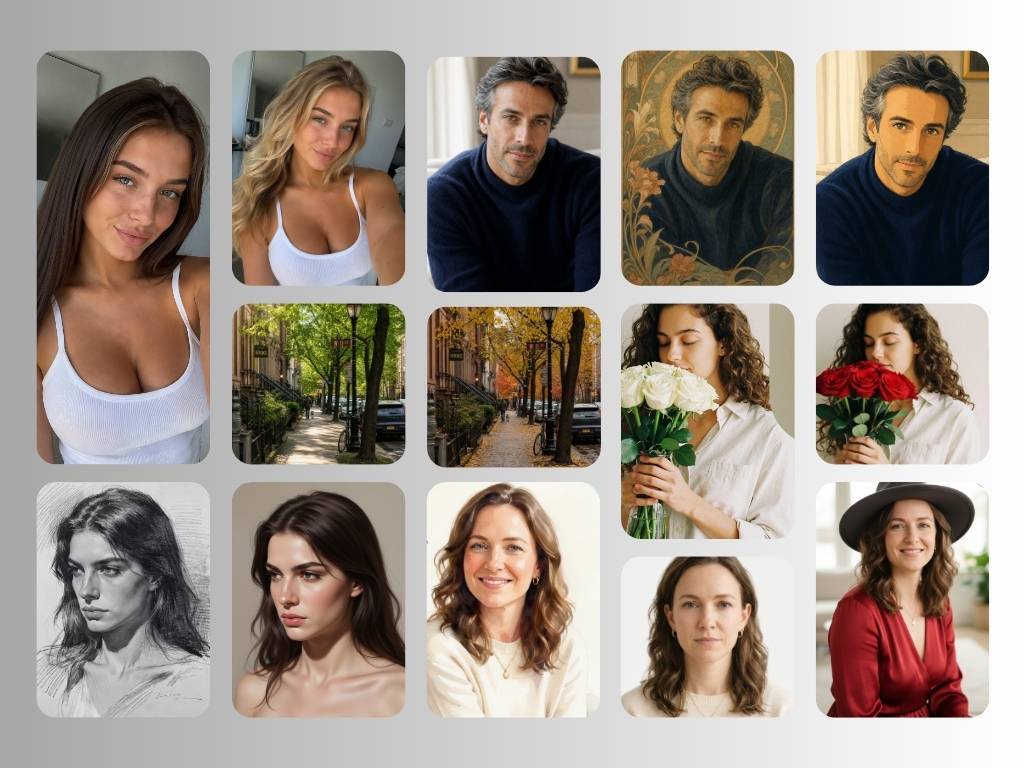
It combines simple text prompt editing, fast processing, background editing, image enhancement, and creative style generation in one browser-based workspace. Whether you need quick edits or professional-looking visuals, this AI photo editor helps you save time and improve image quality.
Does the AI photo editor online replace professional software?
The AI photo editor is excellent for quick, simple, and high-quality edits, but it is not meant to replace advanced design software completely. For complex professional work, programs like Photoshop may still be useful. However, when you need fast edits, clean output, and a beginner-friendly process, this AI photo editor is a powerful alternative. It helps users create polished images without spending time learning difficult editing tools.
Can I remove or add objects using the AI image editor online?
Yes. You can remove unwanted objects or add new visual elements using simple text prompts. The AI photo editor analyzes the surrounding area and blends changes naturally, helping your image look clean and realistic.
Does the free AI photo editor support high-resolution exports?
Yes. The AI photo editor supports high-quality image exports for personal and commercial projects. Free users can test the core editing features, while premium users can unlock more usage and higher export flexibility.
How can the AI photo editor free help online business owners?
The AI photo editor helps online sellers create better product photos, clean marketing visuals, and professional social media content faster. It can improve image quality, edit backgrounds, generate creative styles, and reduce the need for costly manual editing.