AI Product Image Generator for E-commerce Visuals
One product photo is enough. Create polished selling visuals for listings, ads, and online stores with a free AI product image generator.
Click or drag product images here (optional)
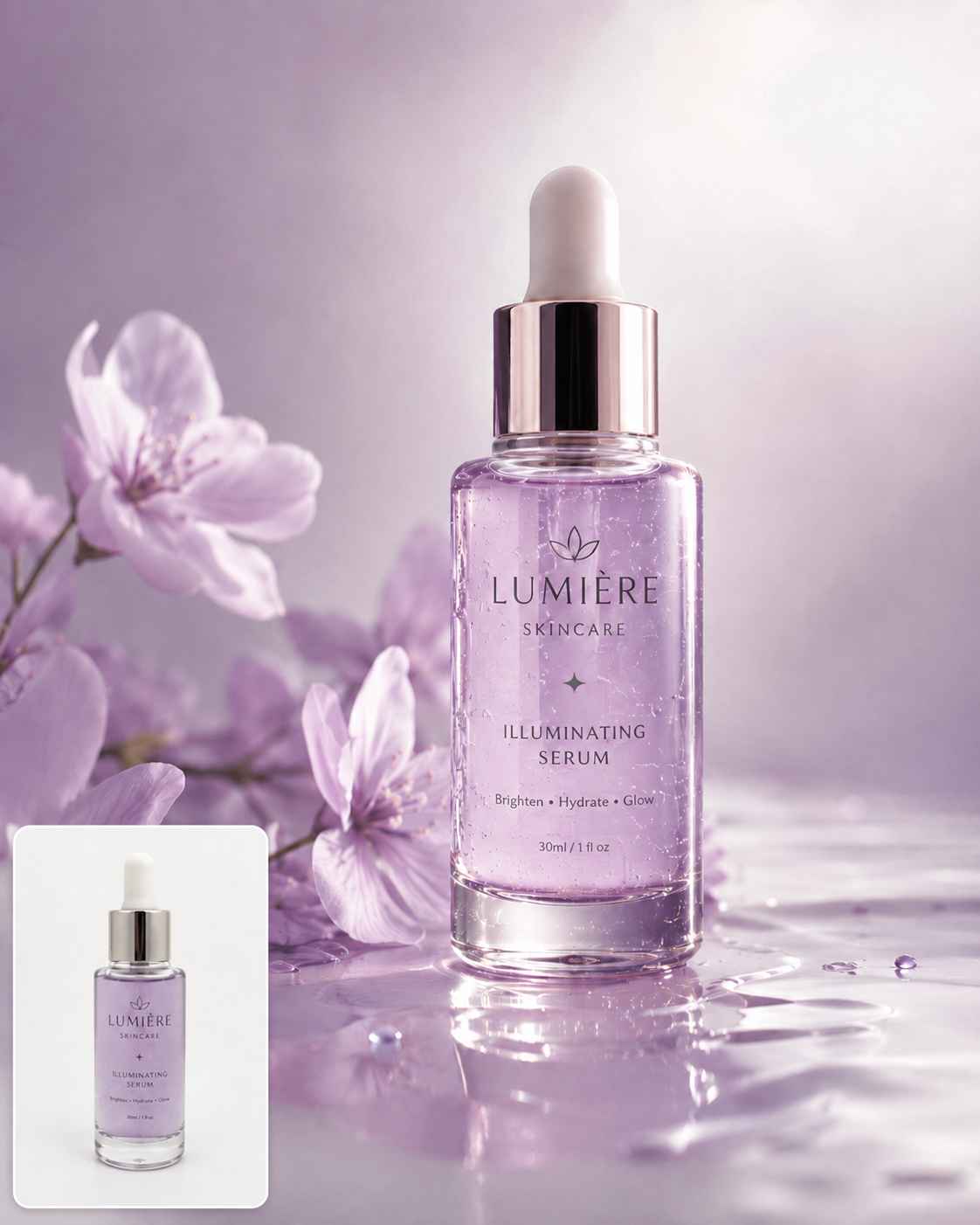
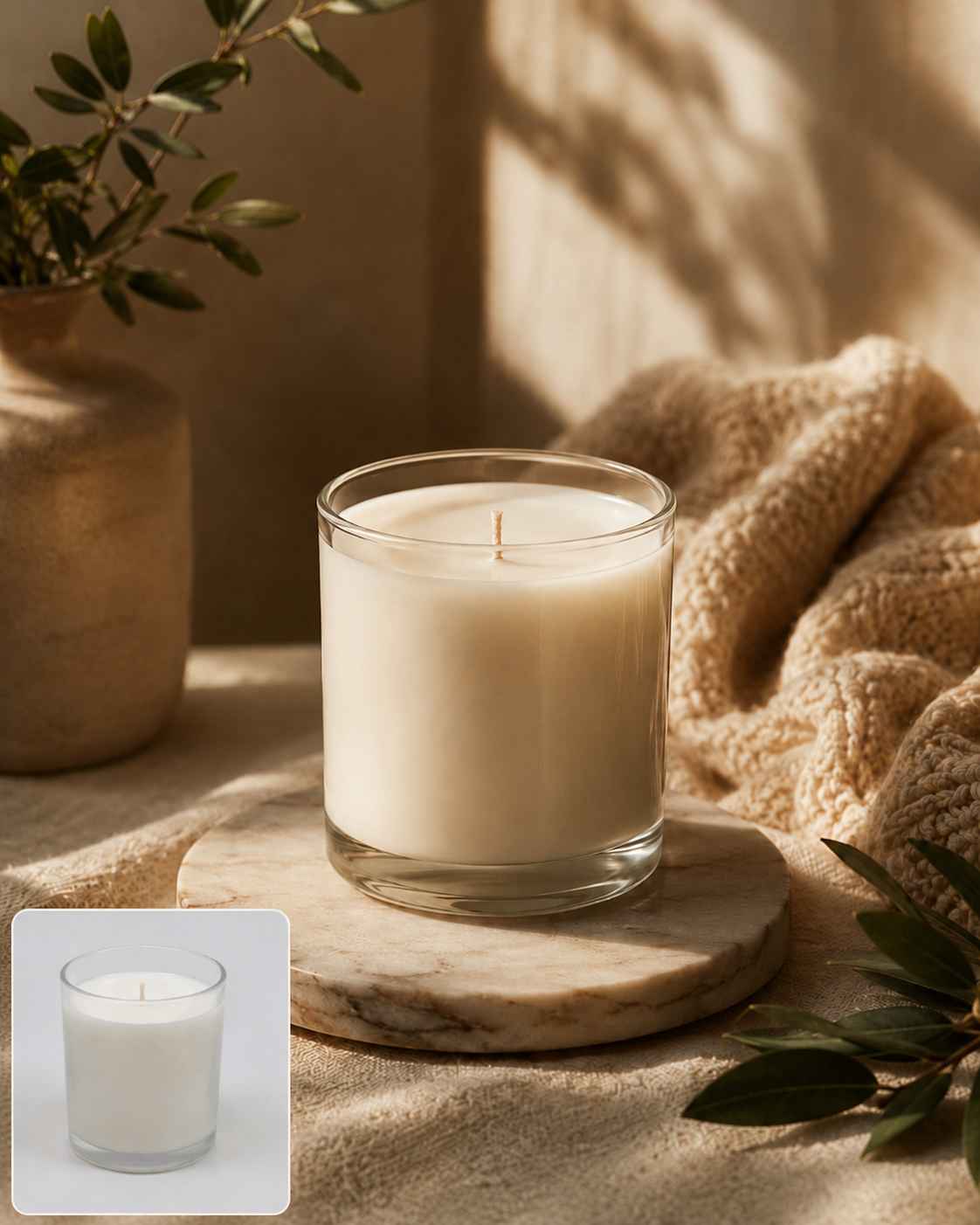
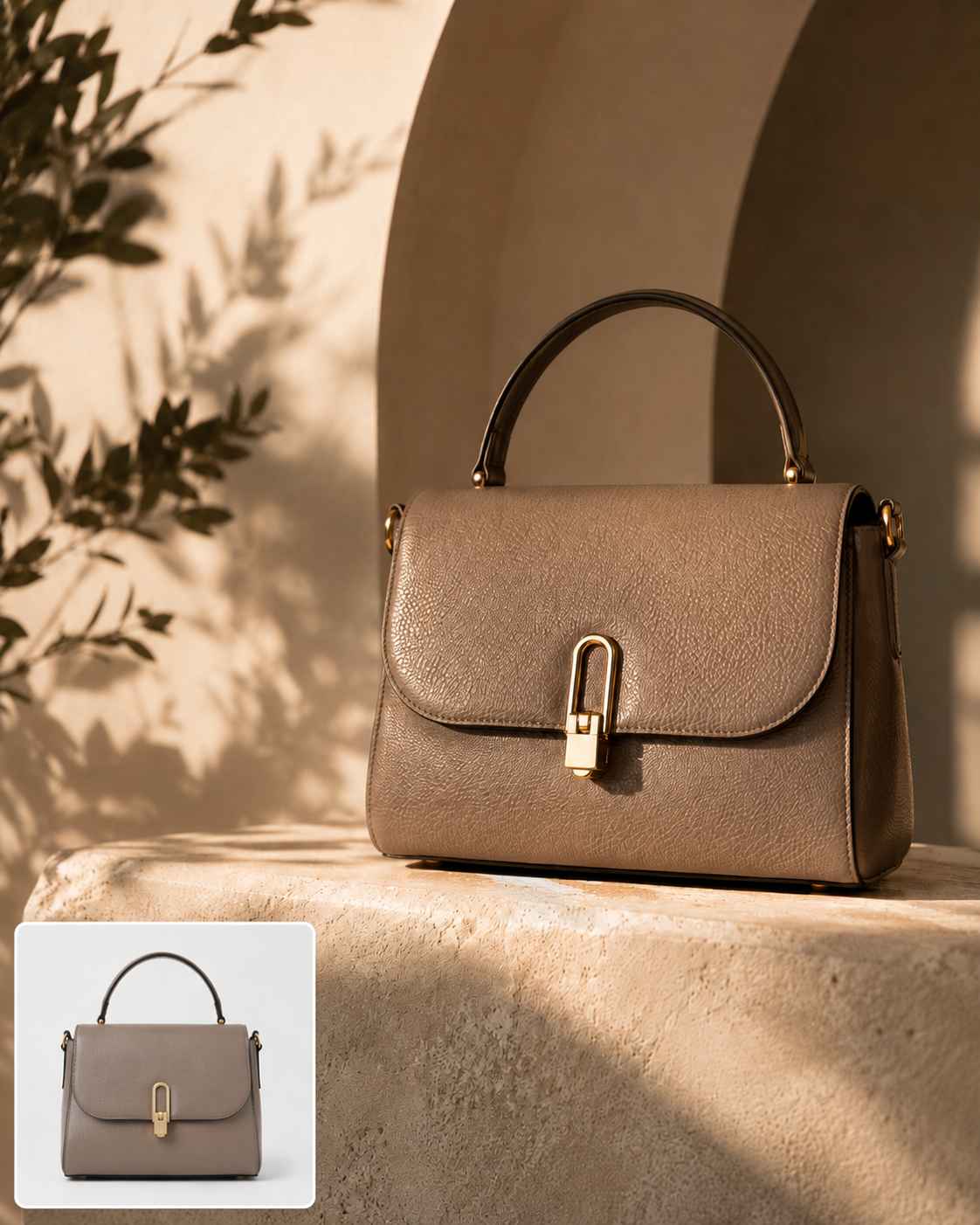


Create Product Photos Built for Real Buying Decisions
A plain product photo can show what you sell, but it may not be enough to make shoppers stop, trust, and buy. With EzRemove’s AI product image generator, sellers can turn basic product shots into cleaner, more polished visuals that feel ready for real shopping decisions. Create product photos with better backgrounds, clearer focus, and stronger visual appeal, so your items look more professional across listings, ads, landing pages, and online stores. For final touch-ups, you can continue refining details with our AI photo editor.
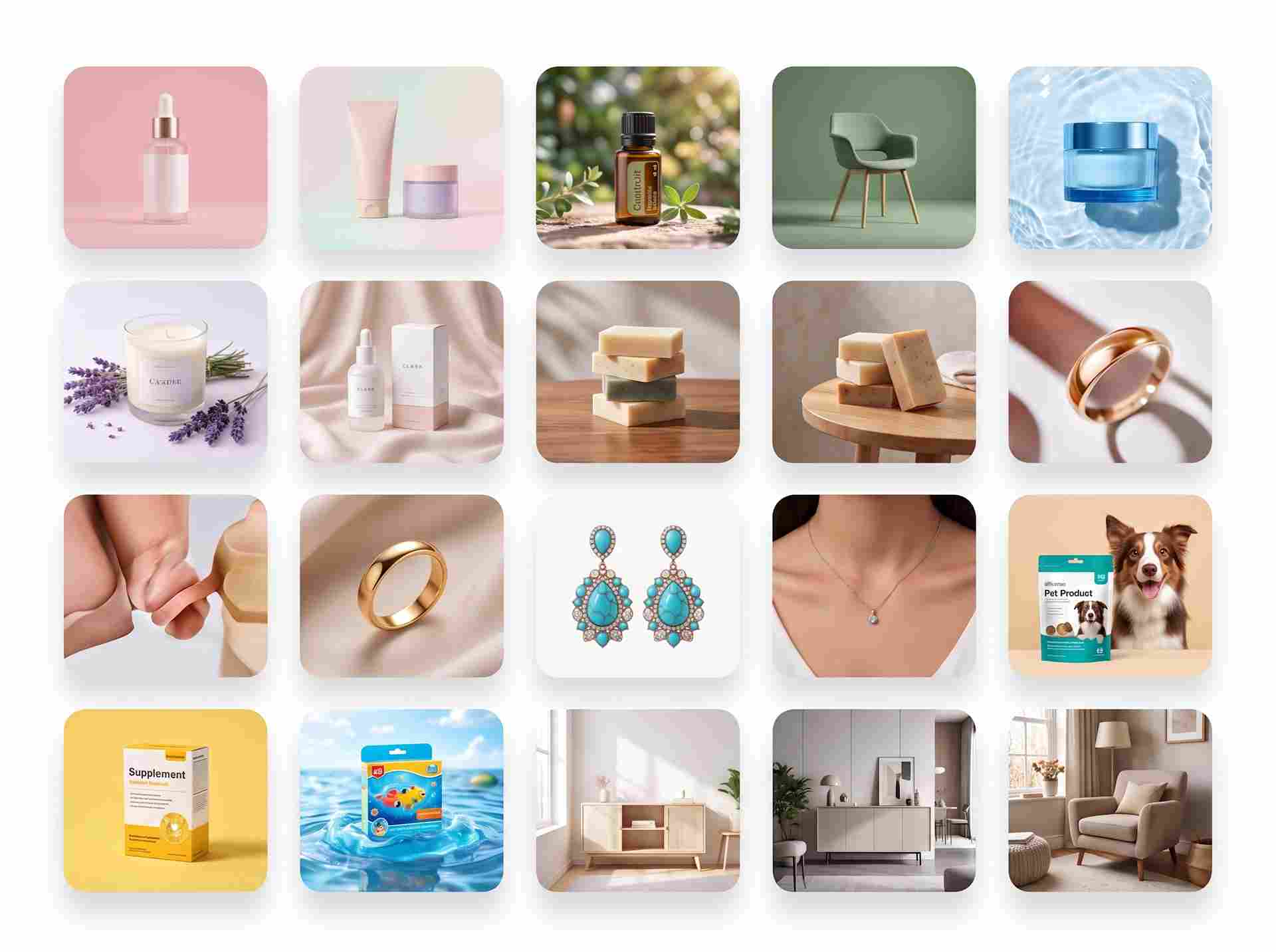
Get More Campaign Visuals from One Product Image
Most sellers do not need just one product image. They need listing photos, lifestyle scenes, ad creatives, social posts, website banners, and campaign visuals for different channels. For prompt-based campaign ideas, you can also use our AI image generator for ads to create more creative visuals. Instead of arranging a new photoshoot for every format, you can start with one product photo and use AI to create multiple marketing assets from the same product. This helps you test more visual ideas, prepare content faster, and keep your product visible across more selling moments.
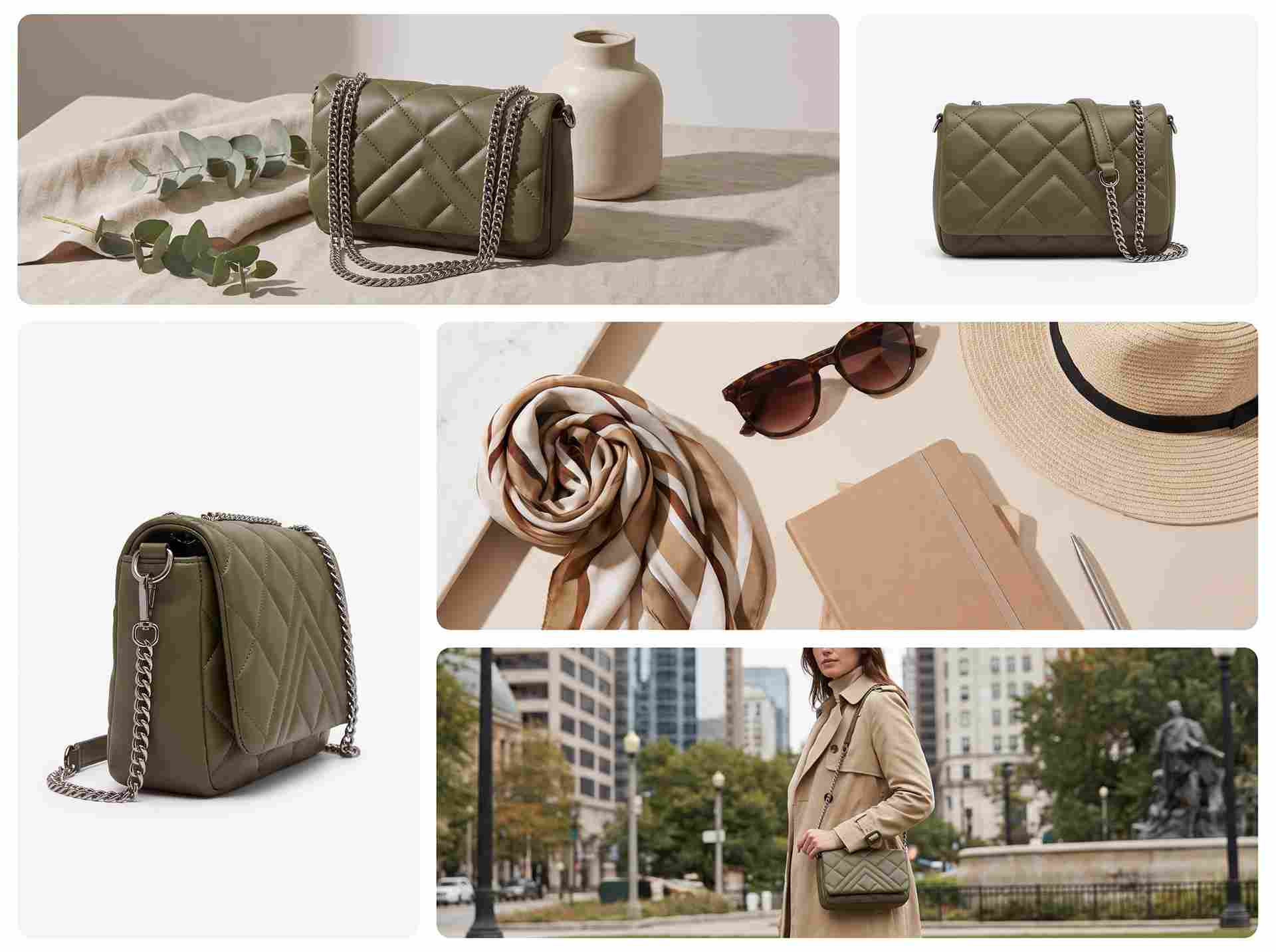
Keep Product Content Consistent Across Every Channel
Product visuals can quickly feel inconsistent when they are created across different tools, designers, or campaigns. One image may look clean, another may feel too casual, and another may not match your store style at all. EzRemove helps you create on-brand product content by keeping your product as the focus while generating backgrounds, scenes, and edited visuals that fit your selling goals. It is useful for product launches, seasonal campaigns, store updates, and daily marketing content.
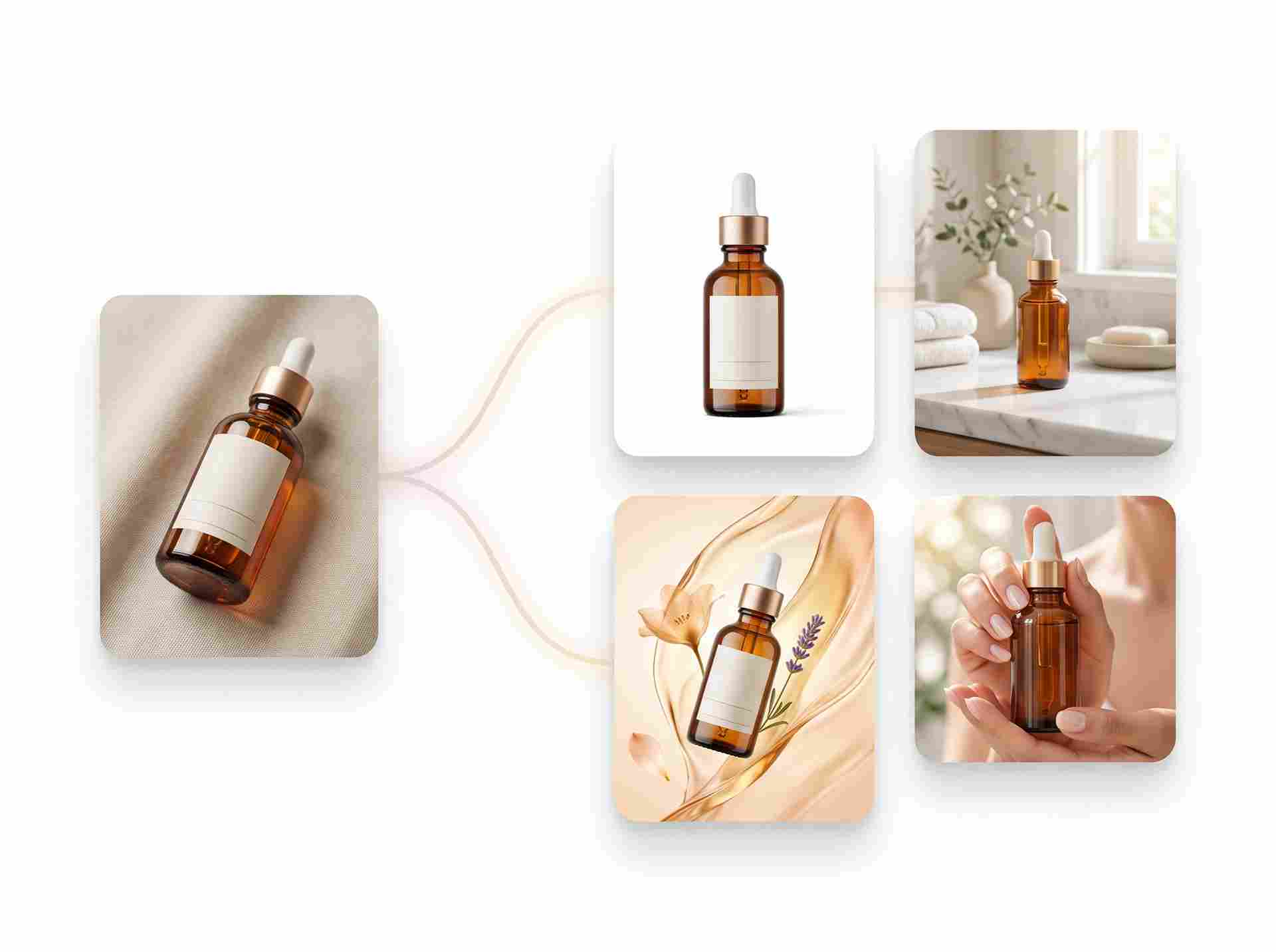
Launch Product Visuals Faster Without a Full Photoshoot
Traditional product photography often takes planning, props, lighting, retouching, and repeated revisions. For small teams, solo sellers, and fast-moving ecommerce brands, that process can slow down every launch. AI product photography helps reduce the time between having a product photo and publishing better visuals online. Upload your image, generate product photos, refine the result, and create content for listings, ads, and stores without waiting for a full production cycle. If small distractions remain, you can remove unwanted objects from product photos before publishing.
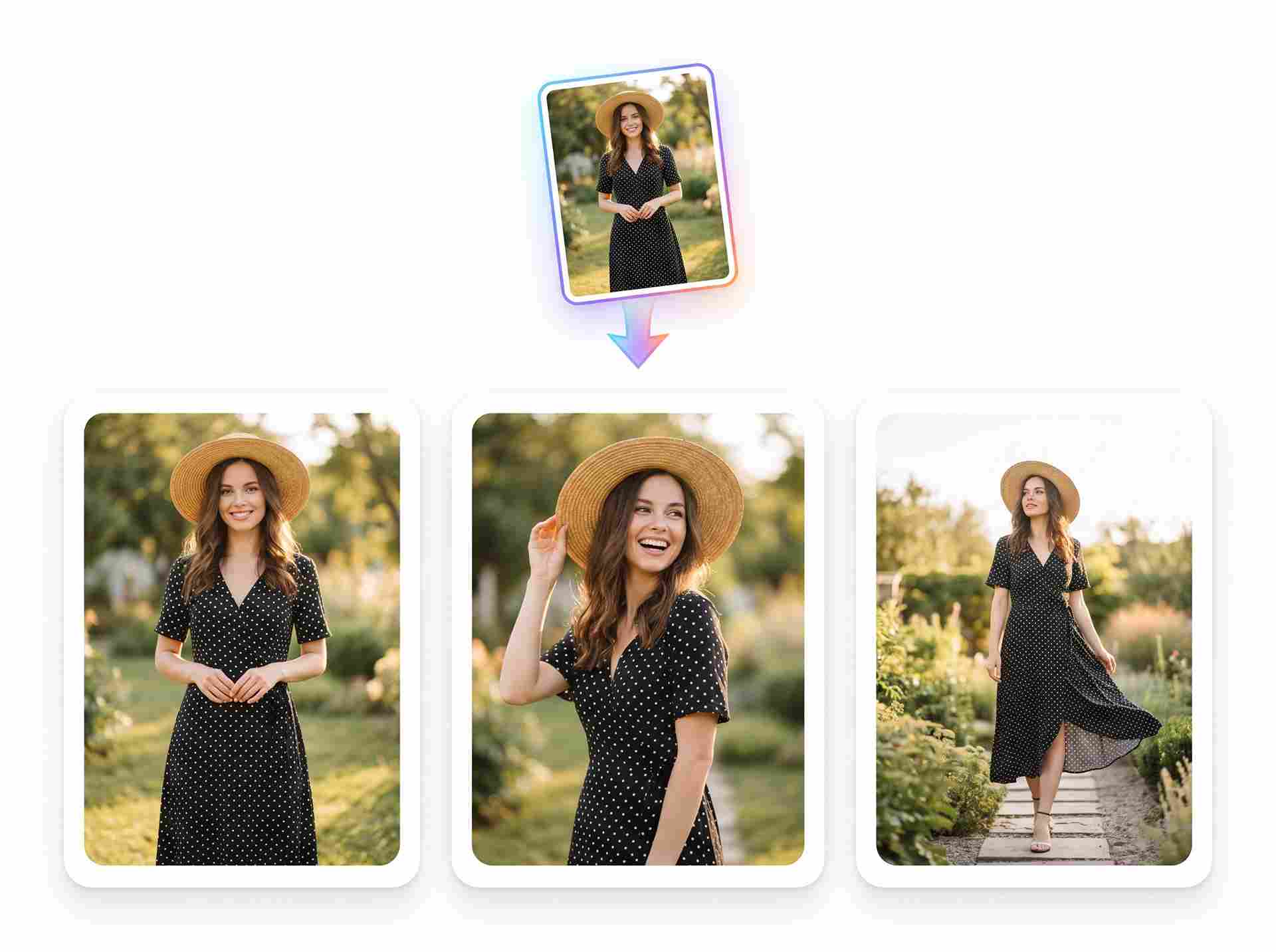
Make Every Product Fit the Right Selling Scene
A product photo should match where it will be seen. Marketplace listings need clarity, ads need stronger visual appeal, and social posts often need more context and mood. With EzRemove’s AI product image generator, you can turn one product shot into visuals that feel right for different channels, styles, and campaign moments. Instead of forcing every product into the same look, you can create backgrounds, scenes, and polished product images that support how you want customers to see and understand your product. You can also use our AI background generator to create more scene options for different selling moments.

How to Use the AI Product Image Generator
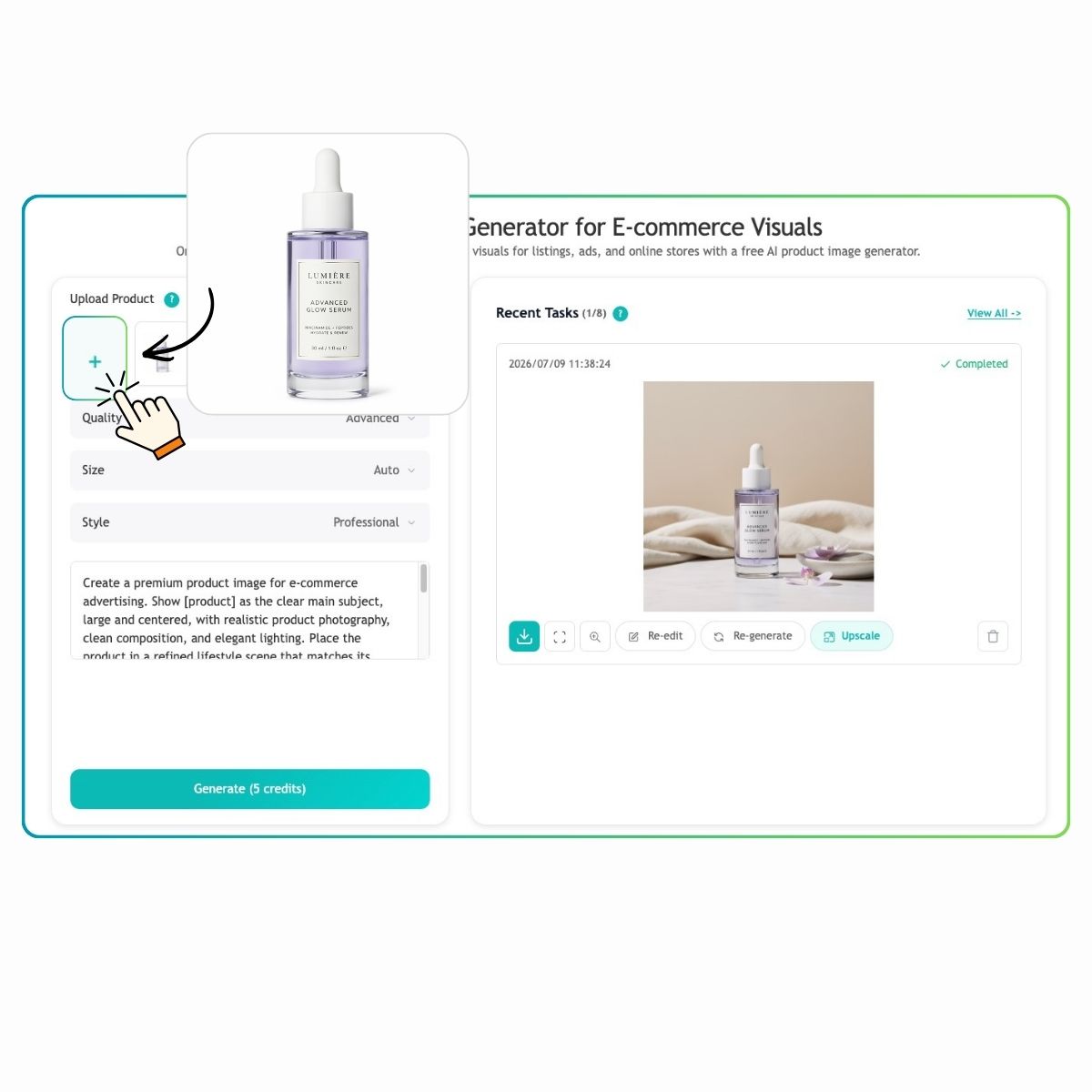
Upload Your Product Photo
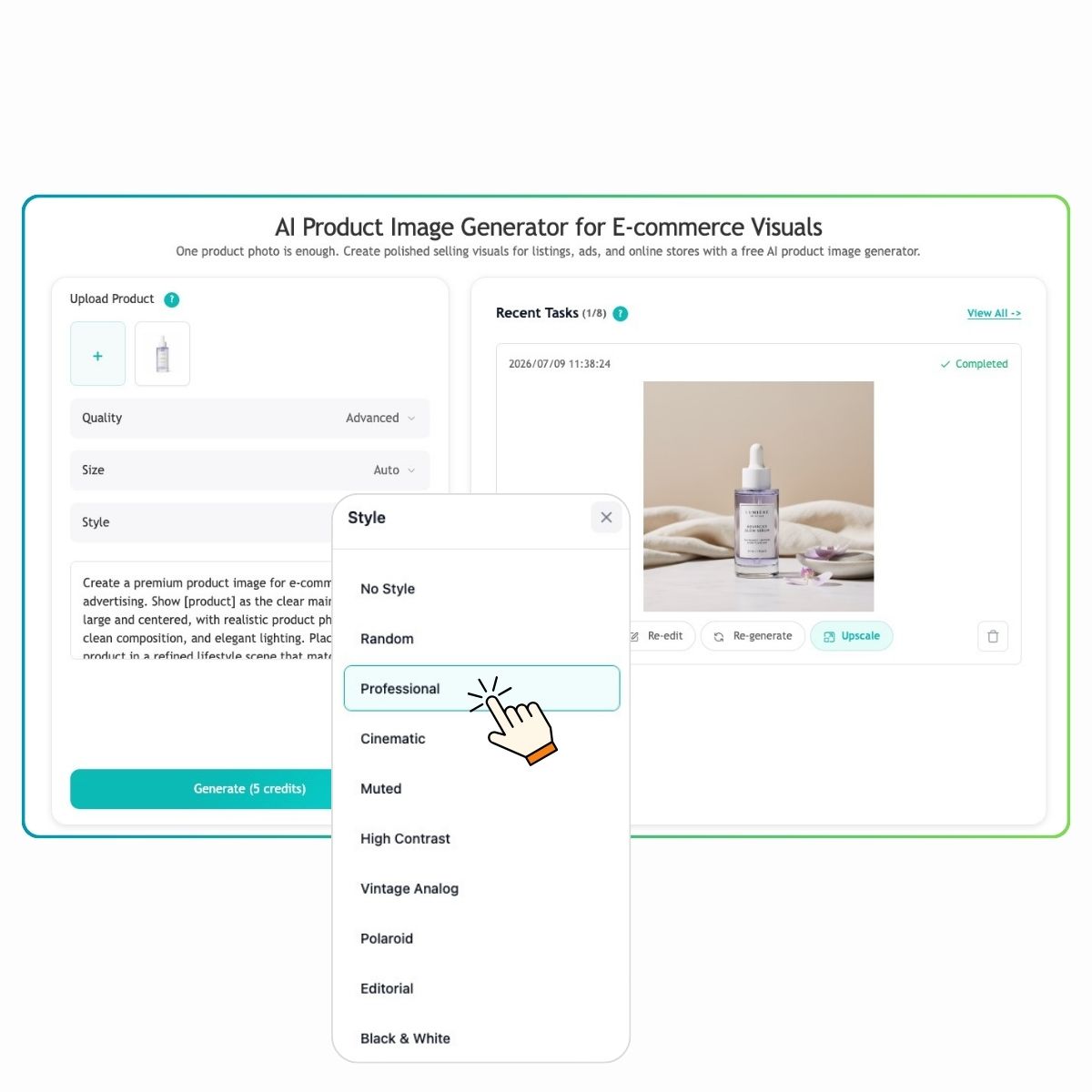
Choose a Style and Describe the Scene
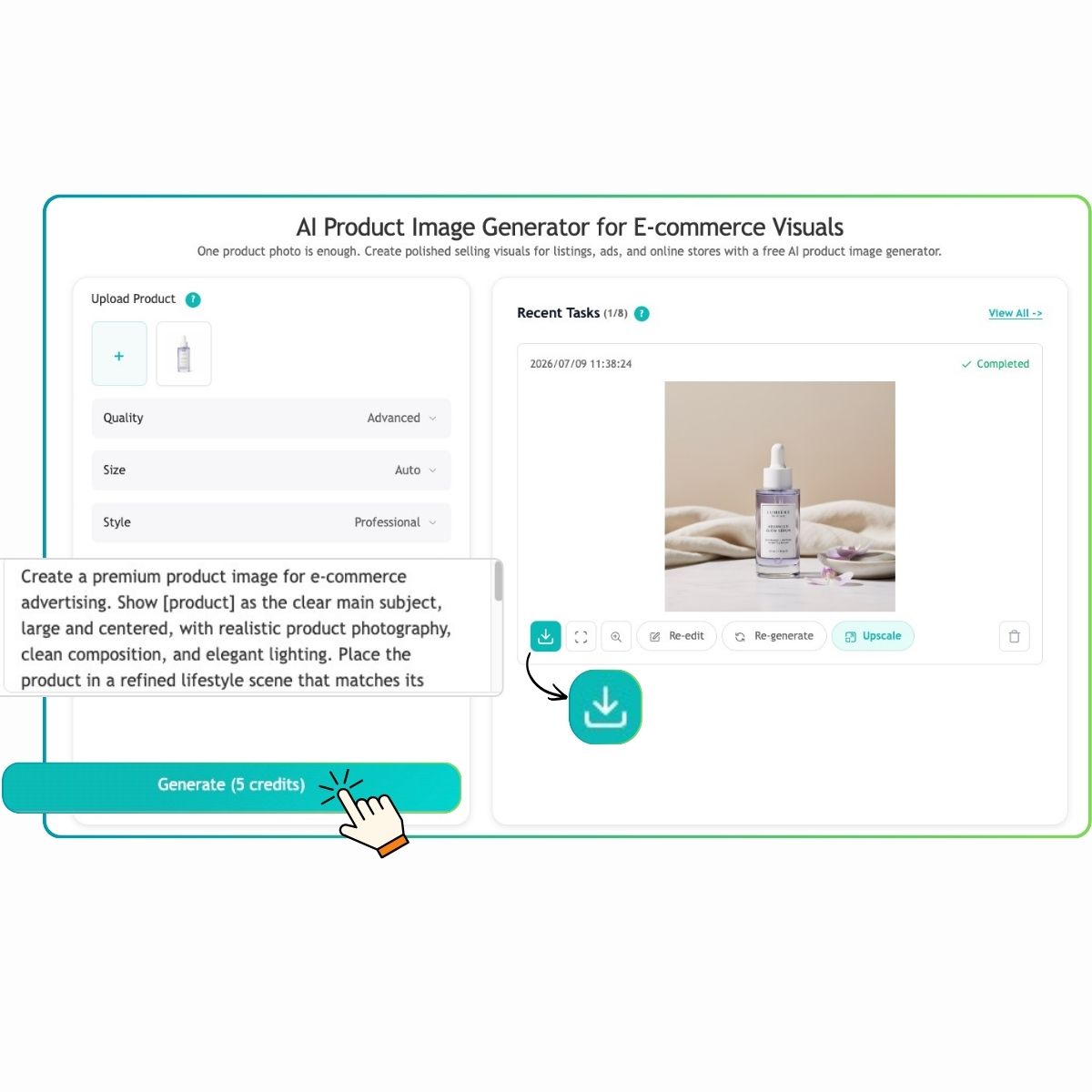
Generate, Review, and Download
Why Choose EzRemove’s AI Product Image Generator
Faster Product Content Creation
Create more product visuals in less time for listings, ads, campaigns, and store updates.
Flexible Product Photo Styles
Turn one product photo into clean backgrounds, lifestyle scenes, promotional visuals, and more.
Simple Editing Workflow
Generate images, refine details, update backgrounds, and continue editing without switching tools.
Better Visual Consistency
Keep your product photos clear, polished, and consistent across different selling channels.
Ready for Multiple Platforms
Prepare product images for marketplaces, online stores, social media, landing pages, and ads.
Easier Project Management
Keep recent designs and editable product visuals organized for ongoing content needs.
Product Image Applications for Every Selling Scenario
Turn one product photo into visuals for listings, ads, campaigns, and online stores. Create, test, and reuse product images faster with EzRemove.

Make Your Product Listings Look More Consistent
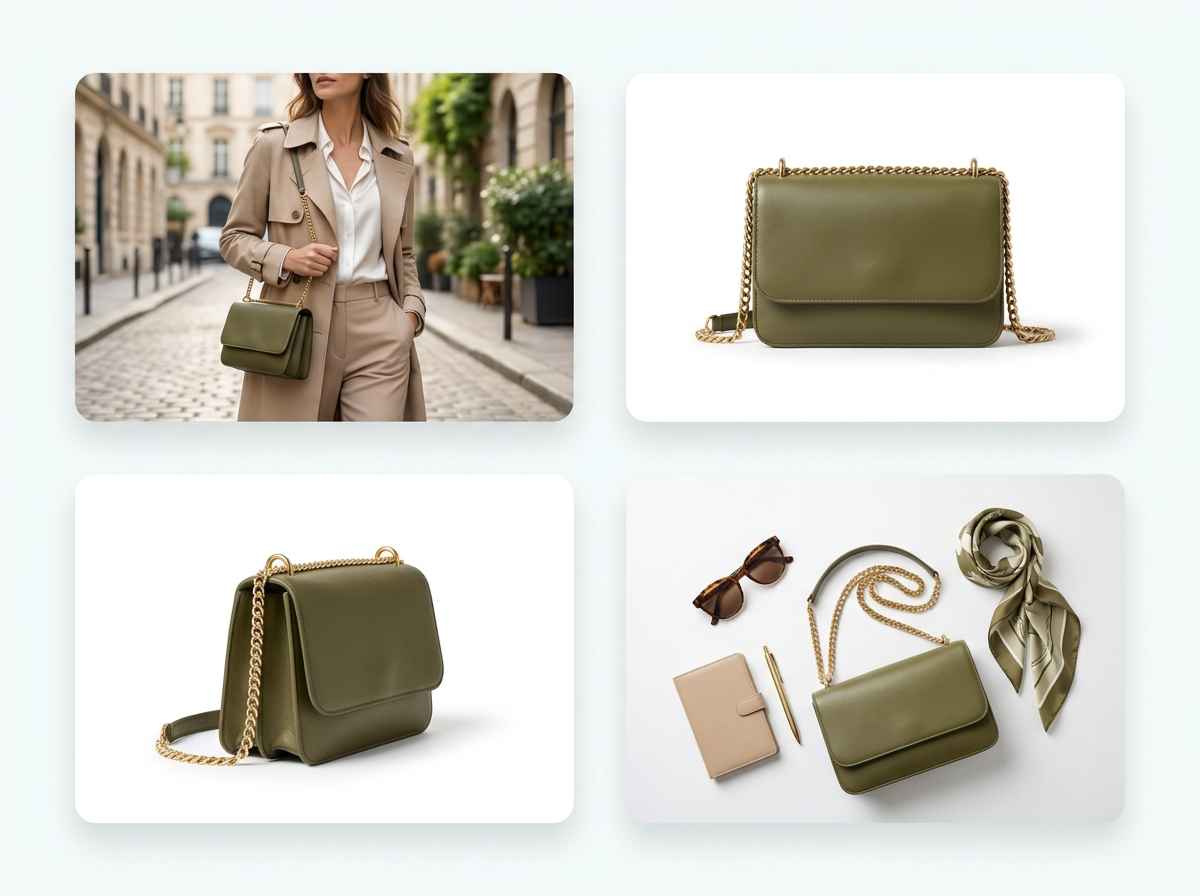
Show More Angles and Visual Ideas from One Photo

Put Products into Real-Life Selling Scenes

Refresh Product Images for Campaigns and Seasons
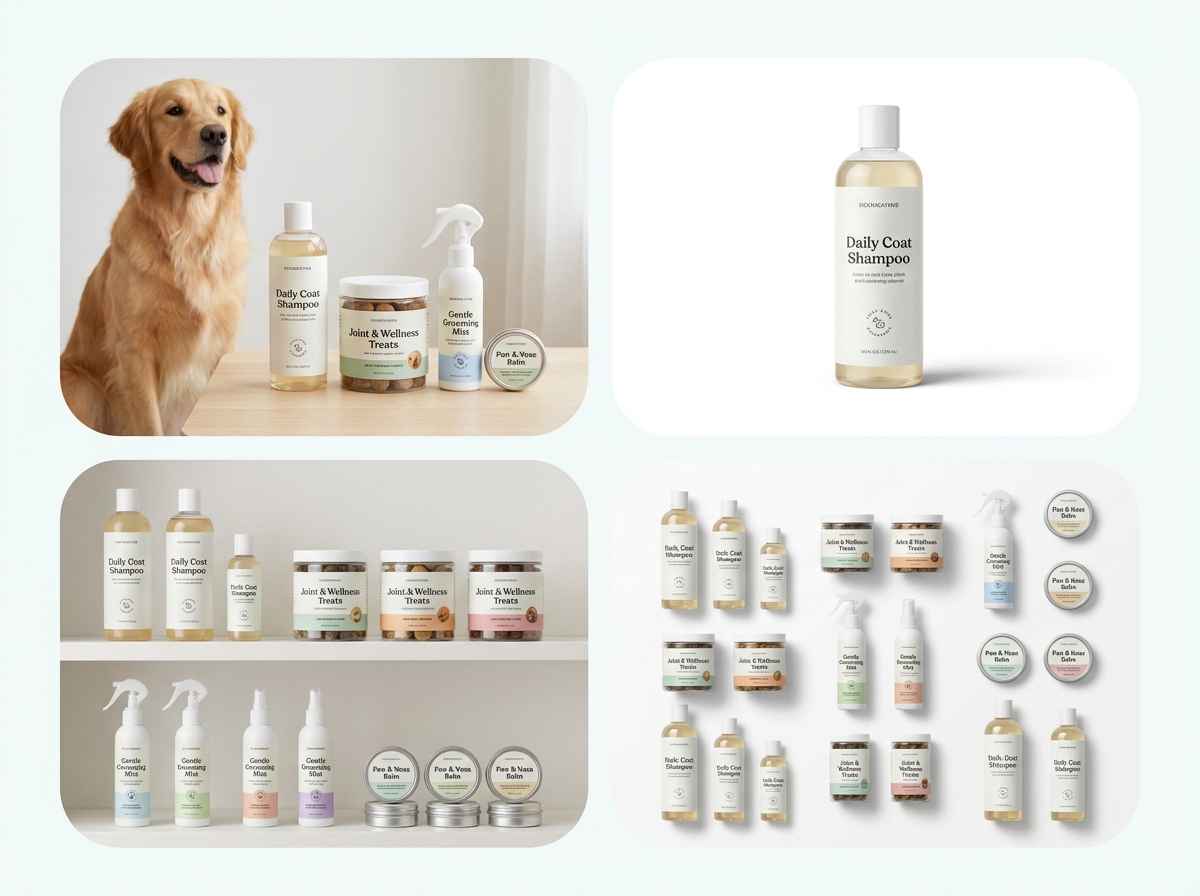
Create More Product Images When You Have Many SKUs
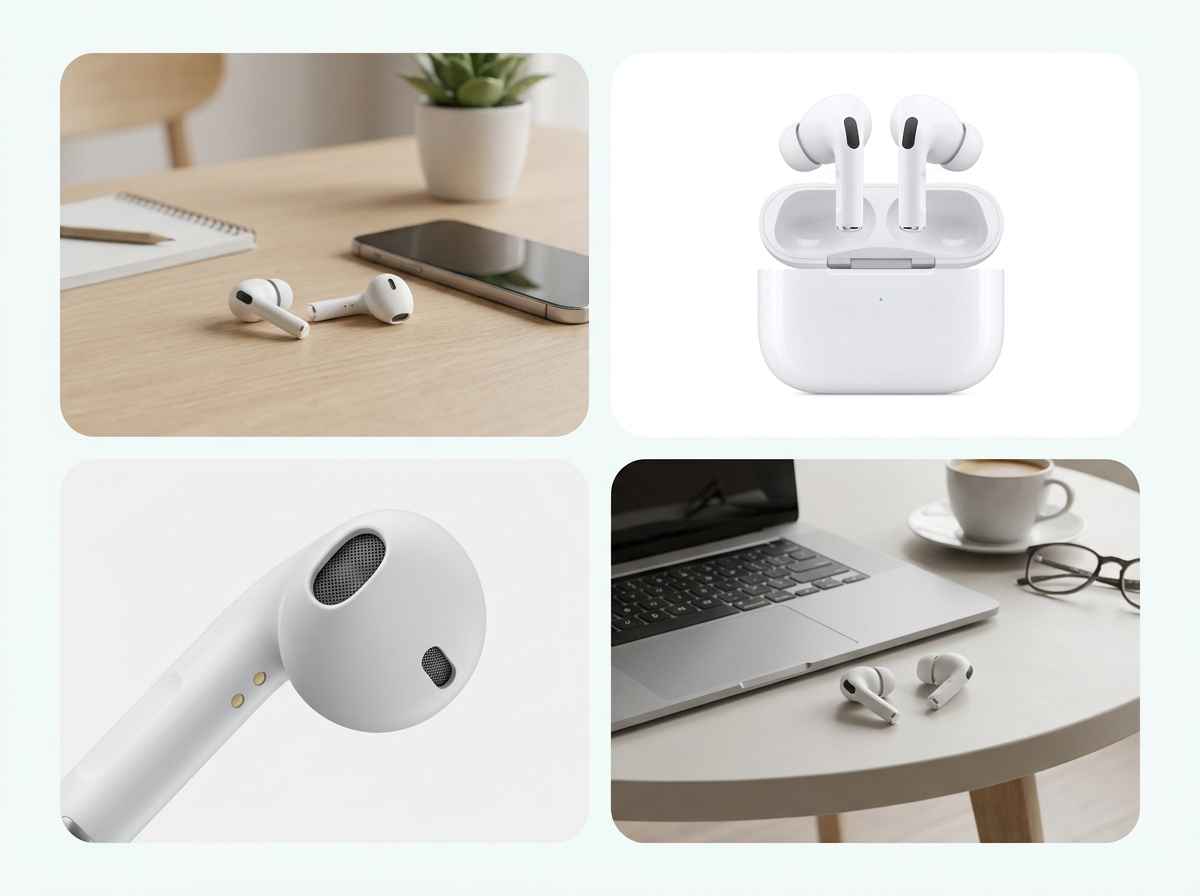
Turn Better Product Visuals into More Buyer Confidence
What Users Say About Our AI Product Image Generator



FAQs About AI Product Image Generator
What is a free AI product image generator?
A free AI product image generator helps you turn a basic product photo into more polished product visuals with AI. With EzRemove, you can create cleaner backgrounds, lifestyle scenes, listing images, and promotional visuals without arranging a full product photoshoot.
Can I create product photos with AI for free?
Yes. EzRemove provides free daily uses, so you can try the AI product image generator and create product photos with AI before paying. Upload your product image, generate product visuals, and test different styles or scenes for listings, ads, and online stores. If you need more generations or higher-volume use, you can purchase a credit package on the pricing page.
How to generate professional product photos using artificial intelligence?
Start with a clear product photo where the item is easy to see. Then use an AI product image generator to improve the background, scene, lighting, and overall presentation. For better results, choose a clear goal, such as a white background, a lifestyle scene, a seasonal setup, or an ad-ready product visual.
Which AI product image generator offers free trials?
EzRemove offers a free way to try AI product image generation online. It is useful for sellers, marketers, creators, and ecommerce teams who want to test product visuals before creating more images for listings, campaigns, or store updates.
Where can I find AI product image generators online?
You can find AI product image generators online through browser-based platforms like EzRemove. You do not need to install complex editing software. Upload your product photo, generate AI product images, refine the result, and prepare visuals for different channels in one place.
Is AI product photography suitable for ecommerce?
Yes. AI product photography tools are useful for ecommerce testing, new product launches, marketplace listings, social posts, and campaign visuals. They help reduce the time and cost of producing multiple product images for online selling.
Can I use an AI image generator for product listings and ads?
Yes. An AI image generator for product visuals can help you create images for marketplaces, online stores, landing pages, social media, and ad creatives. You can adapt one product photo into different visual styles instead of rebuilding every image from scratch.
Can I create holiday or seasonal product photos?
Yes. EzRemove can help you create seasonal product visuals for holidays, promotions, launches, and campaign updates. You can turn a standard product photo into a more themed visual without arranging a new photoshoot for every season.
Can I edit product images after AI generation?
Yes. You do not have to accept the first generated image as final. With EzRemove, you can continue refining your product visuals by updating backgrounds, removing distractions, resizing images, adjusting the scene, or creating a new version for another use case.
Can I use AI-generated product images commercially?
AI-generated product images can be used for many commercial content needs, such as product listings, ads, social posts, and online store visuals. Always make sure your uploaded product photo, brand assets, logos, and any third-party materials are yours to use.
Does EzRemove work for different product types and styles?
Yes. EzRemove can be used for many product categories, including beauty products, fashion items, accessories, home goods, packaging, handmade products, and digital store visuals. For best results, start with a clear product image and choose a background or scene that matches the product’s selling context.