Free AI Photo Studio Online



Your Pocket AI Photo Studio for Everyday Image Work
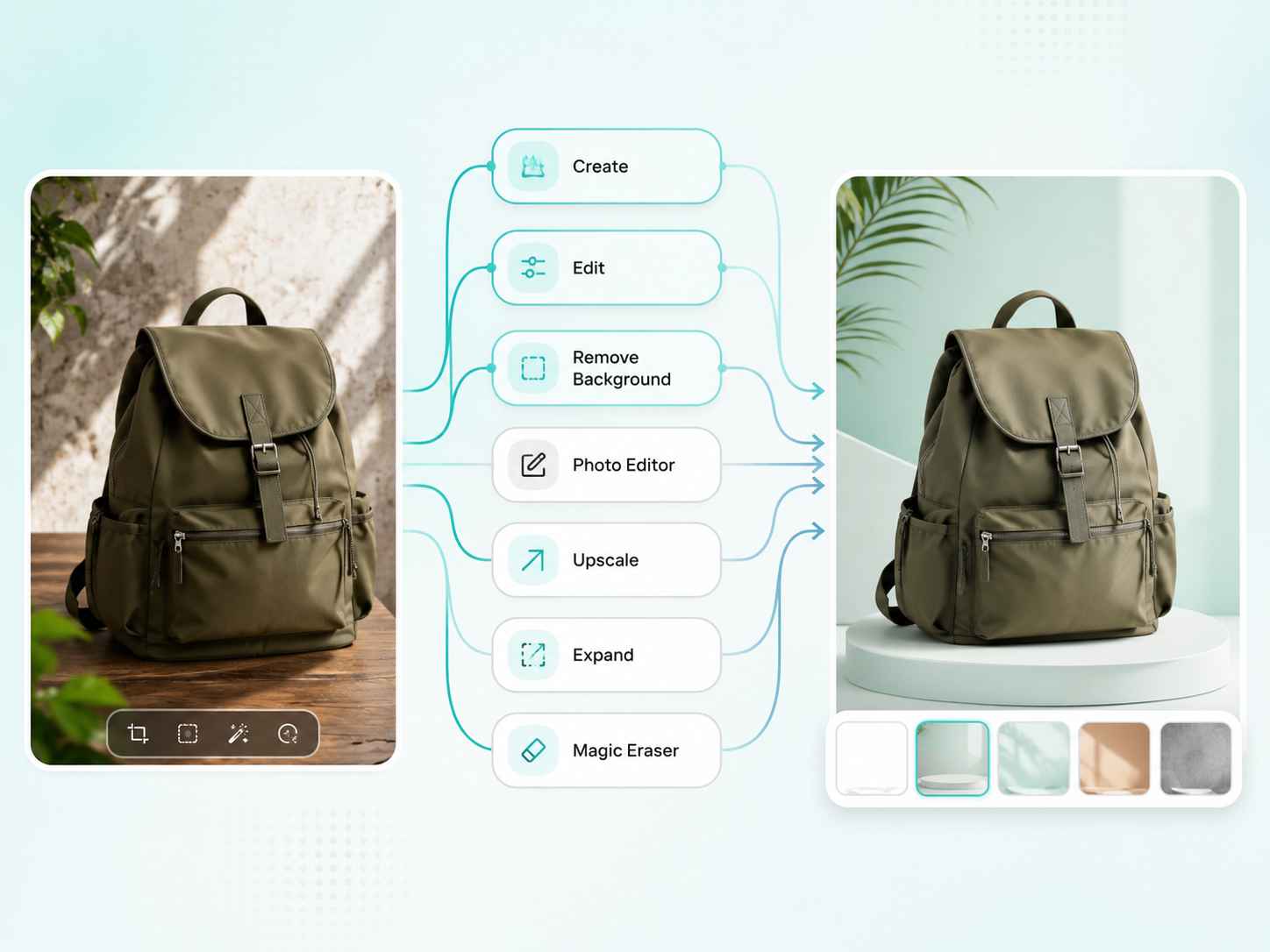
Not every image problem needs a full design team. Maybe you need to clean up a product photo, make a profile picture look sharper, or turn a plain image into something usable for a campaign. EzRemove AI Photo Studio brings creation, editing, background removal, AI backgrounds, upscaling, image expansion, and object cleanup into one online workspace, so small image tasks do not slow down your day. For more focused photo editing, you can also continue with EzRemove’s AI photo editor . If you want to start from a prompt, try the AI image generator first.
Create Scroll-Stopping Social Media Images
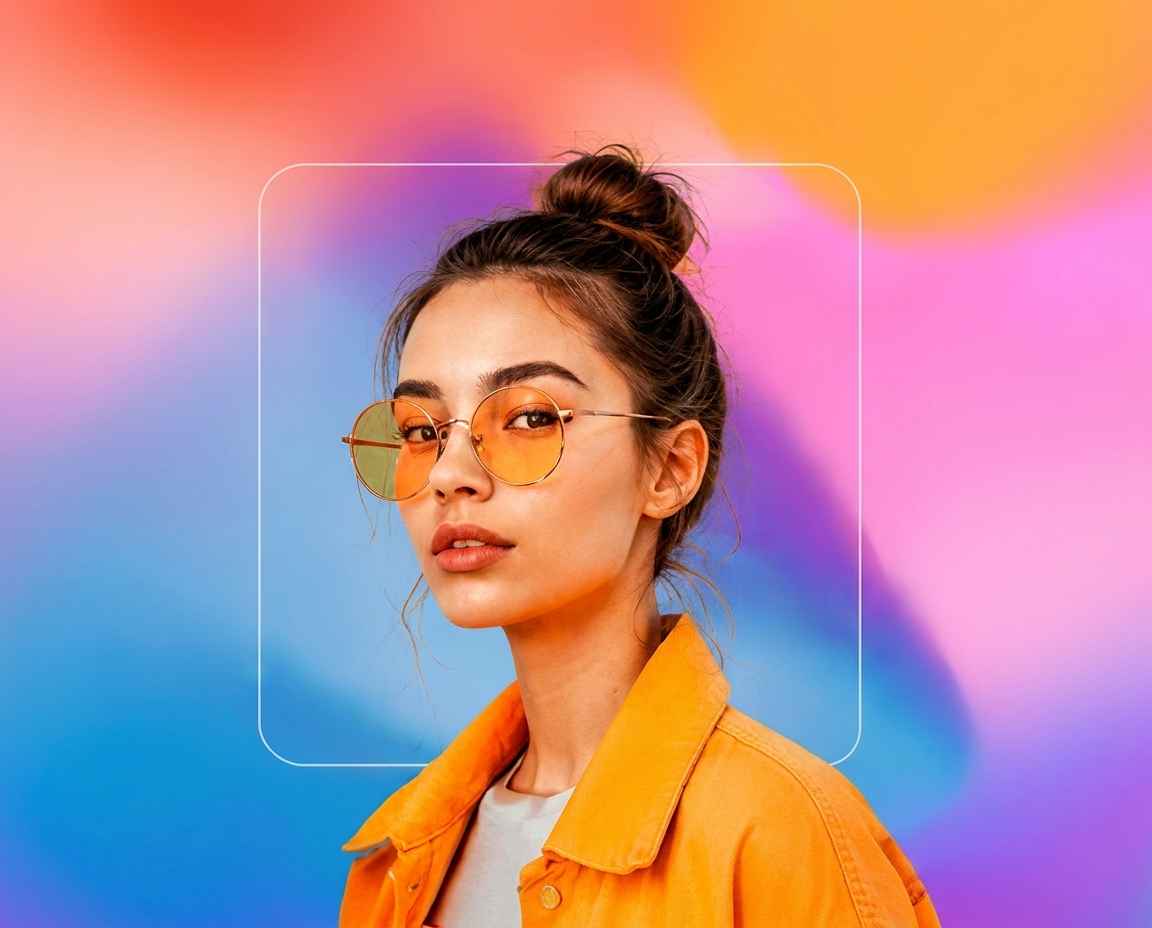
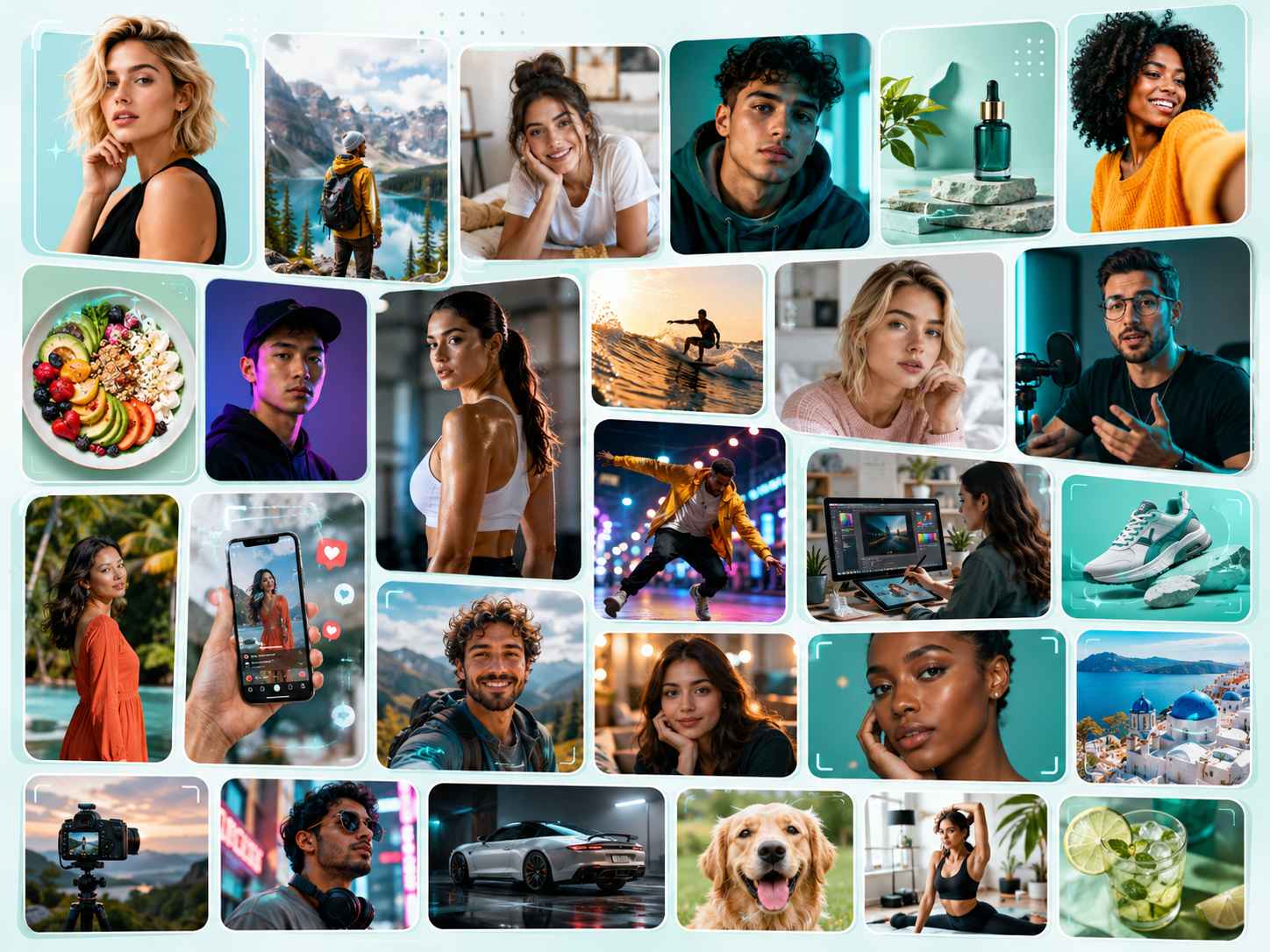
Social content moves fast, and a weak image can disappear in seconds. When a post needs a cleaner background, a wider layout, sharper details, or fewer distractions, EzRemove helps you prepare visuals for Instagram posts, TikTok covers, YouTube thumbnails, ads, stories, and campaign updates. You can expand images to fit different formats, erase unwanted objects, and improve photo quality before publishing.
Product Photography for Storefronts, Ads, and Amazon Listings
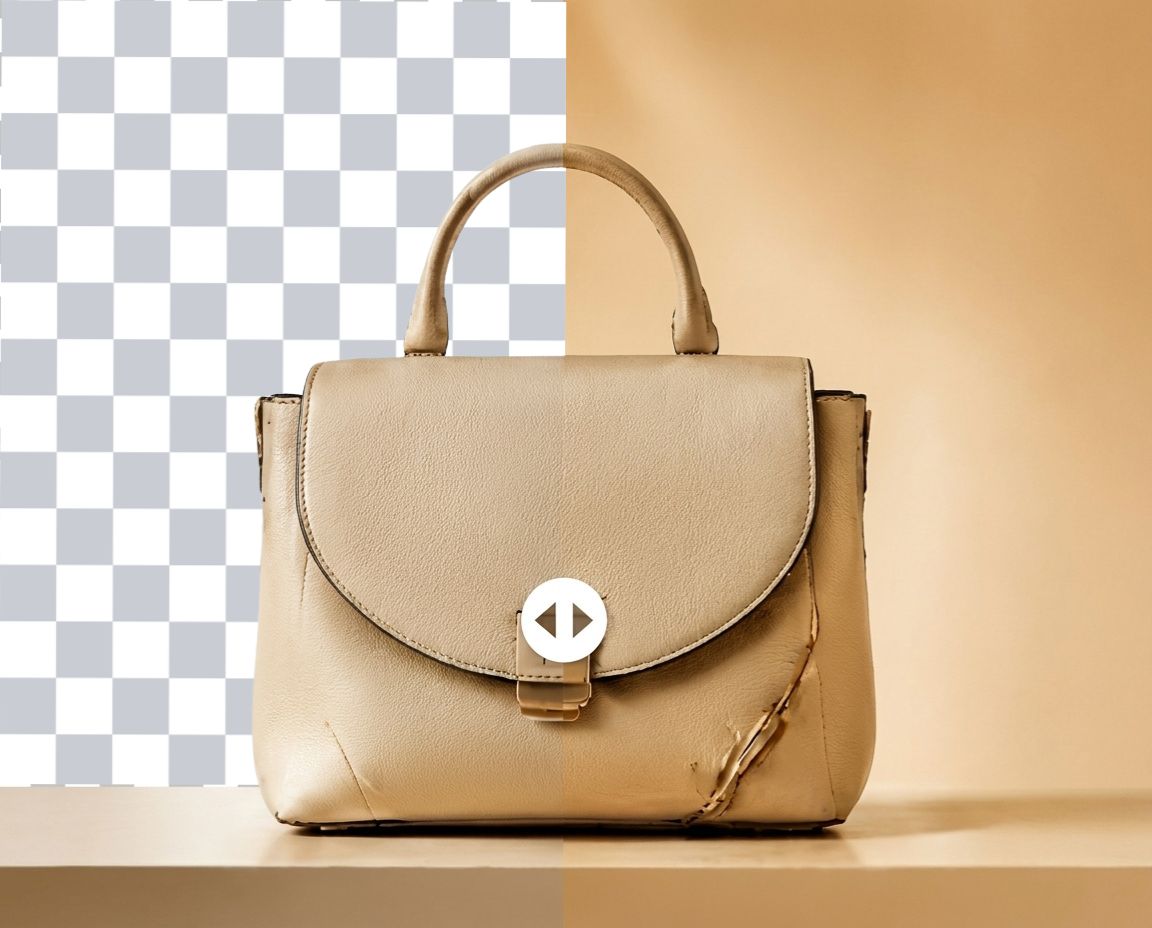
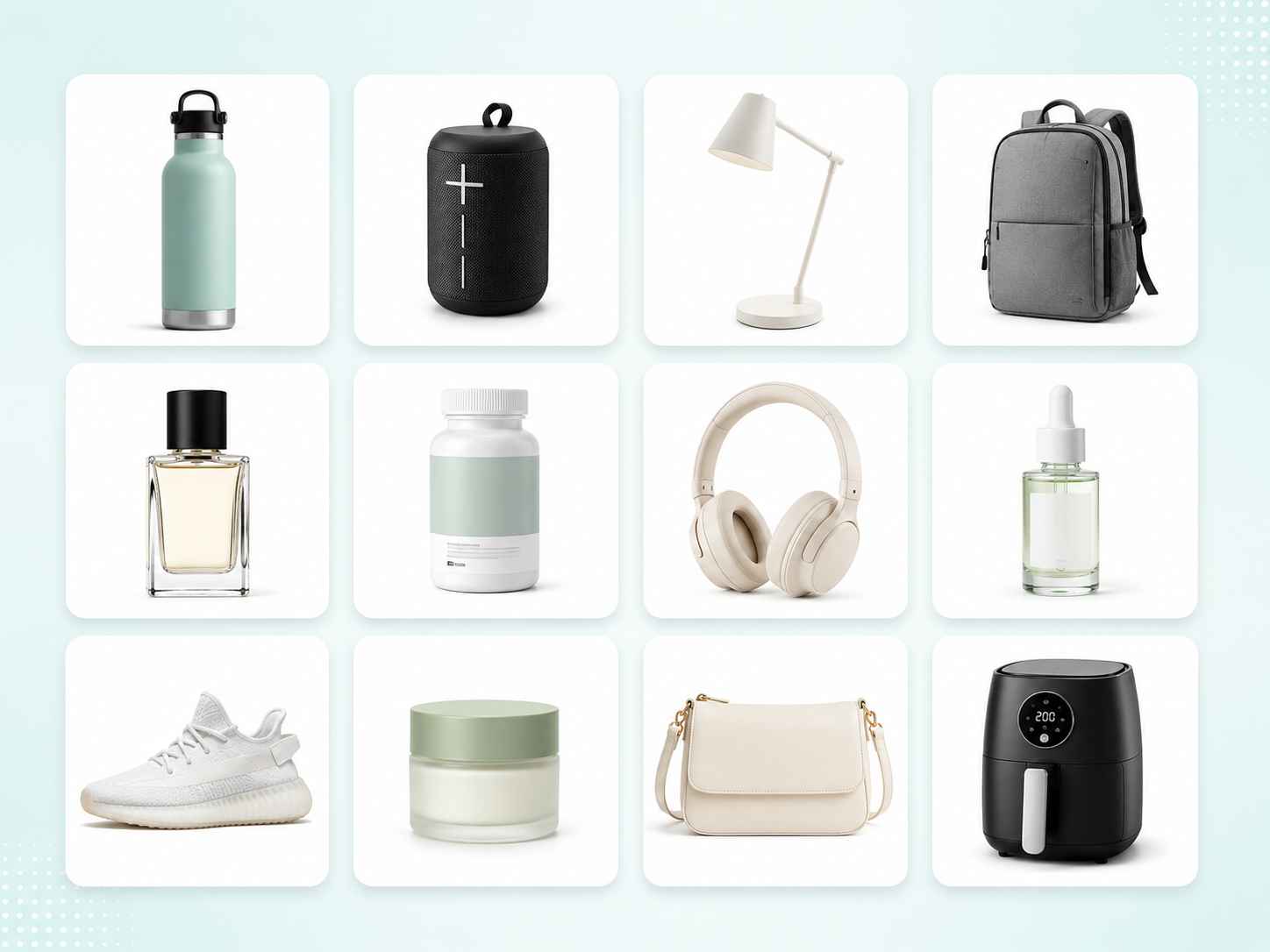
A product photo can lose trust when the background looks messy, the lighting feels dull, or the image is too soft for a listing page. EzRemove helps ecommerce sellers create cleaner product visuals by removing backgrounds, adding AI-generated scenes, improving image clarity, and preparing product shots for store pages, hero images, Amazon listings, marketplace thumbnails, and paid ads. For basic product cleanup, you can start with the background remover. Fashion sellers can also use AI Virtual Model to create more complete product visuals for apparel, model-based listings, and promotional images.
AI Headshots and Portraits for Profiles That Look Ready to Use
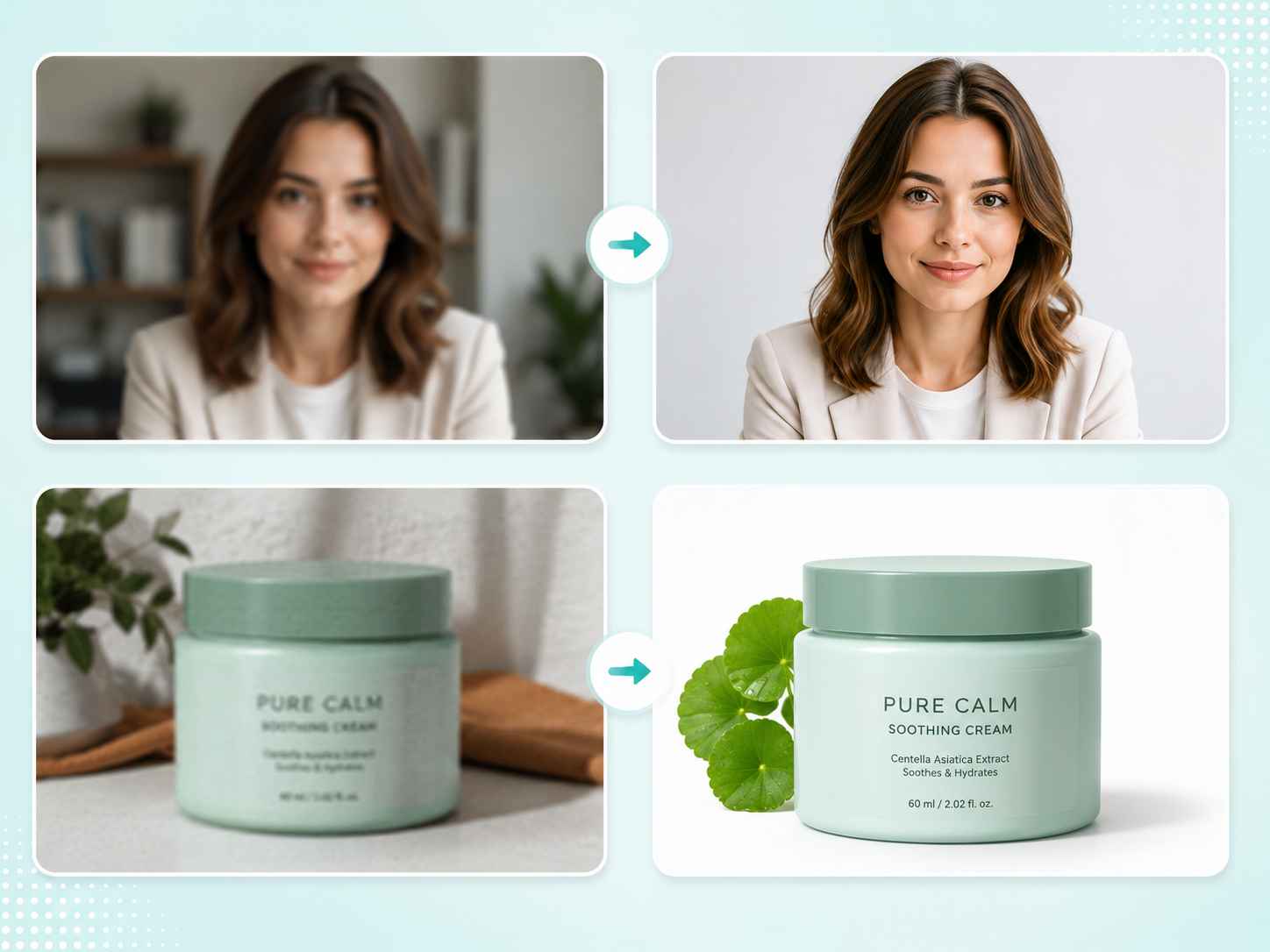
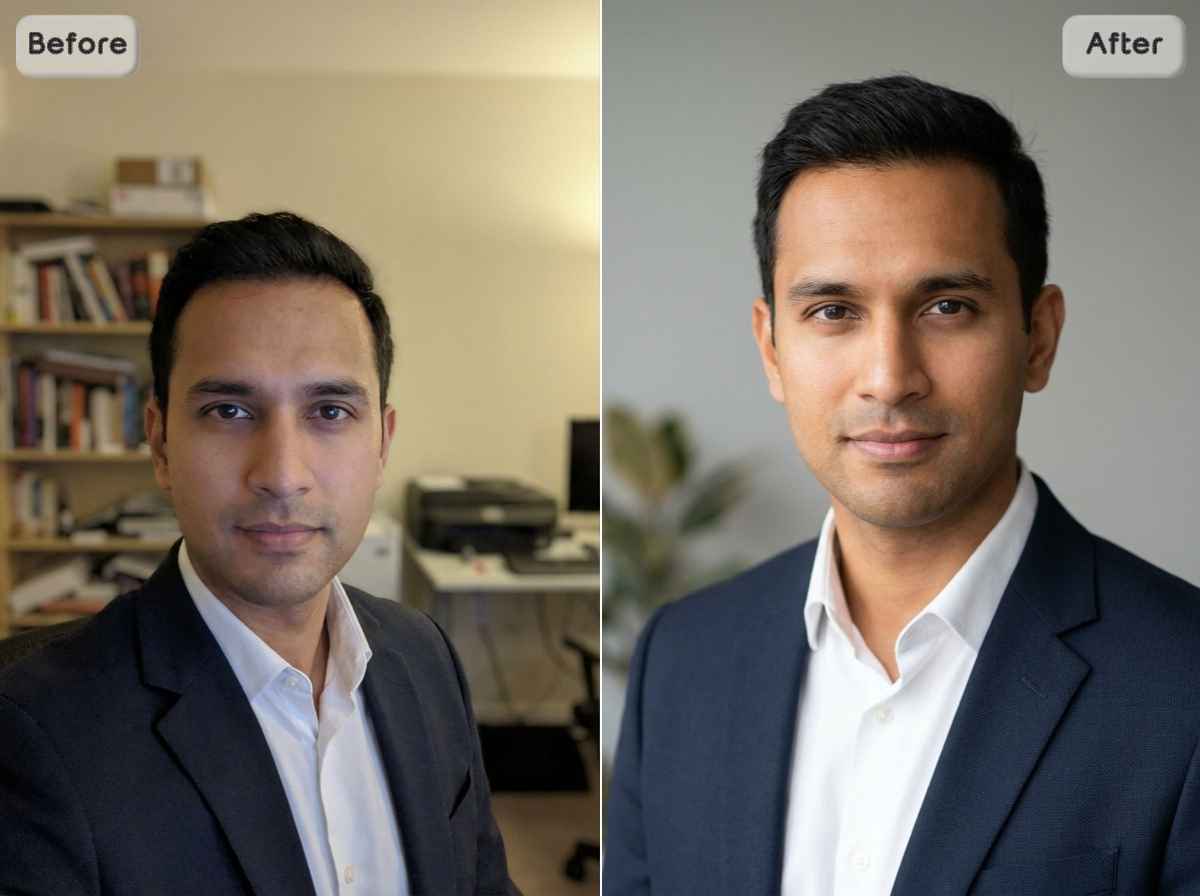
A portrait does not always need to be fully remade. Sometimes the real issue is a cluttered room, a distracting background, low resolution, or awkward framing. With EzRemove AI Photo Studio, users can clean up portraits, remove background noise, sharpen image quality, expand the frame, and create more polished headshots for LinkedIn, resumes, business profiles, personal branding, and social media.

Photo Enhancement for Portraits and Product Images
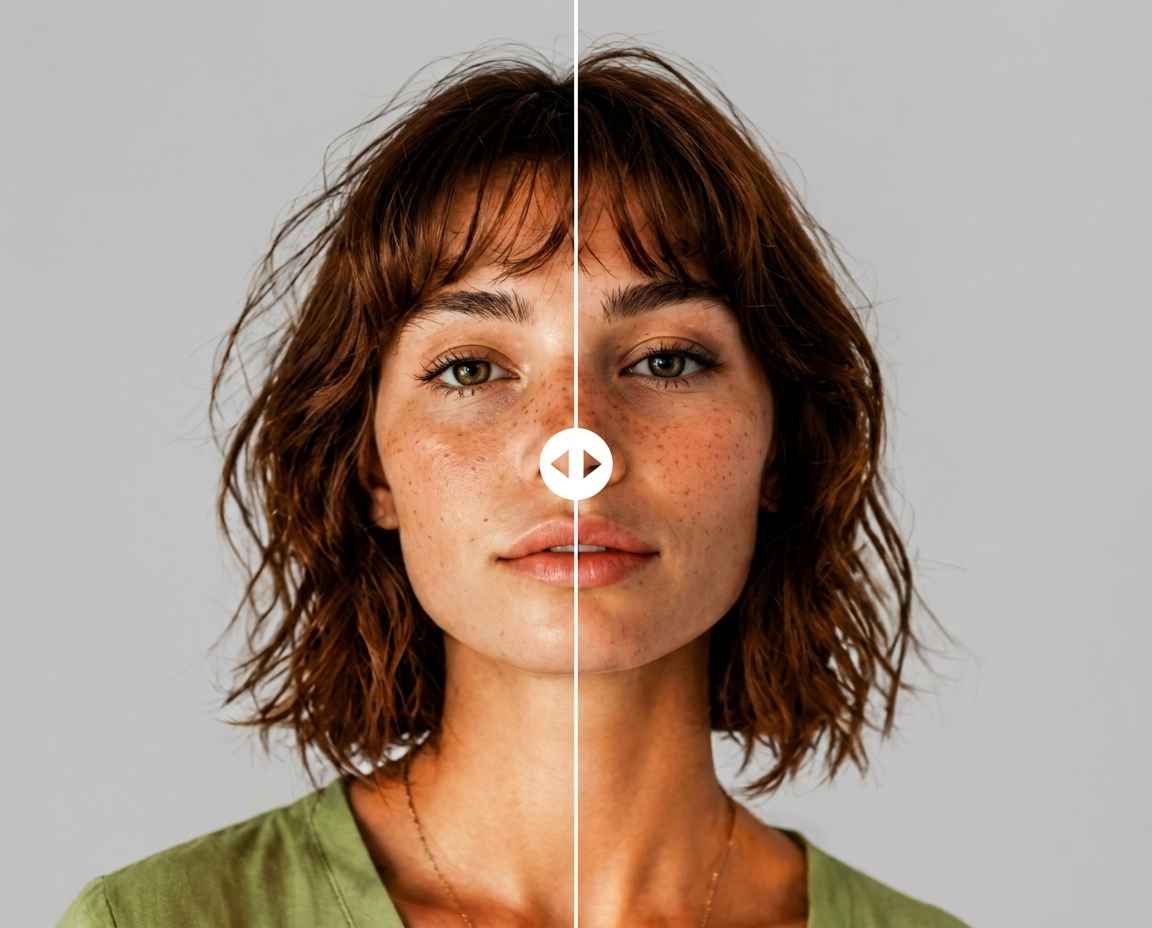
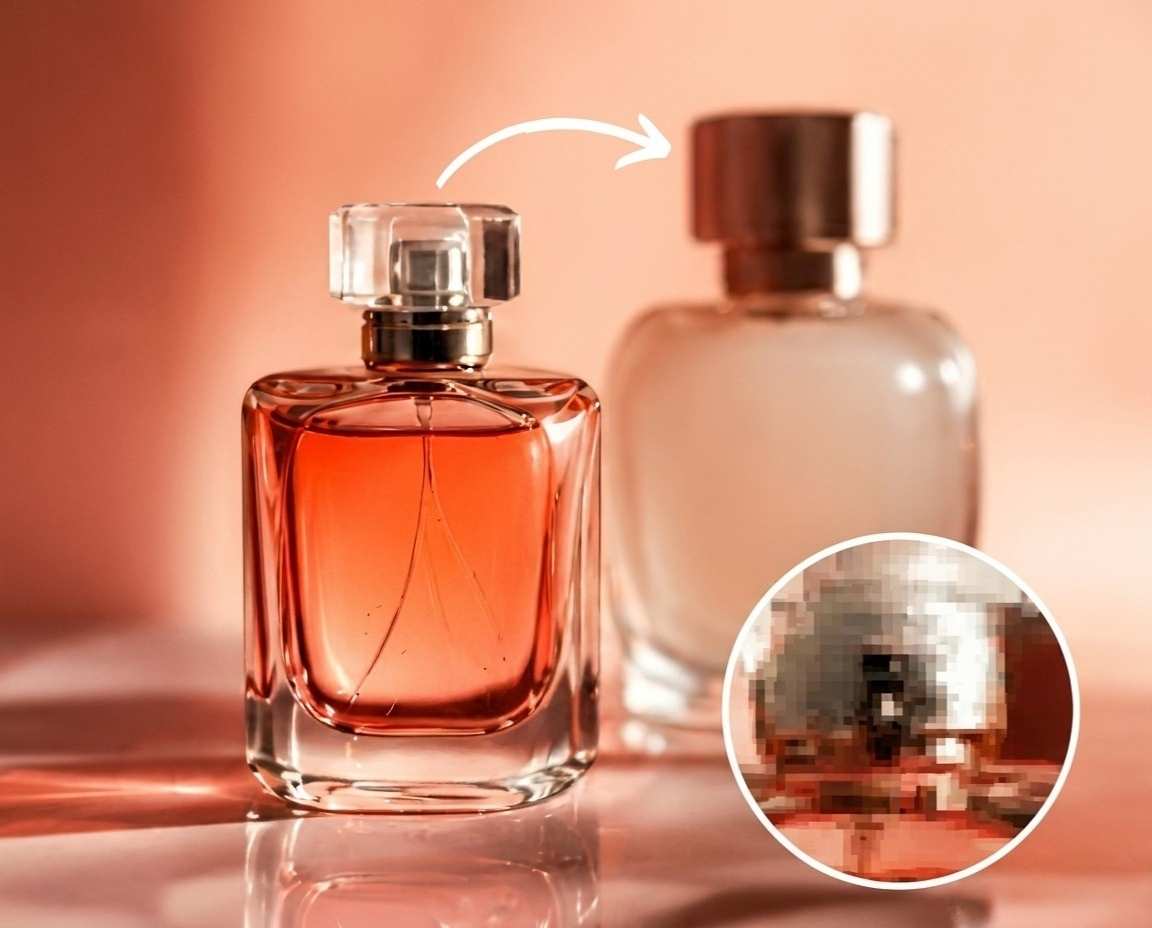
A blurry portrait or a low-quality product photo can make the final result feel unprofessional. For portraits, EzRemove AI Photo Studio helps sharpen facial details, improve image clarity, clean up distracting backgrounds, and make profile photos look more ready for LinkedIn, resumes, portfolios, and social media. For e-commerce, it helps upscale product details, refine compressed images, expand cropped product shots, and prepare cleaner visuals for store pages, Amazon listings, ads, and marketing campaigns.
All-in-One AI Photo Editing for a Faster Workflow
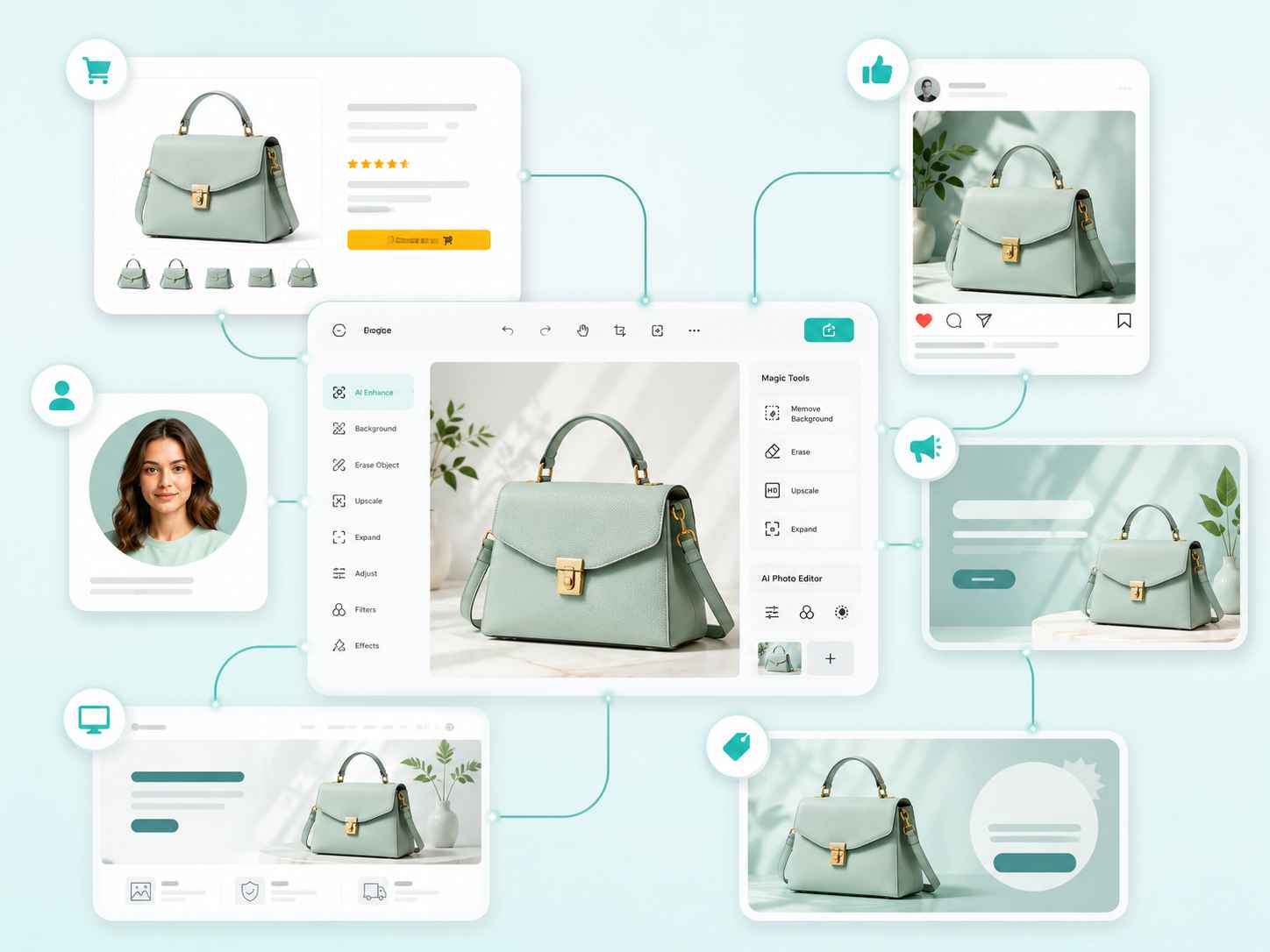
Switching between separate tools for background removal, object cleanup, image upscaling, expansion, and creative editing wastes time. EzRemove keeps the workflow together. You can create, edit, enhance, clean up, and finish images online with one AI Photo Studio. For more flexible photo adjustments, you can also continue with EzRemove’s AI photo editor to refine images before publishing.
How to Use AI Photo Studio
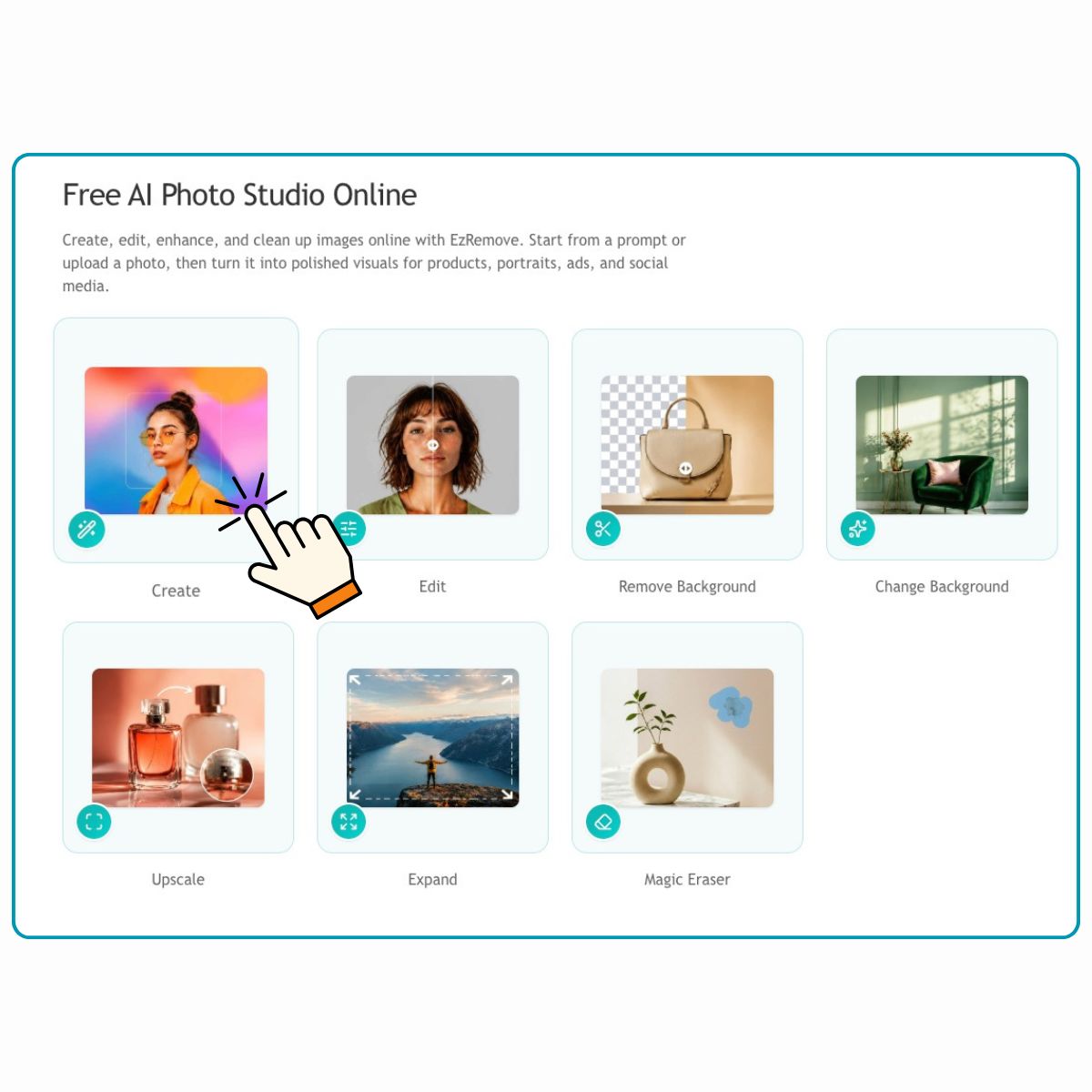
Start with an AI Image or Upload Your Own Photo
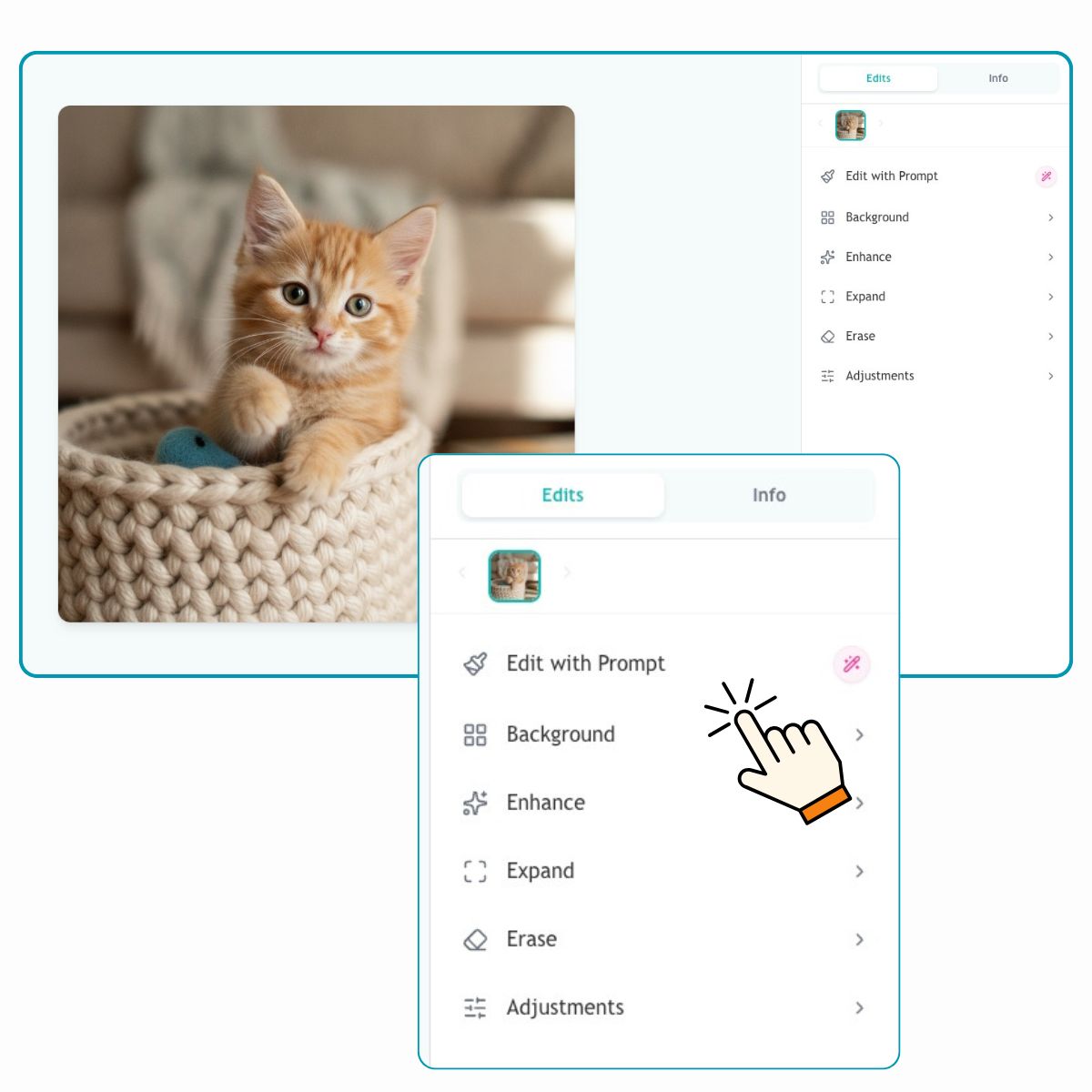
Choose the Editing Tool You Need
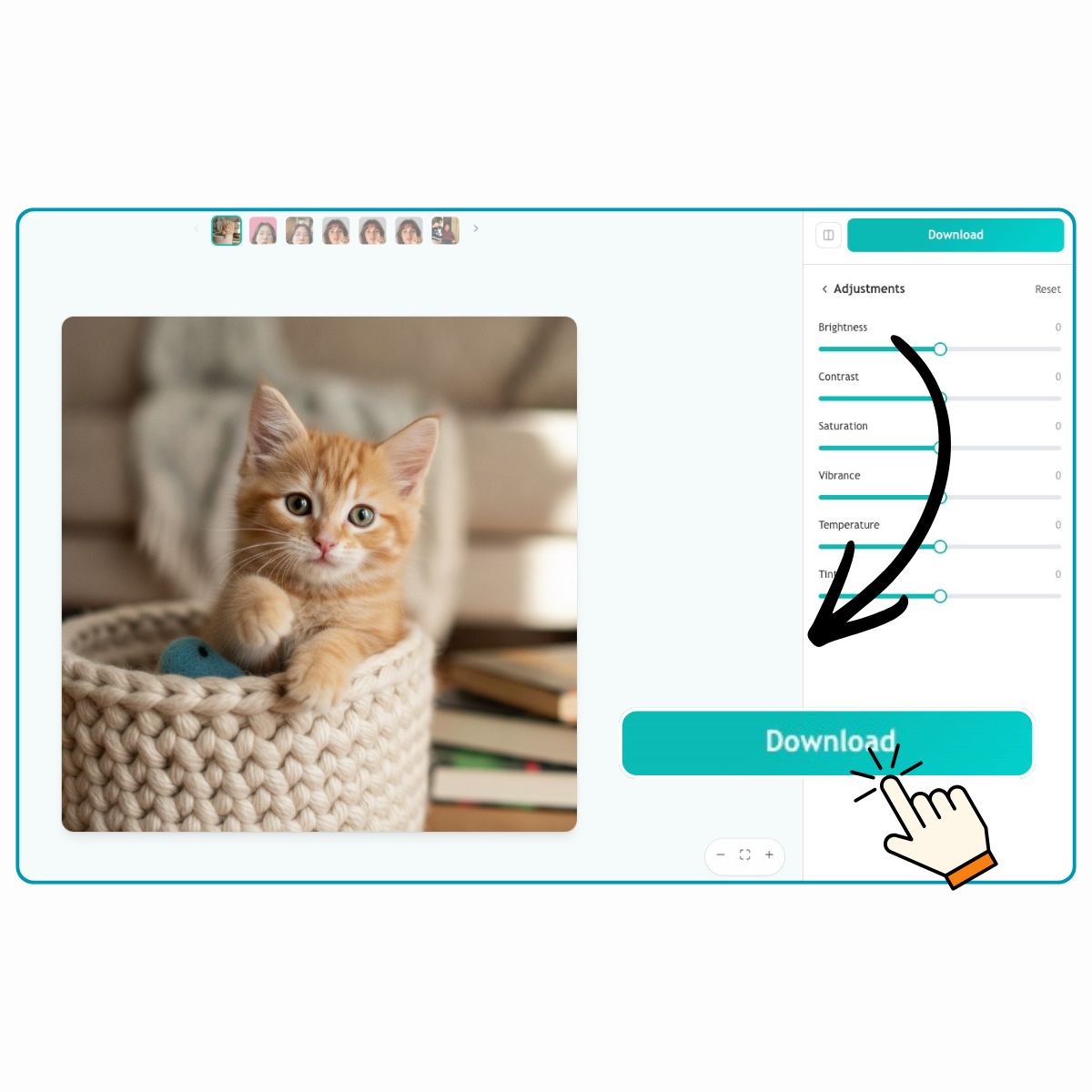
Review, Refine, and Download
Create Better Images with AI Photo Studio
Start from an Idea When You Do Not Have a Photo
Sometimes you only have a product idea, a campaign concept, or a rough visual direction in mind. EzRemove AI Photo Studio helps you create the first image from that idea, then refine it in the same workspace until it feels ready to use.
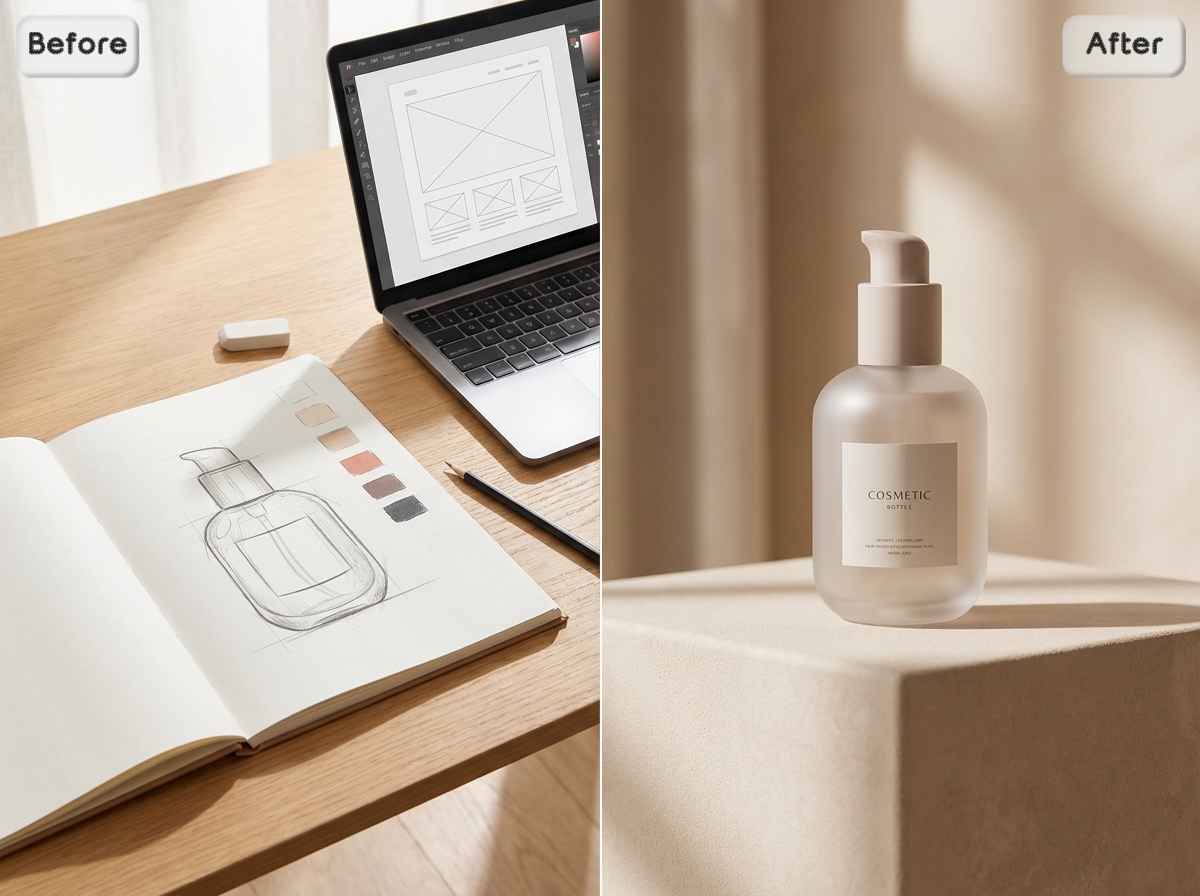
Turn Rough Photos into Usable Visuals
Maybe the subject is good, but the image feels plain, uneven, or unfinished. Use Edit to polish the photo, improve the overall look, and turn it into something more suitable for product pages, social posts, ads, or profile use.
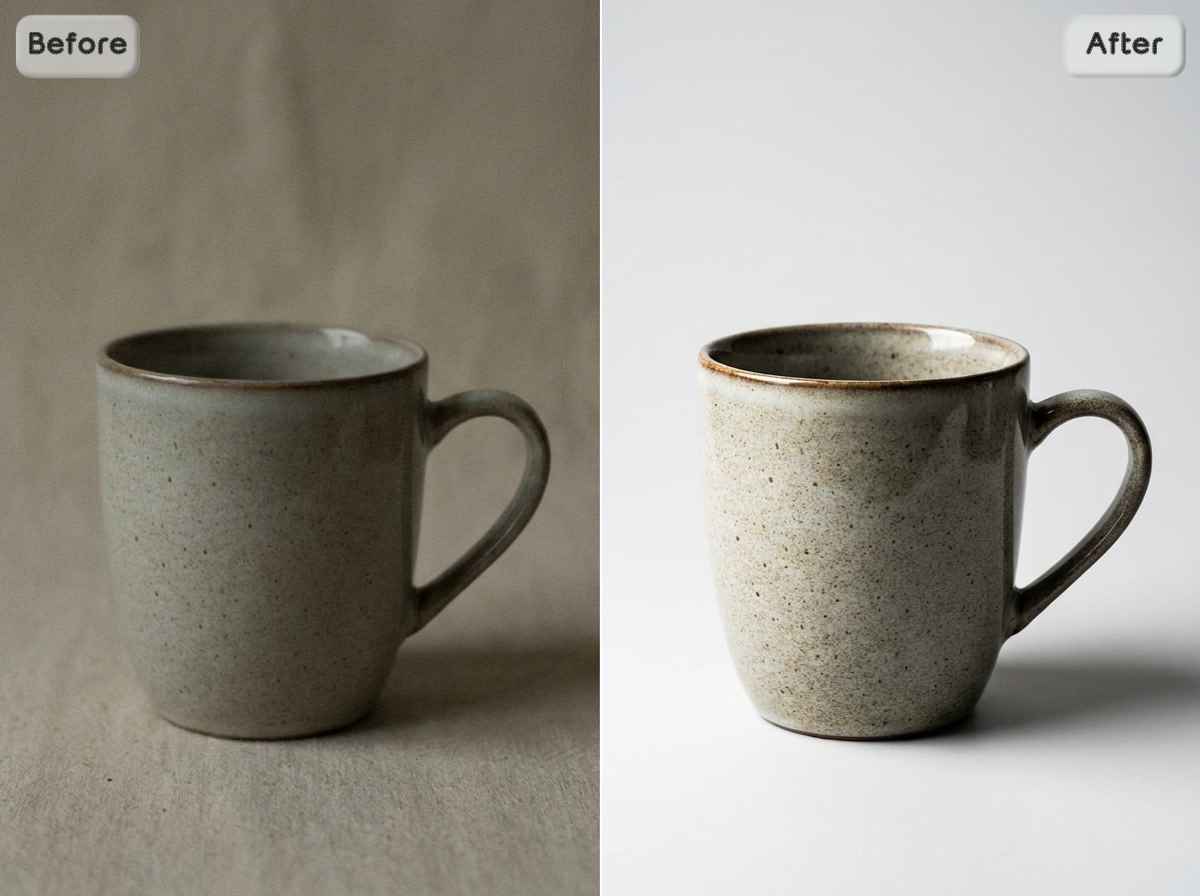
Remove Messy Backgrounds from Product Photos
A busy background can steal attention from the product and make a listing feel less trustworthy. Remove Background helps isolate the subject and create clean product visuals for online stores, Amazon listings, marketplace thumbnails, catalogs, and sales pages.
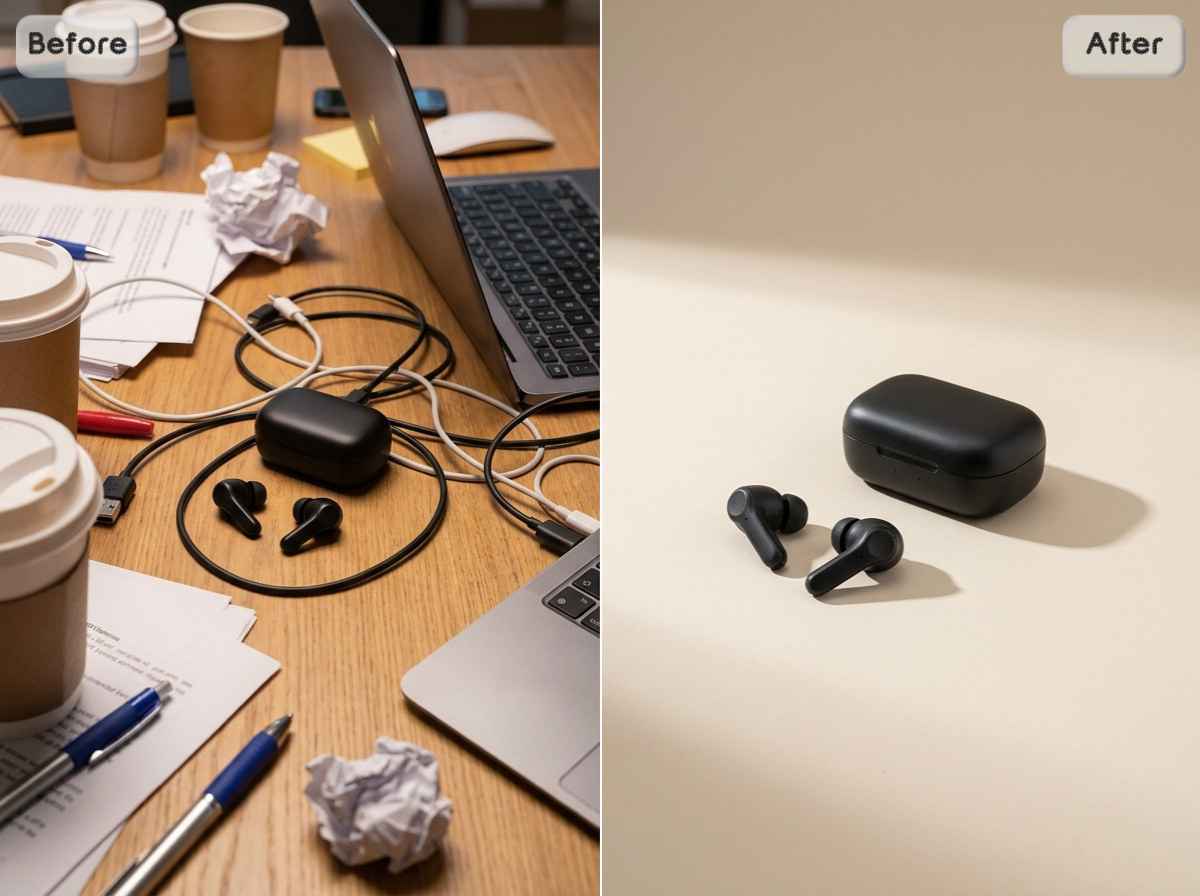
Add AI Backgrounds for More Professional Scenes
Some images have the right subject but the wrong setting. AI Backgrounds helps place products, portraits, or creative visuals into cleaner studio scenes, lifestyle settings, or branded environments without planning a real photoshoot.

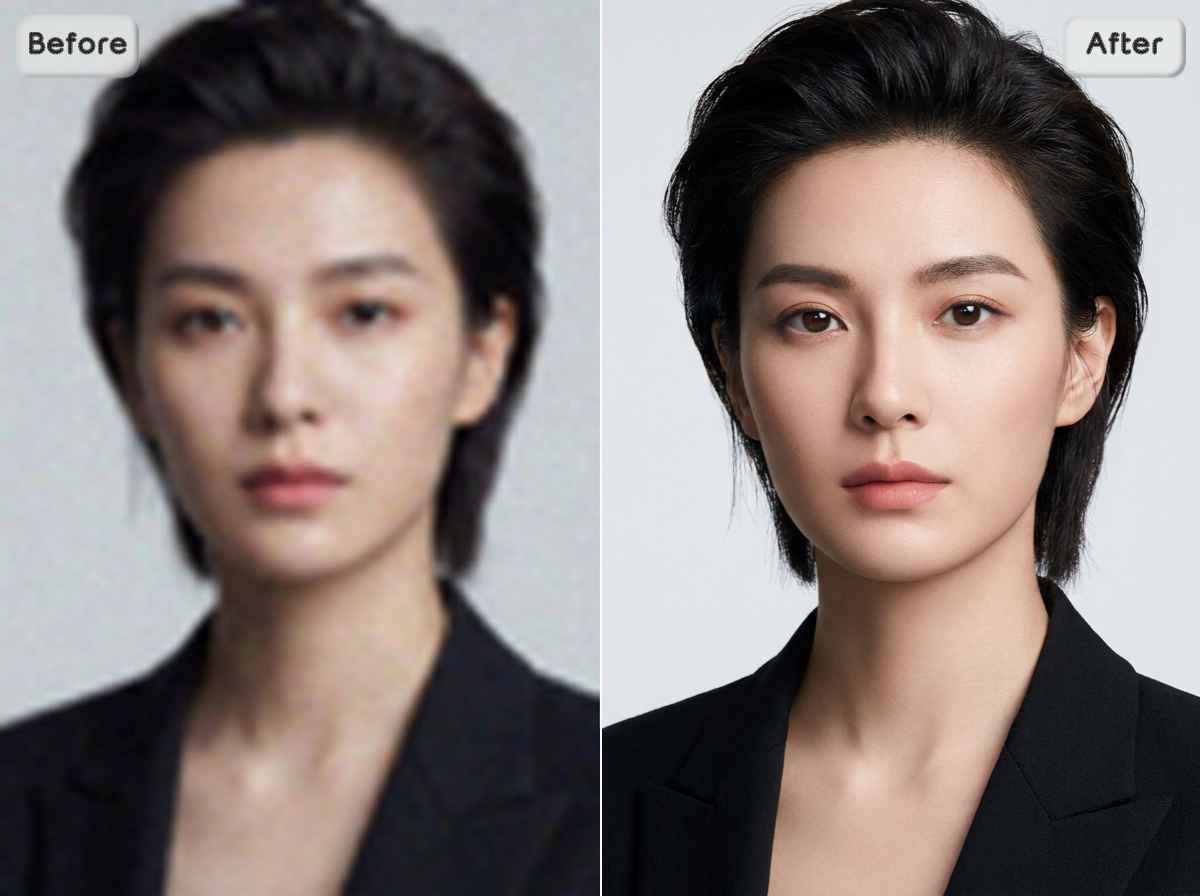
Upscale Blurry Images Before You Publish
A blurry image can make even a good product, portrait, or campaign look less convincing. Before you publish, use AI Image Upscaler to improve clarity and make low-resolution images look more polished for listings, ads, profiles, covers, and landing pages.
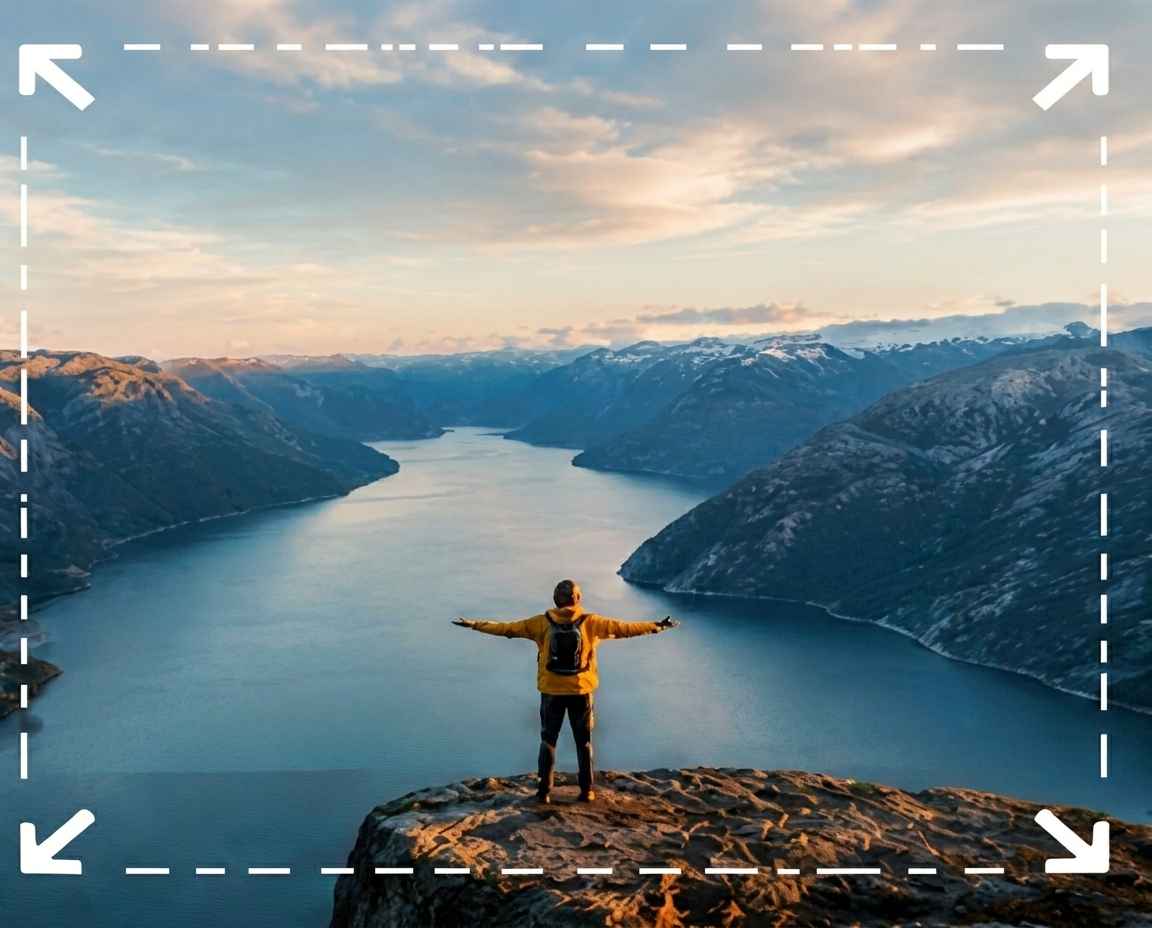
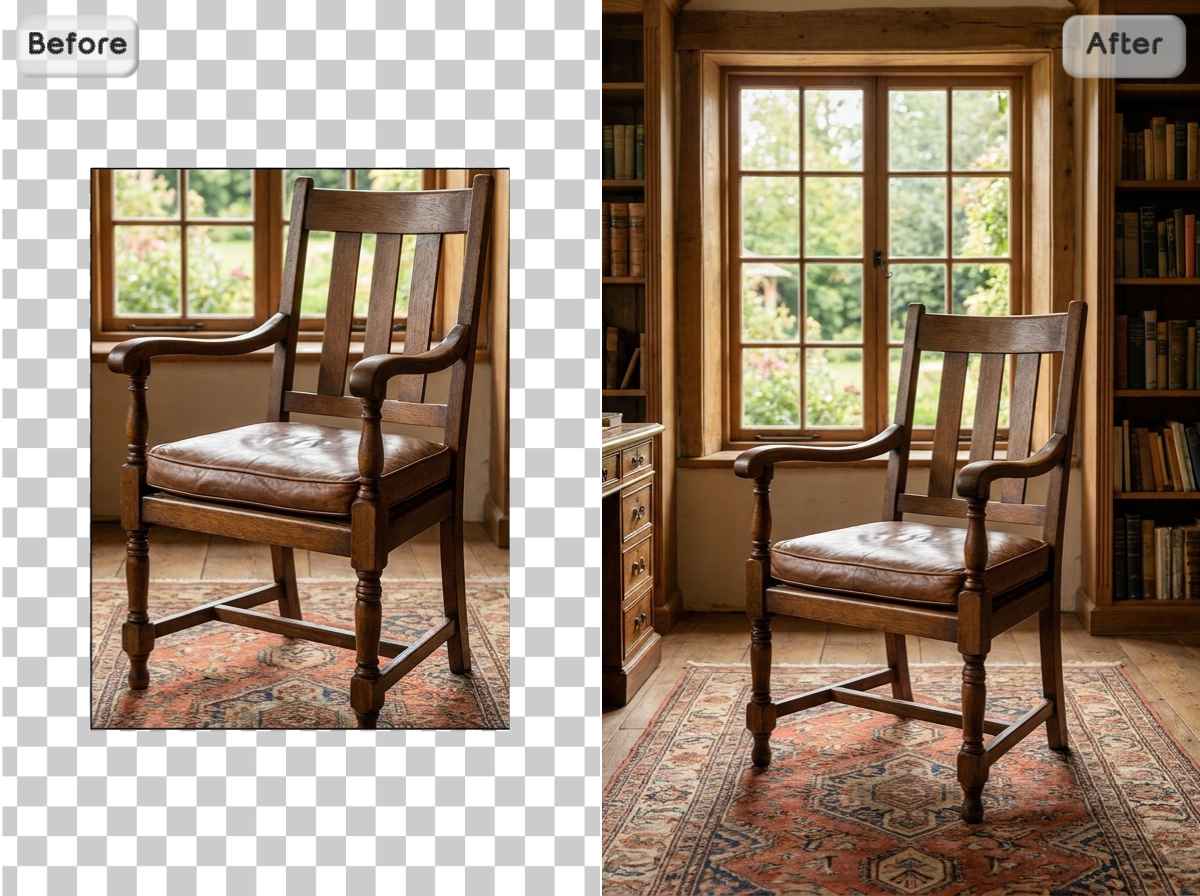
Expand Images for Ads, Covers, and Banners
A blurry image can make even a good product, portrait, or caSometimes the image is good, but the frame is too tight. Expand helps extend the canvas, giving your photo more breathing room for banners, social covers, product hero images, website headers, and ad creatives.
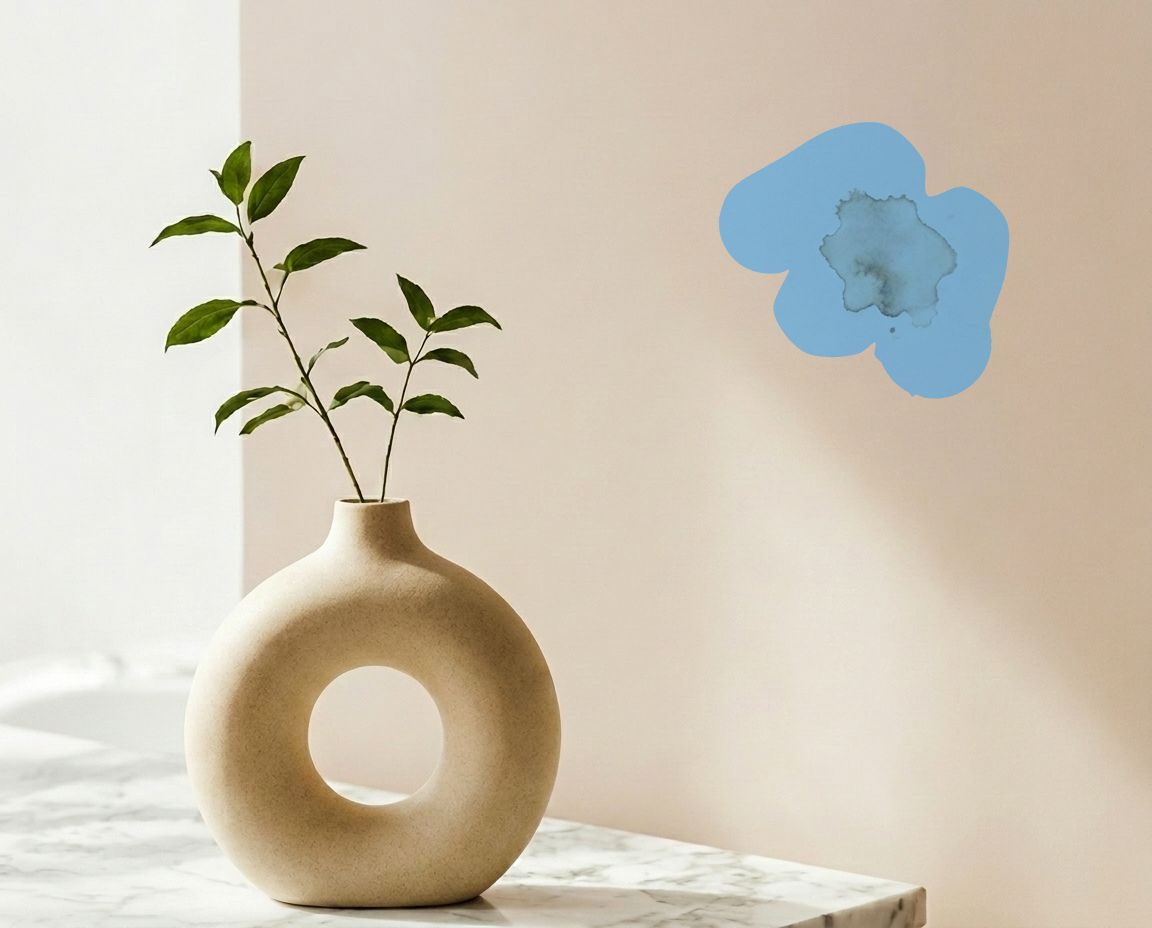
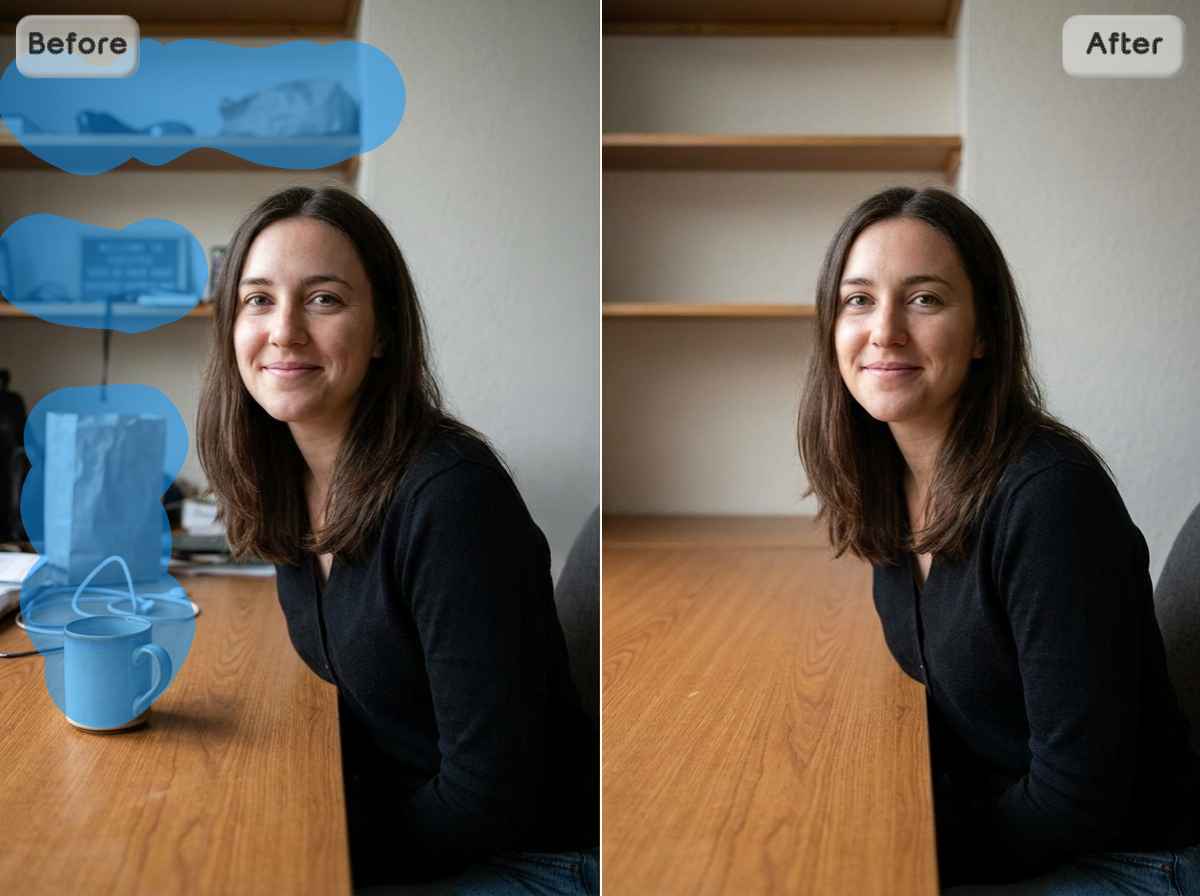
Erase Objects That Pull Attention Away
A stray object, unwanted text, background clutter, or an extra person can pull attention away from the point. Magic Eraser helps clean up these details, so the product, person, or message stays in focus.
Prepare Portraits and Profile Images Faster
A strong portrait often comes down to a few small fixes. EzRemove AI Photo Studio helps improve backgrounds, details, framing, and overall image quality for LinkedIn, resumes, portfolios, creator profiles, and social media.
Build Campaign-Ready Images from Everyday Assets
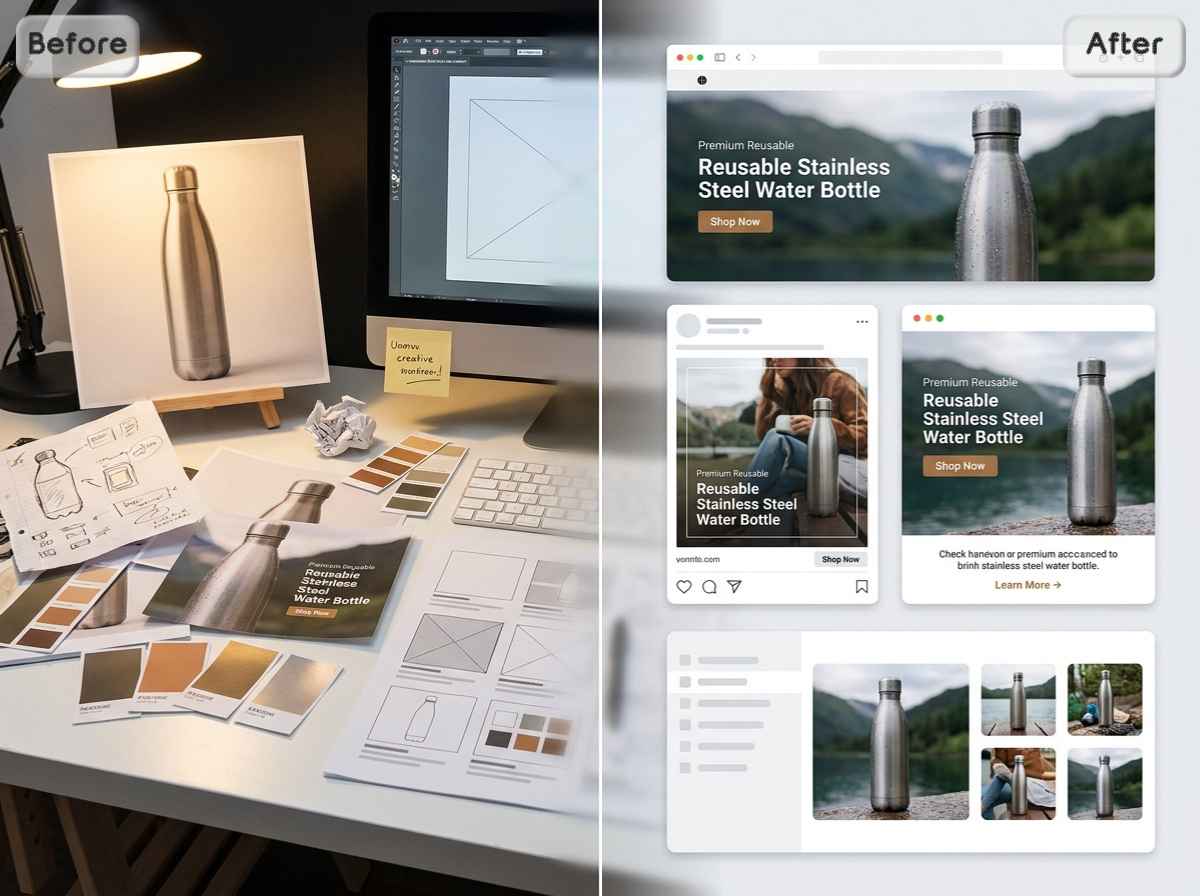
Marketing work rarely begins with perfect materials. EzRemove helps turn ordinary product shots, rough ideas, cropped photos, and mismatched images into cleaner visuals for ads, email graphics, social campaigns, launch banners, thumbnails, and promotional content.
Why Choose EzRemove – AI Photo Studio
Privacy-Friendly Image Editing
Your images may include products, portraits, brand materials, or campaign assets. EzRemove AI Photo Studio gives users a focused online workspace for editing visual content with more control and less unnecessary complexity.
Works Across Devices
Start editing from your browser without installing heavy desktop software. Whether you are using a laptop, desktop, or tablet, EzRemove makes it easier to handle image tasks wherever your work happens.
All Key Photo Tools in One Place
Create images, edit photos, remove backgrounds, add AI backgrounds, upscale, expand, and erase unwanted objects from one workspace instead of moving between different tools.
Easy for Non-Designers
You do not need to understand layers, masks, or professional editing software. EzRemove keeps the process clear, so sellers, marketers, creators, and everyday users can improve images with less friction.
Ready for Real-World Use Cases
Prepare visuals for product listings, social posts, profile photos, ads, banners, thumbnails, landing pages, and campaign materials with tools built around practical image needs.
Flexible for Different Starting Points
Begin with a prompt when you do not have a photo, or upload an existing image when you already have one. EzRemove AI Photo Studio supports both creative generation and practical image editing in the same flow.
What Users Say About EzRemove AI Photo Studio



AI Photo Studio FAQ: Answers to Common Questions
What is an AI Photo Studio?
An AI Photo Studio is an online workspace for creating, editing, and improving images with AI. EzRemove AI Photo Studio combines image generation, photo editing, background removal, AI backgrounds, image upscaling, image expansion, and object cleanup in one practical workflow.