AI Room Planner Free Online
Use our AI room planner to visualize different interior styles before you buy furniture or start renovating. Upload a photo and discover design ideas tailored to your space.
Supported formats: JPG, PNG, WEBP (Max 24MB)
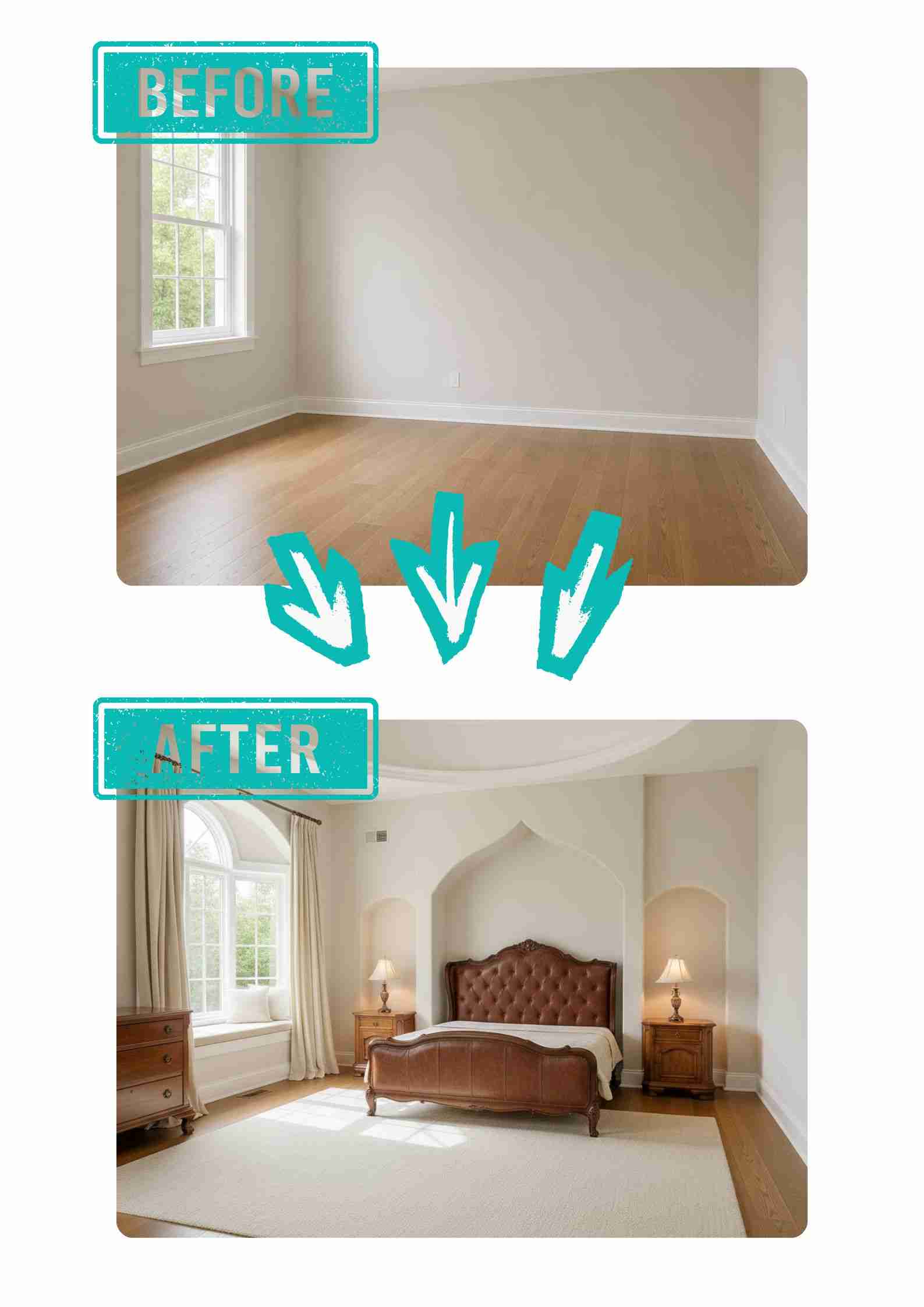
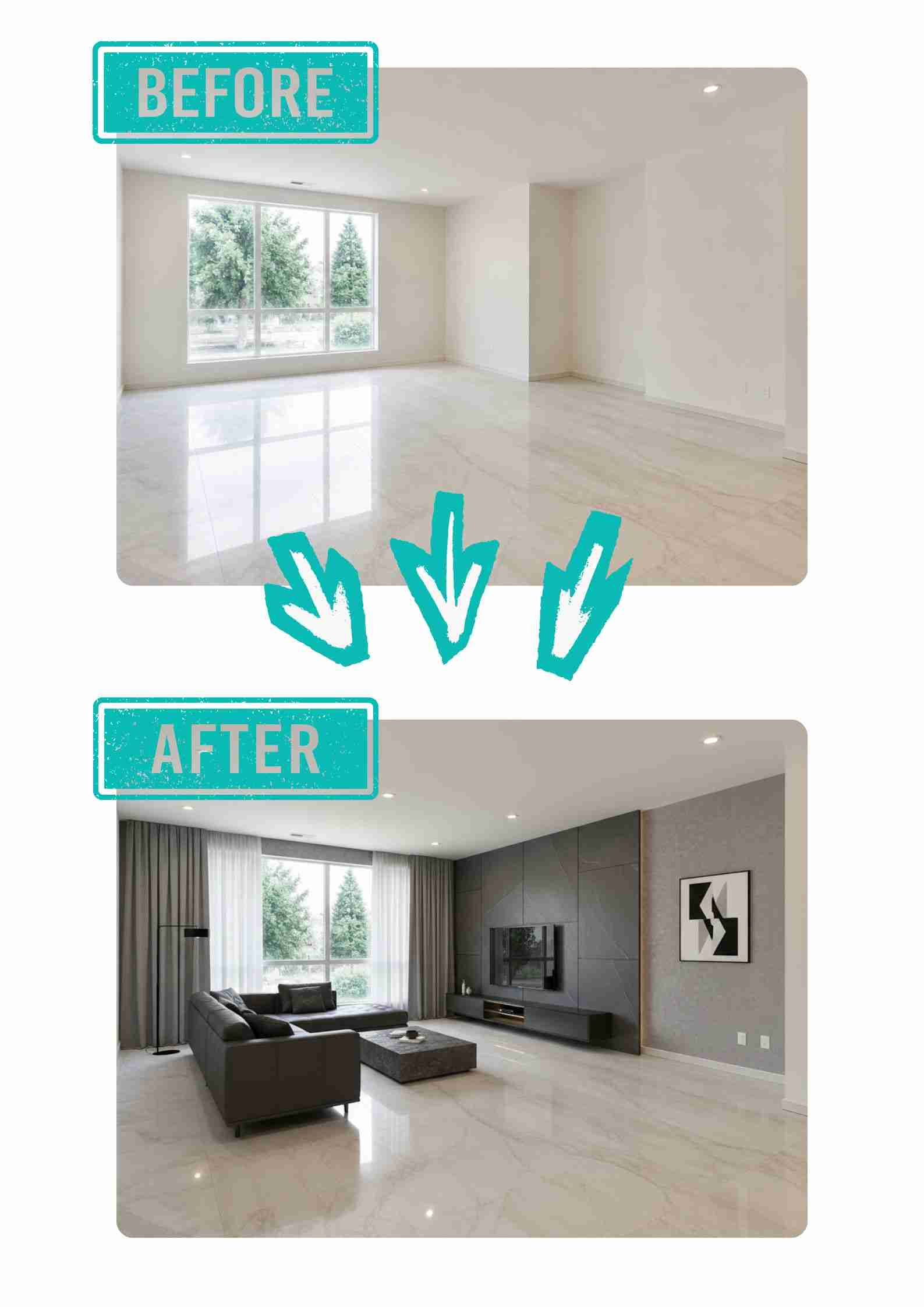
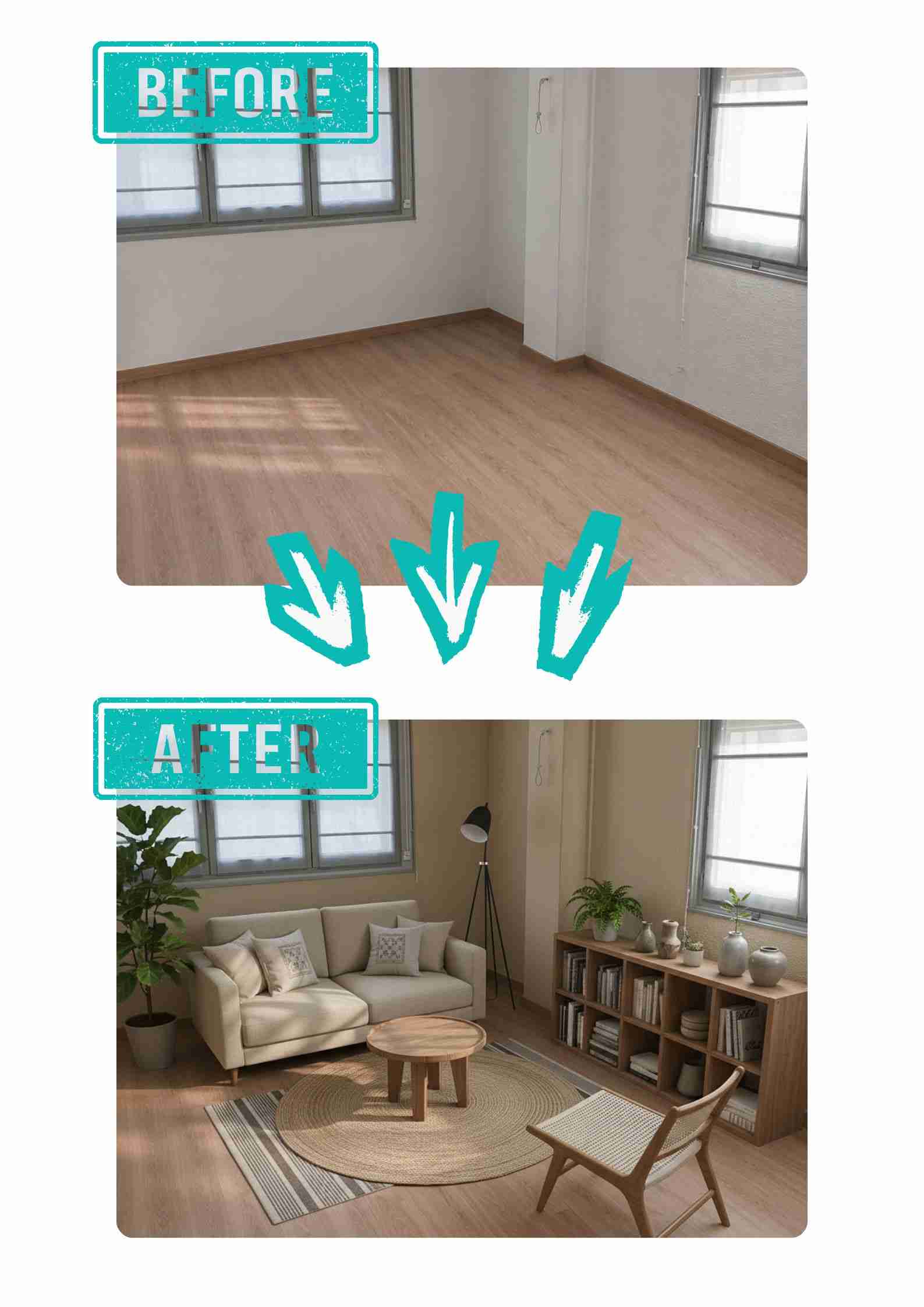


AI Room Planner for Instant Interior Visualization
Bring your design ideas to life with EzRemove's AI Room Planner. Upload a room photo and instantly explore realistic interior layouts, furniture arrangements, color combinations, and decor styles tailored to your space. For more inspiration, try our free AI room design tool to preview different design directions and compare room makeover ideas before decorating or renovating.
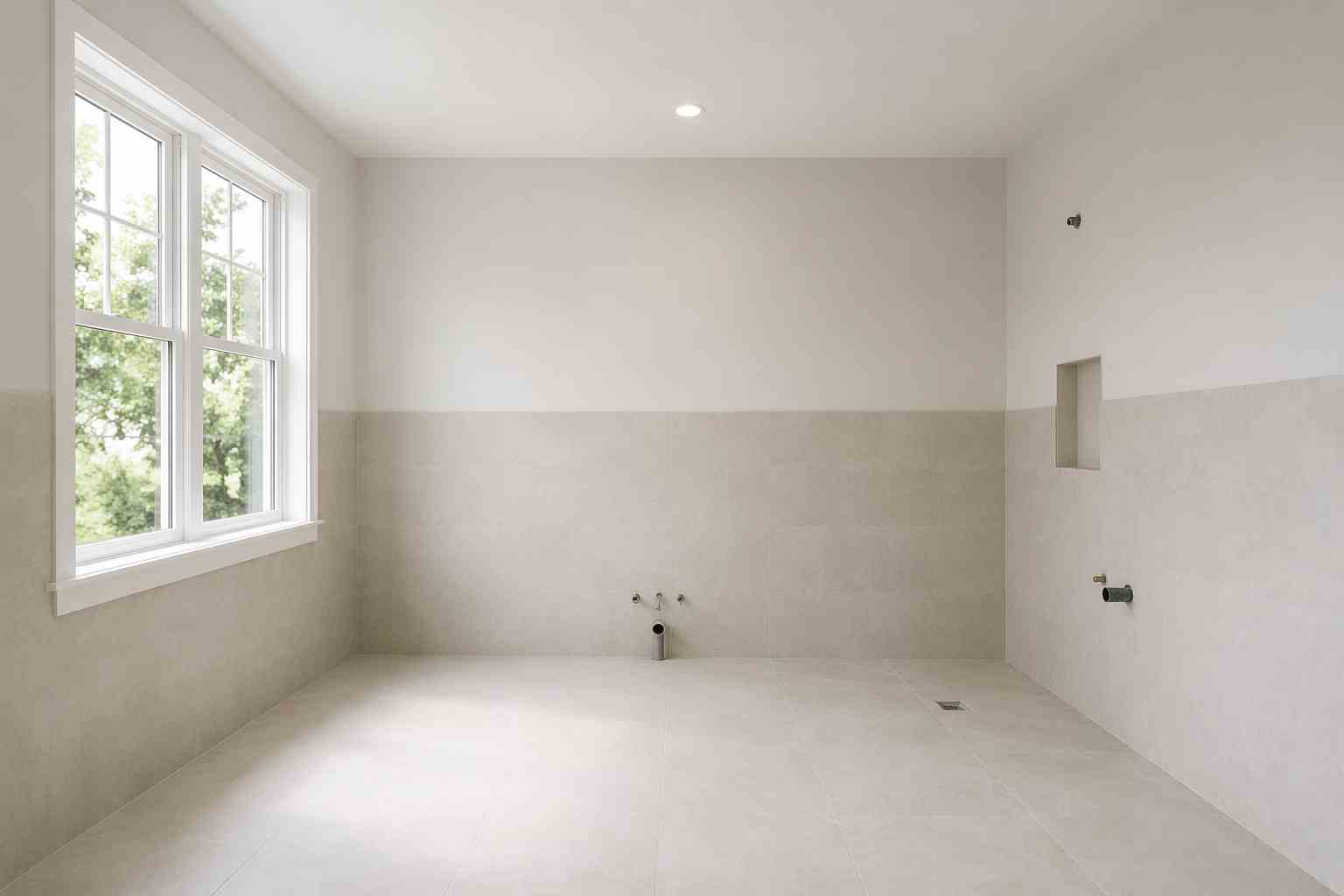
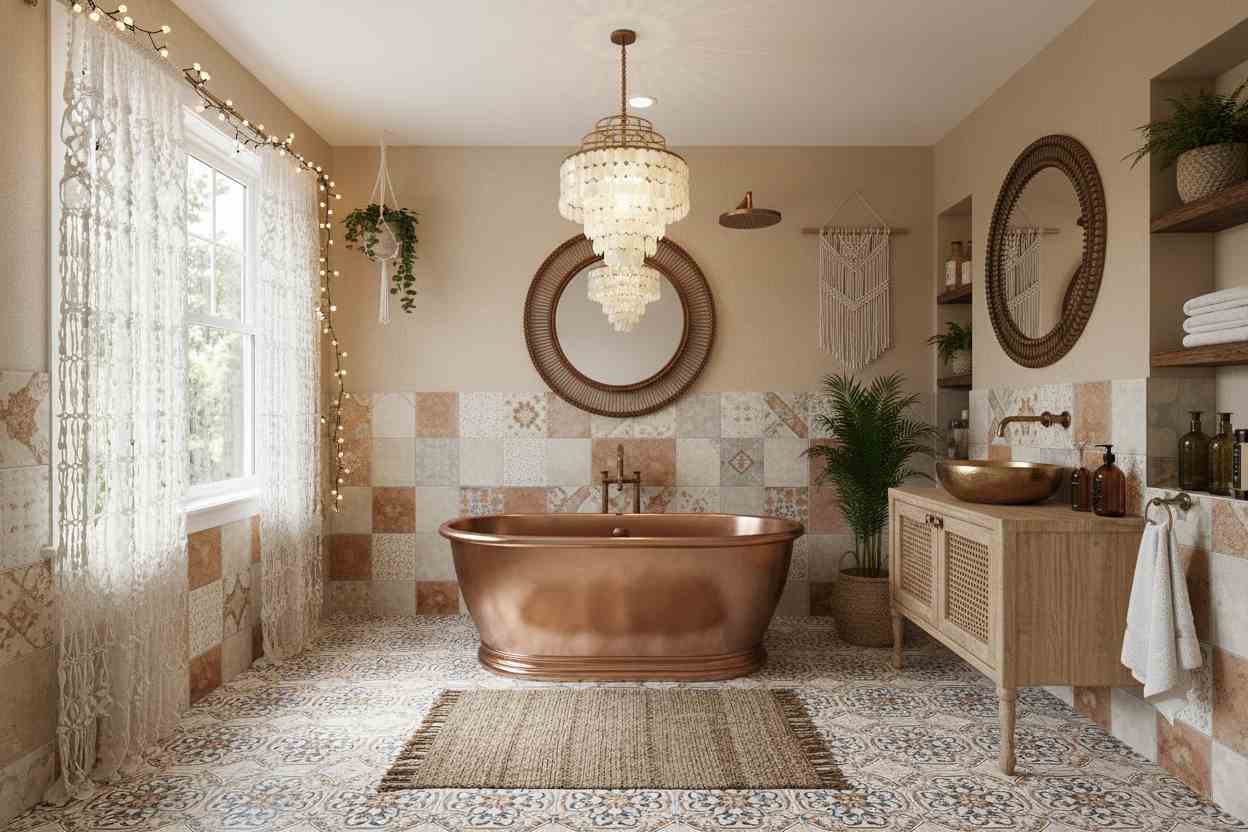
AI Room Planner Free for Multiple Design Styles
Finding the right style can be difficult when there are so many options to choose from. Our AI Room Planner Free lets you experiment with modern, Scandinavian, minimalist, industrial, luxury, farmhouse, and other popular interior design styles using the same room photo. You can also explore free AI interior design online to compare design concepts side by side and discover the look that best matches your home, apartment, office, or rental property.
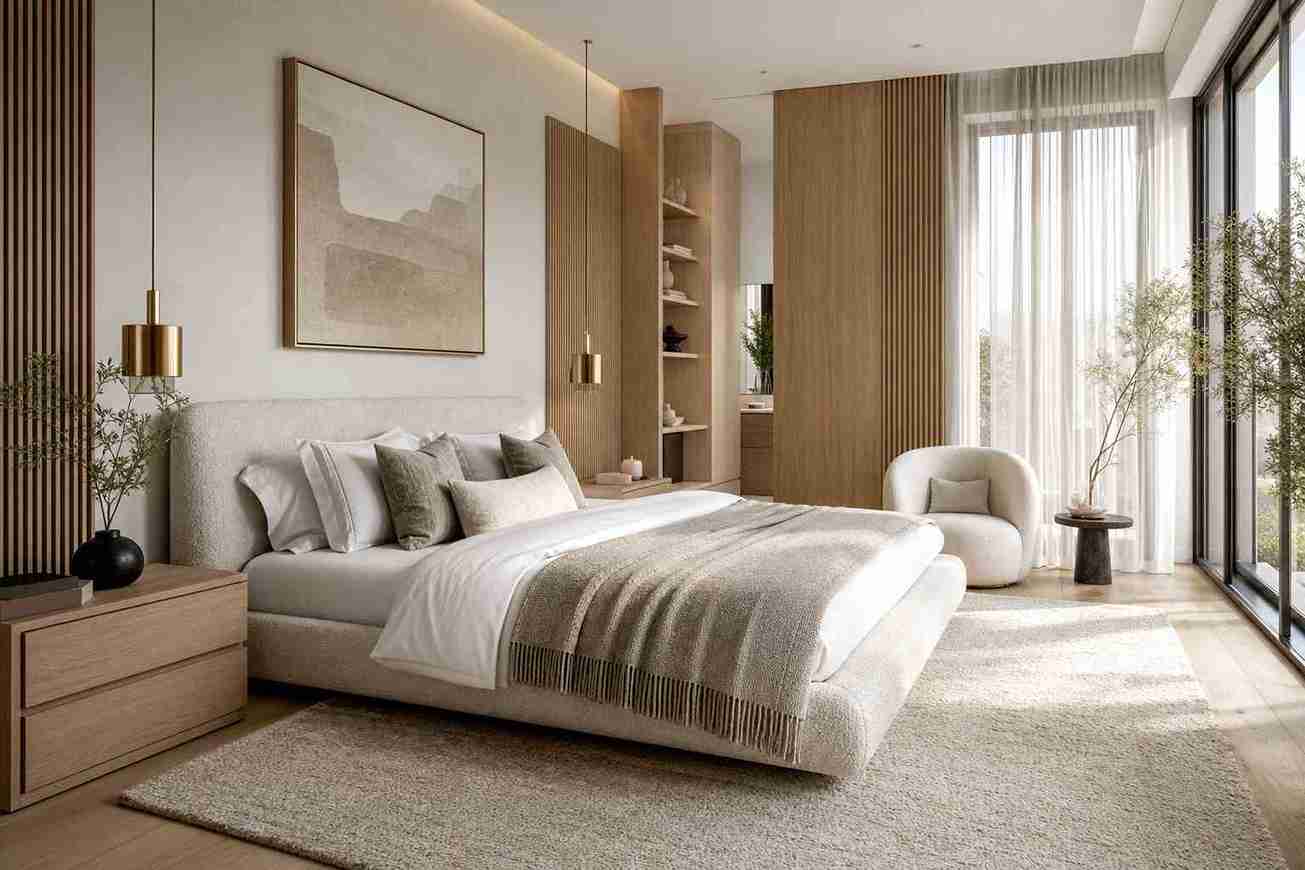
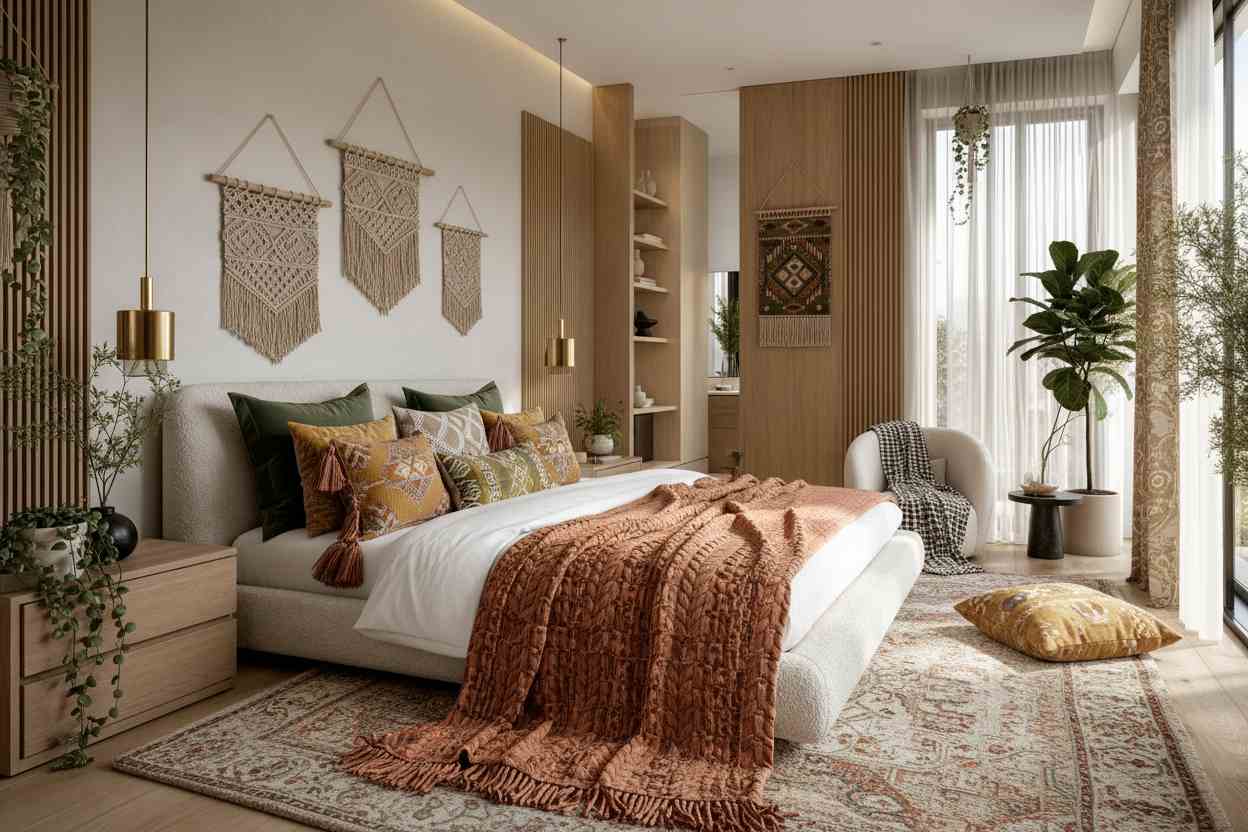
Room Planner AI for Real World Room Photos
Unlike generic inspiration boards, our room planner AI works directly with photos of your actual space. It analyzes the room's layout, proportions, dimensions, lighting, and existing elements to better understand how the space can be improved. Whether you're redesigning a living room, bedroom, kitchen, office, or commercial property, it helps identify practical planning opportunities and generate room design ideas that work naturally with your room's unique structure and style. For full-home planning, you can also try AI home design online to create more complete interior concepts.
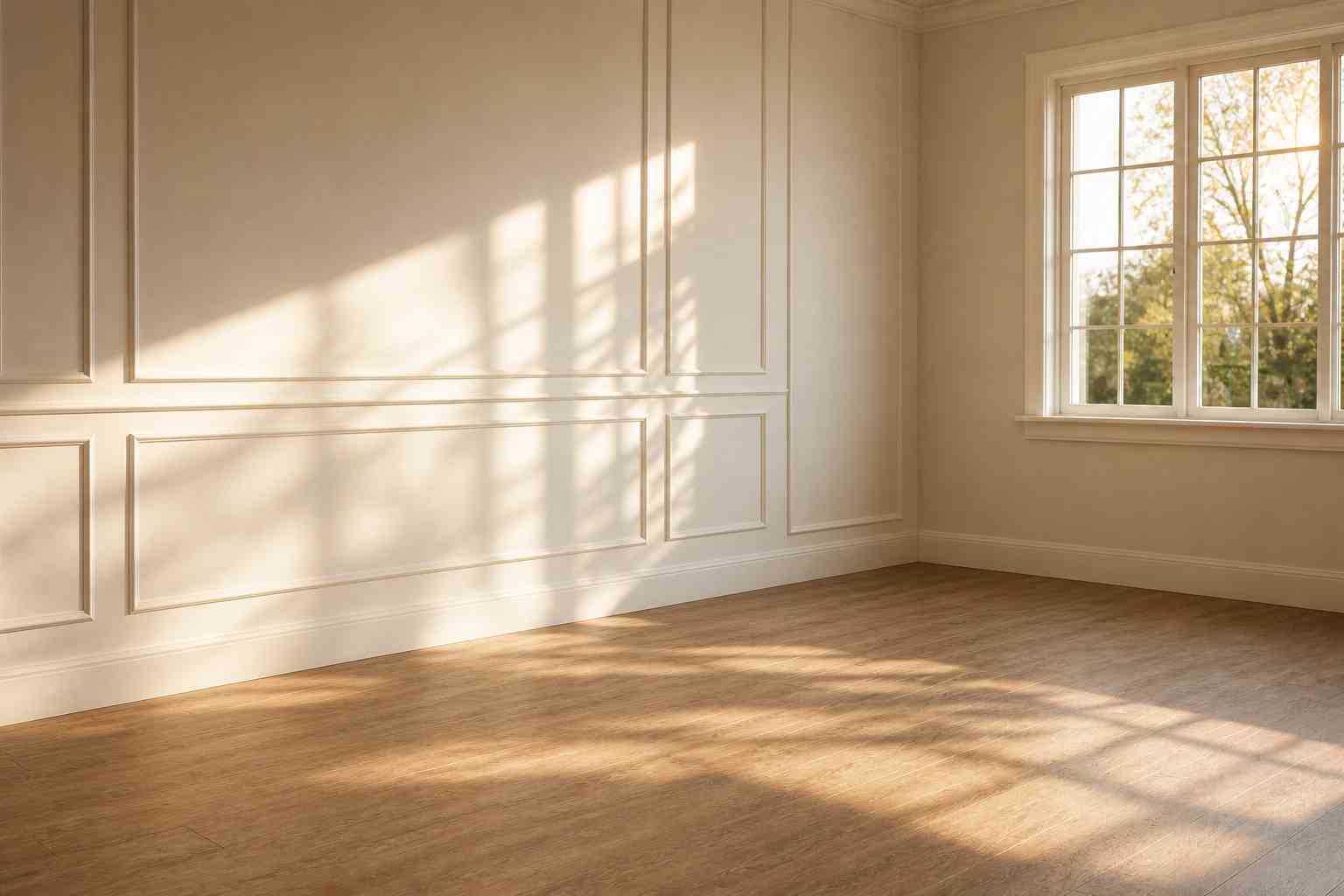
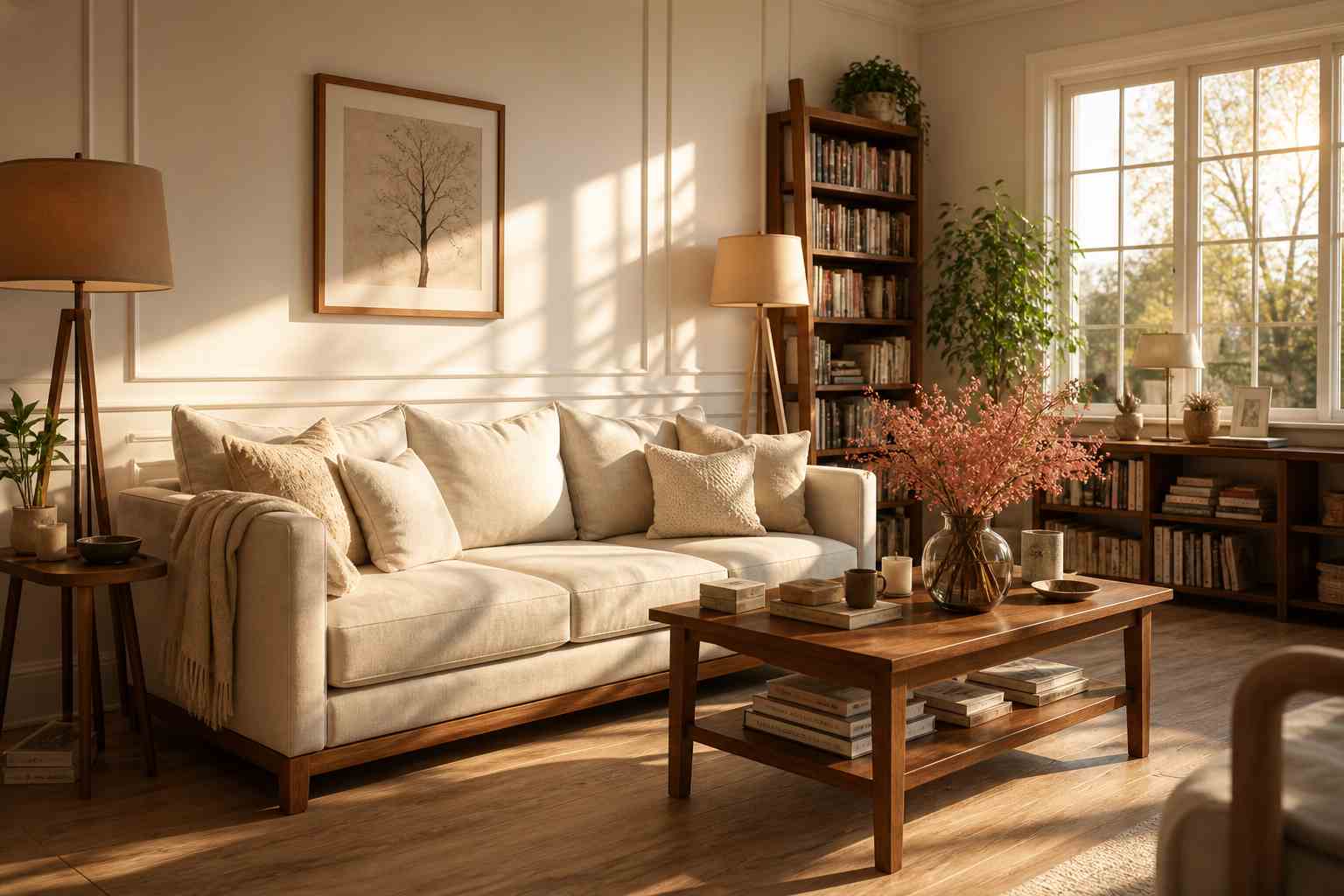
AI Room Planner for Home Renovation and Furniture Planning
Make renovation projects and furniture purchases with greater confidence. Use our AI Room Planner to test different room layouts, furniture placement options, color palettes, and decorating styles before committing to expensive changes. From small room refreshes to full home remodeling projects, it helps homeowners and interior design enthusiasts visualize possibilities and avoid costly design mistakes.
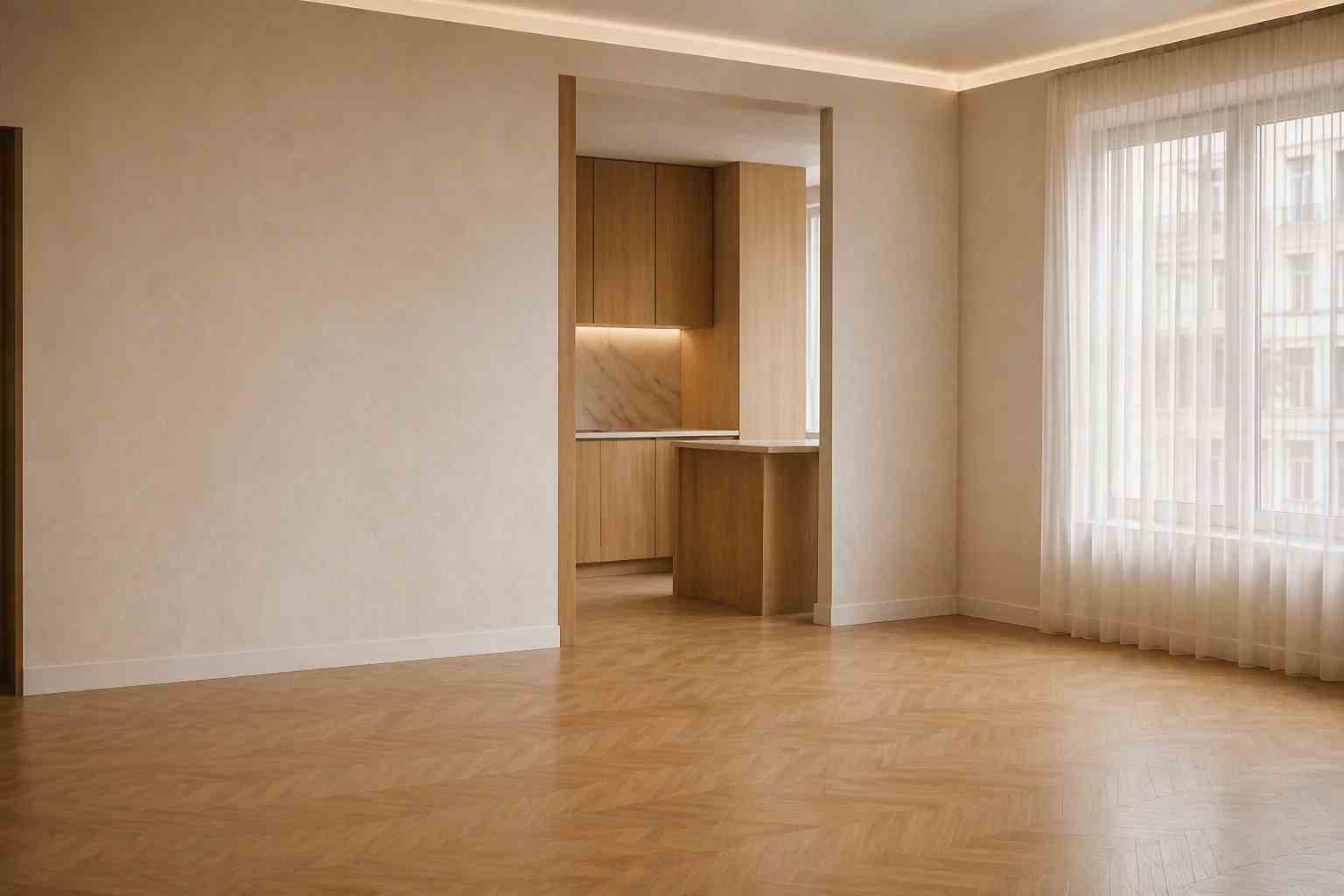
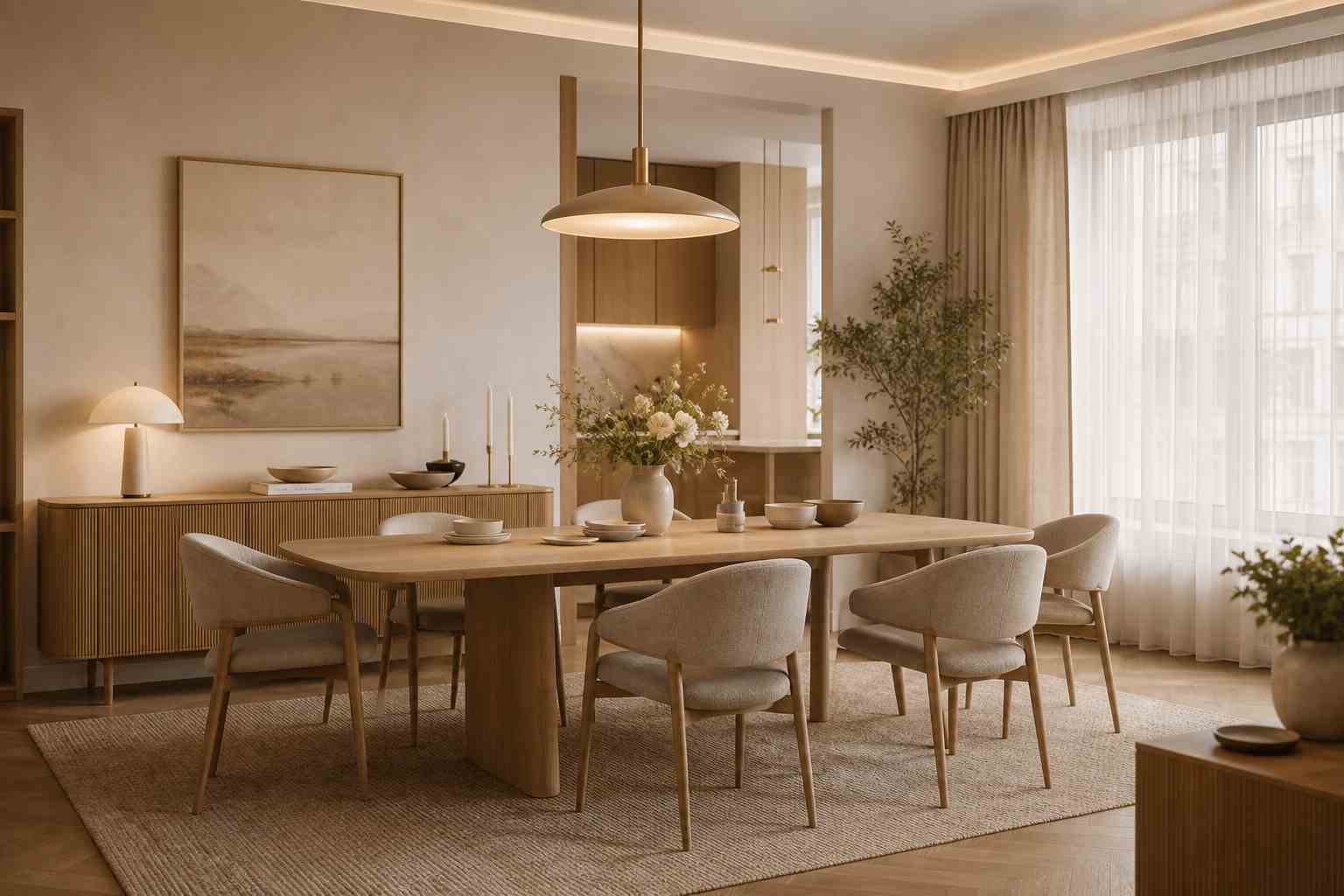
How to Use AI Room Planner
-
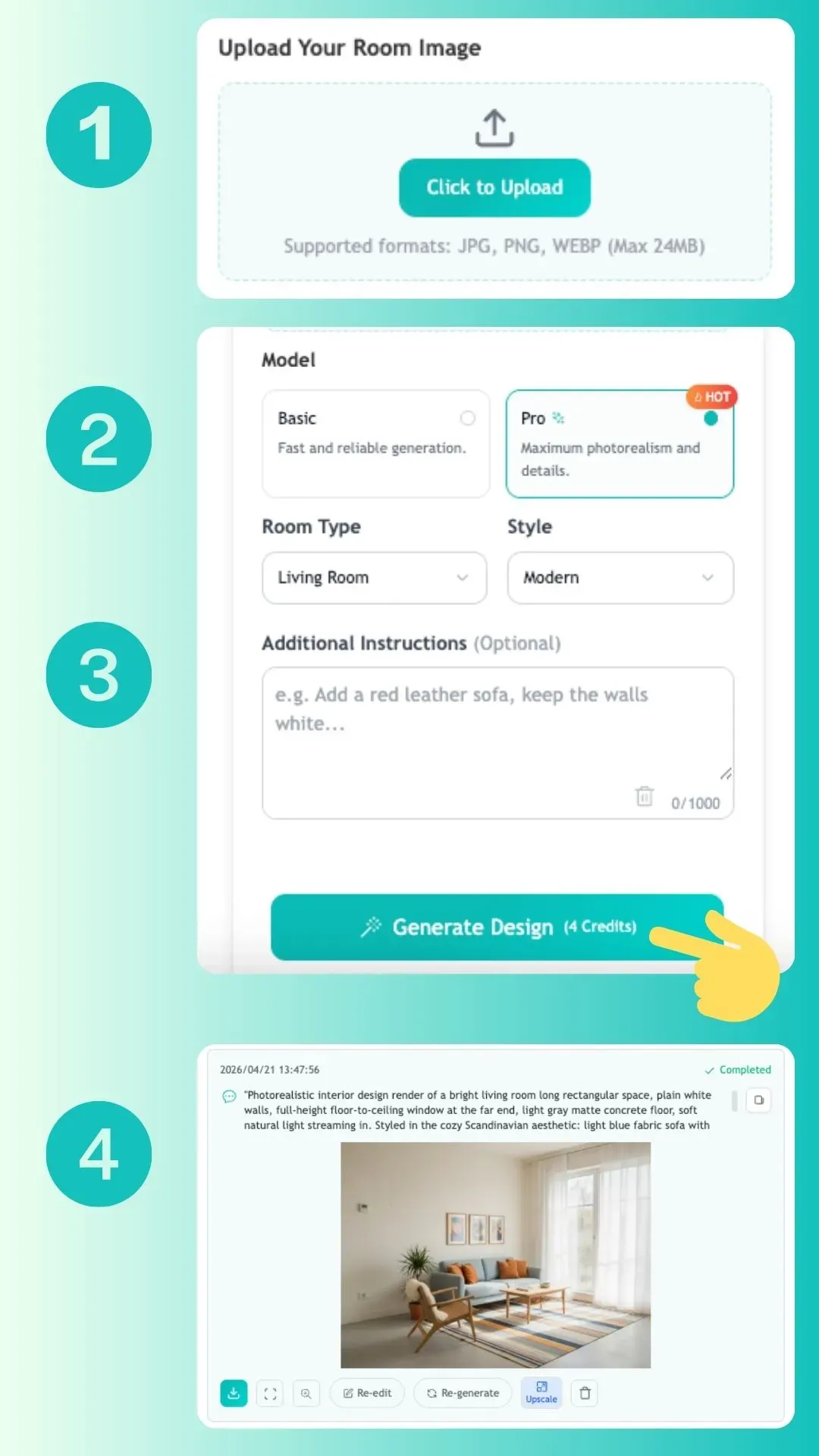
1
Upload Your Room Photo
Upload a clear photo of the room or space you want to redesign, such as a living room, bedroom, kitchen, apartment, office, rental property, or home interior.
-
2
Choose Your Design Mode
Select the mode that fits your needs. Use Basic for quick room design ideas, or choose Pro when you want sharper details, richer textures, and a more realistic interior design preview.
-
3
Pick a Style and Customize Details
Choose the room type, select your favorite interior style, and add any details you want to include, such as color preferences, furniture ideas, layout goals, or decor inspiration.
-
4
Generate and Download
Generate your AI room design, compare different layouts and styles, then download your favorite result for renovation planning, furniture shopping, home staging, or design inspiration.
AI Room Planner Use Cases for Every Space
Explore how AI Room Planner helps bring design ideas to life across homes, apartments, offices, and rental properties.
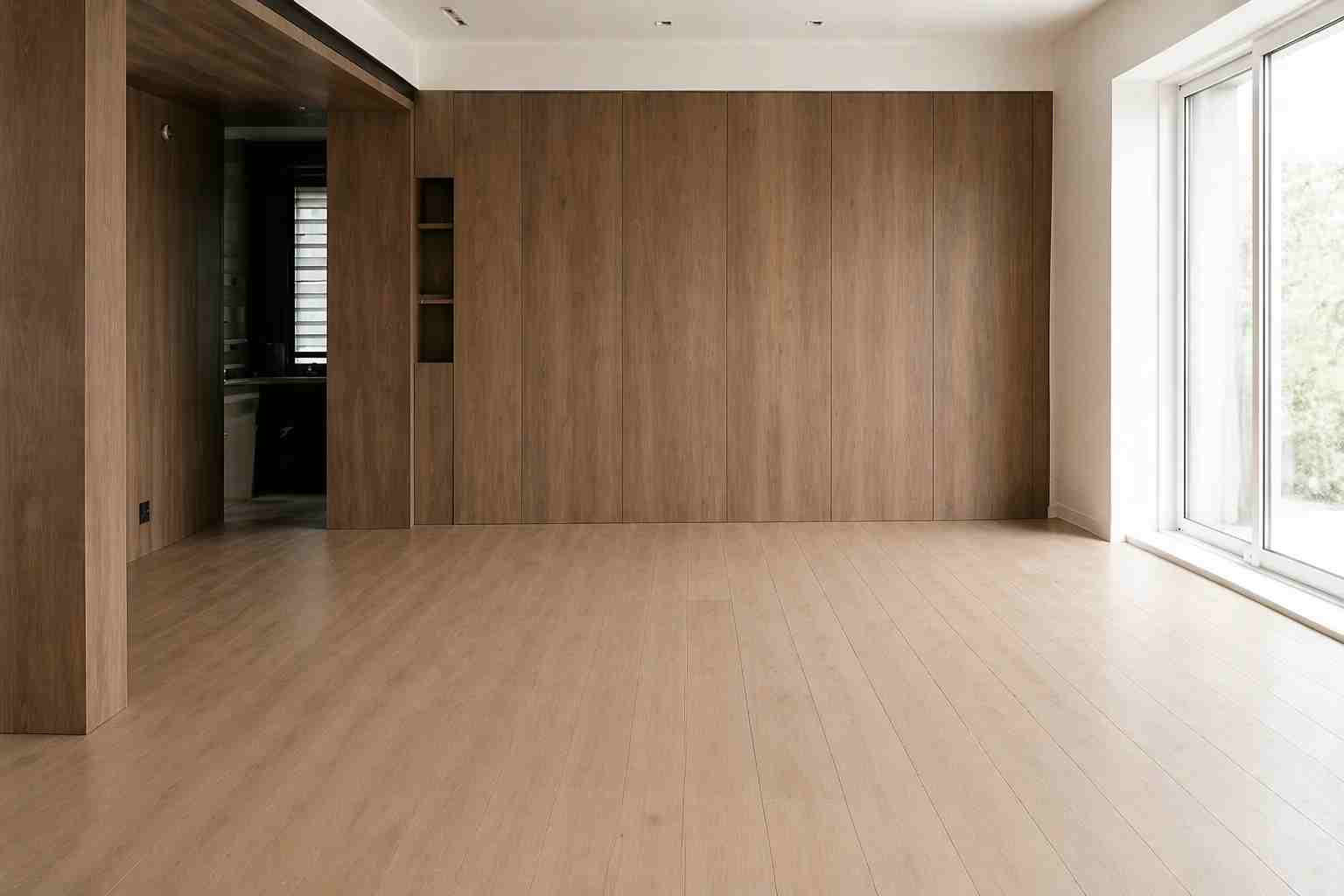
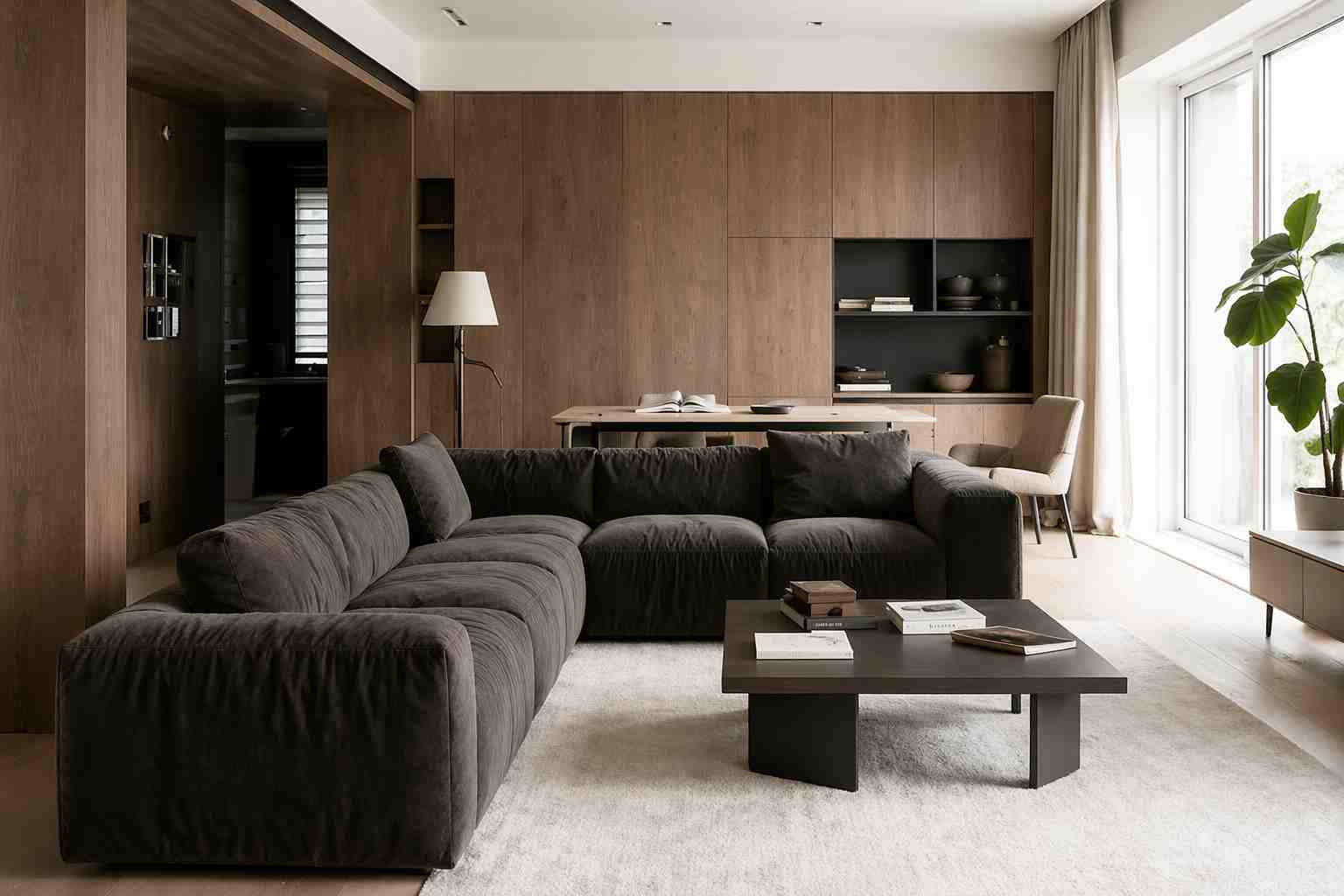
Home Renovation Planning with AI Room Planner
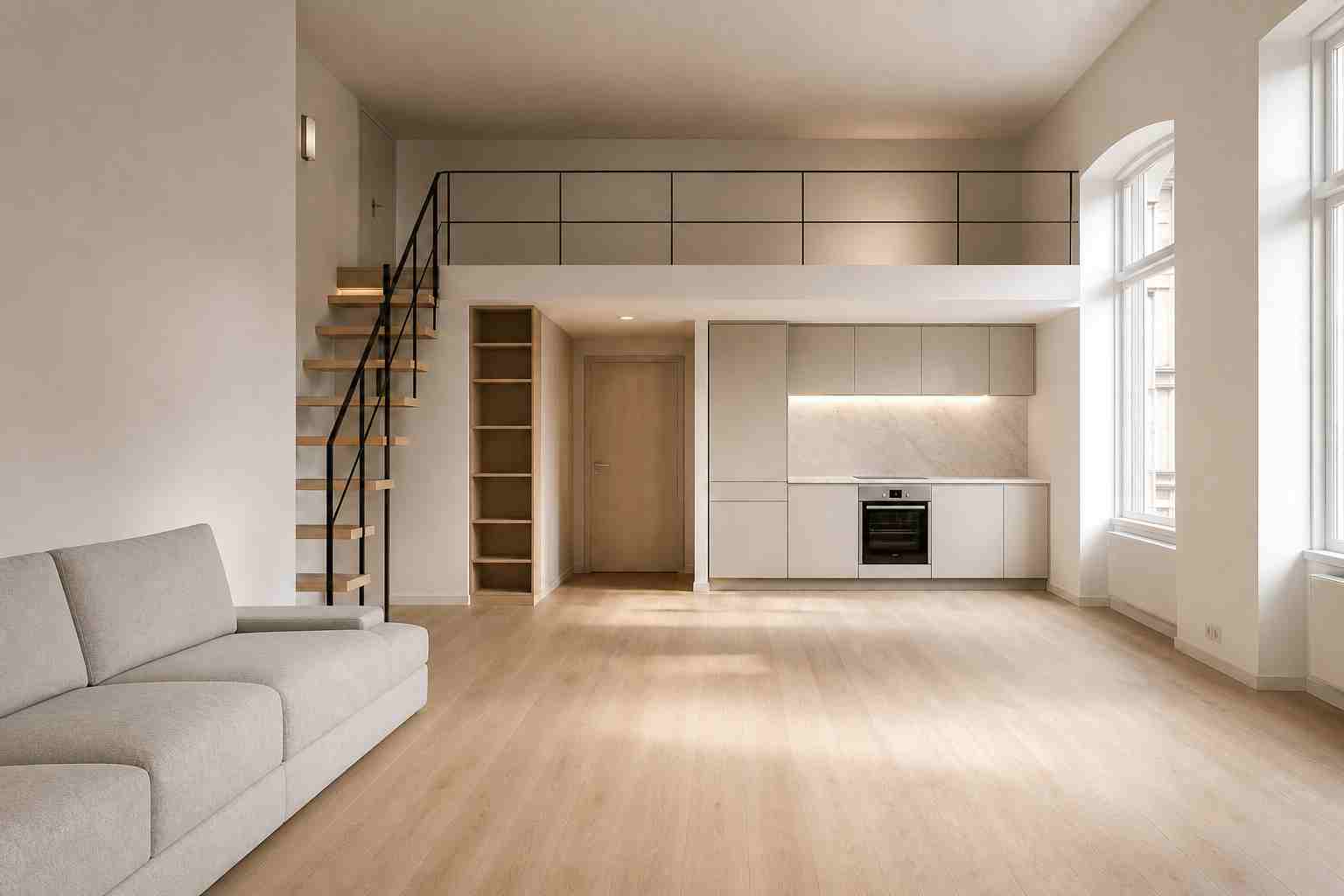
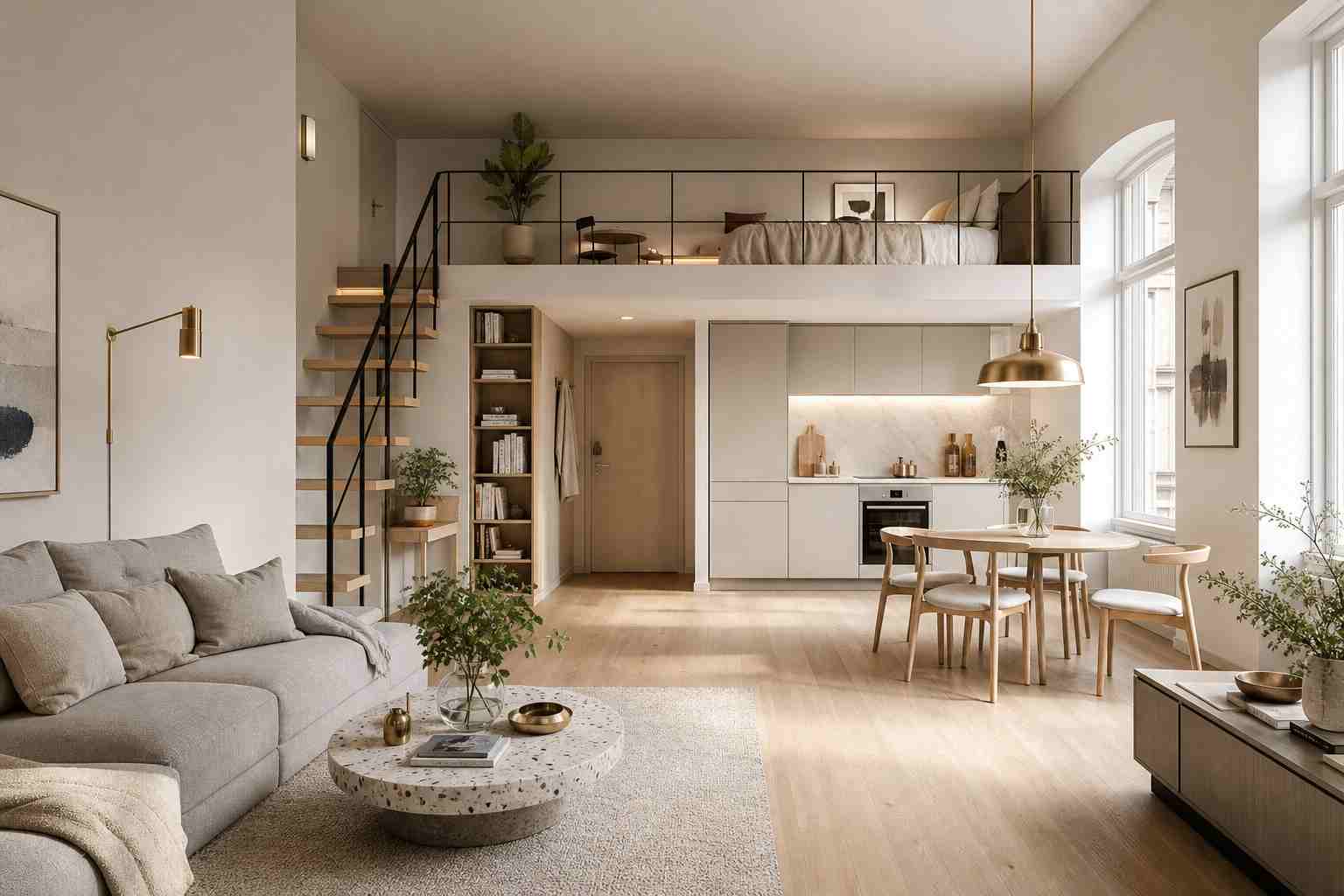
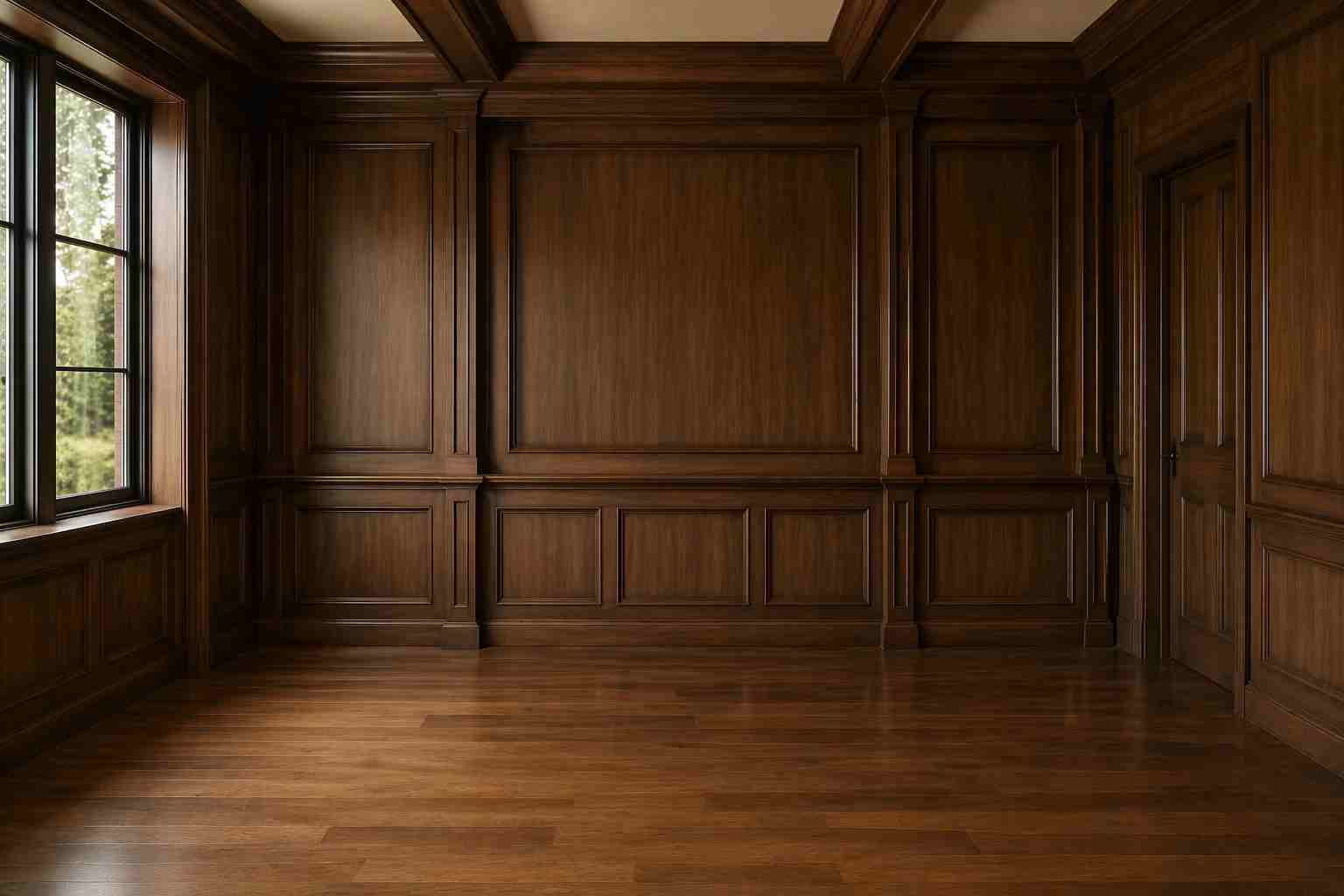
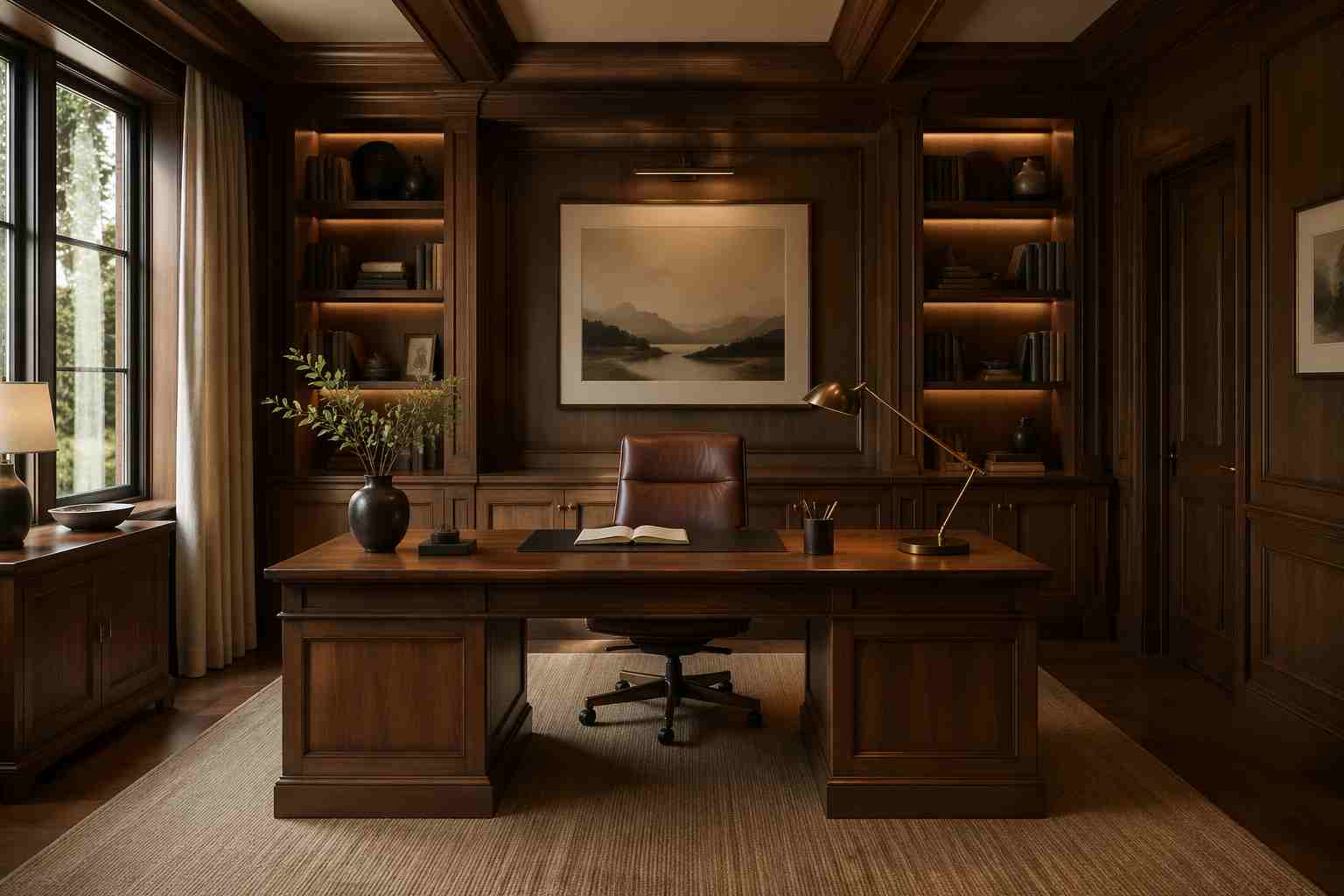
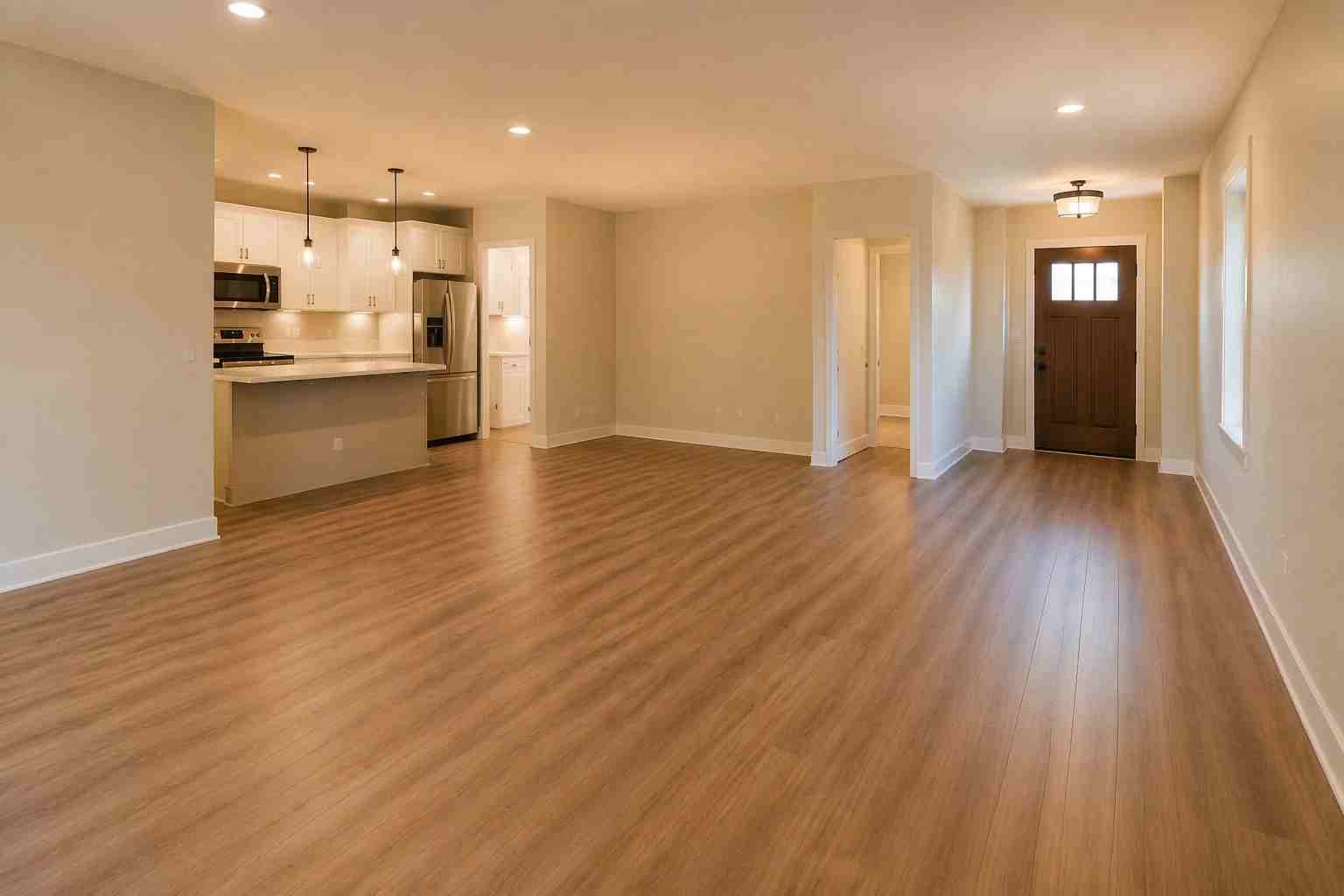
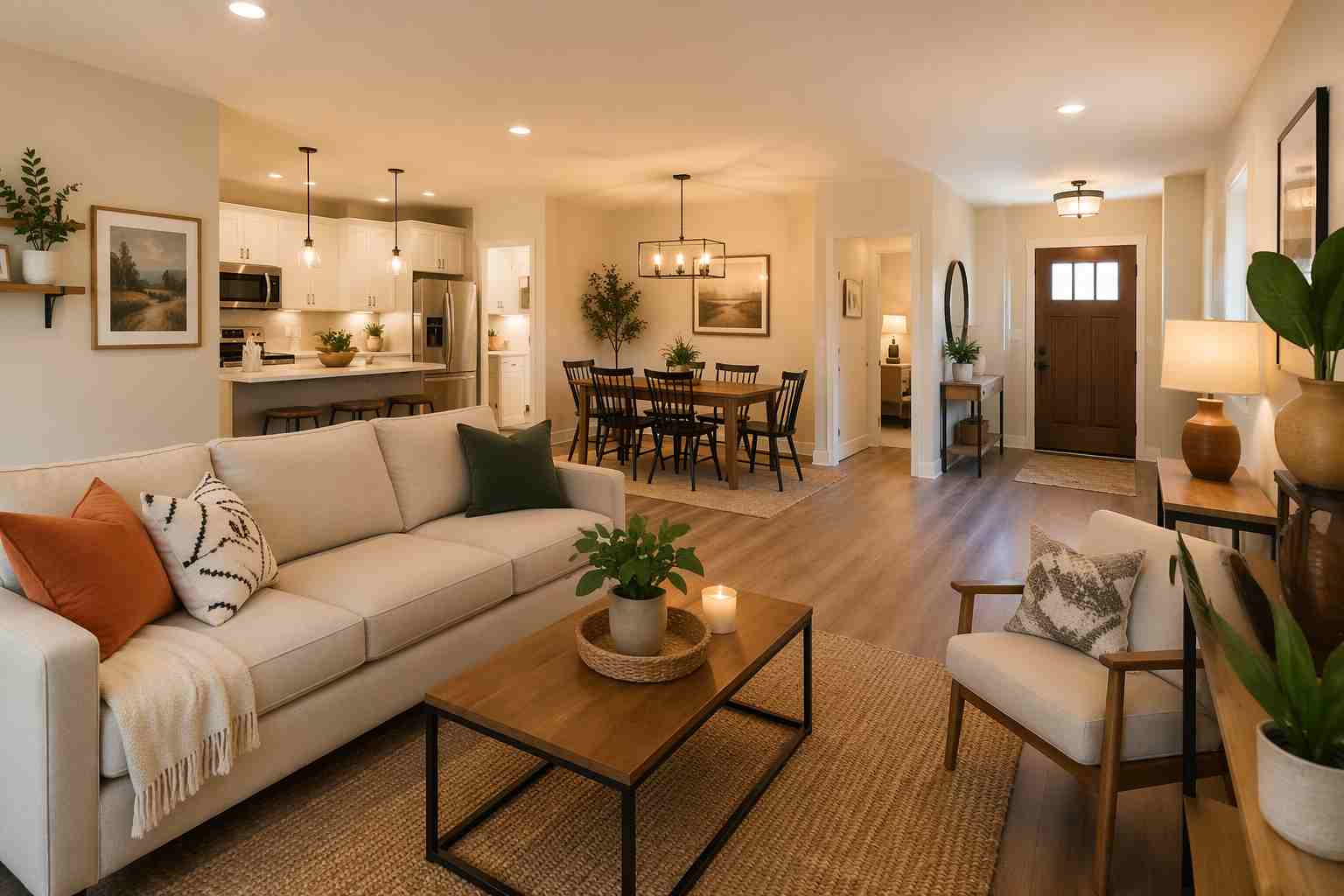
Use AI Room Planner to preview new layouts, wall colors, furniture placement, and decor styles before starting a renovation. It helps you compare ideas clearly and avoid costly design choices.
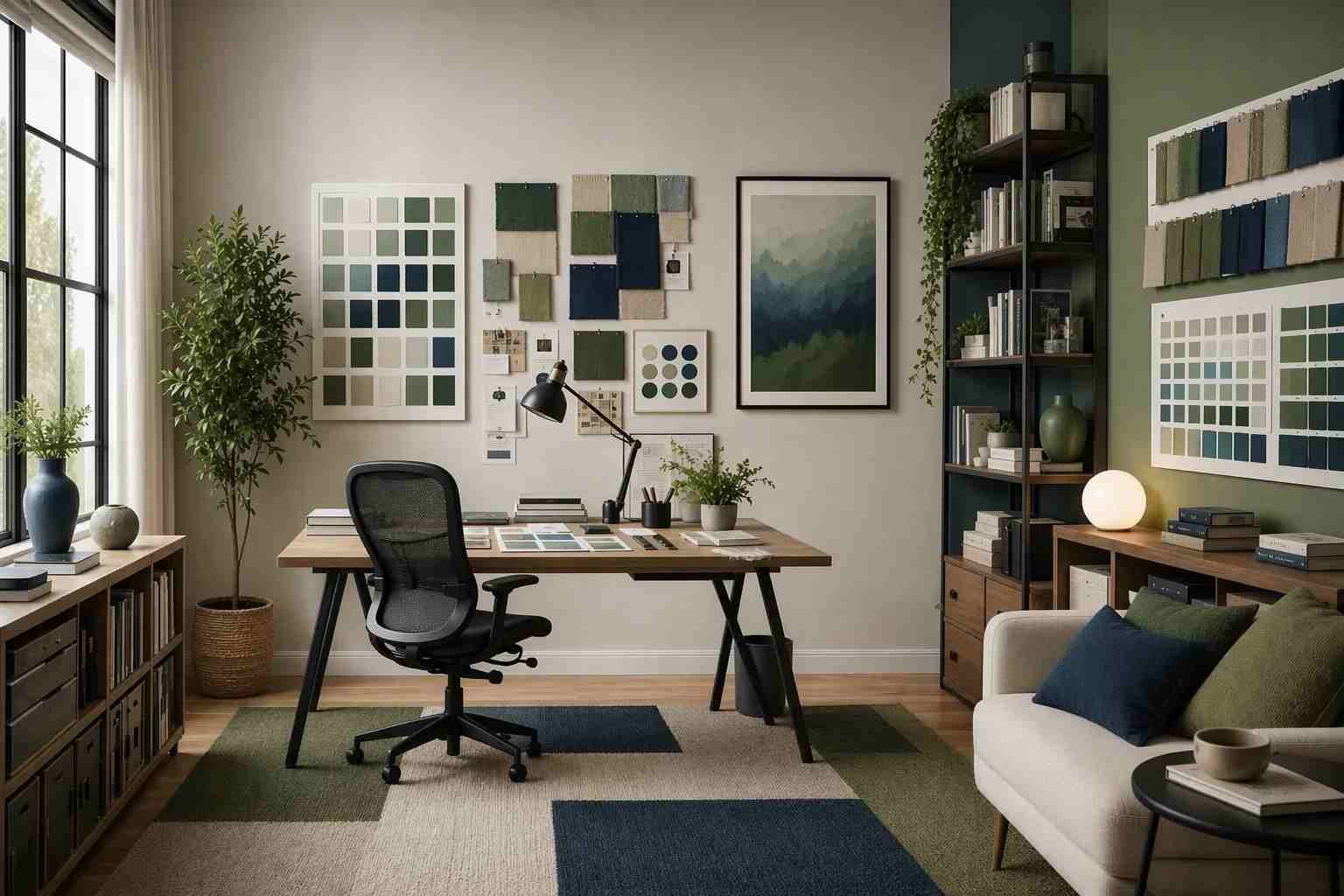
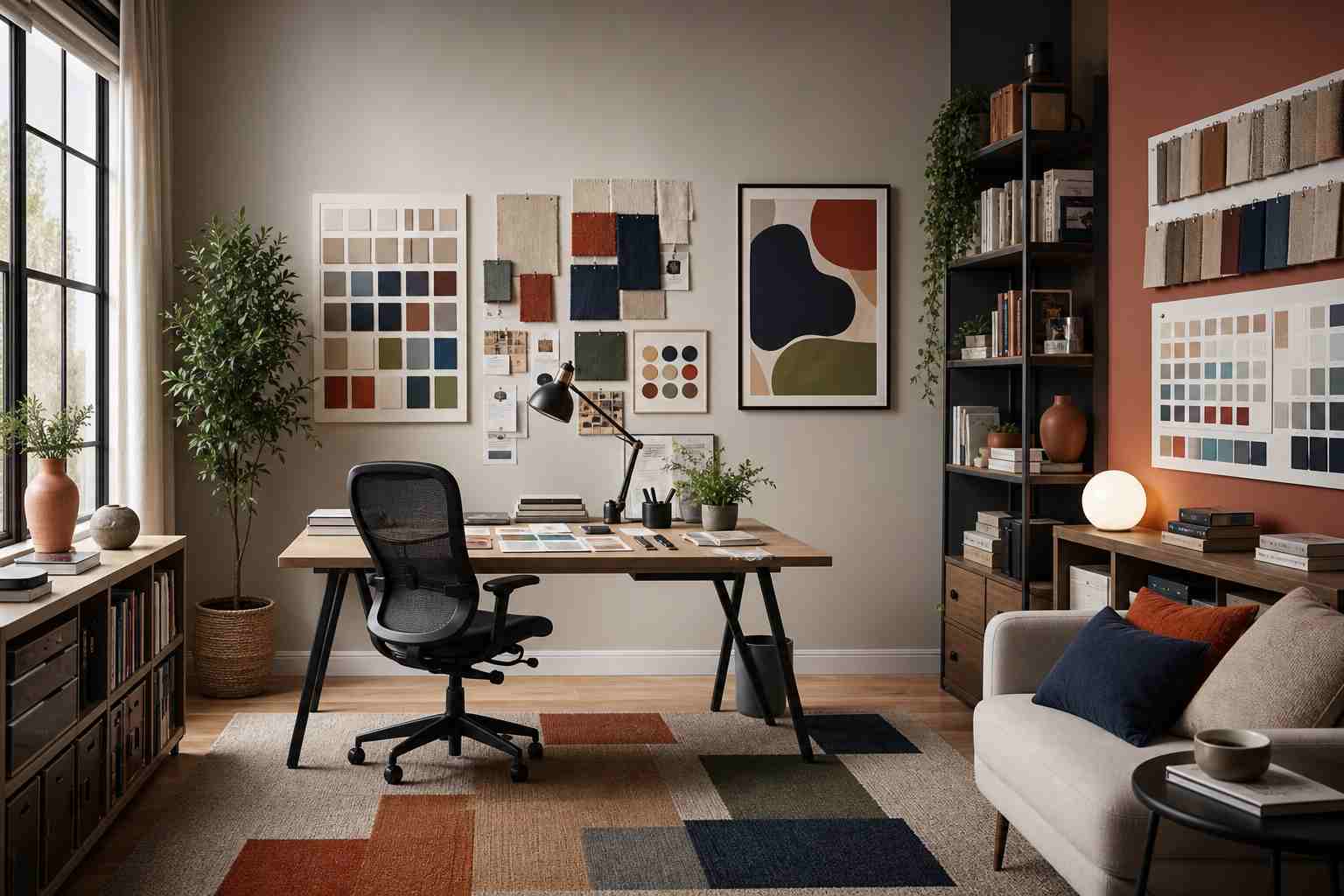
Why Use AI Room Planner
Instant Room Design Ideas
Turn room photos into realistic design concepts within seconds. Explore layouts, furniture arrangements, color palettes, and decor styles without spending hours searching for inspiration.
Realistic Room Proportions
Preview design ideas that respect your room's existing structure, scale, and layout, so furniture placement and decorative choices feel practical instead of random.
Smarter Furniture Placement
Test different layouts before moving furniture or buying new pieces. See how each arrangement can improve comfort, flow, and everyday use.
No Design Skills Needed
Upload a photo, choose a style, and generate room makeover ideas easily. The process is simple for homeowners, renters, decorators, and property sellers.
Multiple Interior Styles
Explore modern, minimalist, Scandinavian, industrial, luxury, farmhouse, and other popular looks to find the style that best fits your space.
Useful for Real Projects
Use your results for renovation planning, apartment decorating, home staging, office design, furniture shopping, or sharing ideas with a designer.
What Users Say About Our AI Room Planner









Frequently Asked Questions About AI Room Planner
How does AI Room Planner work?
AI Room Planner analyzes your uploaded room photo to understand key details such as walls, floors, windows, lighting, layout, and available space. It then creates design concepts based on your selected room type and interior style. Instead of building a layout from scratch, you can start with your real room photo and quickly preview new furniture arrangements, color schemes, and decor ideas.
How is AI Room Planner different from RoomSketcher and Planner 5D?
While RoomSketcher and Planner 5D focus on manually building floor plans and room layouts, AI Room Planner starts with a photo of your existing room. It automatically analyzes the space and generates realistic interior design concepts based on your selected style. This allows homeowners, renters, and designers to visualize room transformations much faster without learning complex design software or creating layouts from scratch.
Is AI Room Planner free to use?
Yes. Every user receives free credits each day to try AI Room Planner and generate room design ideas at no cost. If you need additional generations, you can purchase credit packages based on your needs. Purchased credits never expire, so you can use them whenever you want to explore new layouts, styles, or renovation ideas.
What room styles can I create?
You can explore many popular interior styles, including modern, minimalist, Scandinavian, industrial, bohemian, luxury, farmhouse, contemporary, and more. This makes it easy to compare different looks and find a design direction that fits your space, taste, and renovation goals.
What types of rooms can I redesign?
AI Room Planner works for living rooms, bedrooms, kitchens, dining rooms, bathrooms, home offices, apartments, rental properties, and commercial spaces. As long as you upload a clear room photo, the tool can help generate practical room design ideas for different needs.
Can I use AI Room Planner for empty rooms?
Yes. AI Room Planner can help visualize empty rooms by adding style direction, furniture ideas, and layout inspiration. This is useful for real estate listings, rental properties, vacant apartments, and homeowners who want to understand how a space could look before furnishing it.
Can AI Room Planner help with furniture placement?
Yes. You can use it to explore furniture arrangements, traffic flow, space usage, and visual balance before moving furniture or buying new pieces. It helps you see how different layouts may work in your real space.
How realistic are the room design results?
The results are designed to give realistic interior inspiration based on your uploaded photo. They help you preview how furniture, colors, textures, lighting, and decor styles could look in your room, making it easier to plan before decorating or renovating.
Can AI Room Planner handle complex room layouts?
Yes. Clear photos of rooms with corners, windows, doors, angled walls, or existing furniture can be used to generate design ideas. For best results, upload a well-lit image that shows as much of the room as possible.
Can professionals use AI Room Planner for client projects?
Yes. Interior designers, real estate agents, property managers, home stagers, and renovation consultants can use AI Room Planner to create early design concepts, compare styles, and share visual ideas with clients before moving into detailed planning.
Do I need design experience to use it?
No. AI Room Planner is built for homeowners, renters, decorators, and professionals. You only need to upload a photo, choose a design style, and generate results. No technical skills or design software experience are required.
Can I download my room design results?
Yes. After generating your room design, you can download your favorite result for renovation planning, furniture shopping, design inspiration, real estate presentation, or sharing with family, clients, or contractors.
Is my data private when using AI Room Planner?
Yes. Uploaded room photos are processed securely and are not publicly displayed. EzRemove respects user privacy and does not use your personal room images for public galleries without permission.
Can I use AI Room Planner on mobile devices?
Yes. AI Room Planner works on smartphones, tablets, laptops, and desktops. Upload a room photo from your browser, choose a design style, and generate room makeover ideas without downloading any software.