AI Lip Sync Video Generator Free Online
Turn a video clip into a natural lip sync video by uploading audio or entering a script. EzRemove matches mouth movements to the spoken content while keeping the original video motion in place.
Lip Sync AI for Video and Audio Matching
A useful lip sync video starts with a clear visual source and the right spoken track. Upload a video, add an audio file, or enter a script, then let the AI align the visible mouth movements with the selected voice settings. The original gestures and scene remain part of the result, so a presenter, character, or talking-head clip still feels like the same footage.
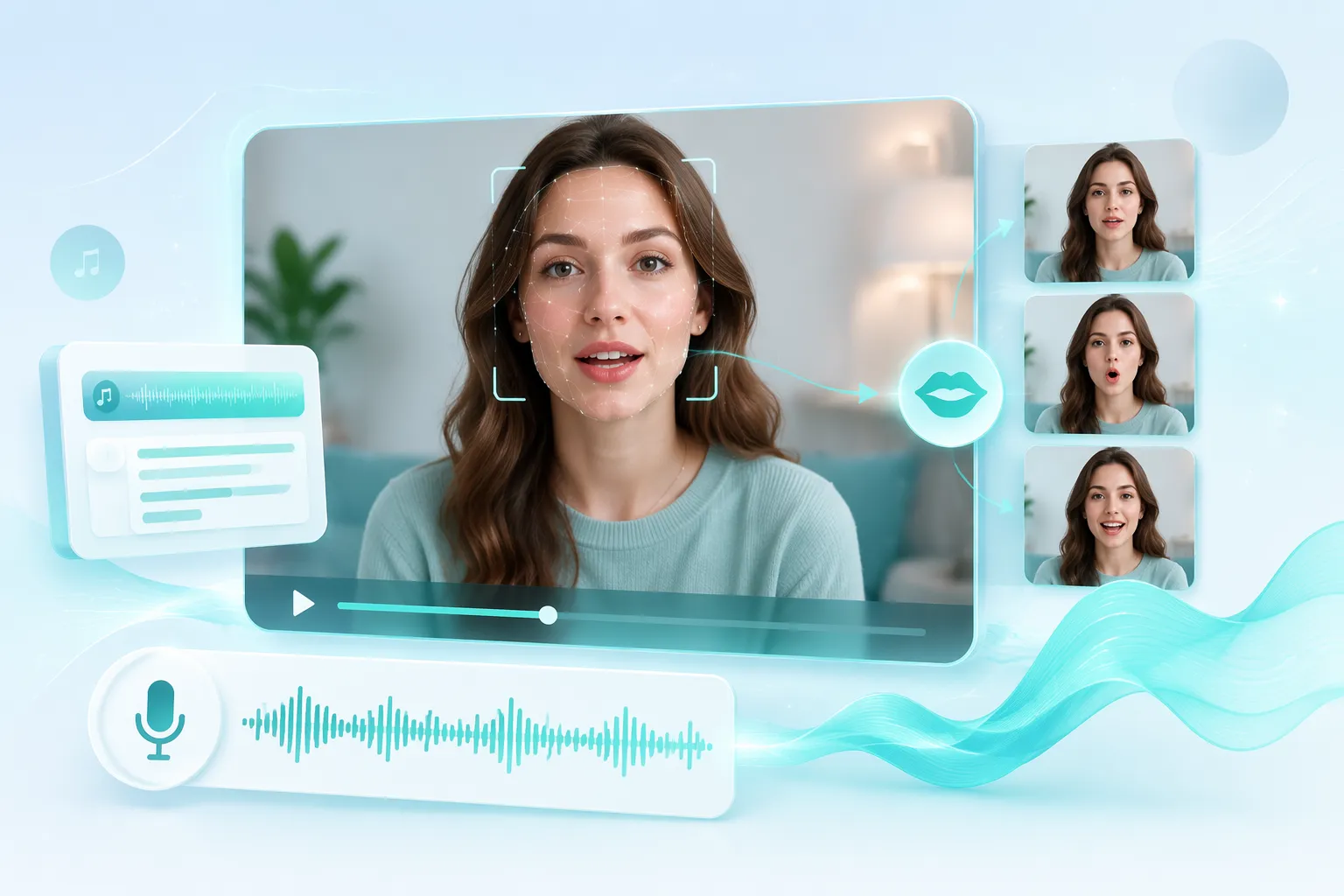
Create Natural Lip Sync Videos from a Script
When the words change more often than the footage, text input gives you a practical way to test new lines without recording every take again. Enter the script, choose the available voice settings, and generate an animated lip sync draft for a social post, product explanation, short lesson, or personal message. Review the wording and timing before exporting the version you want to share.
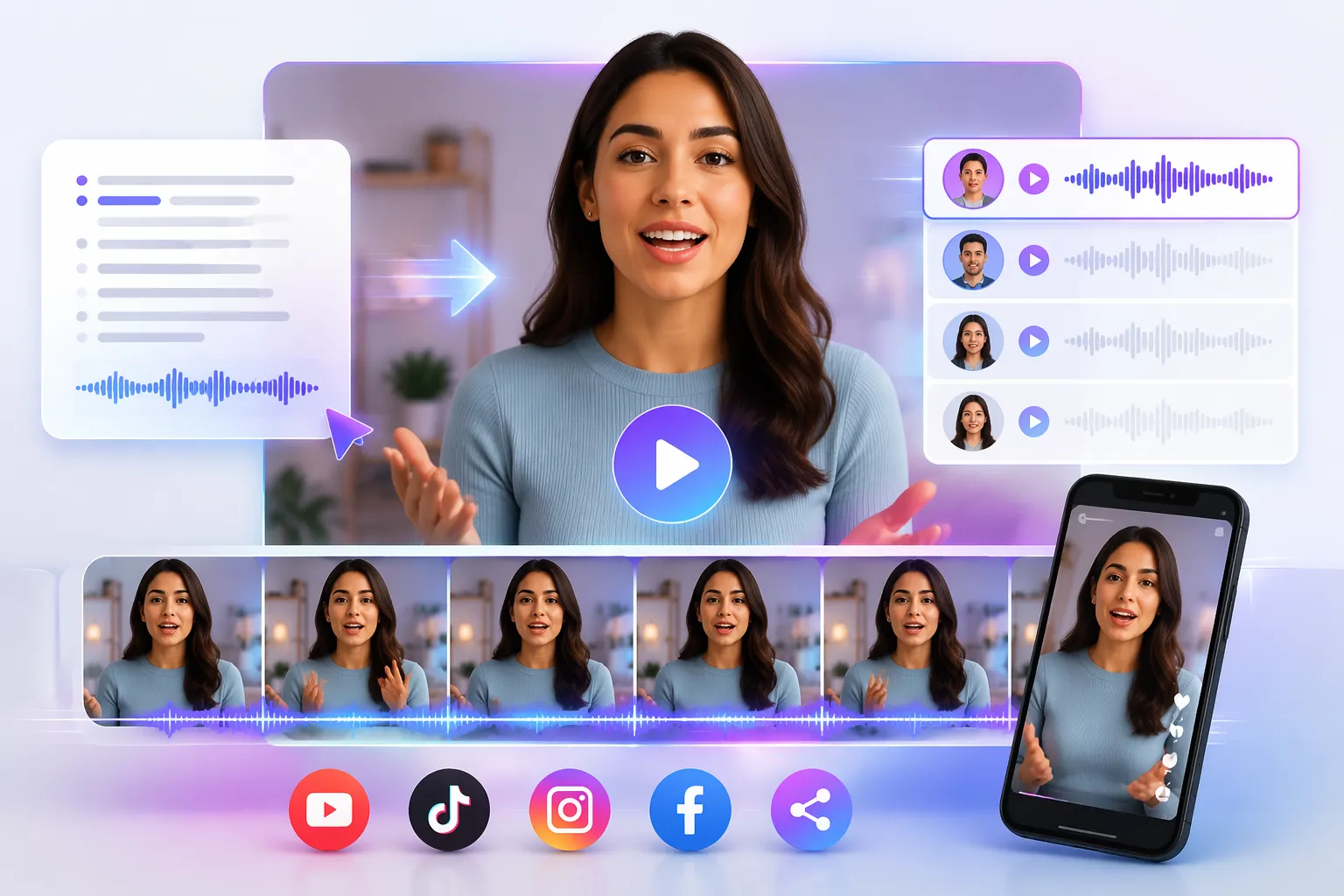
Match Uploaded Audio to Existing Footage
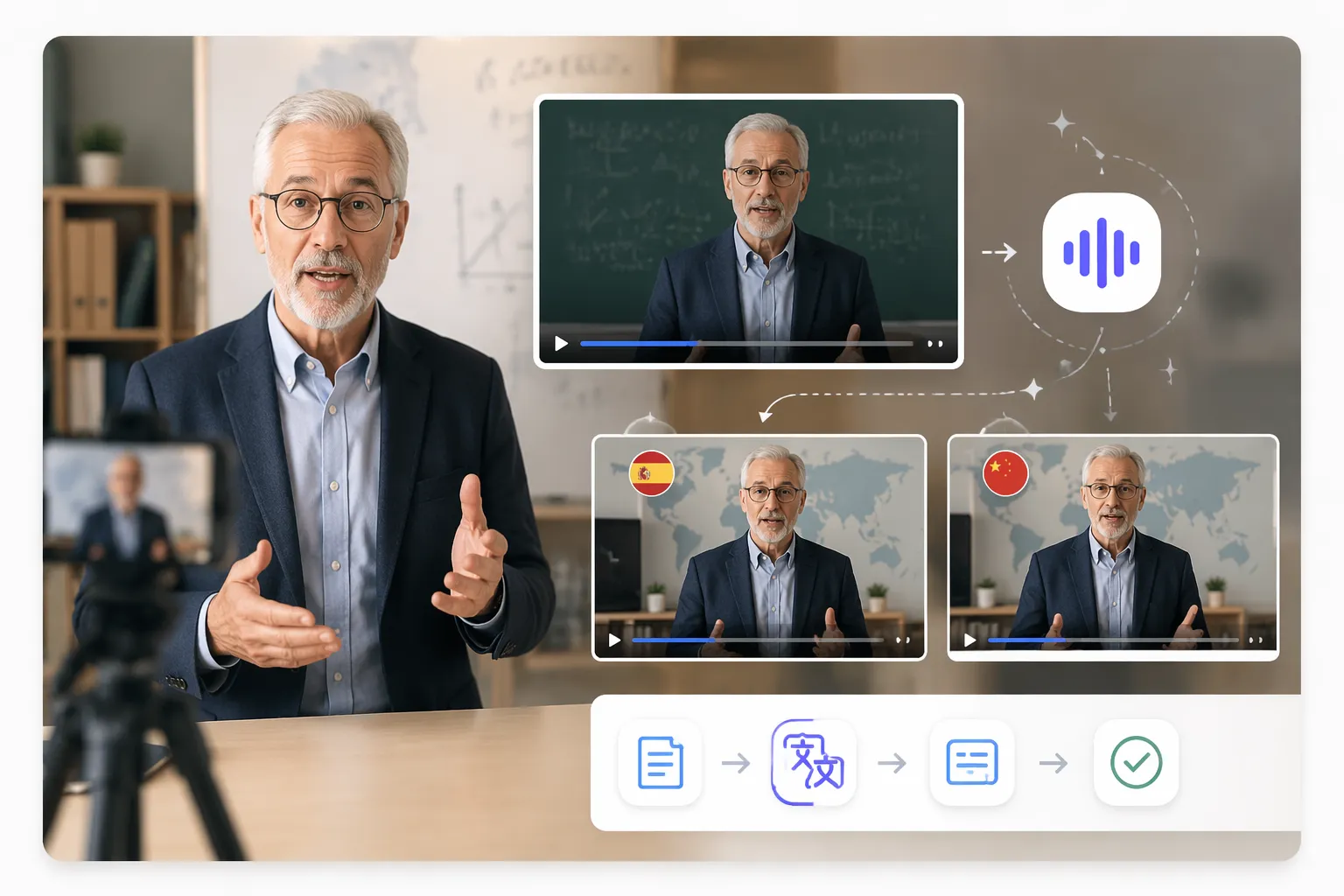
Use your own narration, translated voiceover, interview edit, or music-driven track as the audio source. The AI lip sync tool maps the sound to the mouth area in the uploaded video, which can help repurpose a finished clip for a new language, a new voice track, or a revised message while preserving the original camera movement.
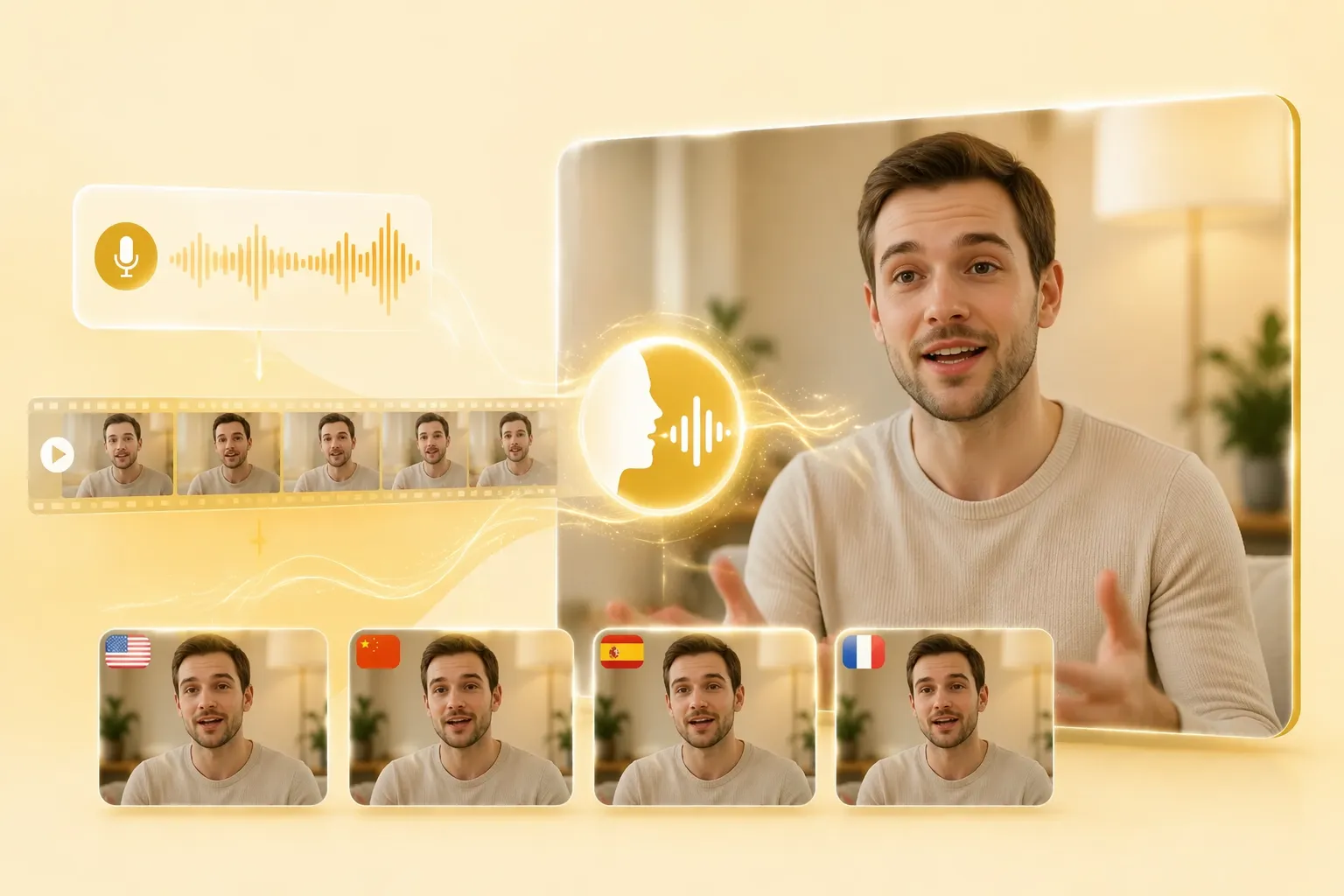
Keep the Original Motion in Your Lip Sync Video
Lip syncing is more useful when the rest of the clip still behaves like the source. EzRemove is designed around video-to-video conversion: the input footage provides the movement, while the audio or script provides the speech to match. After completing the synced clip, you can also create new video variations for broader creative use.
How to Use EzRemove AI Lip Sync Video Generator Online
-
1
Upload your video
Choose the clip whose mouth movements you want to match. A clear face and readable speaking angle give the AI a better visual reference.
-
2
Add audio or enter a script
Upload a voice track or type the words to be spoken. Select the available voice settings when using text input, then start the lip syncing process.
-
3
Review and download
Wait for the generated lip sync video, check the mouth timing and overall motion, and download the result for your next edit, post, presentation, or message.
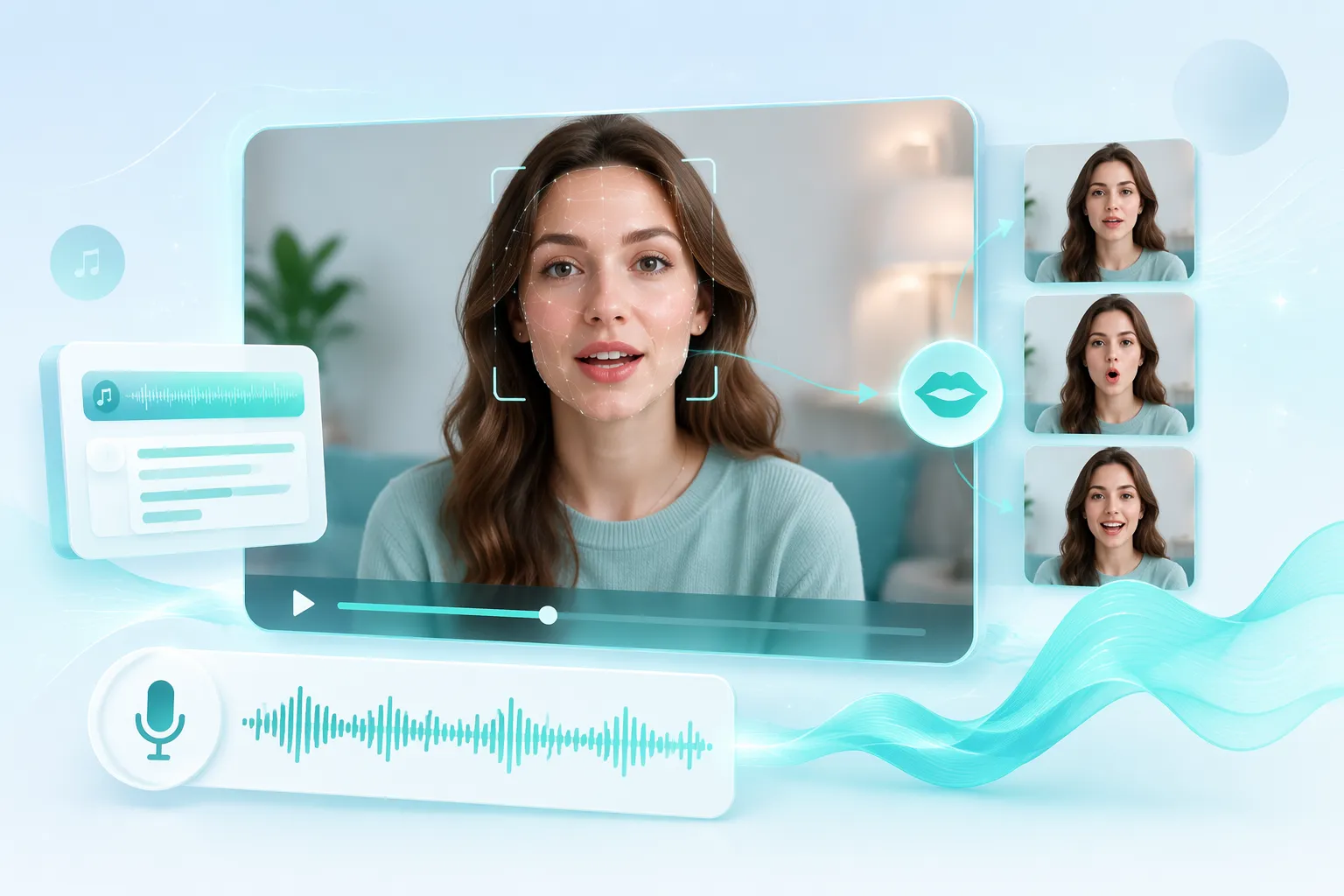
Ways to Use a Lip Sync Video Generator Online
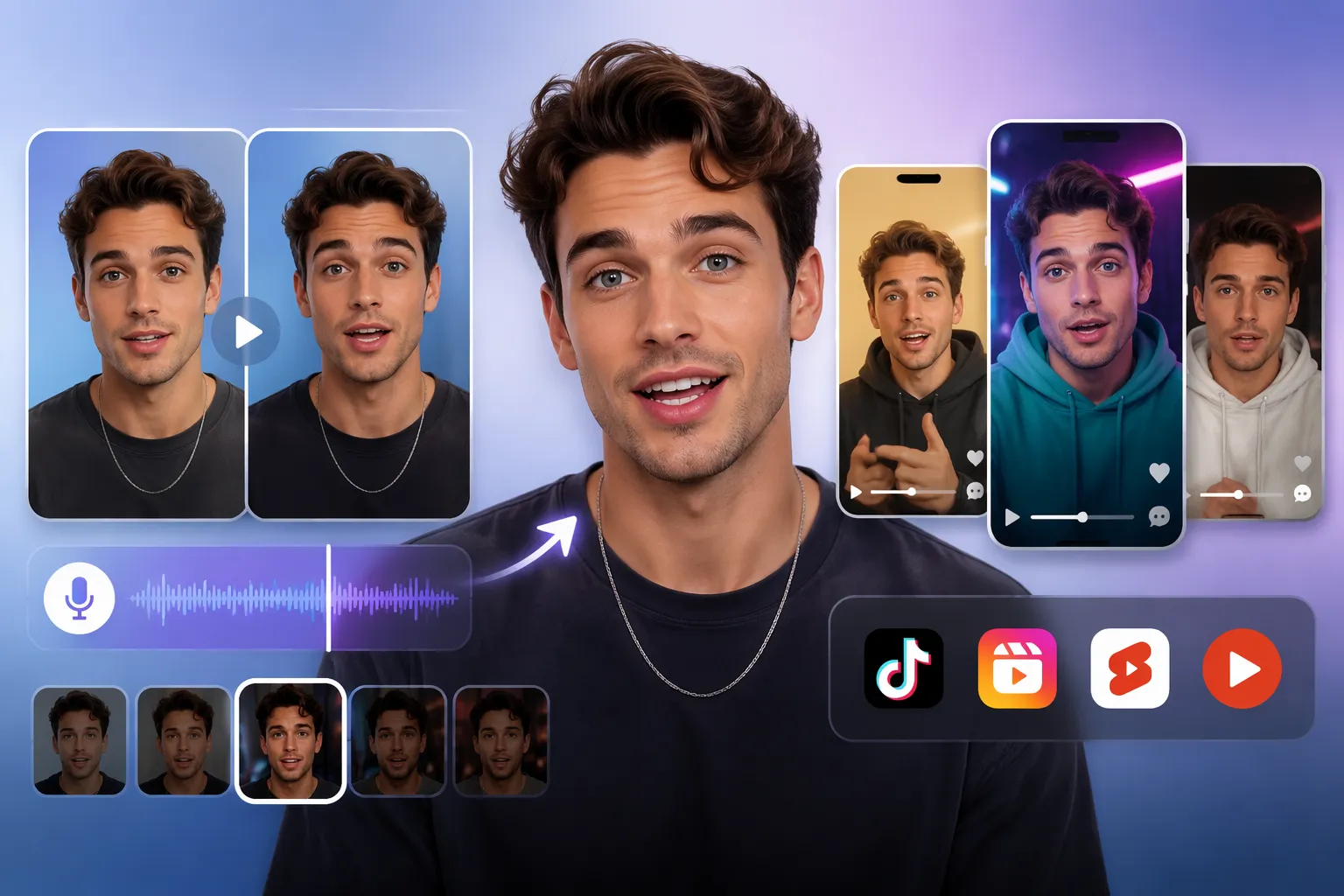
Social Media Hooks and Short-Form Clips
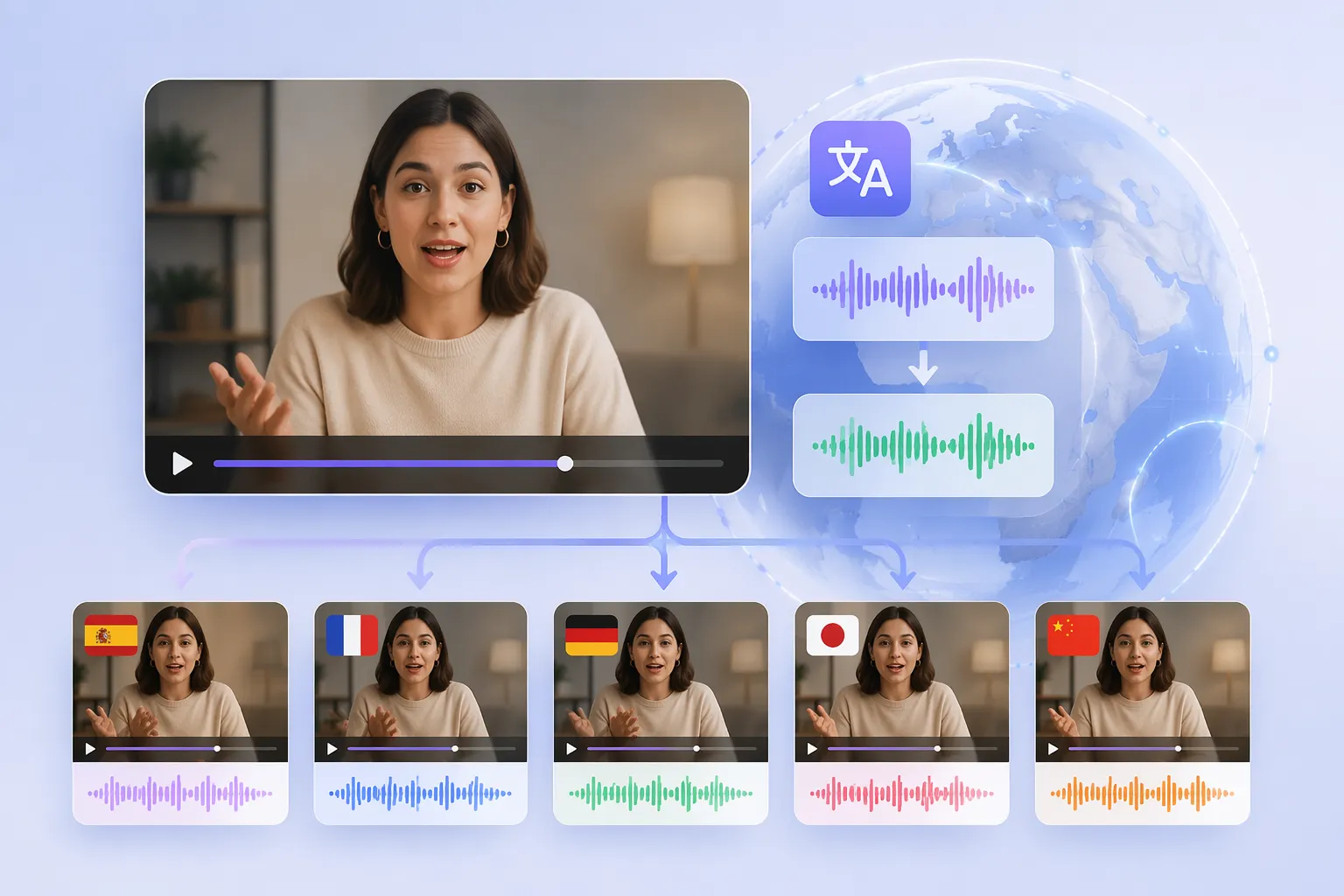
Multilingual Video Localization
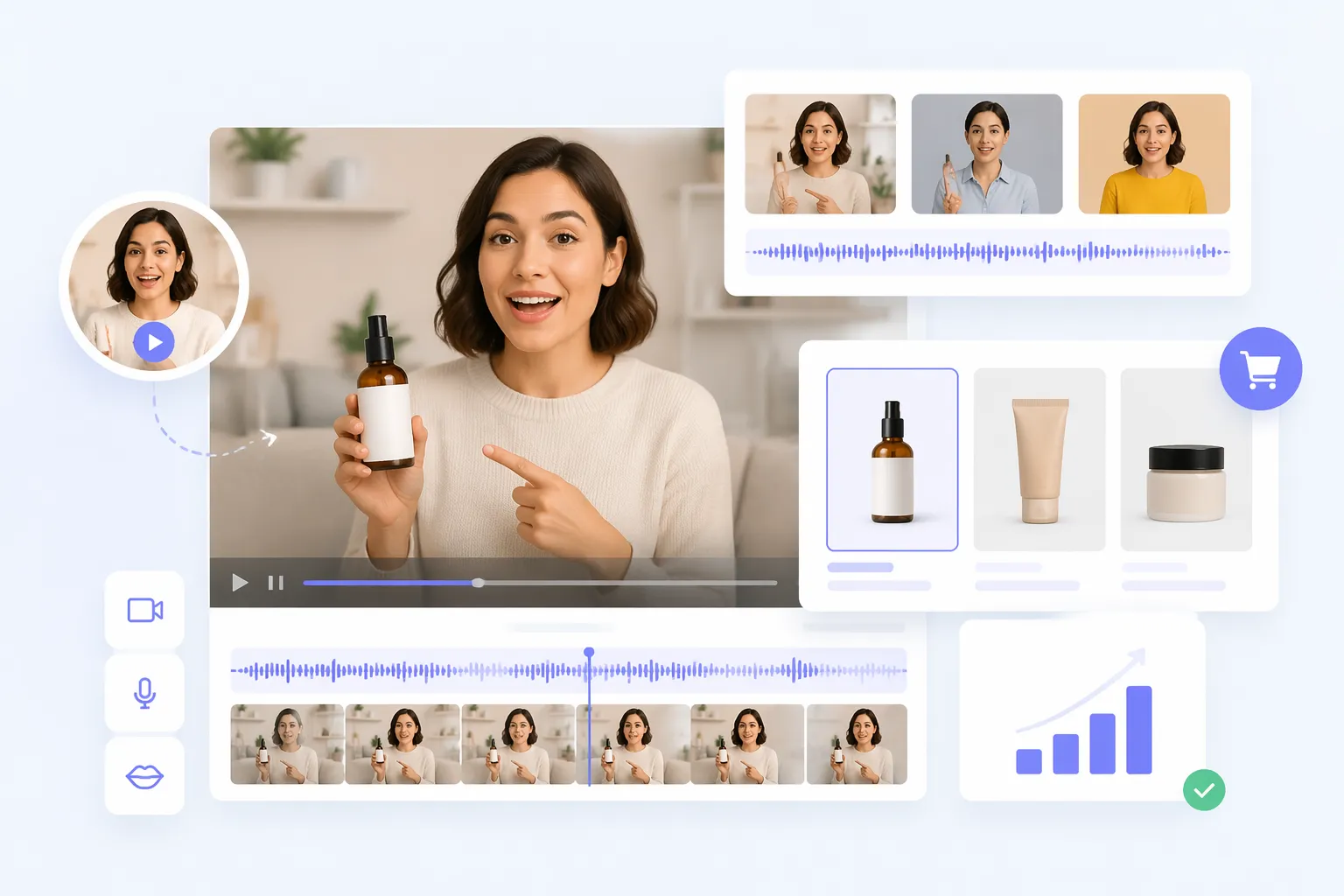
Product Demos for Small Businesses
Course and Tutorial Explanations
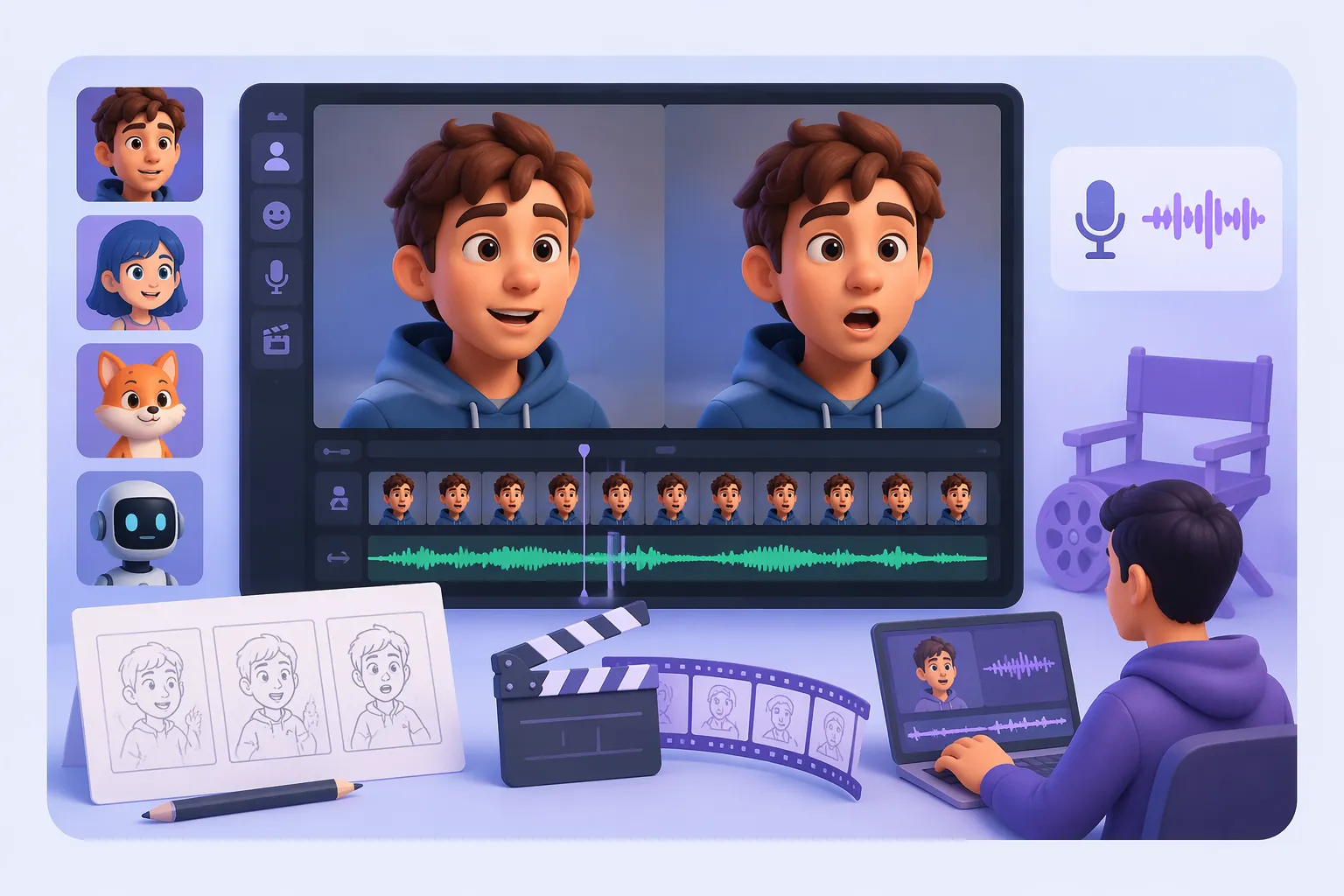
Character, Cartoon, and Creative Animation Tests
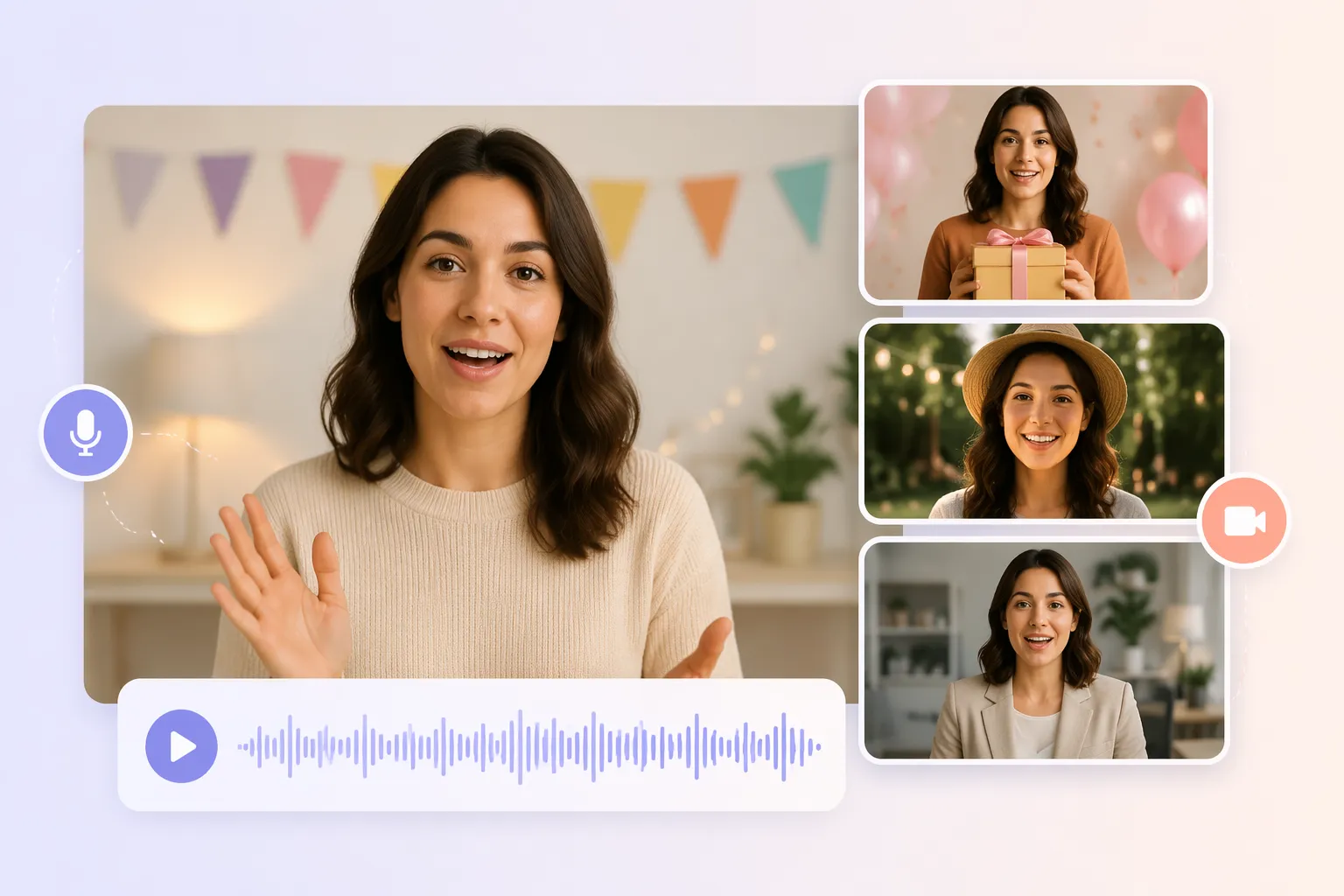
Personal Messages and Event Videos
Why Choose EzRemove for AI Lip Sync Video Creation

Video-first workflow
Start with the footage you already have, then add audio or a script instead of rebuilding an entire scene.
Flexible speech input
Use a recorded audio file or text input, depending on whether the voice track is already finished.

Original motion stays central
The source clip remains the visual foundation, helping preserve gestures and camera movement during the lip sync process.

Useful for quick revisions
Test changed dialogue, translated speech, or new introductions without arranging a complete reshoot for every draft.
Simple handoff to editing
Download the generated video and continue with captions, cuts, music, framing, or other post-production work.

Natural lip movement
AI matches mouth movements to the selected audio or script for a smoother, more realistic result.
What Users Say About EzRemove's AI Lip Sync Generator







AI Lip Sync Video Generator FAQ
What is a lip sync video generator?
It is an AI tool that matches visible mouth movements in a video to spoken audio or a script, producing a new video with synchronized speech while using the original footage as the visual source.
How do I create a lip sync video online?
Upload a video, add an audio file or enter a script, choose the available voice settings when needed, then generate and review the result before downloading it.
Can I use text instead of an audio file?
Yes. The EzRemove workflow supports text input for speech generation, along with voice settings. If you already have a finished voice track, you can upload audio instead.
What video and audio formats are supported?
EzRemove supports common video formats such as MP4 and MOV, along with widely used audio formats such as MP3 and WAV.
Can I use lip sync AI for translated videos?
You can use a translated audio track as the speech source for a localization draft. Check pronunciation, captions, names, and on-screen text before publishing the final version.
How to lip sync animation?
Start with an animation or character clip where the mouth is visible, add the dialogue or music track, generate the synchronized draft, and then review the timing before using it in a longer edit.
Why might a result need another pass?
A dark, side-facing, partially covered, or very fast-moving mouth can make alignment harder. Clear source footage, understandable audio, and a final review help identify clips that need adjustment.
Can I edit the output after downloading it?
Yes. A downloaded video can continue through your normal editing workflow for captions, trimming, music, framing, color, and other finishing work.
Does the generated lip sync video have a watermark?
No. Videos created with EzRemove's AI lip sync video generator are exported without a watermark, so you can download and use the final result directly for social media, marketing, presentations, or other projects.
Is the AI lip sync generator free?
Yes. Users can receive free daily credits by logging in to EzRemove and use them to create AI lip sync videos. Once the daily credits are used up, additional credits can be purchased to continue generating videos without waiting for the next reset.
Can I use generated videos commercially?
Yes. Videos created with our AI Lip Sync Generator can be used for professional and commercial purposes, including advertisements, websites, and social media platforms, as long as you own the original video or have permission to use it.