Free AI Video Generator Online
Turn your ideas into engaging videos from text, images, or visual references. Create online for free and bring product concepts, social posts, ads, and creative stories to life with less effort.
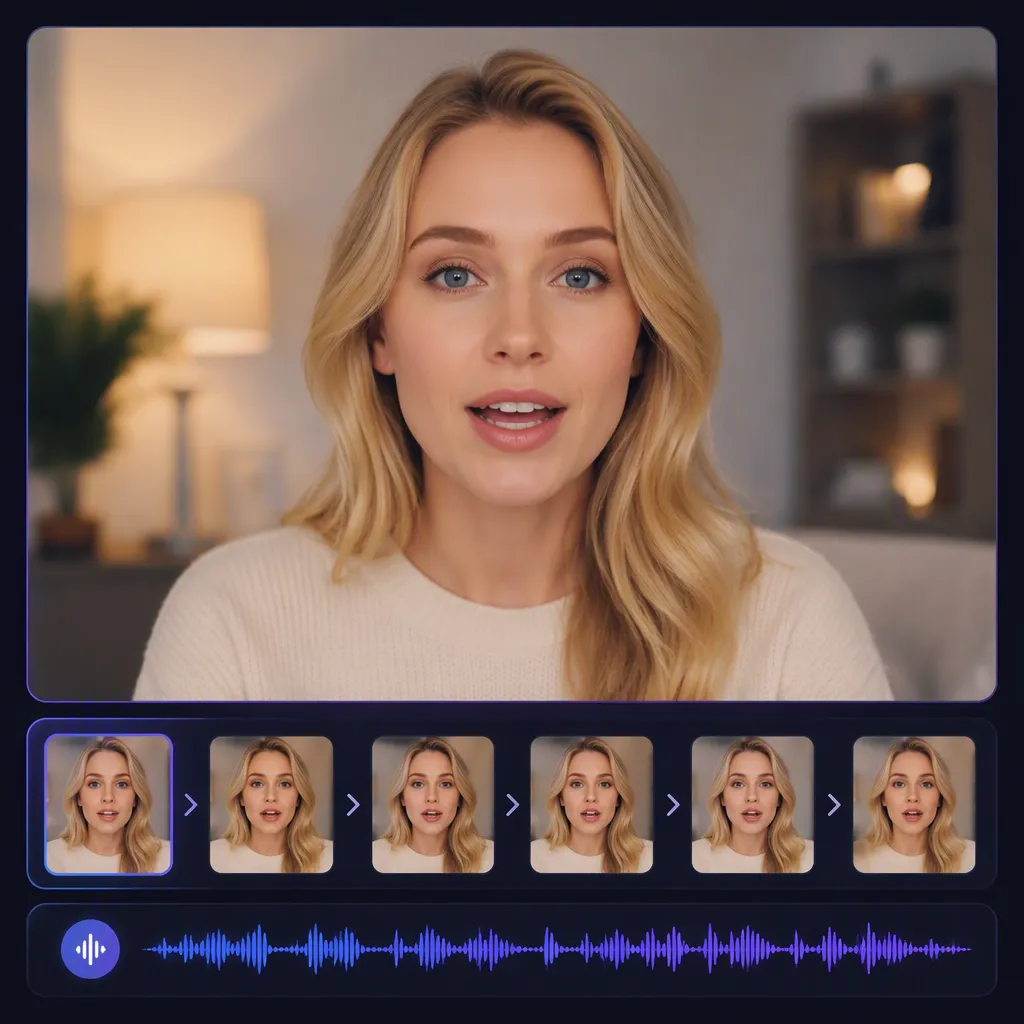
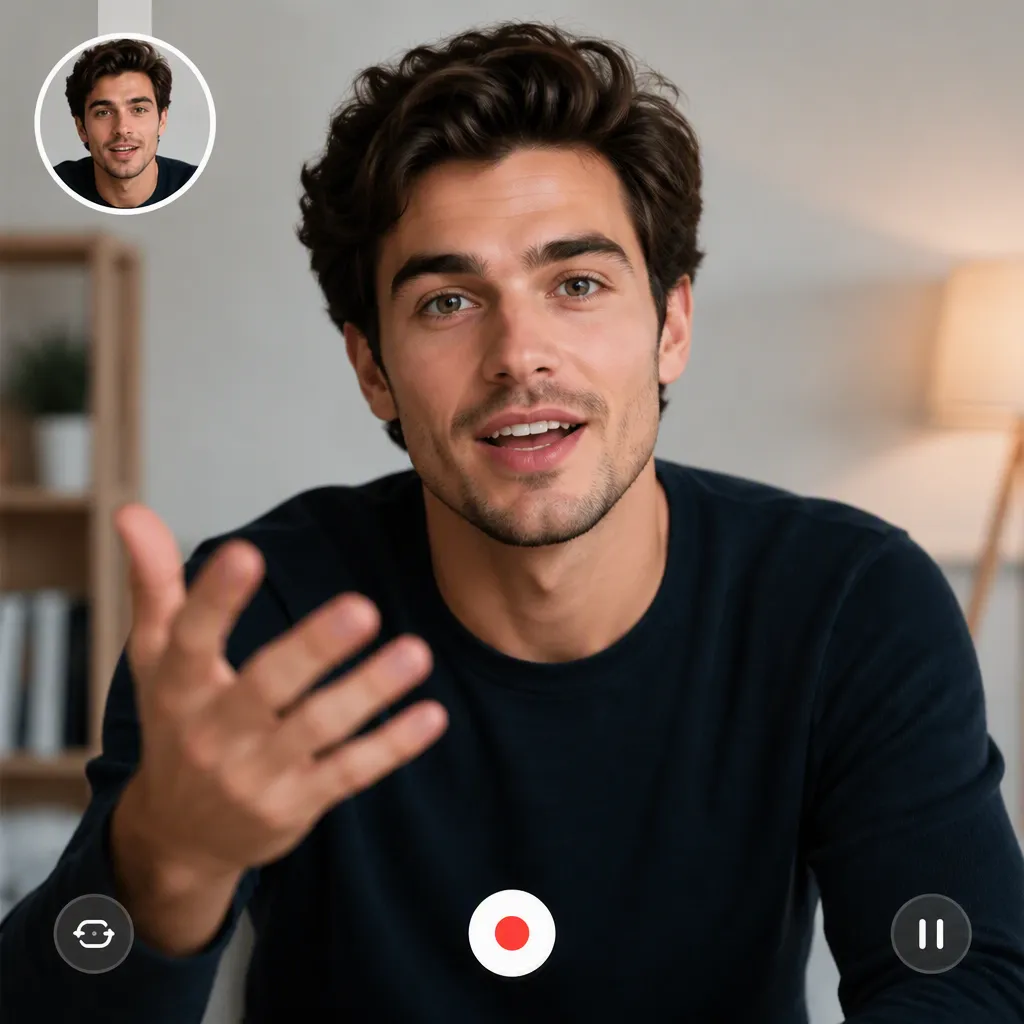
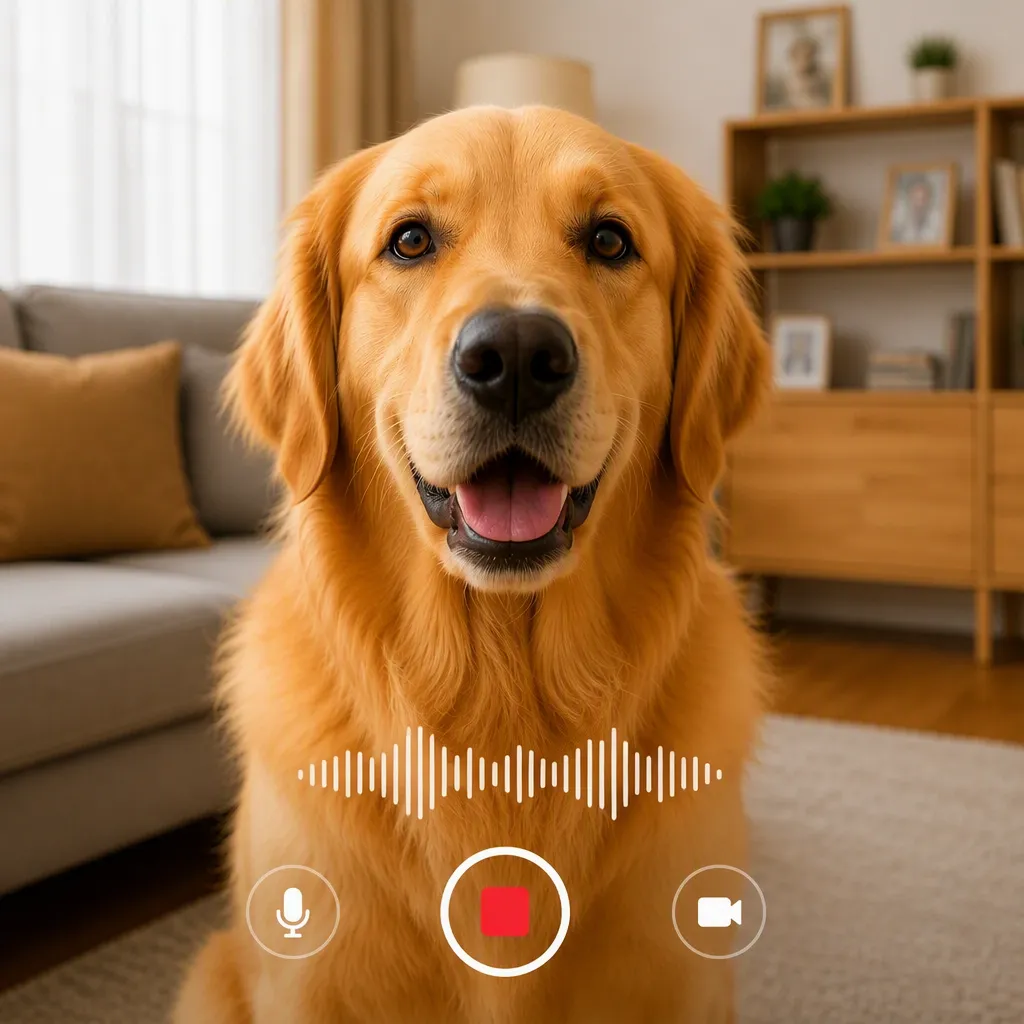
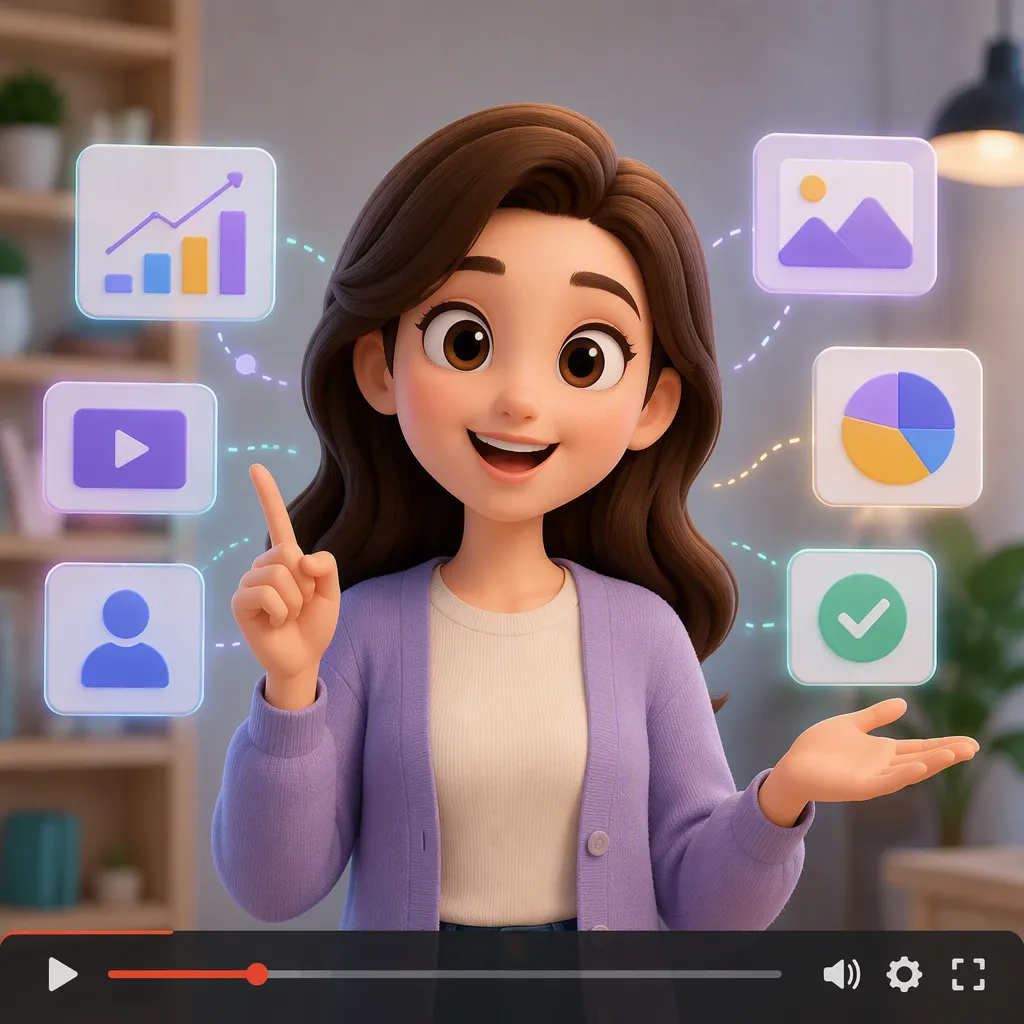
Create from Scratch with Text to Video AI
Have an idea but no footage, actors, or storyboard? EzRemove’s Text to Video AI turns a simple prompt into a complete moving scene. Describe the subject, action, setting, camera movement, and mood, then generate product concepts, cinematic shots, social clips, or story visuals without filming. It is ideal for creators, marketers, and small teams that need to test ideas quickly before spending time and budget on production.
Animate Any Image with Image to Video AI
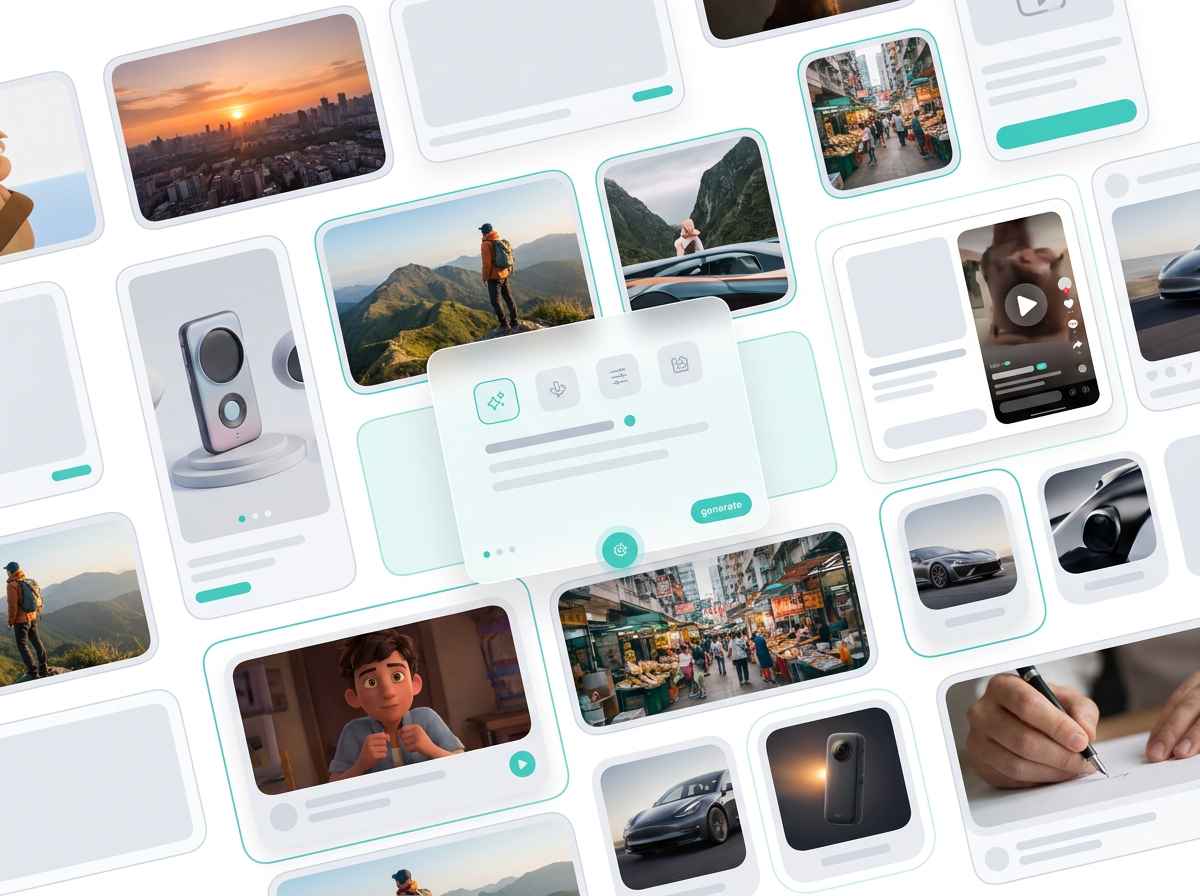
Already have a strong photo but need motion content? Upload a portrait, product image, illustration, character, or landscape and use Image to Video AI to add natural movement. Create camera pushes, product rotations, moving backgrounds, flowing fabric, facial motion, or environmental effects without rebuilding the scene. If your image needs cleanup, color adjustments, or detail changes first, refine it with the AI Photo Editor before turning it into video. This helps brands and creators reuse existing visuals for ads, product pages, social posts, and campaigns instead of arranging a new shoot.
Keep the Look You Want with an AI Reference to Video Generator
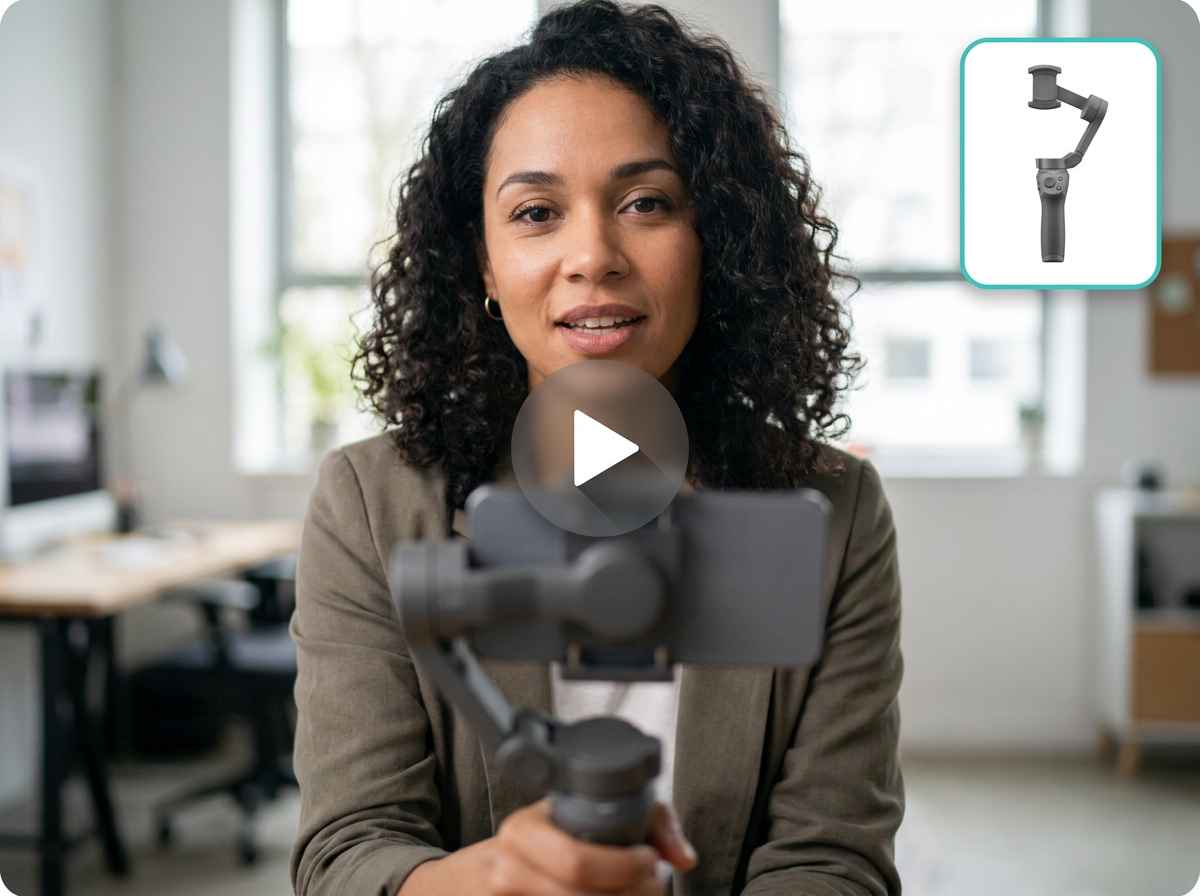
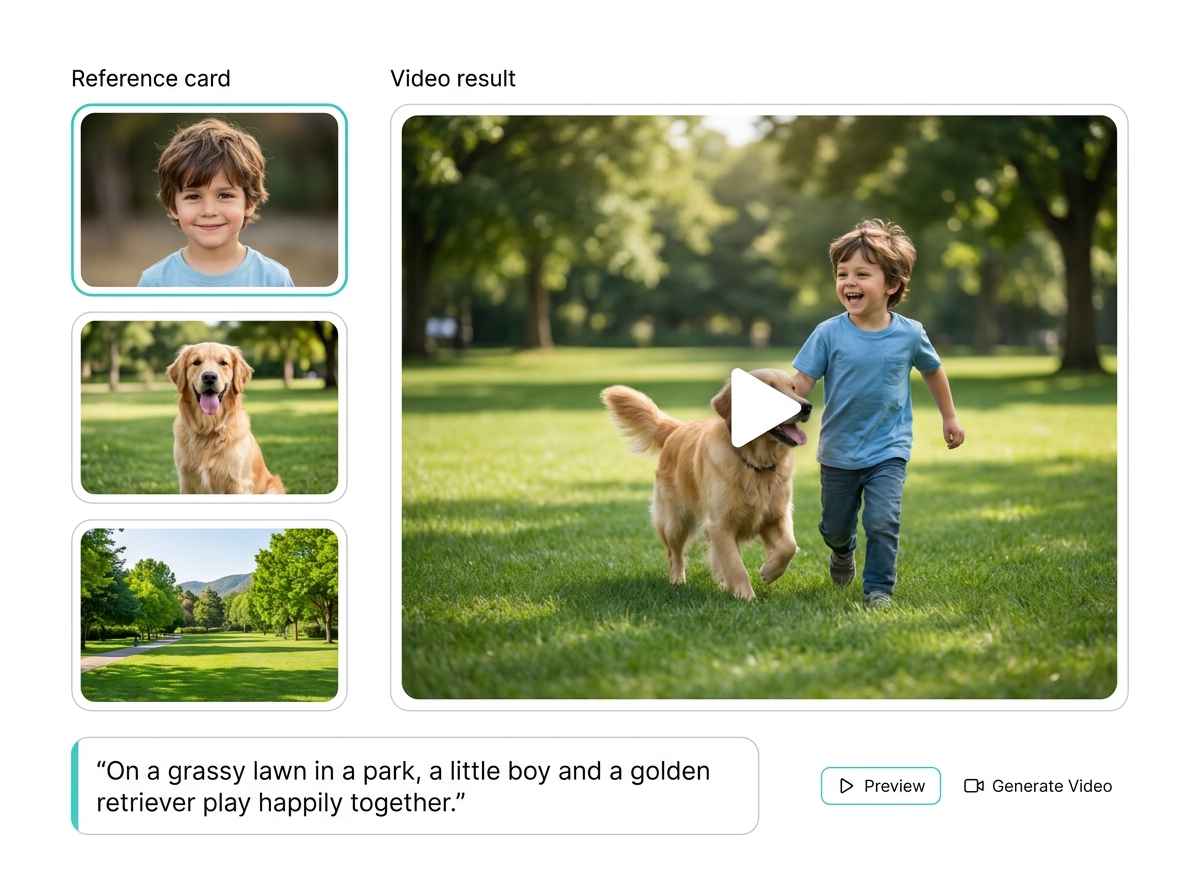
Prompts alone do not always capture a specific style, character, composition, or motion. The AI Reference to Video Generator lets you guide the result with visual references, making it easier to match a desired mood, camera style, product presentation, or creative direction. If your current reference is not quite right, you can create or restyle a reference image before generating the video. It is especially useful for campaigns that need a consistent look, creators developing multiple related scenes, and teams that want clearer control without describing every visual detail from scratch..
Bring More Ideas to Life with an AI Video Generator
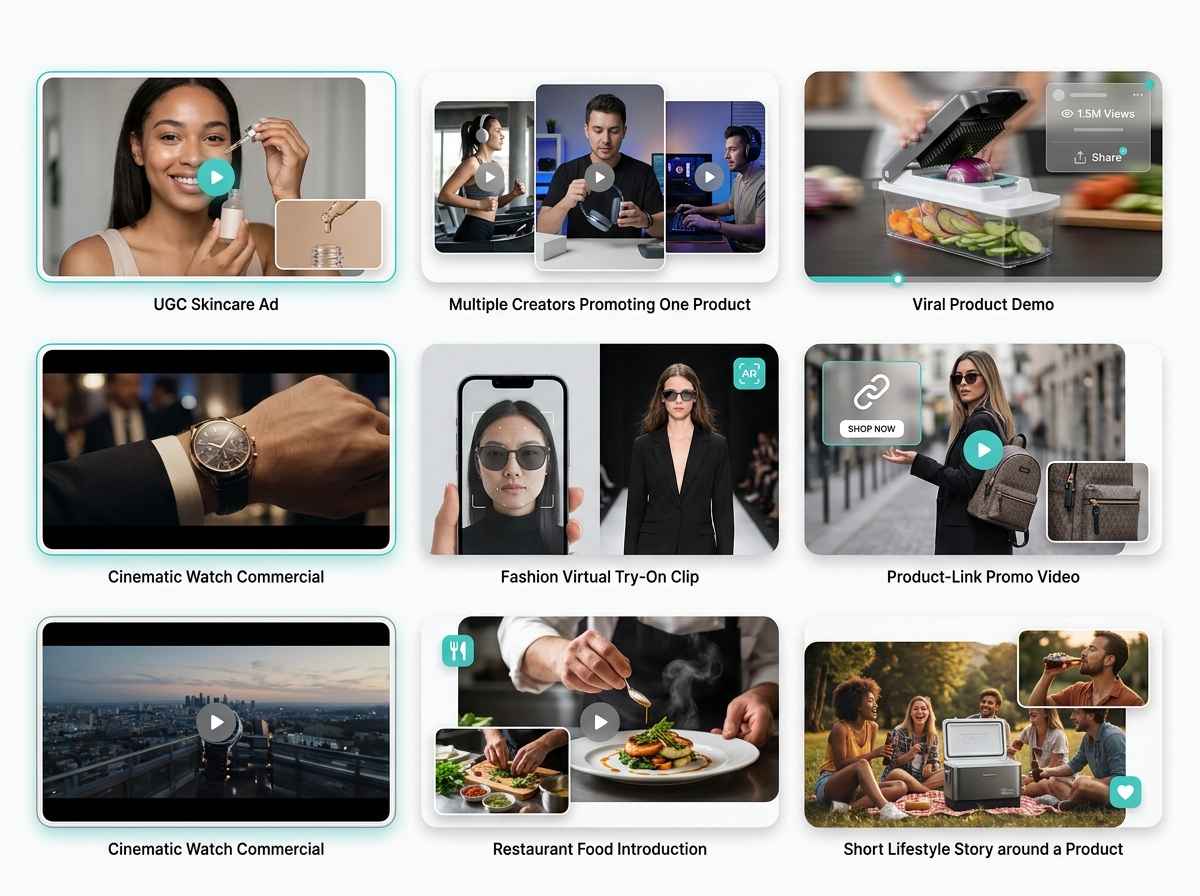
Great ideas often stay unused because video production feels too expensive, slow, or complicated. EzRemove’s AI Video Generator gives you three flexible ways to start, from text, images, or references, so you can turn concepts into motion without a full production setup. Use it to explore campaign ideas, create product visuals, animate artwork, build short story scenes, or produce fresh content for social media, ads, presentations, and online stores.
Generate AI Videos Without a Learning Curve
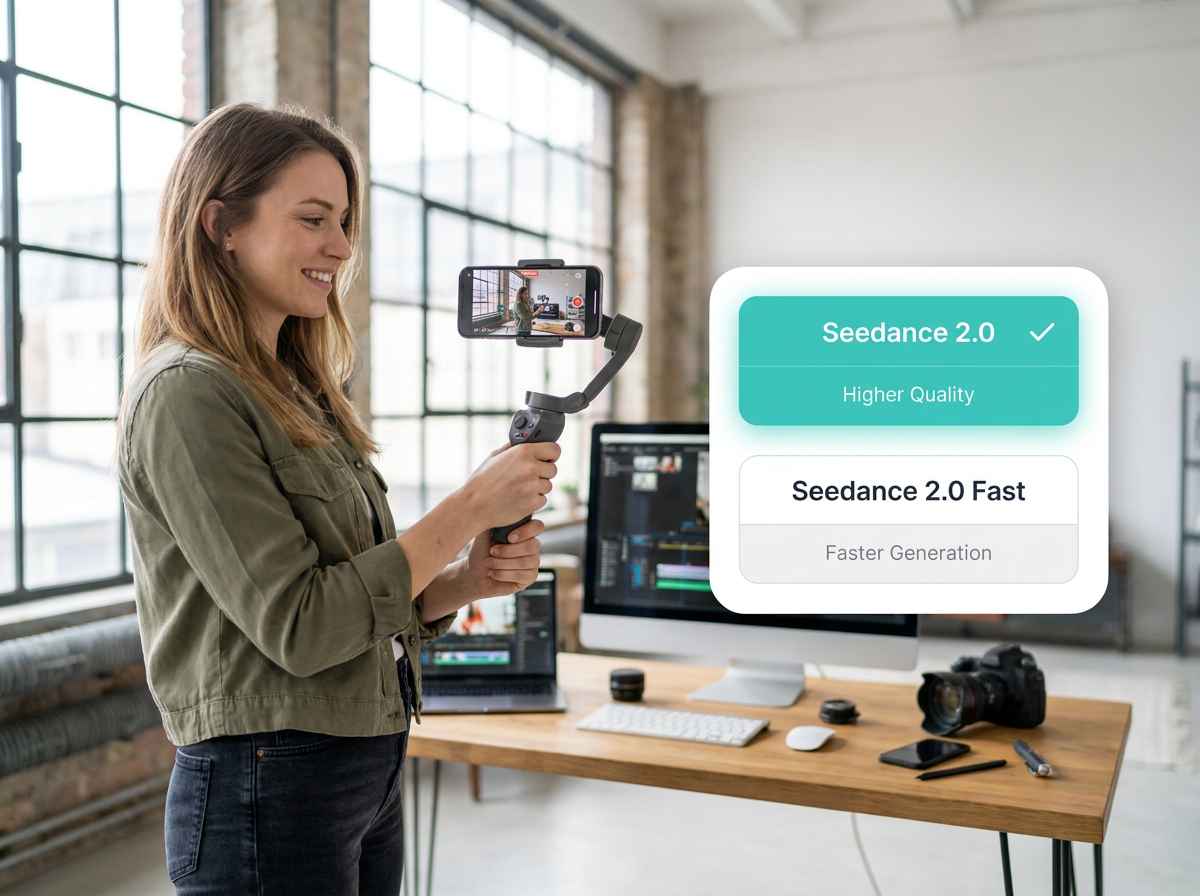
You should not need editing experience, timelines, or animation skills to create a useful video. Choose a generation mode, add your text, image, or reference, and describe the result you want in plain language. Select from available AI video models based on speed, visual quality, motion control, and creative style. Adjust the duration, resolution, prompt, and movement until the video fits your goal. Use faster settings to test ideas, then choose higher-quality options for the final result. Higher-resolution output may require more credits.
How to Use the AI Video Generator
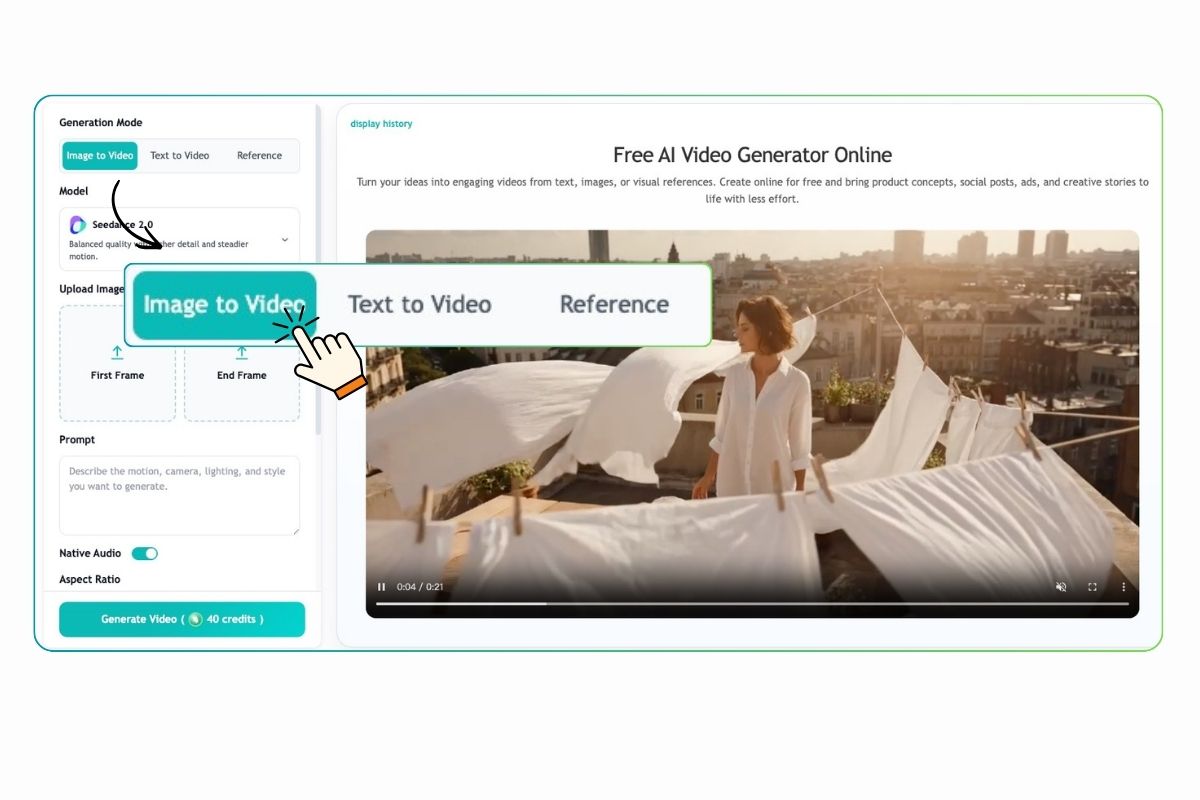
Step 1. Choose a Generation Mode and Add Your Input
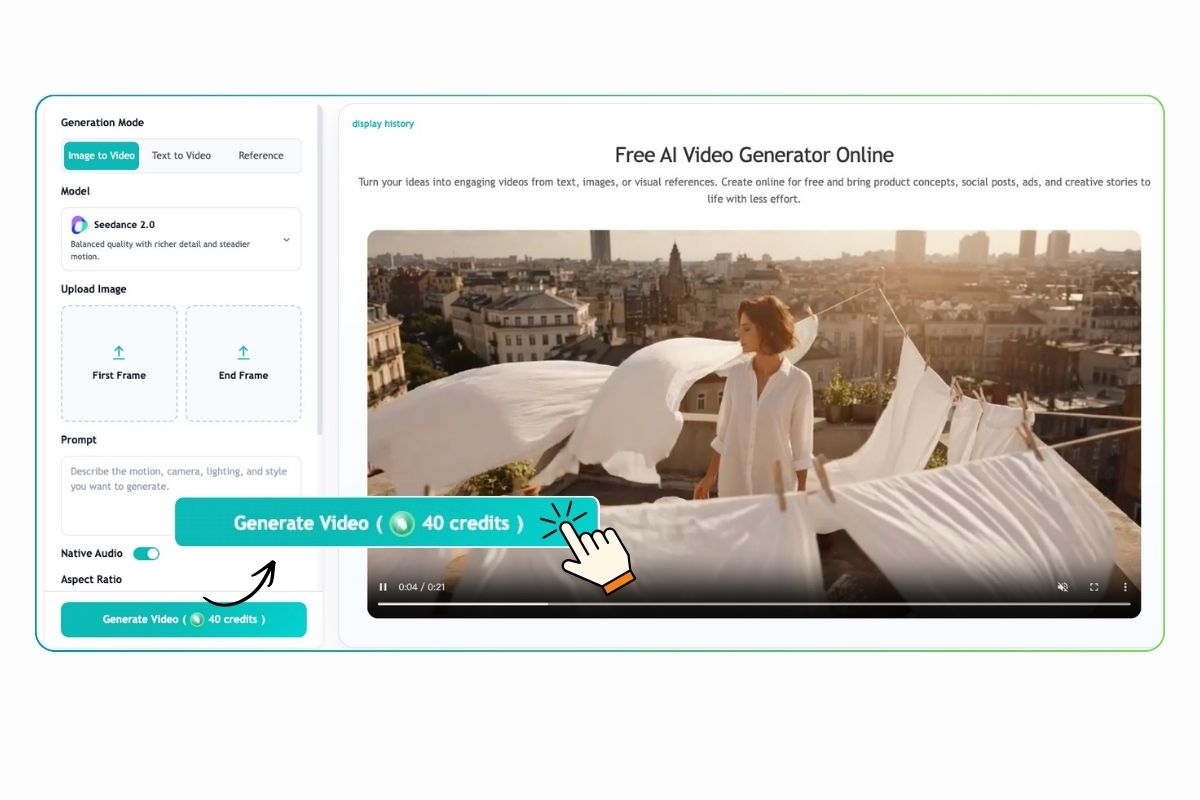
Enter a Prompt and Choose Video Settings
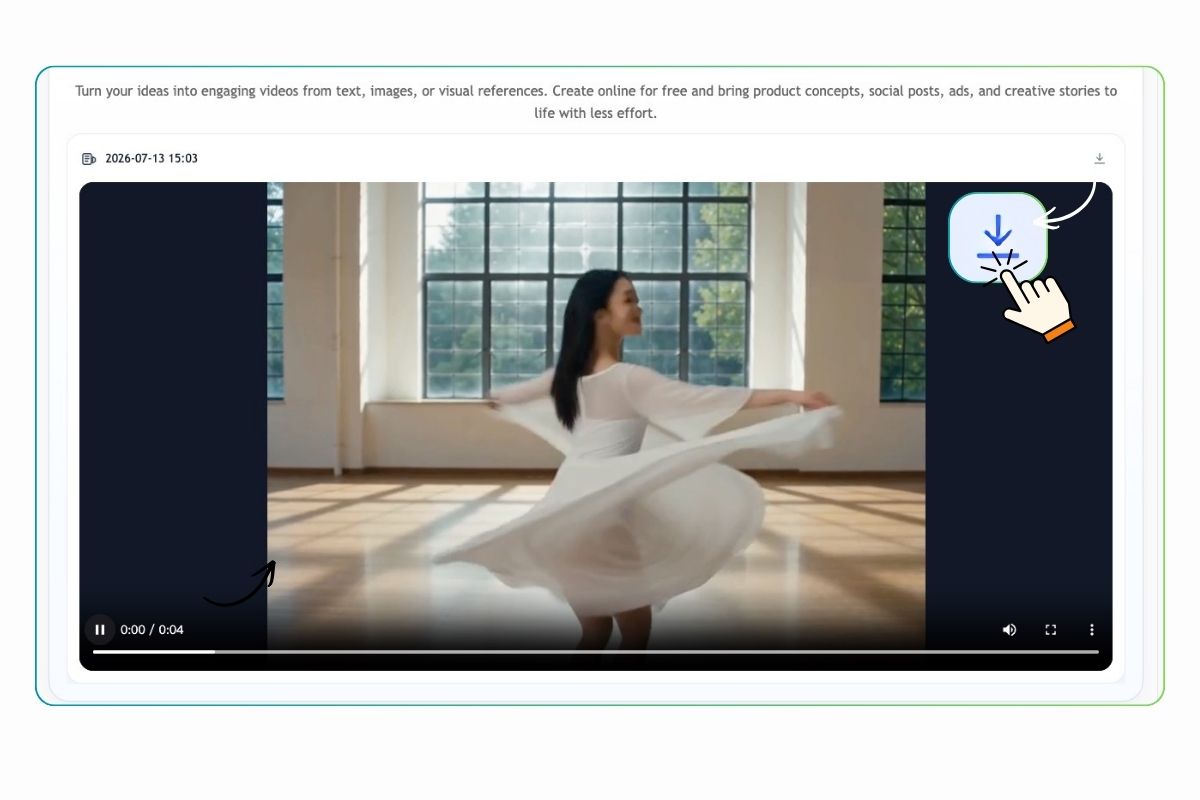
Step 3. Generate, Review, and Refine
Use Cases for the AI Video Generator
From social content and product marketing to storytelling, education, and design, turn everyday ideas and existing visuals into videos people are more likely to notice, understand, and remember.
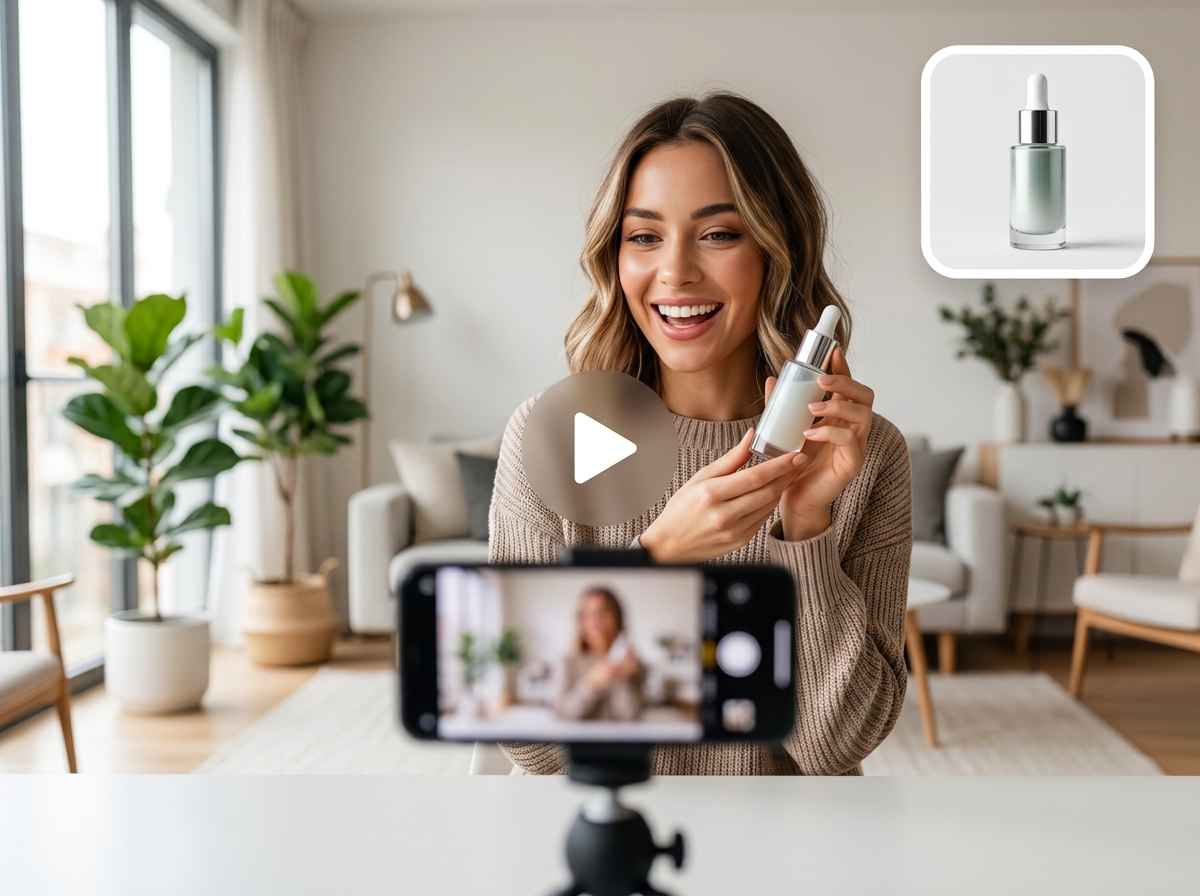
Create Scroll-Stopping Social Media Videos
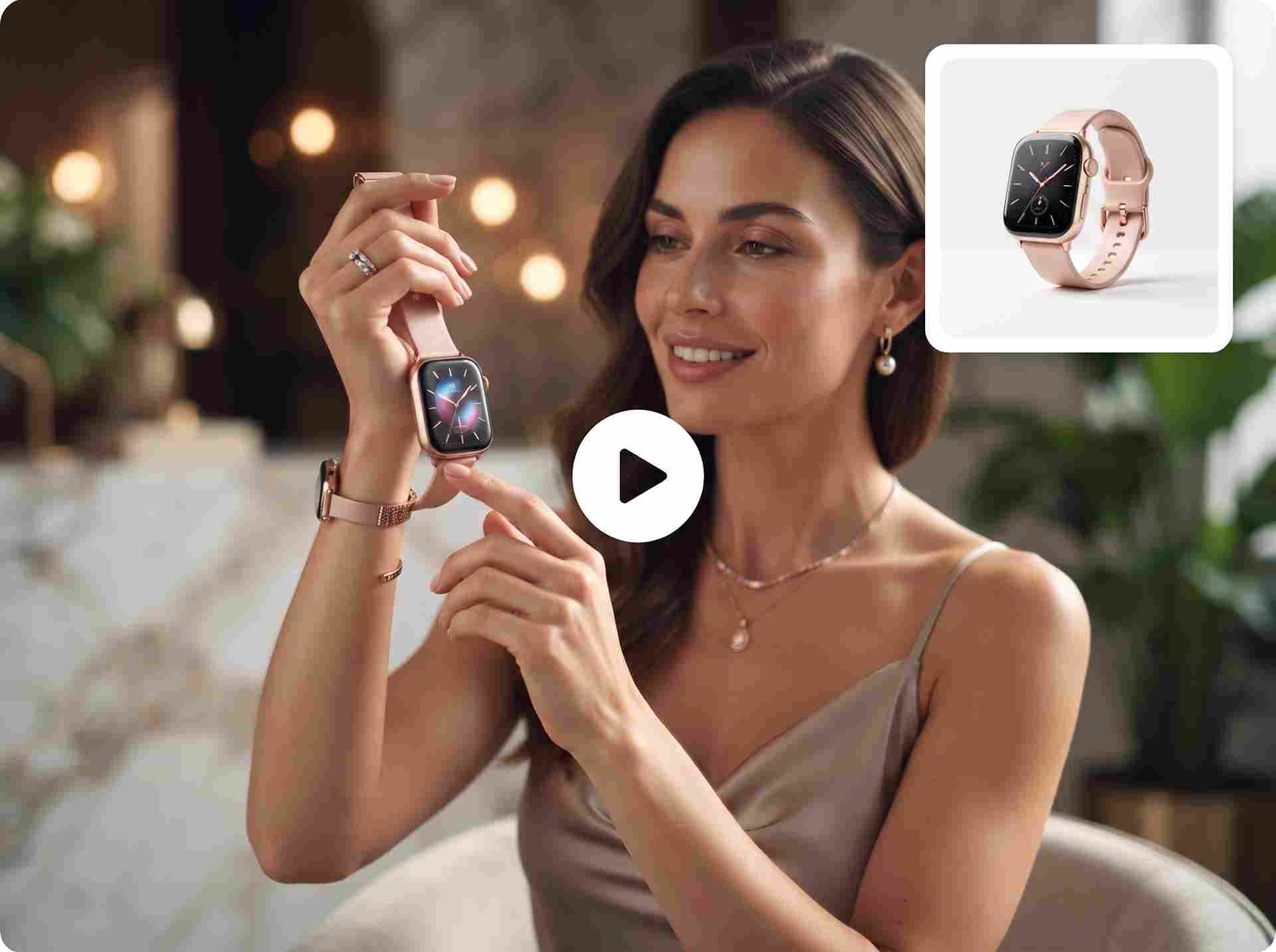
Turn Product Photos into Marketing Videos
If you need a cleaner scene or a more polished product visual first, start with the AI Product Image Generator. Use the results for product pages, social ads, launch posts, store banners, and landing pages without arranging another expensive shoot.
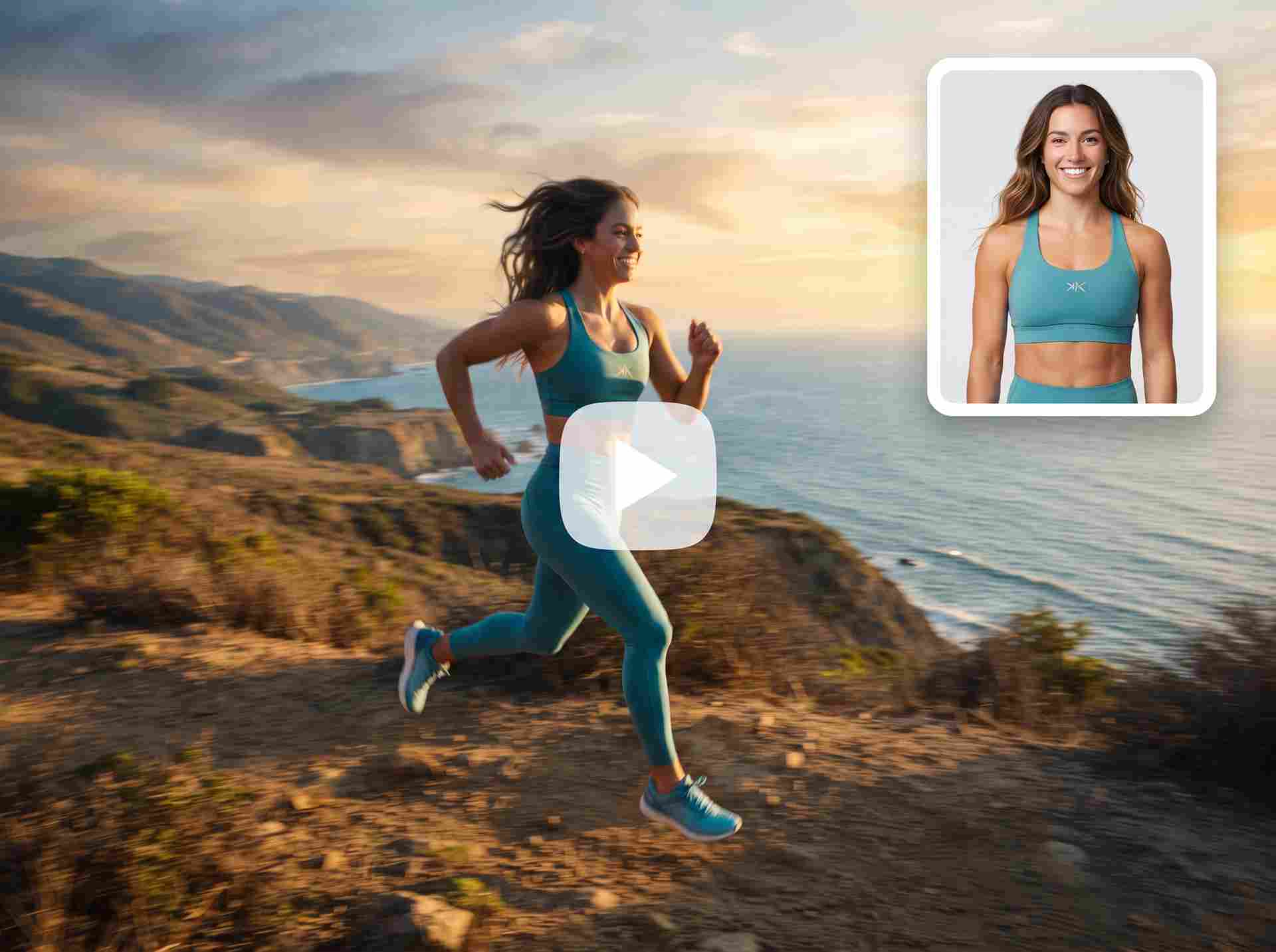
Test Video Ads Before Paying for Production
Try different scenes, lighting styles, product angles, and creative directions. Marketing teams can use the generated clips for internal reviews, client presentations, campaign testing, or short ads that are ready to publish.
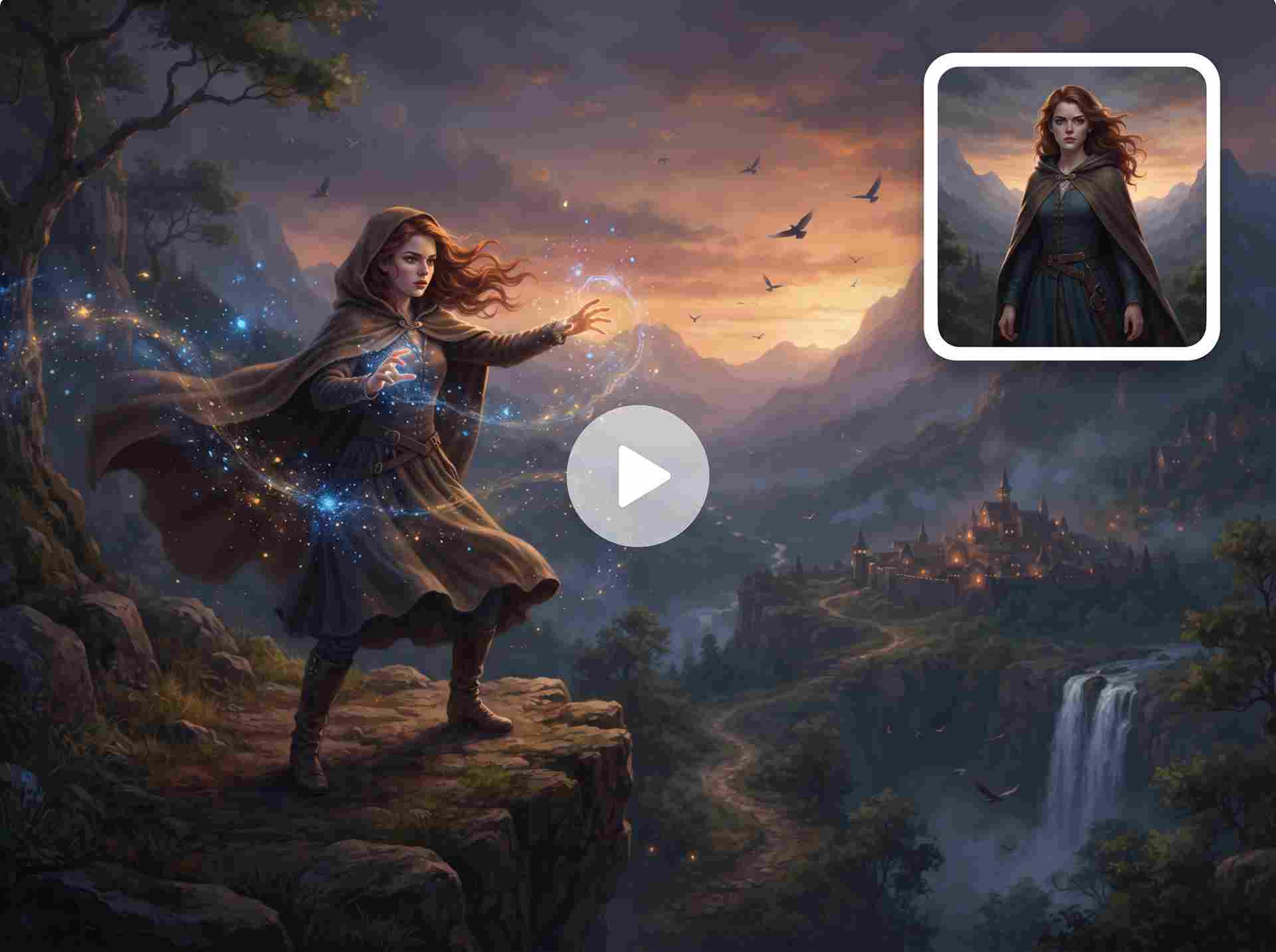
Bring Stories and Imagined Scenes to Life
Use the videos to develop story ideas, build mood boards, strengthen pitches, visualize music concepts, or simply see an idea move beyond the page.
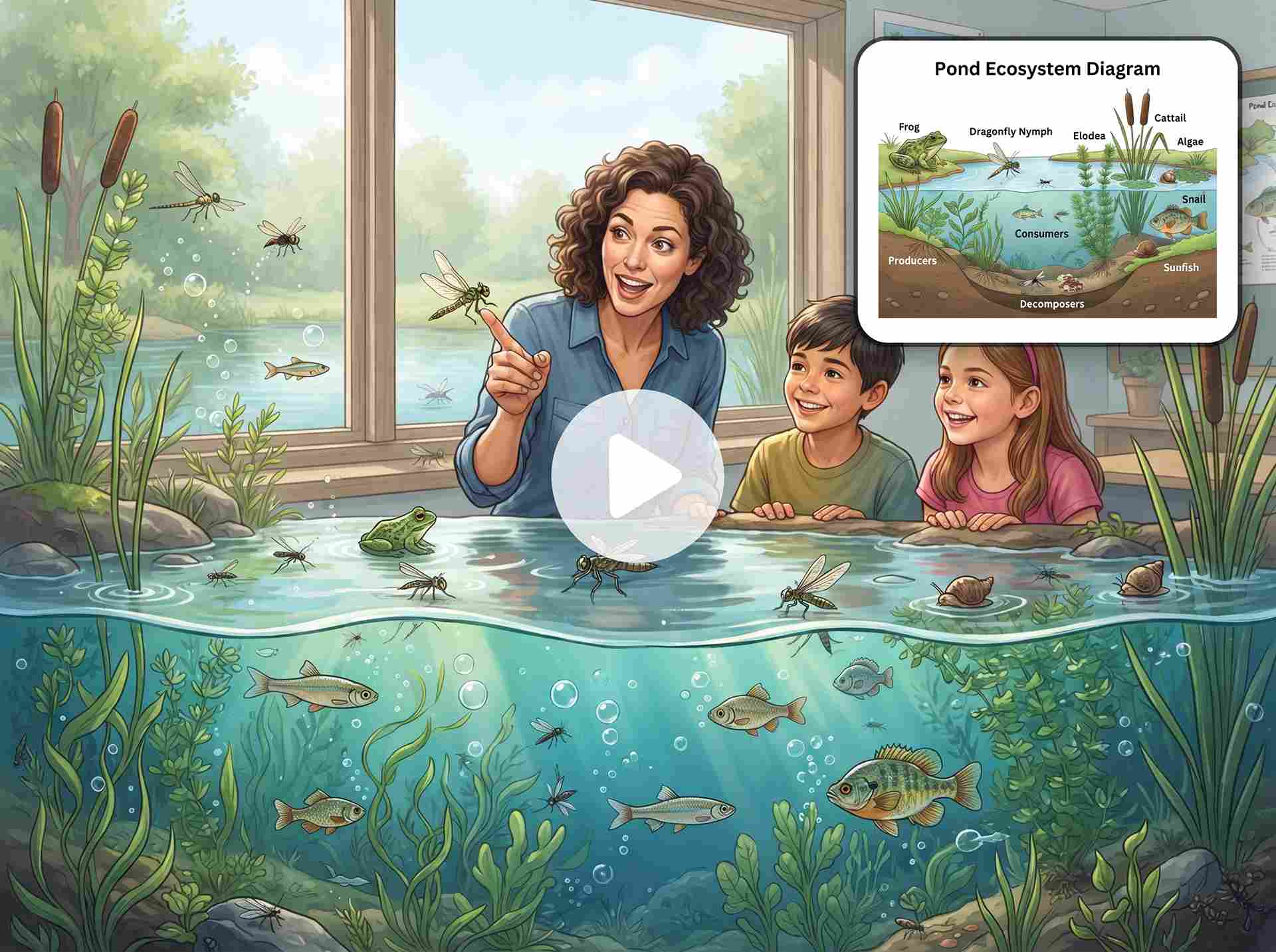
Make Learning Content More Engaging
Teachers, course creators, and students can use AI-generated video to make dense information feel more approachable. Any factual or scientific details should still be checked before publishing.
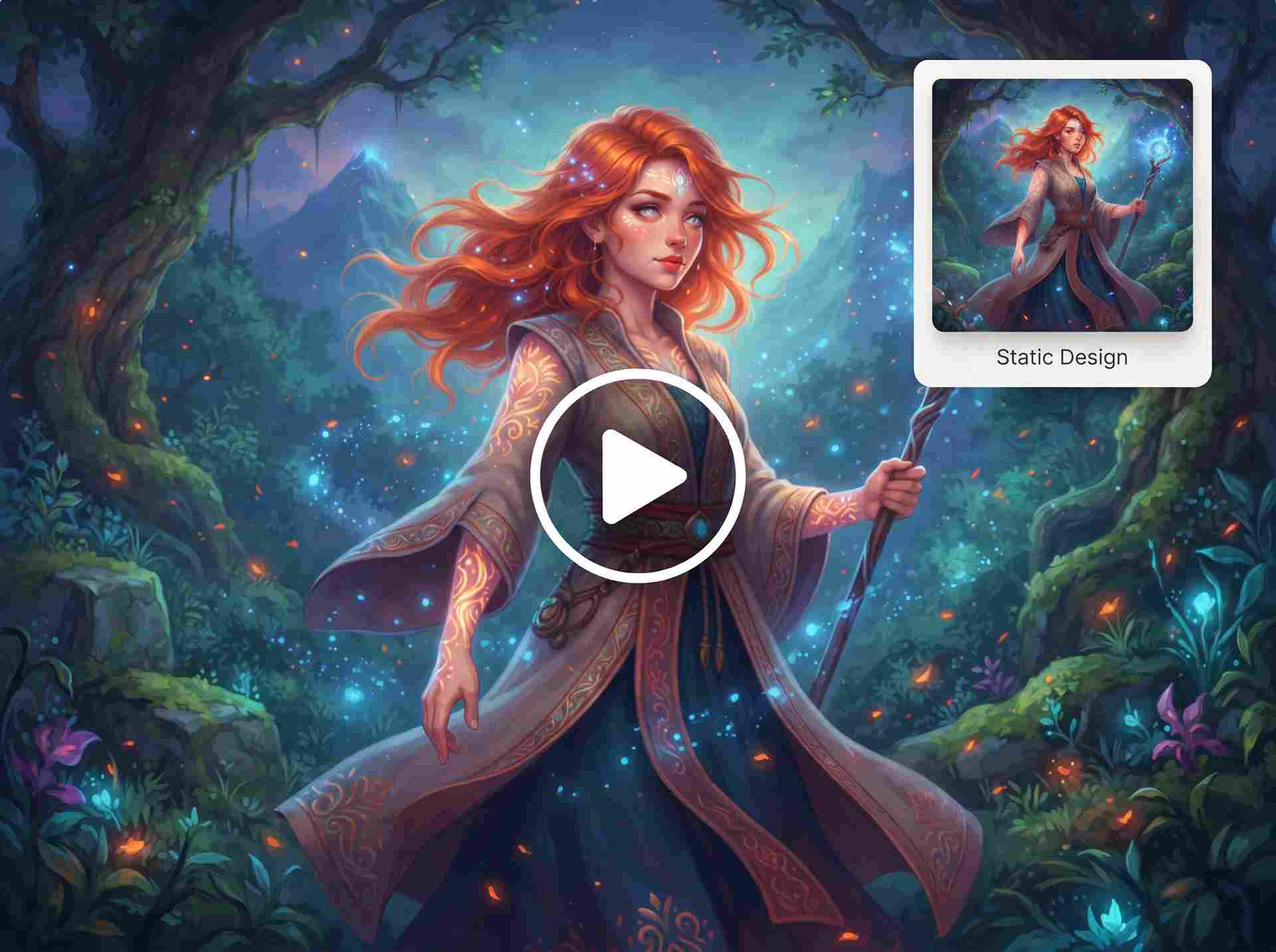
Animate Artwork, Characters, and Designs
Create portfolio previews, event visuals, character introductions, music content, or creative experiments while keeping the original design recognizable. Gentle, focused movement often works best when the artwork itself should remain the main focus.
Why Choose EzRemove’s AI Video Generator
Three Ways to Start
Generate a new scene from a written prompt, animate an existing image, or use visual references to guide the video’s appearance and movement.
Balance Speed and Video Quality
Explore ideas quickly with Seedance 2.0 Fast, or choose Seedance 2.0 when you want more detail and a more polished final result.
Flexible Video Duration
Create clips from 3 to 15 seconds based on the action, platform, campaign, or story you want to show.
Clear Resolution Choices
Use a practical resolution while testing ideas, then choose higher-resolution output when the video is ready for publishing, advertising, or presentation.
Privacy Protection
Create with greater peace of mind through a workflow designed to protect your uploaded images, prompts, visual references, and generated videos.
Simple Online Workflow
Move from an idea, image, or reference to a finished video online without learning timelines, keyframes, or complicated editing software.
What Users Say About AI Video Generator



FAQs About the AI Video Generator
What is EzRemove’s Free AI Video Generator Online?
EzRemove’s free AI video generator online turns text prompts, still images, or visual references into short videos. It helps you create social content, product videos, advertising concepts, animated artwork, and story scenes without filming or manual animation.
Which AI video generation mode should I choose?
EzRemove offers three generation modes:
● Text to Video AI creates a new video from a written idea.
● Image to Video AI adds movement to a still image.
● AI Reference to Video Generator uses visual references to guide the style, composition, appearance, or motion.
Choose text when starting from an idea, image mode when you already have a visual, or reference mode when you need more control over the creative direction.
How do I use a Free AI Video Generator Online step by step?
1. Choose Text to Video, Image to Video, or Reference to Video.
2. Enter a prompt or upload your image or reference.
3. Select Seedance 2.0 or Seedance 2.0 Fast.
4. Choose a duration and resolution.
5. Review the required credits and click Generate.
After generation, adjust the prompt or settings if you want to refine the motion, camera direction, or visual style.
What is the best Free AI Video Generator for beginners?
The best free AI video generator for beginners should have clear controls, a simple workflow, and no requirement for professional editing skills.
EzRemove lets you generate videos with natural-language prompts, images, or references. You do not need to learn timelines, keyframes, or complex animation software.
What is the difference between Seedance 2.0 and Seedance 2.0 Fast?
Seedance 2.0 is suited to projects where visual detail, motion quality, and a more polished result are the priorities.
Seedance 2.0 Fast is designed for quicker testing and creative exploration. It is useful for comparing prompts or trying several directions before creating a final version.
Is EzRemove’s AI Video Generator free to use?
Yes. You can start generating videos with the free usage or credits available in your EzRemove account. When your free credits are used, you can view current credit plans and purchase additional credits. The required amount is shown before generation.
How are credits calculated for AI video generation?
Credit usage depends on the selected model, video duration, resolution, and other generation settings.
Longer videos and higher resolutions generally consume more credits because they require more processing. You can review the exact cost before starting.
What video lengths and resolutions does the AI Video Generator support?
EzRemove supports video durations from 3 to 15 seconds.
Short clips are suitable for simple movement, social hooks, product animations, and loops. Longer clips give actions and camera movements more time to develop.
You can also choose from different resolution options. Higher-resolution output uses more credits.
How can I create a marketing video using artificial intelligence?
First, define the goal of your video, such as promoting a product, introducing an offer, or testing a campaign idea.
Use Text to Video AI for a new concept, Image to Video AI to animate product photography, or the AI Reference to Video Generator to follow a specific visual direction.
Describe the product, action, setting, camera movement, and mood, then generate and refine the video for social ads, product pages, landing pages, or launch campaigns.
How can I get better results from the AI Video Generator?
Focus on one clear subject and one main action. Include details such as the setting, camera movement, lighting, mood, and visual style.
Instead of writing: “Make a cool product video.”
Try: “A close-up of a perfume bottle rotating slowly on a reflective table, soft golden studio lighting, gentle camera push-in, premium commercial style.”
For image-based generation, use a clear image with a visible subject. For reference-based generation, explain which elements the reference should guide.
If the result does not match your idea, simplify the action or clarify what should move and what should remain unchanged.
Can I use AI-generated videos for commercial projects?
AI-generated videos may be used for advertisements, social media, product pages, marketing campaigns, presentations, and other commercial projects, subject to EzRemove’s current terms and applicable laws.
You are responsible for ensuring that you have the rights to any uploaded images, references, logos, characters, trademarks, or other protected materials.