Free Talking Animals Generator Online
Turn a pet photo into a talking video with EzRemove. Upload your image, create a playful animal clip, and download it when you are ready to share a favorite pet moment.
Turn Any Pet Photo Into a Talking Animal Video
Give a favorite animal photo a new role instead of leaving it in your camera roll. Upload an image of a dog, cat, bird, rabbit, or another pet and turn it into a Talking Animals video made for a joke, message, or story. The original photo remains the visual starting point, while your pet becomes the character at the center of a short video you can watch, download, and share.
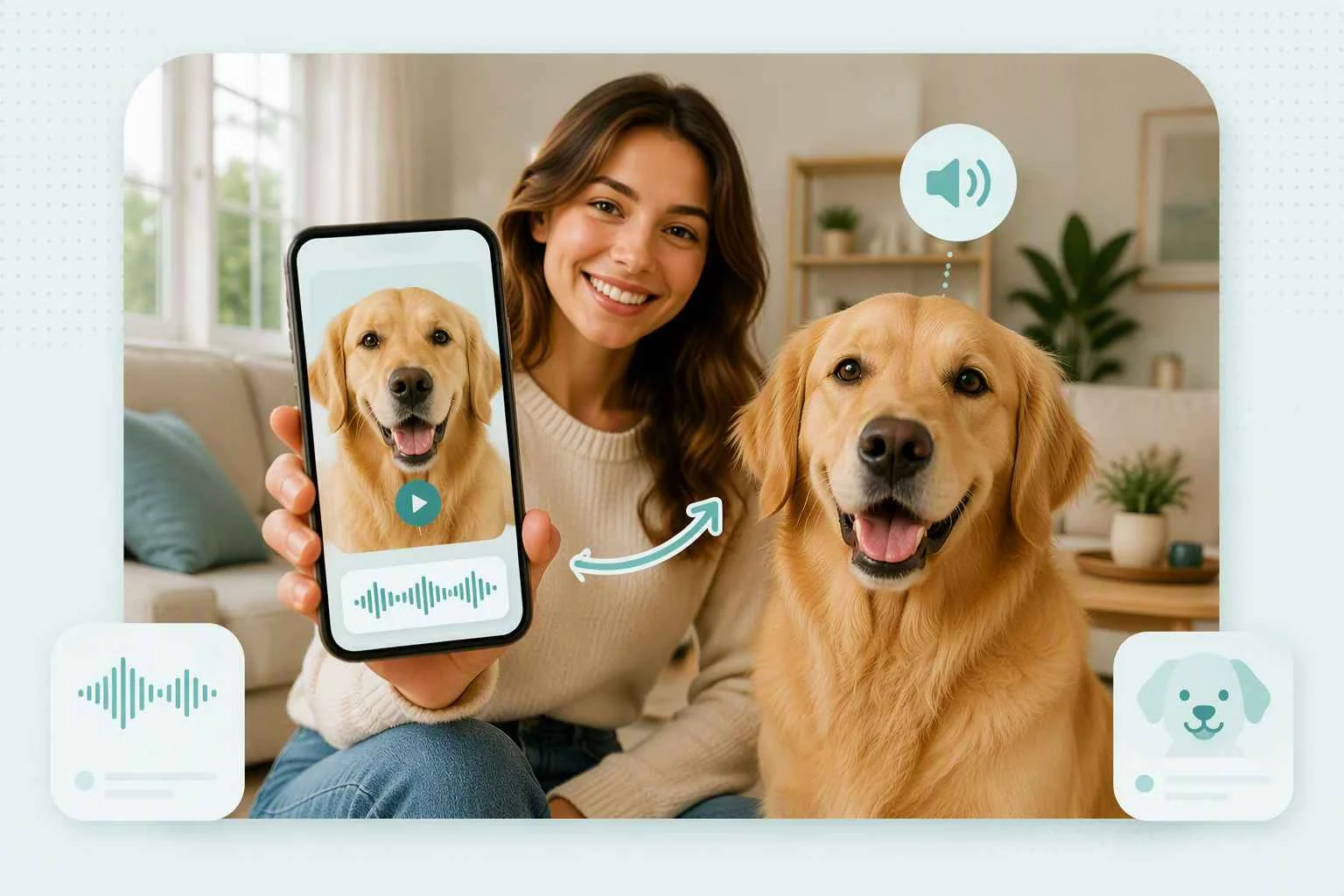
Give Your Pet a Voice That Matches Its Personality
The best talking pet videos feel connected to the animal people already know. Let an energetic dog deliver an excited announcement, give a serious cat a dry response, or turn a curious bird into the narrator of a short story. Start with your pet’s familiar personality, then choose a message that fits it. This makes the finished talking animal video feel like your pet is expressing its own thoughts rather than simply appearing in an animated photo.
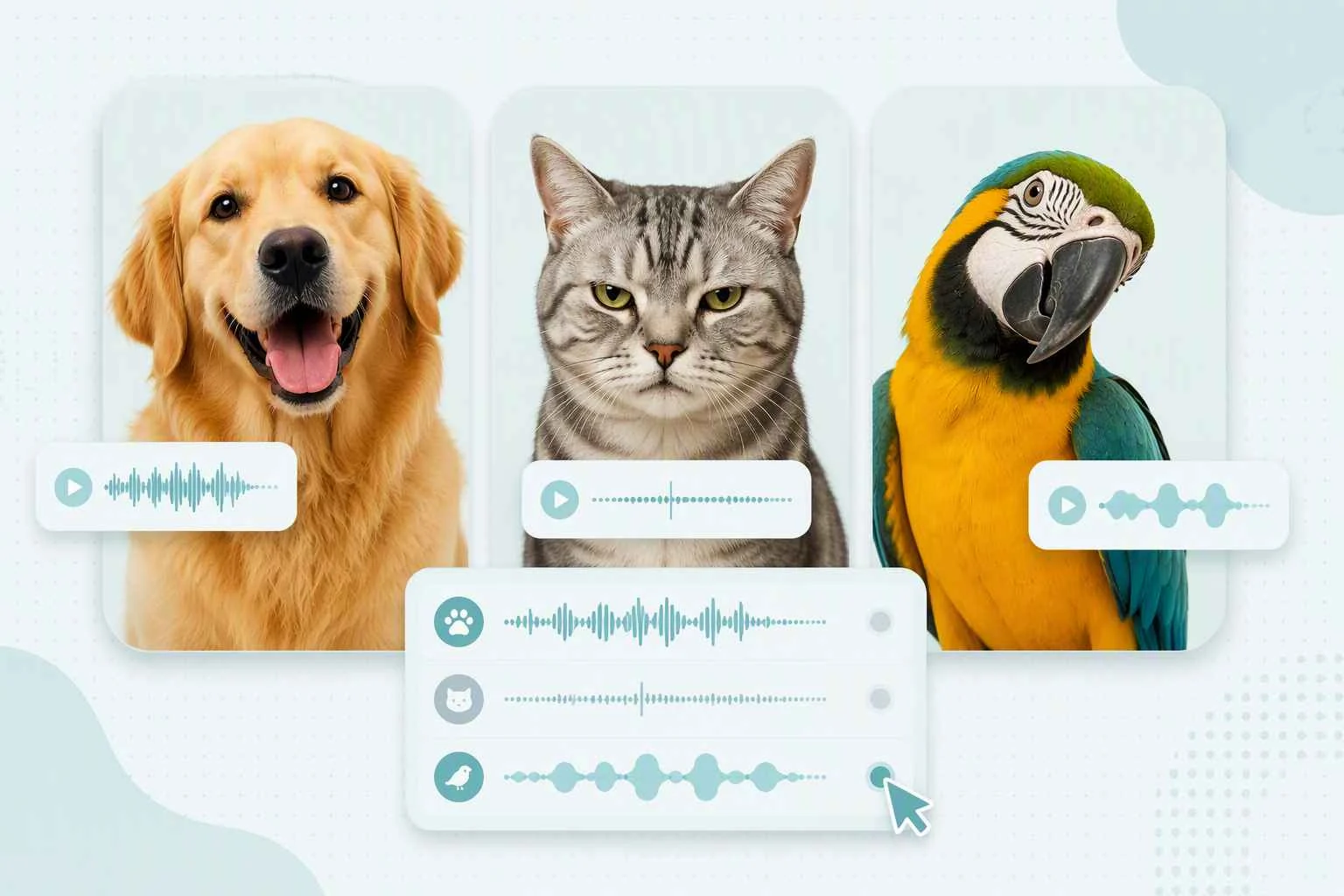
Turn a Funny Pet Expression Into a Talking Meme
A suspicious stare, a guilty face, or an impatient look can already tell half the joke. Use the photo where your pet looks proud, confused, sleepy, annoyed, or overly excited, then turn that expression into a talking pet meme. Add the punchline through the video concept instead of explaining the joke in a long caption. The result can become a group-chat reaction, a short comedy clip, or a recurring character your friends immediately recognize.
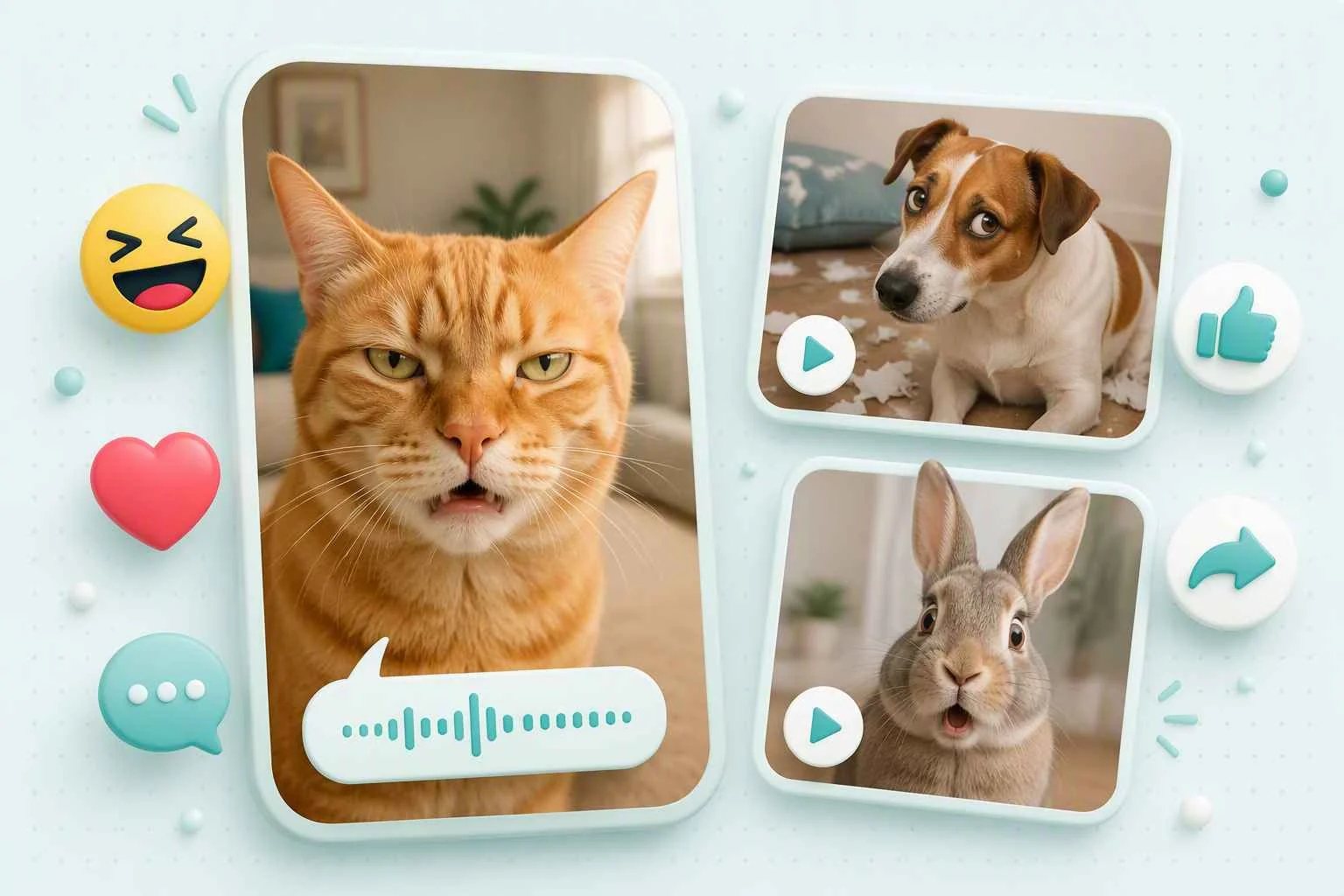
Create Pet Greetings and Personal Messages
Make an ordinary message more memorable by letting your pet deliver it. A talking dog can wish someone a happy birthday, a cat can welcome a family member home, and a favorite pet photo can introduce a holiday greeting or personal update. Choose an image that suits the occasion and build the clip around one clear message. For an older or less detailed source image, you can enhance the pet photo before animation so the animal remains easy to recognize.
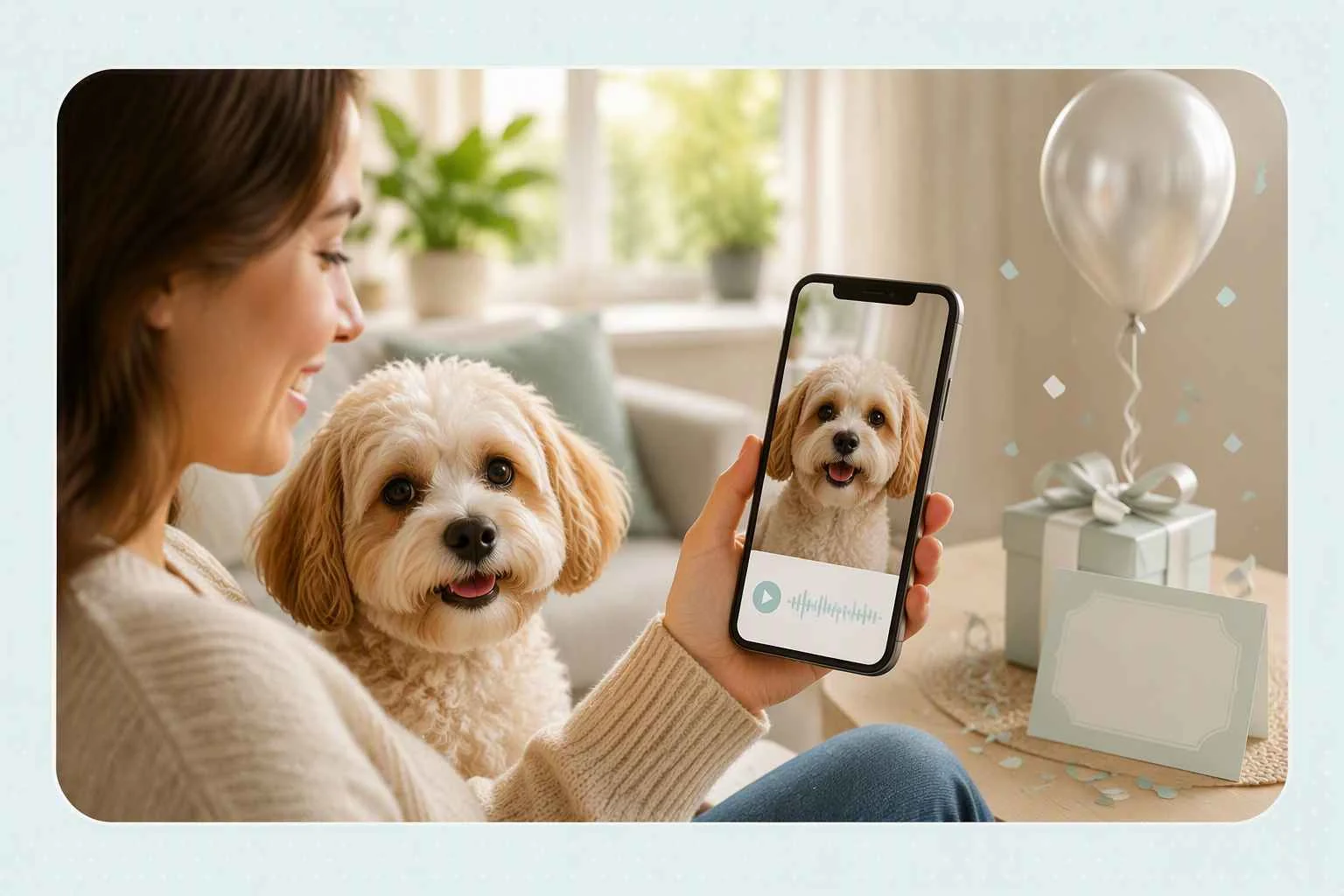
Share Talking Animal Videos in Posts, Stories, and Chats
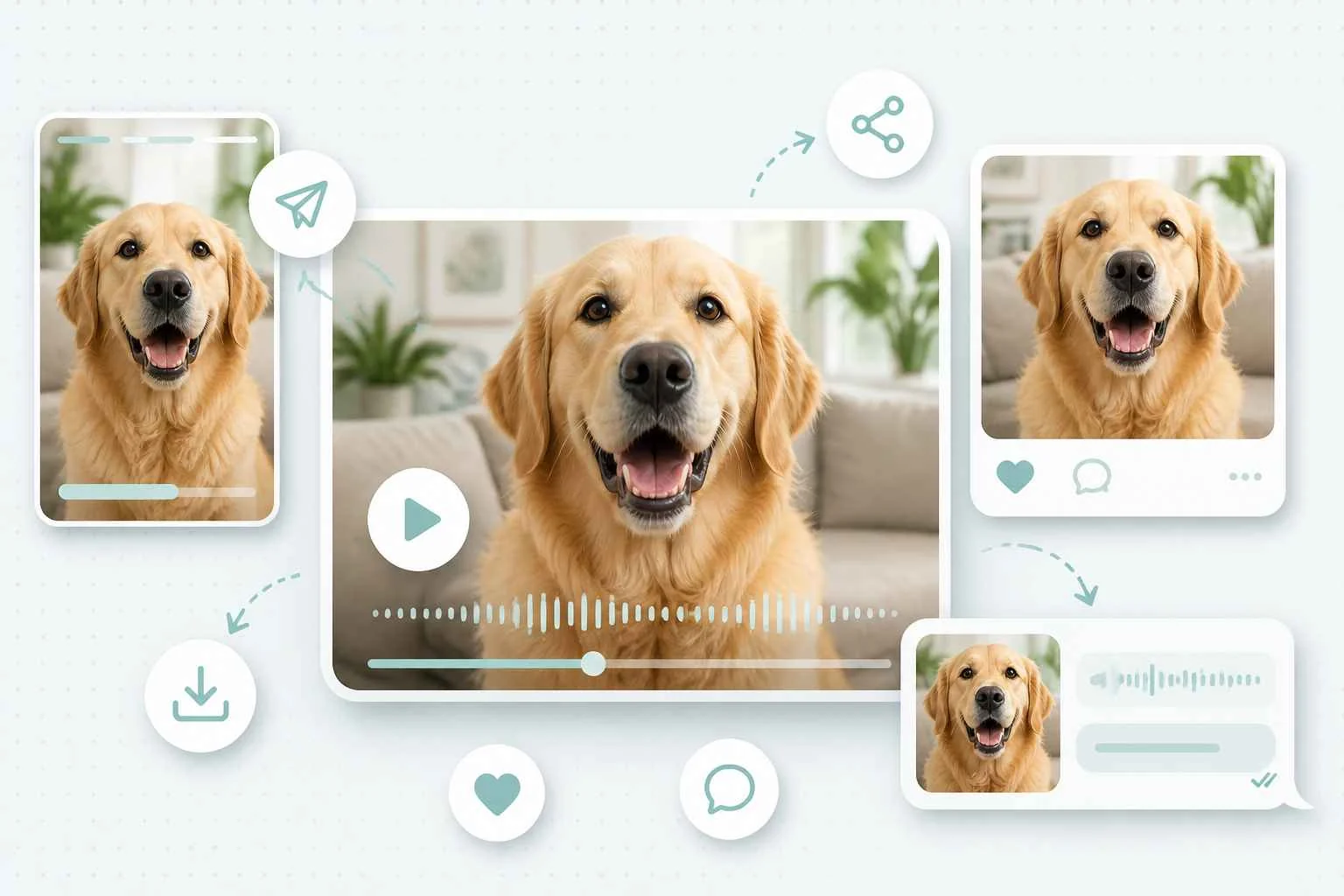
Use a Talking Animals video in a TikTok or Instagram post, send it as a playful group chat reply, or add it to a family story built around your pet. Short clips work best when the expression, message, and occasion support the same idea. When a talking clip is only the starting point, you can use the same pet image to create a fuller AI video with more motion and visual direction.
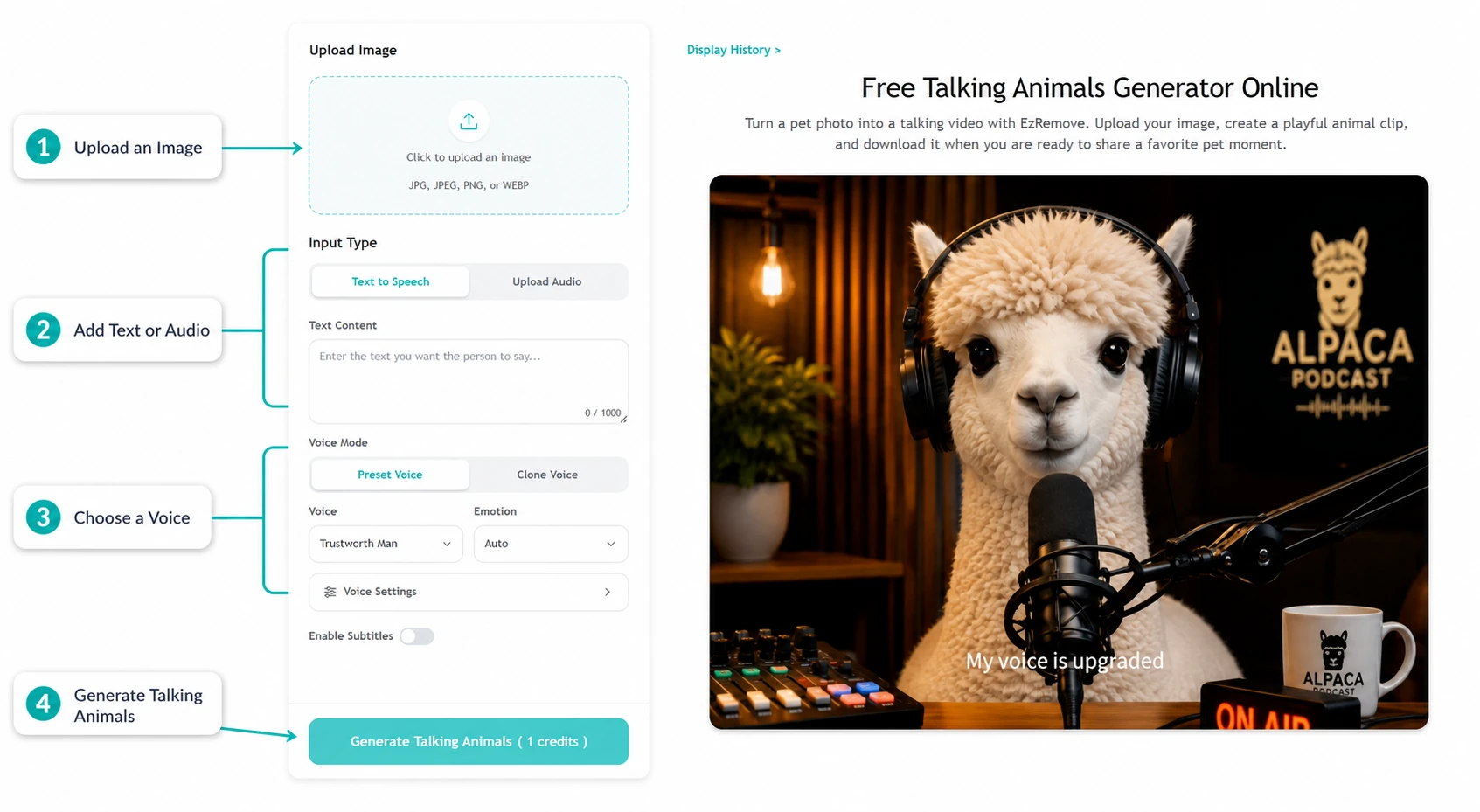
How to Use EzRemove Talking Animals Online
-
1
Upload a pet photo
Choose an image of your dog, cat, bird, or another pet and add it to the Talking Animals tool.
-
2
Create the video
Use the available creation options, then start generation to turn the pet photo into a talking animal video.
-
3
Download and share
Review your generated clip, download the result, and use it for the moment you had in mind.
Creative Ways to Use Talking Animals Online
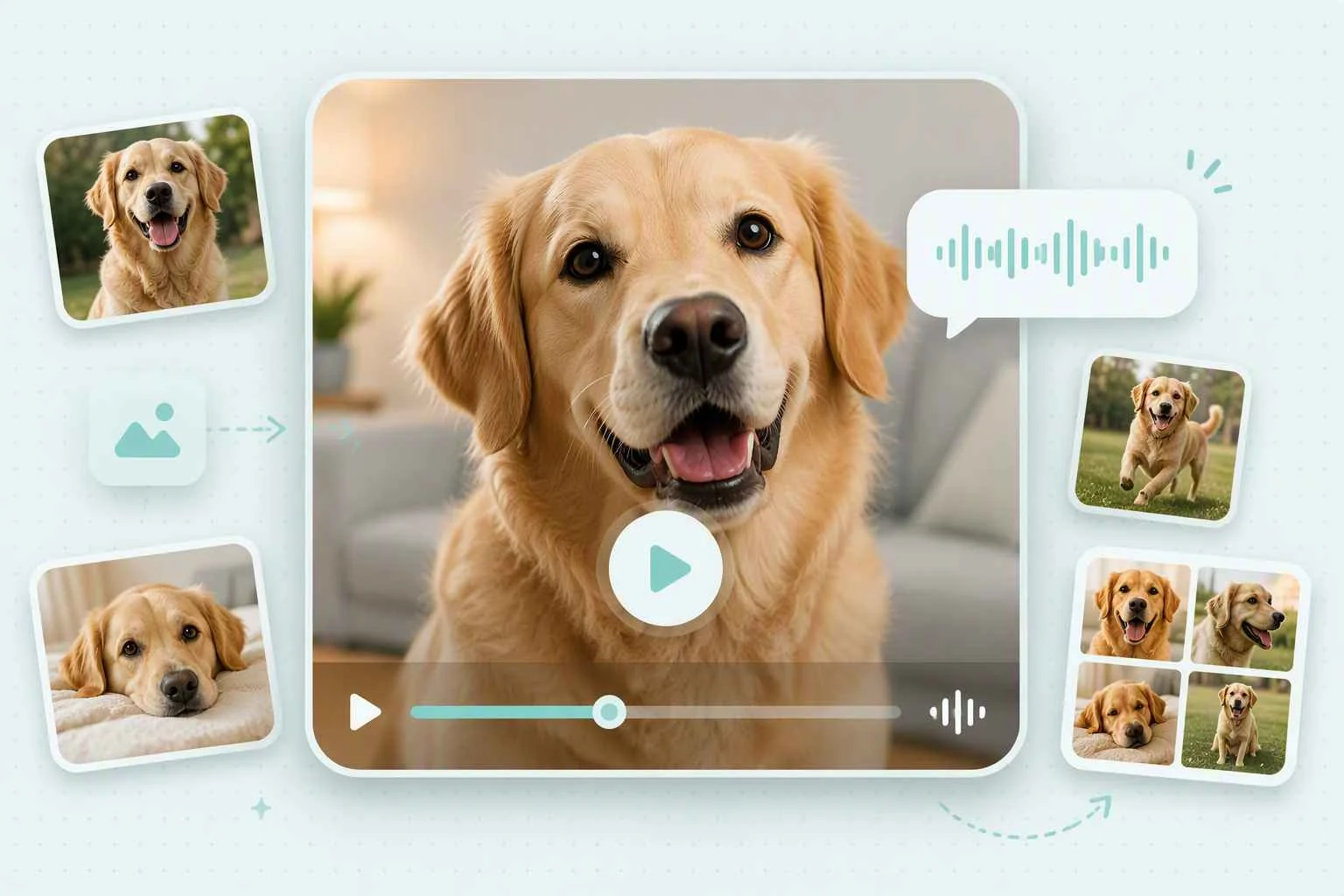
Make Everyday Pet Moments More Fun
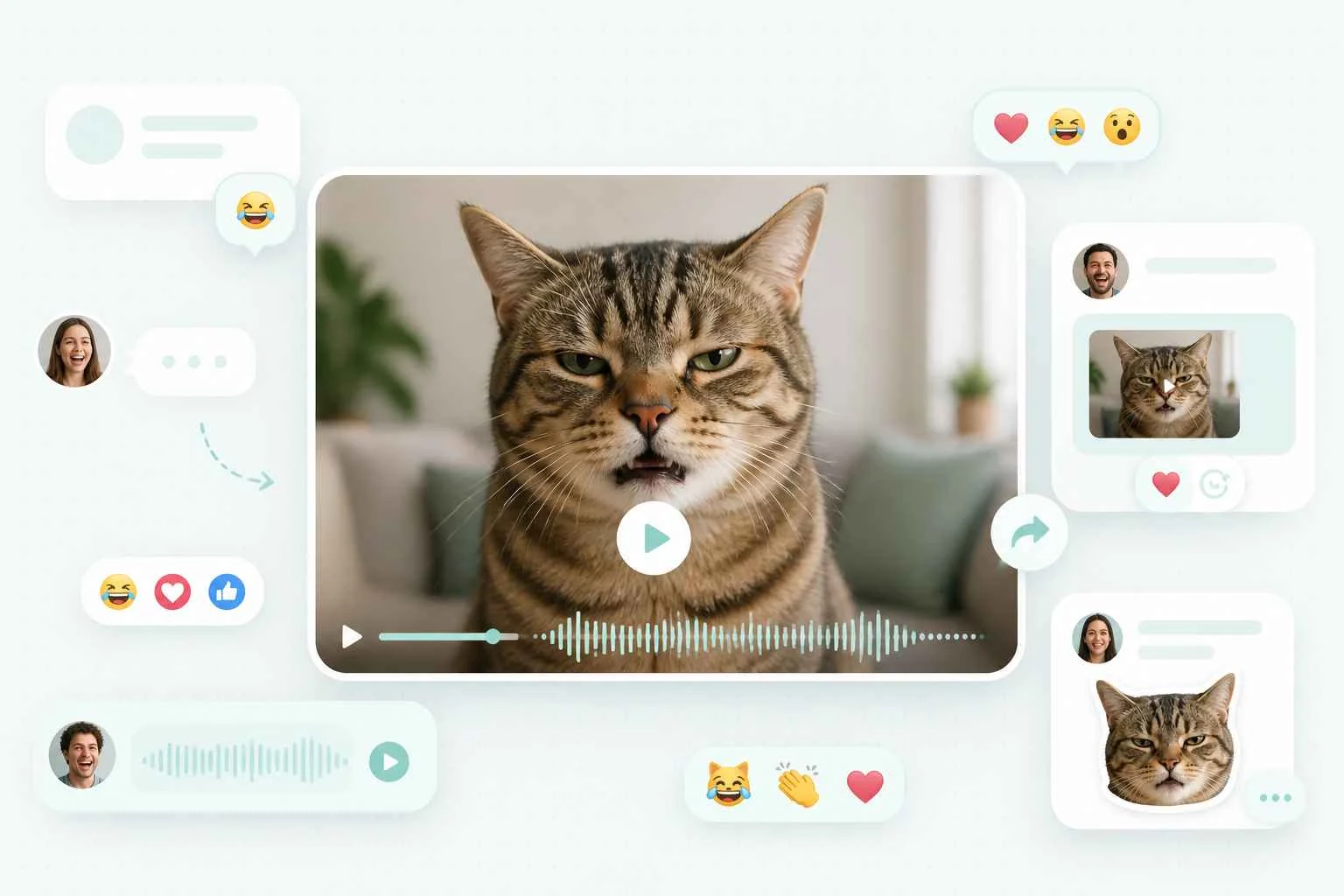
Add Personality to Chats and Reactions
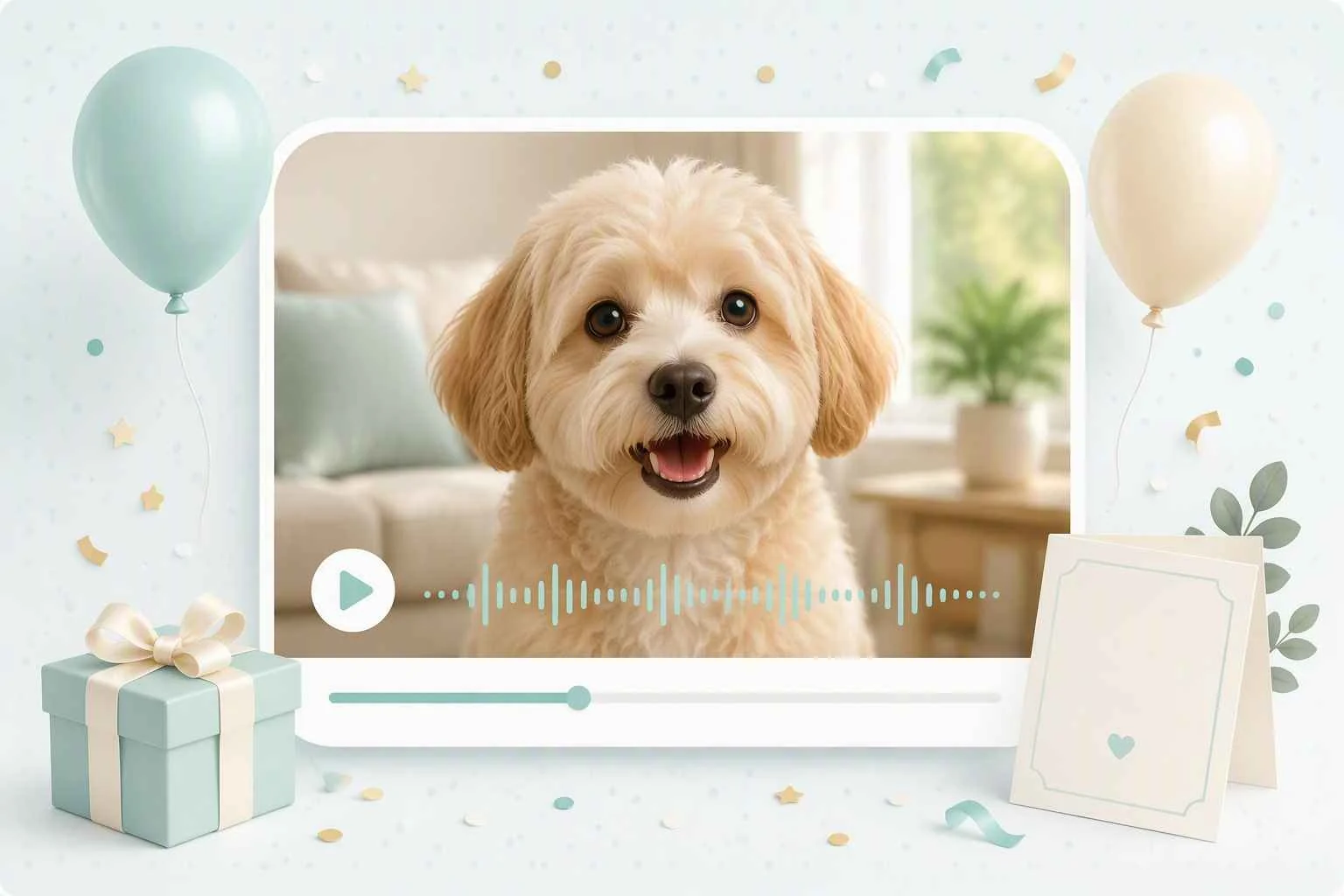
Surprise Friends and Family
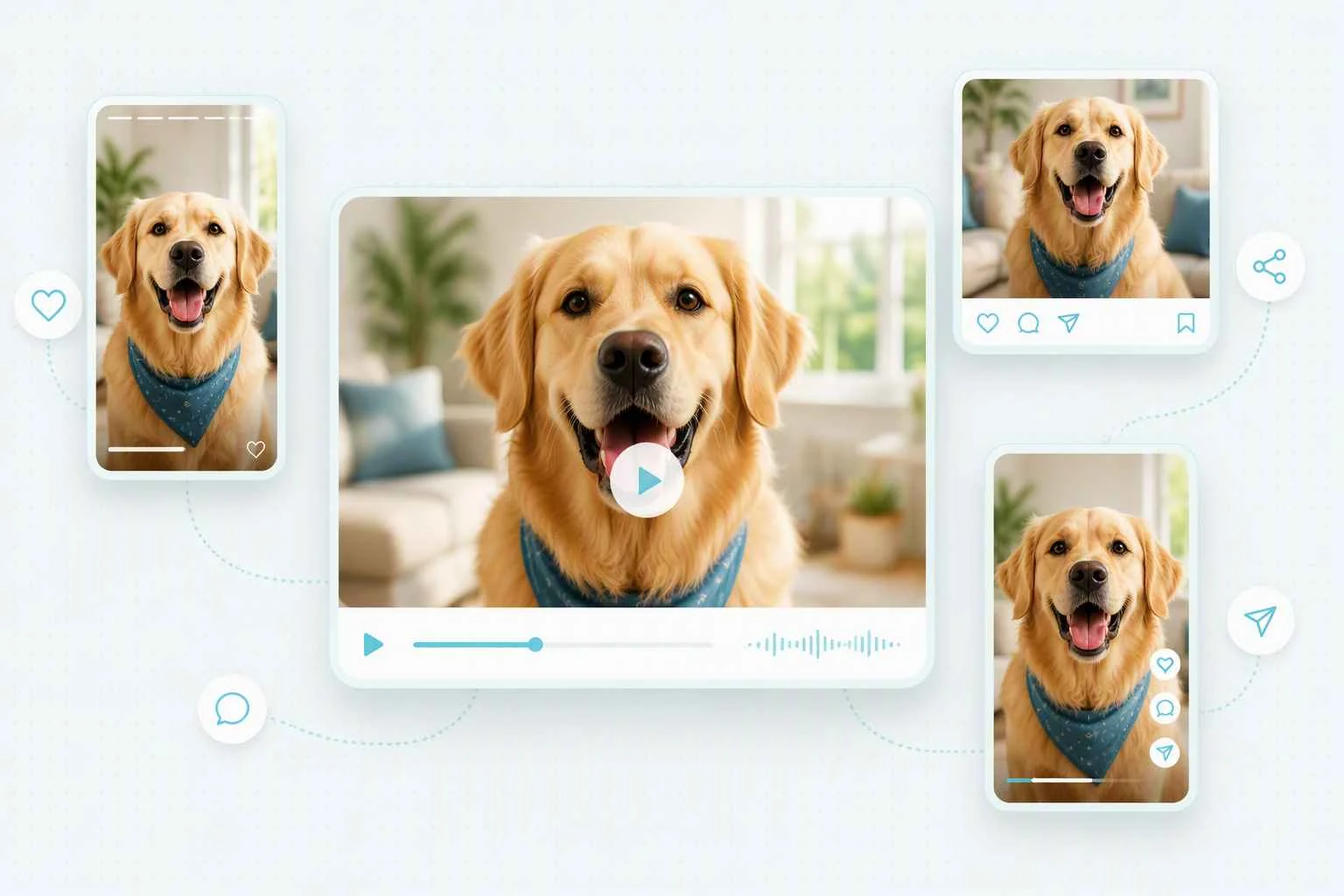
Create Fresh Social Media Content
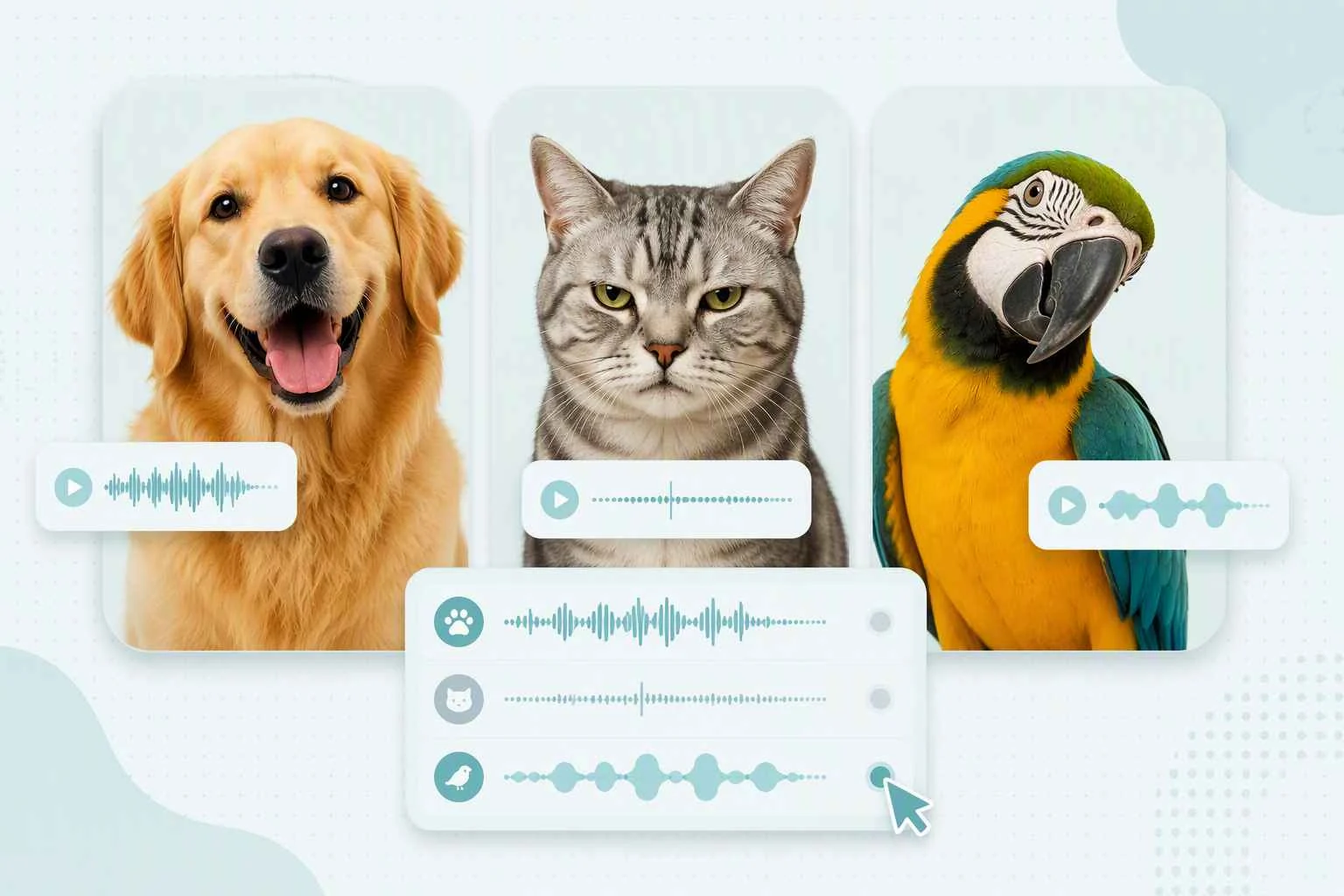
Make Family Time More Playful
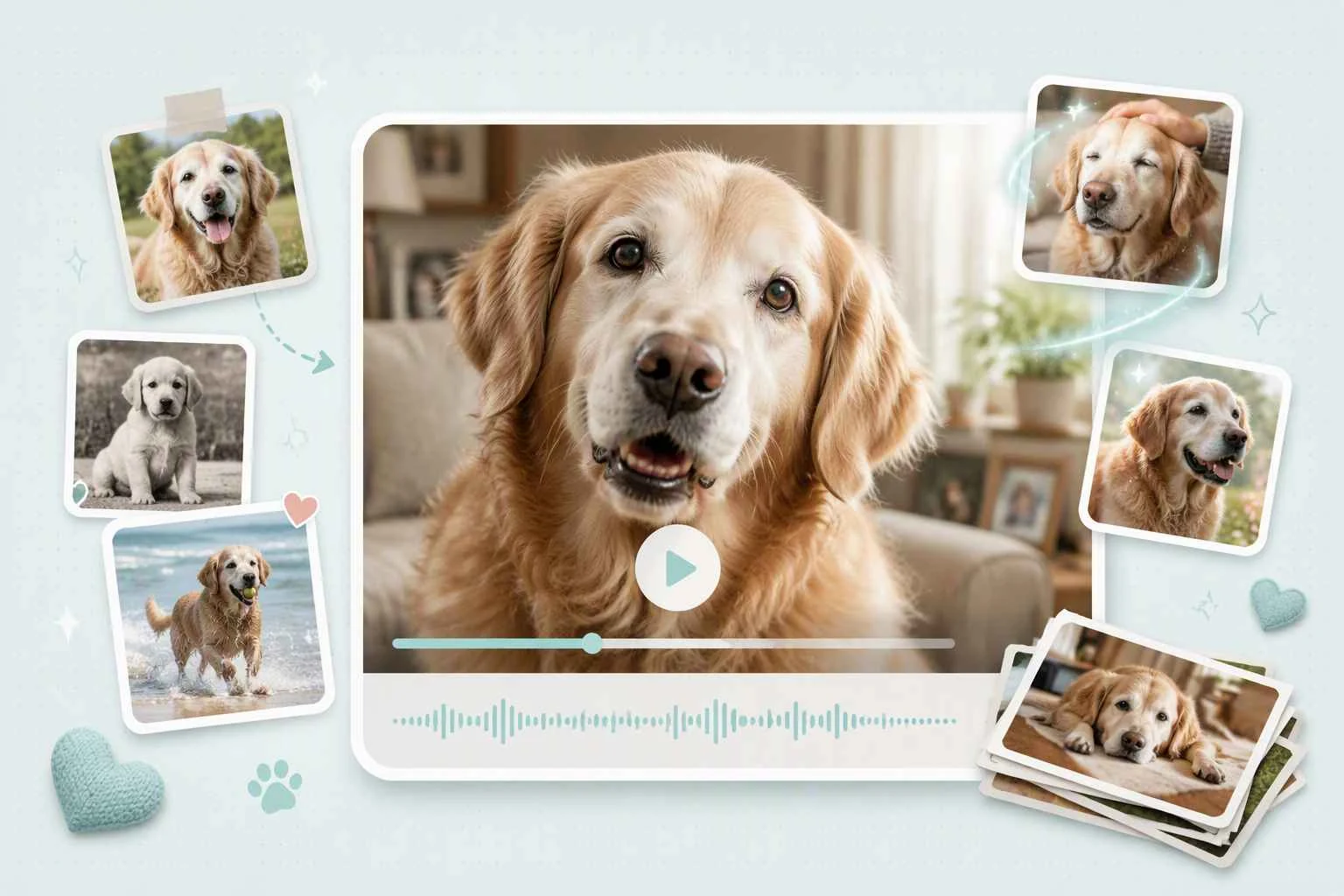
Revisit Favorite Pet Memories
Why Pet Photos Work So Well for Talking Animals

Create Natural Talking Motion From One Photo
A talking pet can quickly look strange when its mouth movements feel disconnected from its face. EzRemove turns one clear animal photo into a recognizable talking video, while AI lip sync helps match existing clips to new audio.

Skip the Camera and Difficult Editing
Pets rarely stay still when you need the perfect recording. Start with a photo you already have instead of filming new footage, cutting clips, or animating the mouth frame by frame.

Follow a Simple Online Creation Process
You should not need animation experience to make a pet talk. Upload a photo, create the video, review the result, and download the finished clip through one straightforward online workflow.

Try Talking Animals Online for Free
Test your pet photo and explore the available creation options before committing to a larger project. Current free access and generation requirements are shown when you begin creating.

Personalize the Video Around Your Pet
A generic line may not match the expression in your photo. Choose a message, joke, greeting, or story that fits your pet’s personality and the moment you want to create.

Turn a Saved Photo Into a Shareable Video
A favorite pet moment does not have to remain buried in your camera roll. Turn it into a talking clip for a personal message, family chat, social post, or creative project.
What Creators Say About This Talking Animals Tool


Talking Animals FAQ
What is Talking Animals?
Talking Animals is an EzRemove tool for turning a pet photo into a talking animal video. Upload an image, use the available creation flow, and generate a playful clip from your pet photo.
How do I make my dog talk with AI?
Start by uploading a dog photo to Talking Animals. Follow the available creation options, generate the video, then download the result when it is ready.
How do I make an AI cat video?
Choose a cat photo you want to use, upload it to Talking Animals, and create a talking pet video from that image. A clear image is a useful starting point for any photo-based video idea.
Can I use photos of pets other than dogs and cats?
Talking Animals is built around pet photos, so you can start with the animal image you want to bring into a talking video. Check the current creation experience for supported options.
Is this an AI animal video generator free to use?
Yes. EzRemove provides free trial credits every day, so you can create and try Talking Animals online for free. If you need to generate more videos after using your daily credits, you can purchase additional credits based on your needs.
Do I need to record a new pet video first?
No. The workflow starts from a pet photo, so you can create a talking animal video from an image you already have instead of recording new footage.
What should I do if I want a clearer pet photo first?
You can improve the source image before you animate it. Try a clean, recognizable pet photo, or use EzRemove's AI Image Upscaler to prepare an image with more visible detail.
Can I share my Talking Animals video?
After you create and download your talking pet video, use it in the personal message, post, or creative moment you made it for. Review EzRemove's current terms before commercial use.