Free AI Talking Photo Generator Online
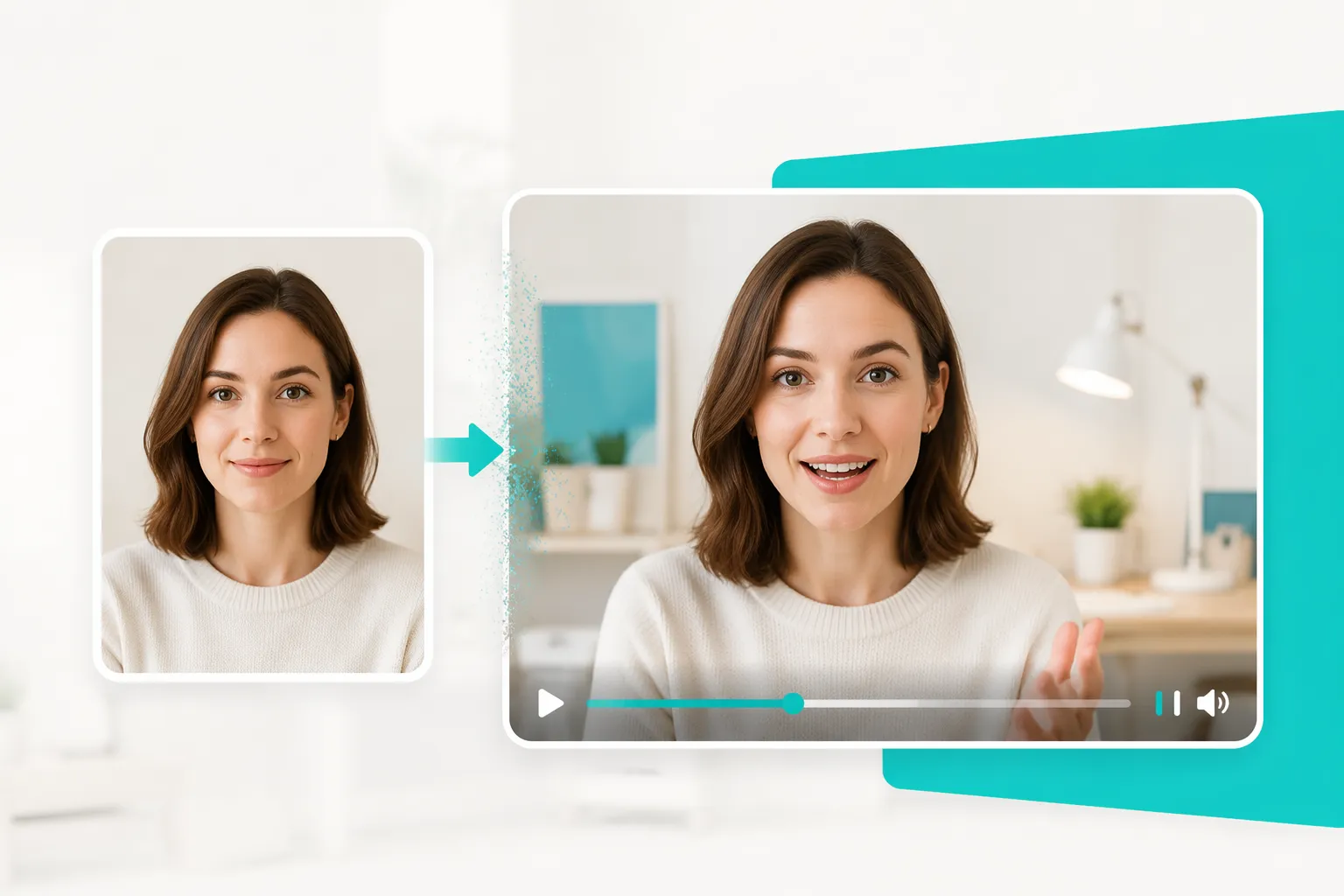
Turn a clear portrait, character illustration, or pet photo into a talking video with synchronized speech. Add a script, upload audio, or record your voice, then create a shareable result without filming a new take.
Animate a Still Image into a Talking Photo
A frontal photo gives your message a face people can follow. AI talking photo animation maps spoken audio to visible mouth movement and facial expression, so a simple image can introduce a product, deliver a greeting, or explain one idea in a short video. Use a well-lit image with clear facial features for the most dependable starting point. When you need to create more dynamic video content after the talking photo is ready, you can create more dynamic videos with AI for different visual ideas and formats.
Talking Photo AI with Text, Audio, or Your Voice
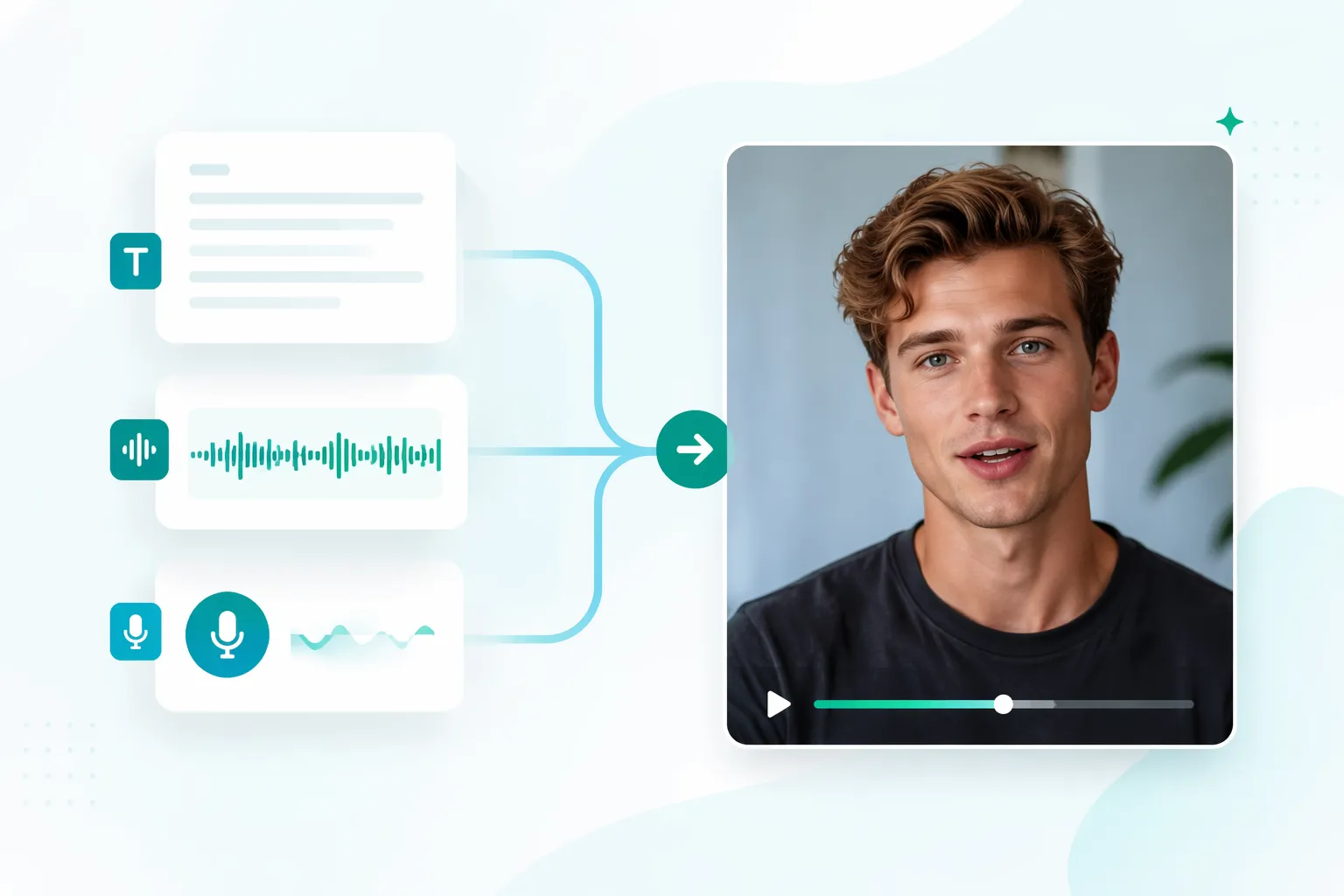
Choose the input that matches your project. Type a short script when you need a controlled message, upload an audio file when the delivery already exists, or record your own voice for a more personal result. This makes photo talking useful for creators who want repeatable content as well as people making one custom message. You can also create natural lip-synced videos when you want more precise speech and facial movement matching.
Make Photo Talk with Natural Lip Sync
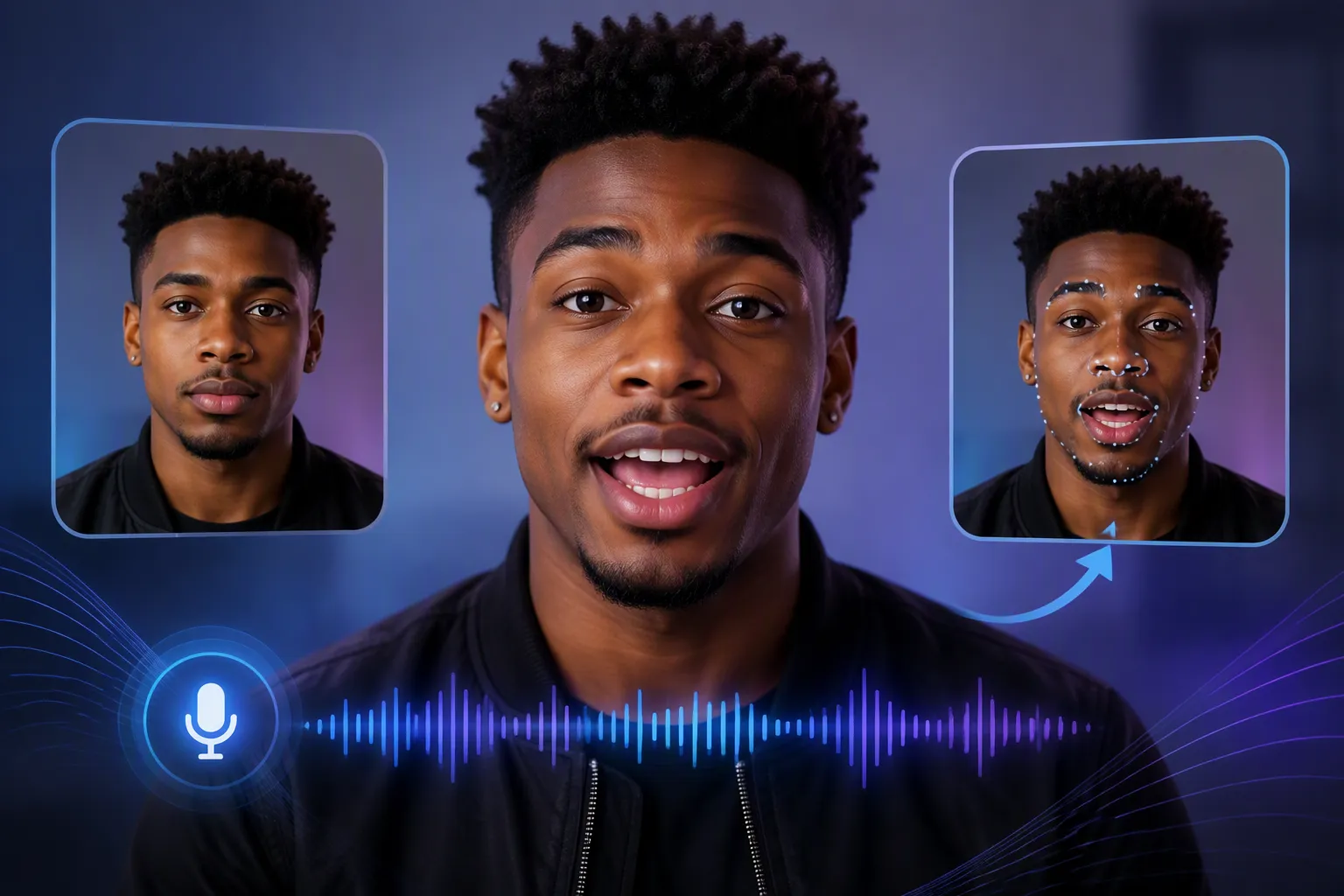
The central task is simple: match the face in your image to the sound in your audio. EzRemove animates the visible speaking area so the mouth movement follows the words instead of leaving you to keyframe every expression by hand. EzRemove can also help you make cartoon characters speak with natural expressions, making it easier to create short animated stories, social clips, and visual explainers where timing matters.
Talking Photos AI for Characters, Pets, and Portraits
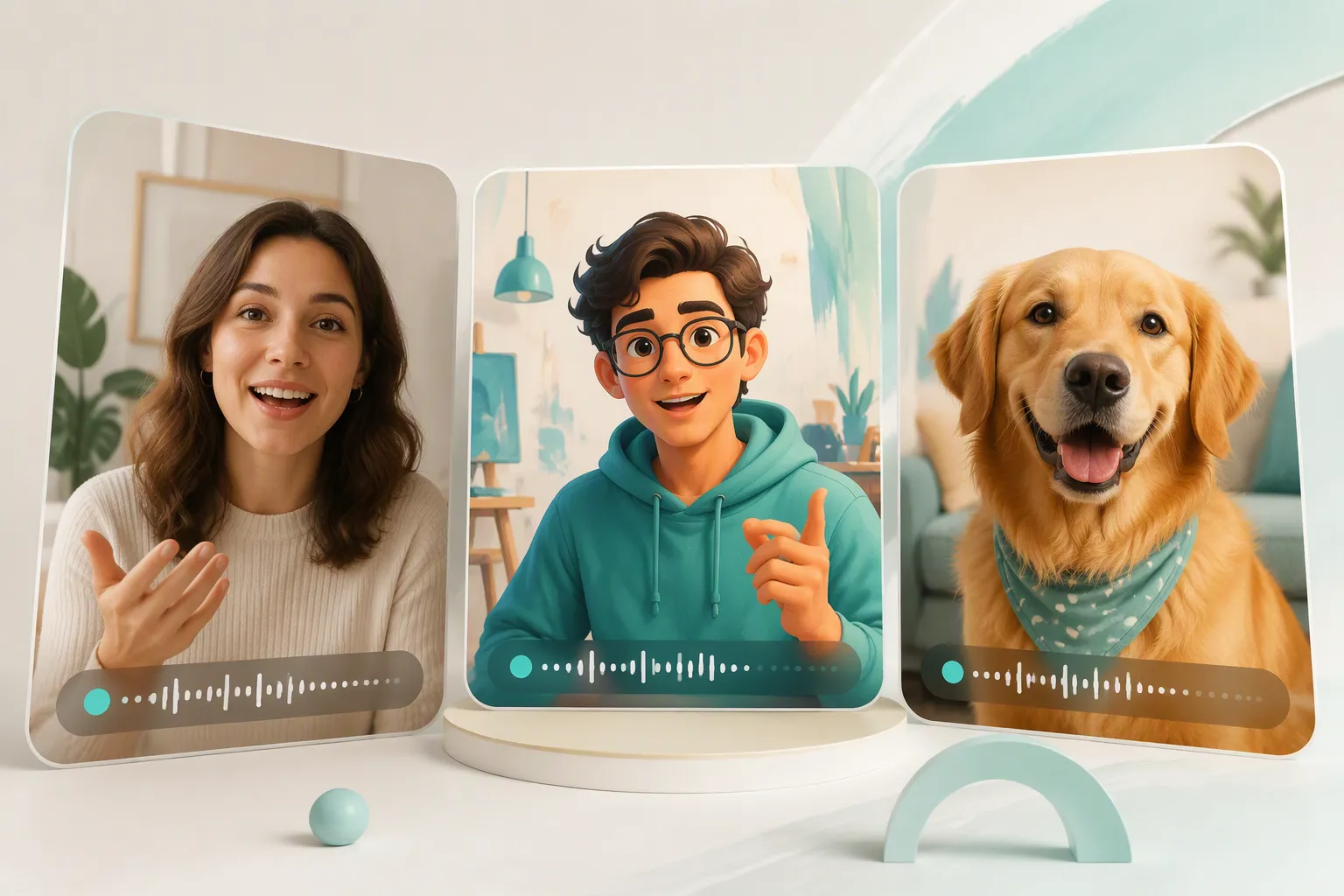
A talking photo does not have to be a formal headshot. Use a character drawing for a story idea, a family portrait for a birthday greeting, or a pet image for a playful clip. You can also animate your favorite animals with AI to create more engaging talking videos from pet photos. The best source is still one with a recognizable, visible face and enough detail for the animation to follow. With the right image and audio, you can turn static visuals into engaging talking videos for personal, creative, or content projects.
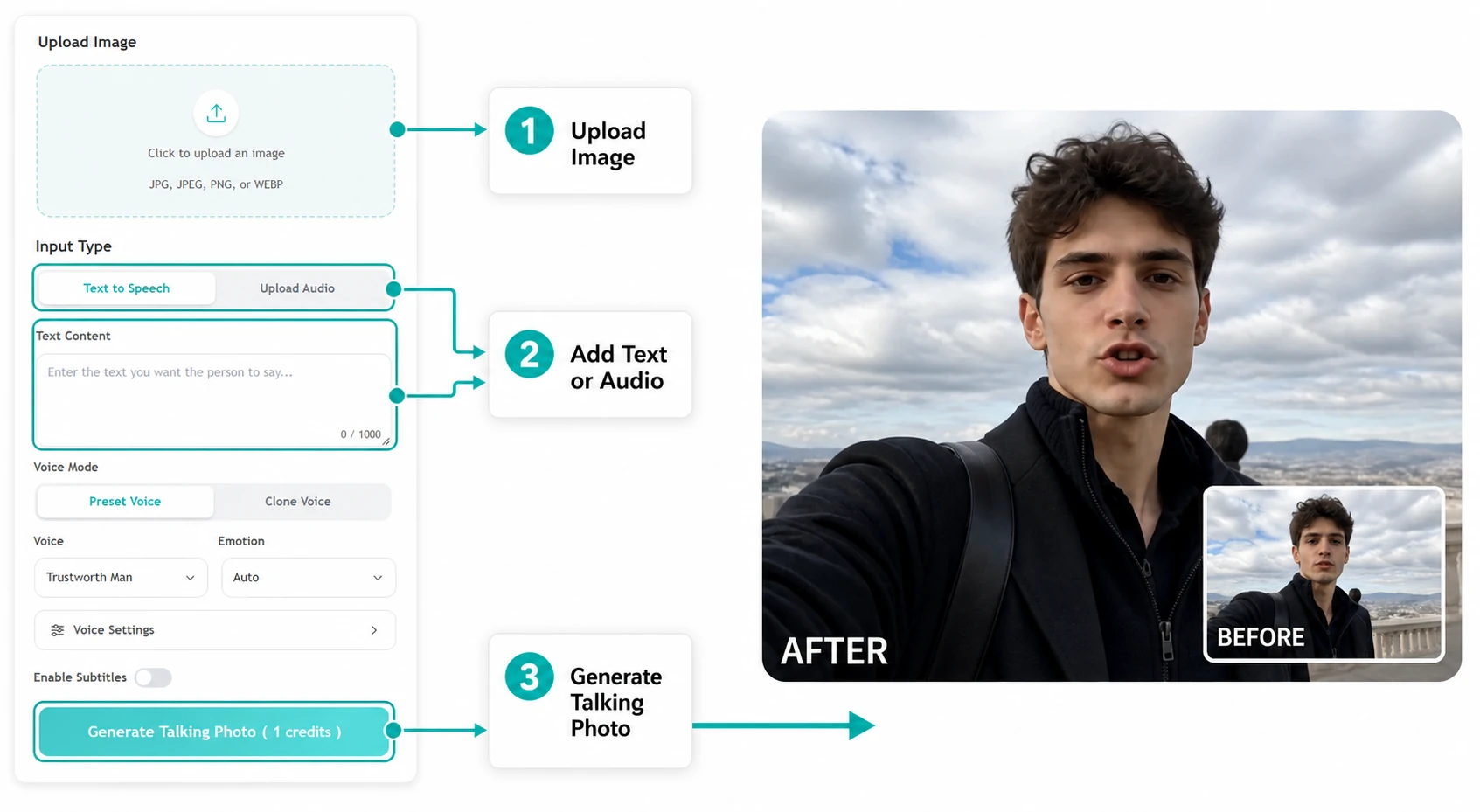
How to Use the EzRemove AI Talking Photo Generator Online
-
1
Upload a photo
Start with a frontal portrait, selfie, character illustration, or pet photo. Choose an image with clear facial features and a composition that keeps the subject easy to see.
-
2
Add your voice or script
Enter text for text-to-speech, upload an audio file, or record your voice. Keep the message focused so the generated expression and lip movement remain easy to follow.
-
3
Generate and download
Let the AI animate the photo to match the supplied audio, then download the talking video for your intended post, lesson, greeting, or presentation.
Ways to Use an AI Talking Photo Online
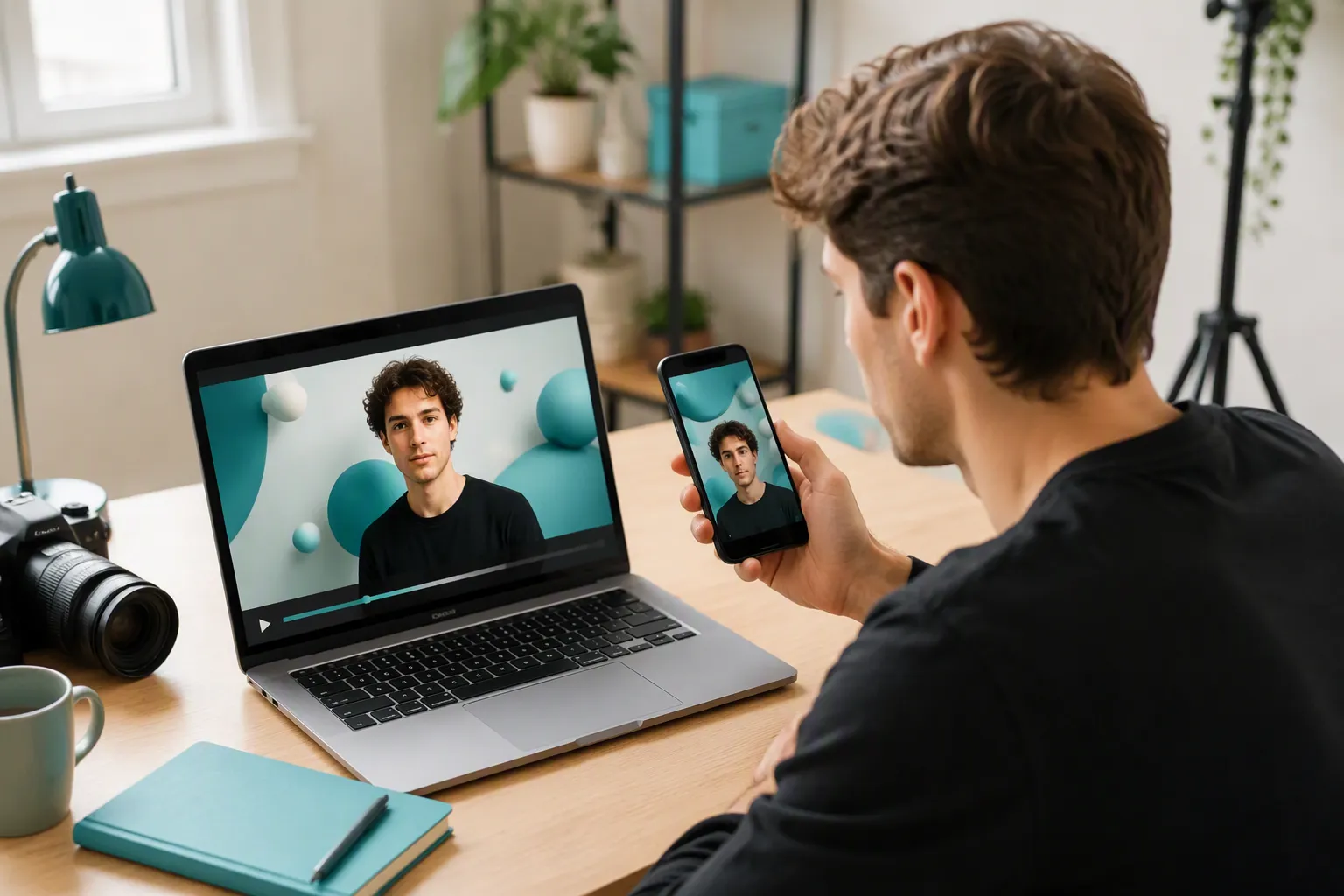
Short-form videos for creators
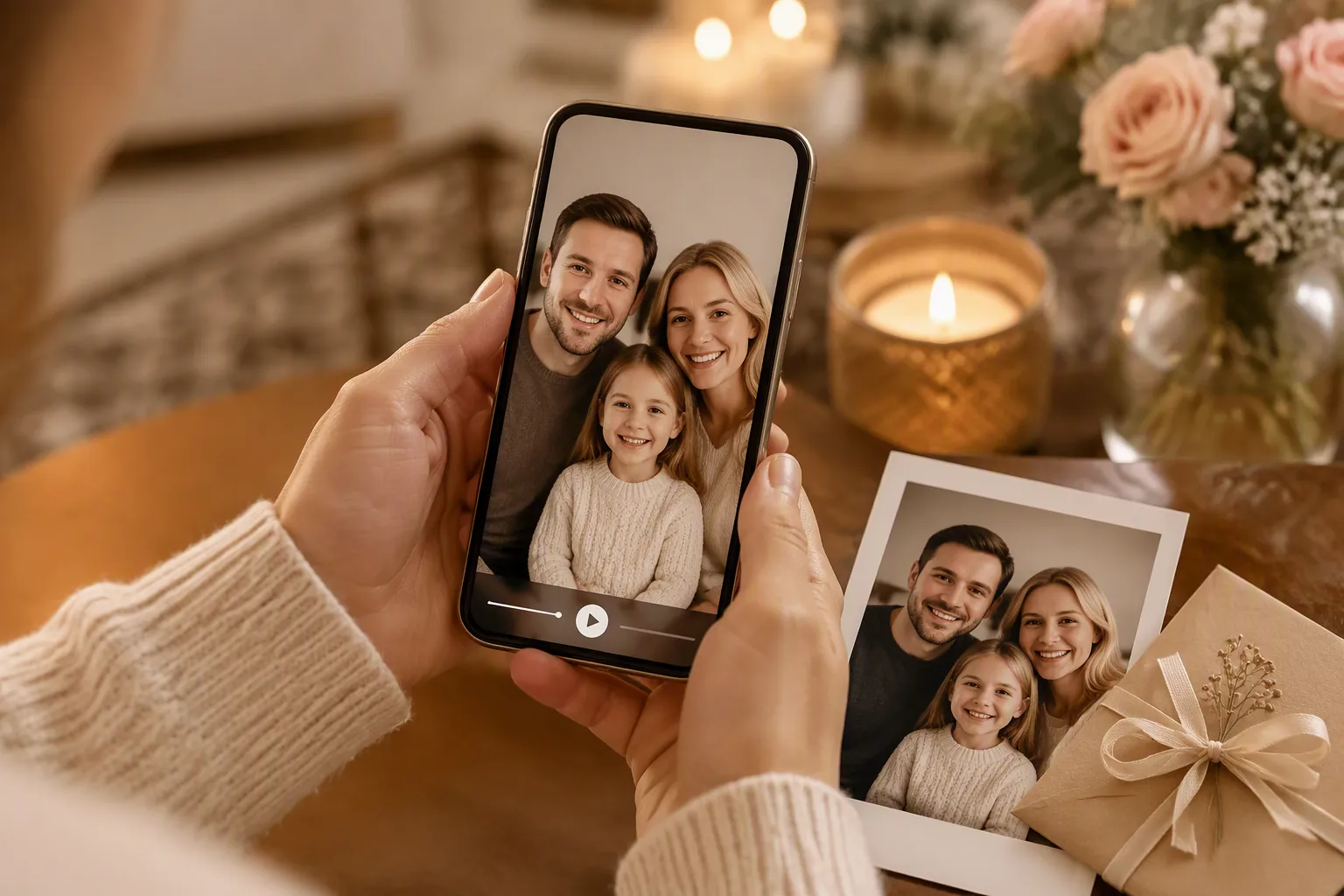
Personalized greetings and invitations
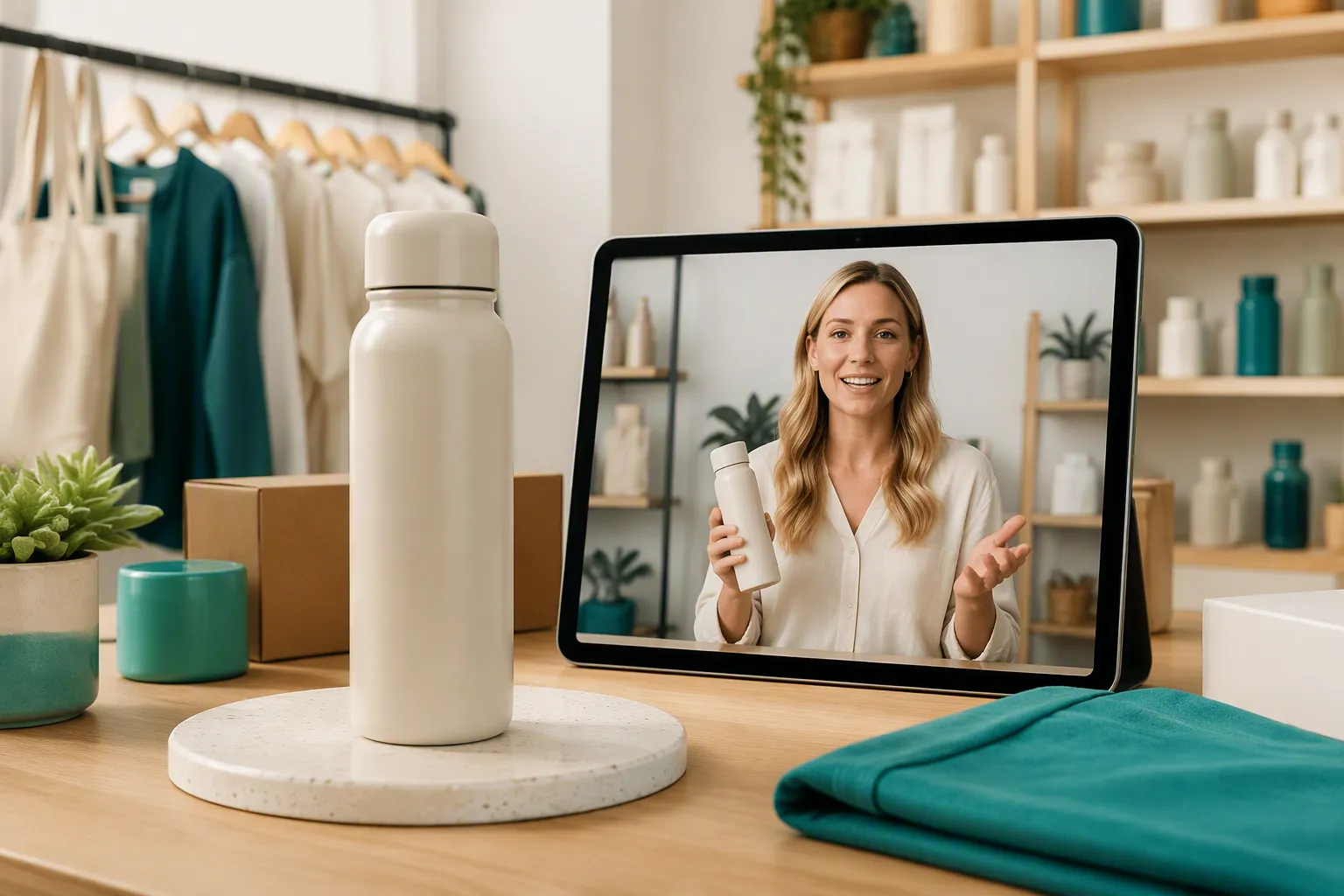
Product and small-business explainers
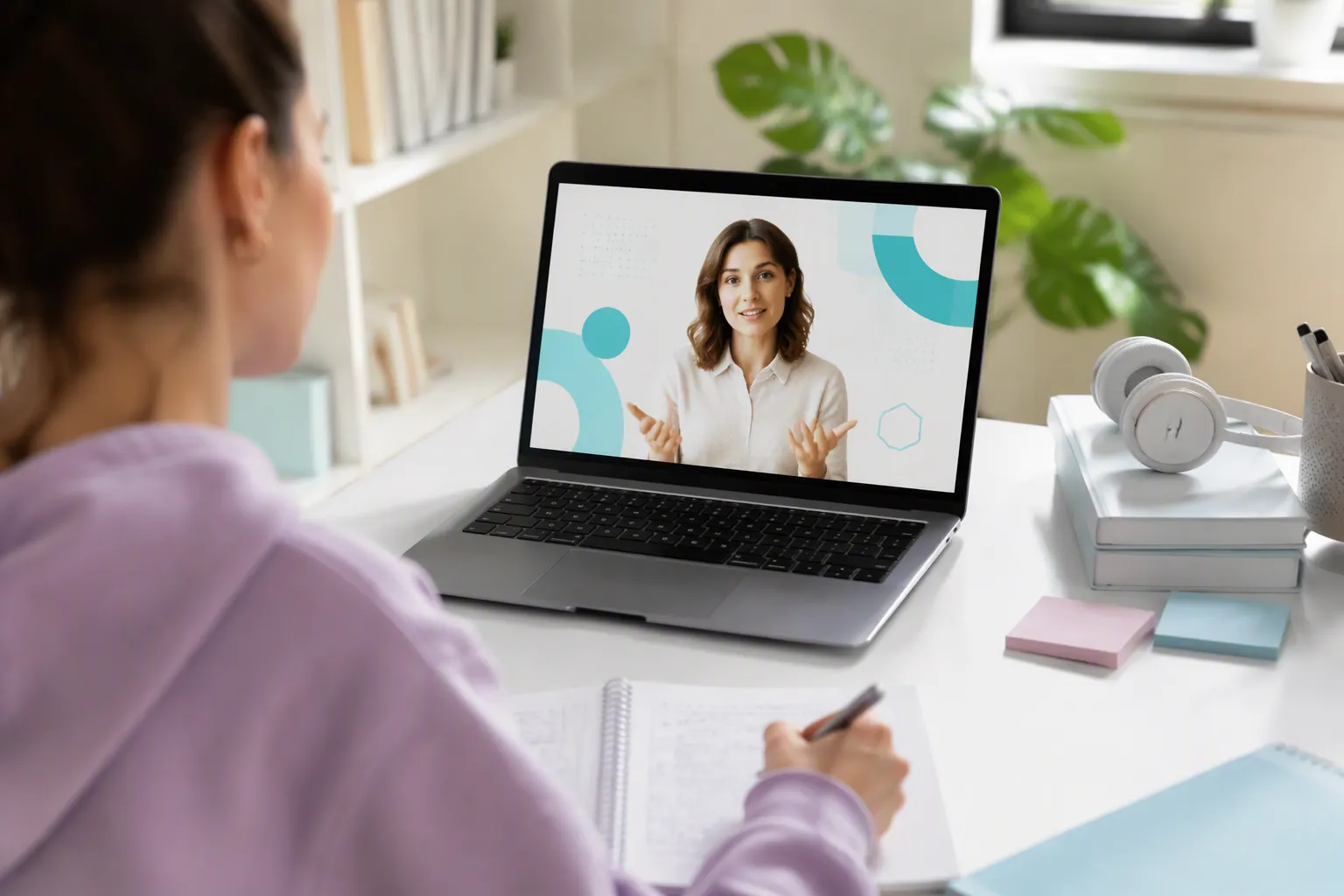
Learning and study materials
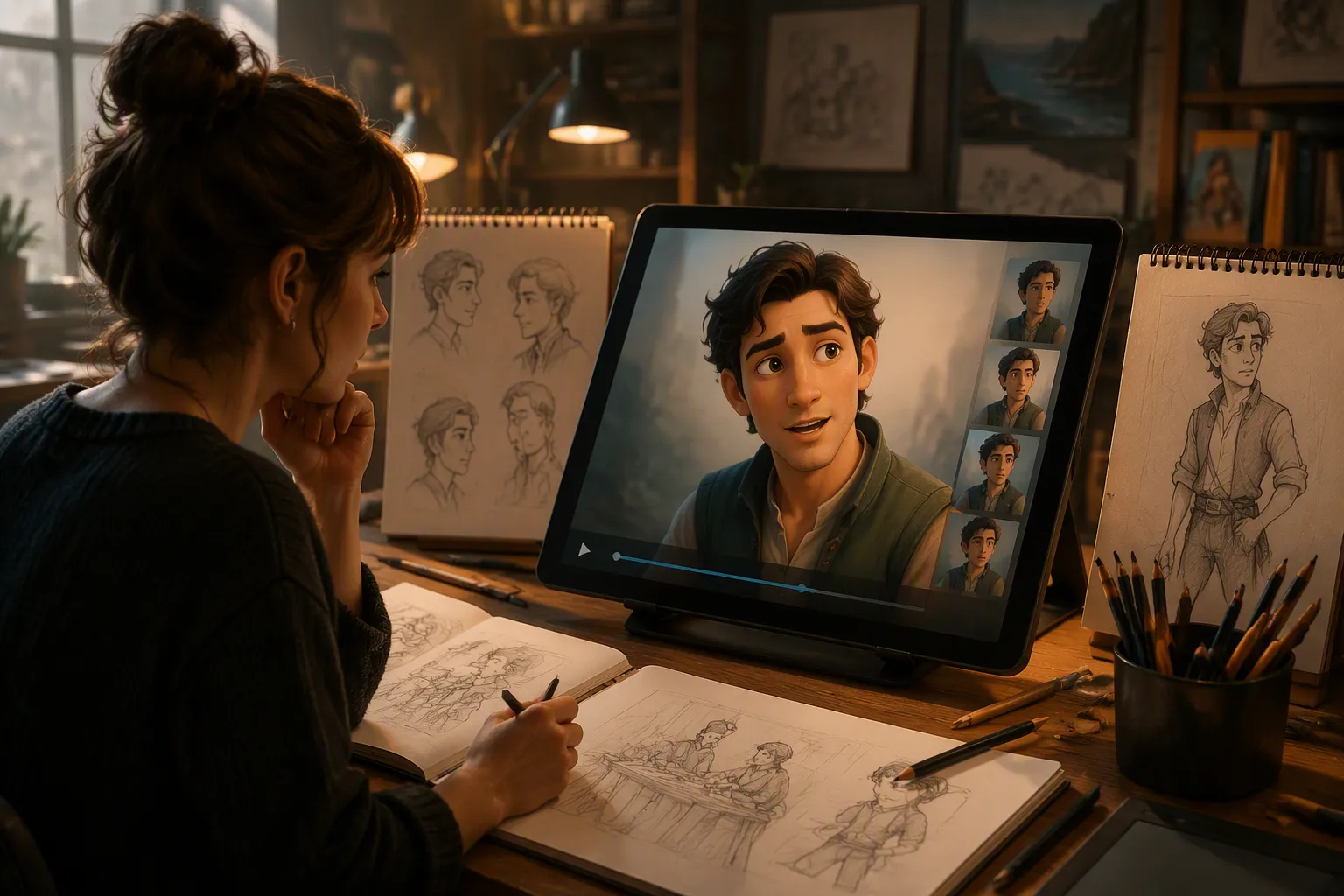
Character and storytelling experiments
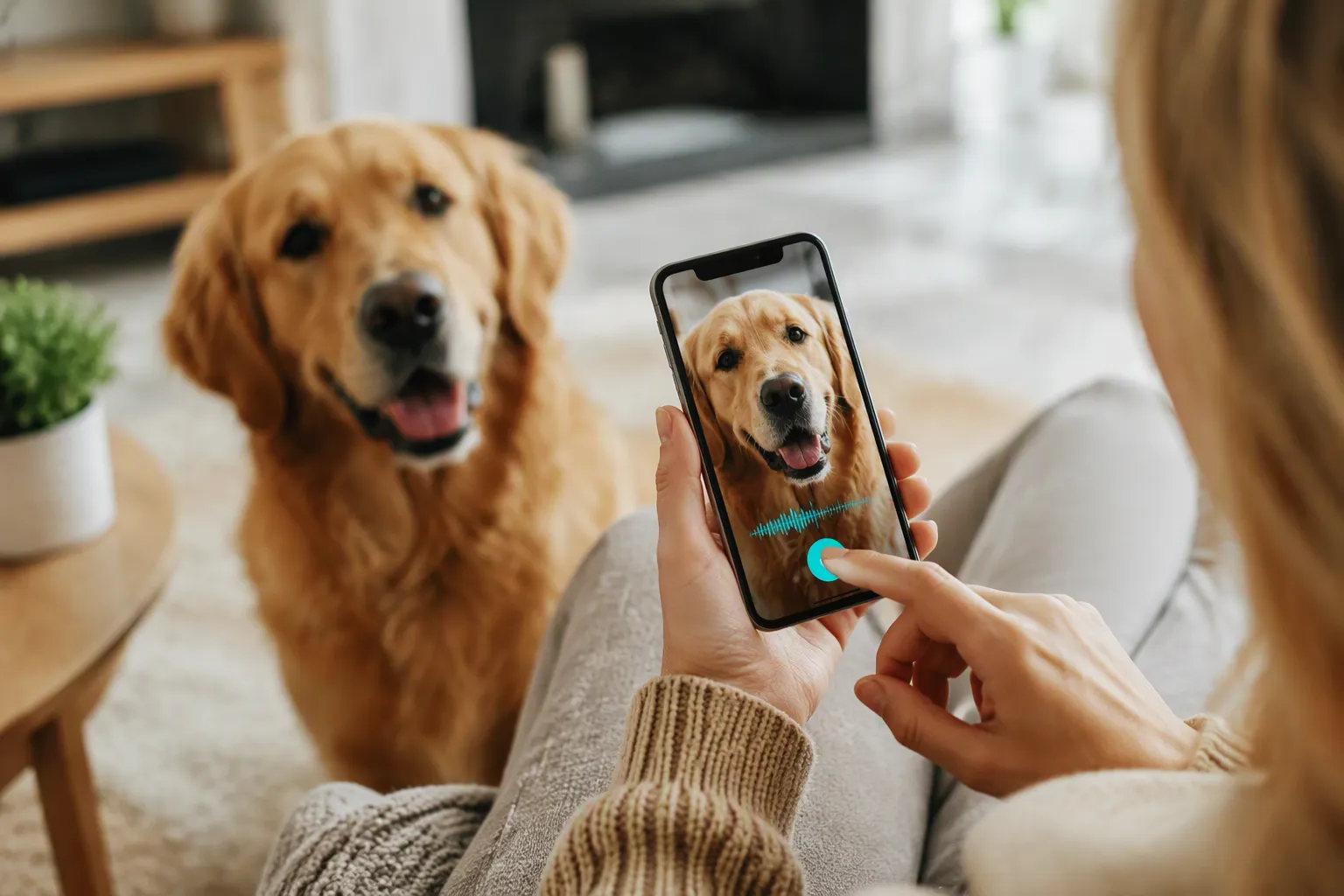
Pet and lifestyle content
Why Choose EzRemove for Talking Photo AI

Start with the image you already have
A selfie, portrait, character drawing, or pet photo can be the starting point, so you do not need to film a new presenter for every short message.

Choose the voice input that fits
Text-to-speech, uploaded audio, and direct recording support different workflows, from planned scripts to personal voice messages.

Keep the workflow focused
Upload, add speech, generate, and download in one short sequence designed around the talking-photo task.

Useful for one-off and repeat content
The same process can support a single greeting or a series of short explainers built from consistent visual characters.

Prepare the source image when needed
Related EzRemove image tools can help you improve, edit, or upscale a source before you animate it.

Use a clear output path
The generated result is a video you can review and download for the channel or project where the message belongs.
What Creators Say About AI Talking Photo Generator
AI Talking Photo Generator FAQ
What is an AI talking photo?
An AI talking photo is a still image animated to speak. The system uses a face image plus text or audio to create visible mouth movement and facial expression that follow the speech.
How do I make a picture talk?
Upload a clear frontal photo, add a script or audio recording, and generate the video. Review the result, then download it for your intended use.
Can I use text to make a talking photo?
Yes. Use text-to-speech when you want the system to read a prepared script. You can also upload audio or record your own voice when delivery and tone matter.
What kind of image works best?
Use a well-lit image with a visible, forward-facing face and clear facial features. Portraits, selfies, character illustrations, and pet photos can all work when the subject is easy to see.
Is there a free talking photo option?
Yes. You can create talking photo videos with the free credits available in your EzRemove account. If you need more generations after using your free credits, you can check the available credit plans and add more credits. The estimated credit cost will be displayed before you start generating.
Can I use my own voice?
Yes. Record your voice directly or upload an audio file. A clean recording with limited background noise gives the animation a clearer speech source.
What can I use the generated video for?
Common uses include social clips, greetings, lesson introductions, product explainers, character tests, and short presentation messages. Follow rights and consent requirements for any person or image you upload.
Why does my talking photo look unnatural?
Check the source image, audio clarity, and script length. A forward-facing, well-lit face and a concise recording usually give the animation more useful information to follow.
How should I protect personal images and voices?
Only upload images and audio you are authorized to use. Avoid sensitive material unless you have reviewed the applicable terms and privacy information.
Can I make a talking photo from a drawing or pet picture?
You can try character illustrations and pet photos when the face or subject is clear and visible. Results depend on the source image and how well the visible features support the requested animation.