Free AI Talking Cartoon Generator Online
Upload a cartoon image and turn it into a short talking video with EzRemove. Give a character, illustration, or simple drawing a more engaging screen presence.
Turn a Cartoon Character Speaking Into a Video
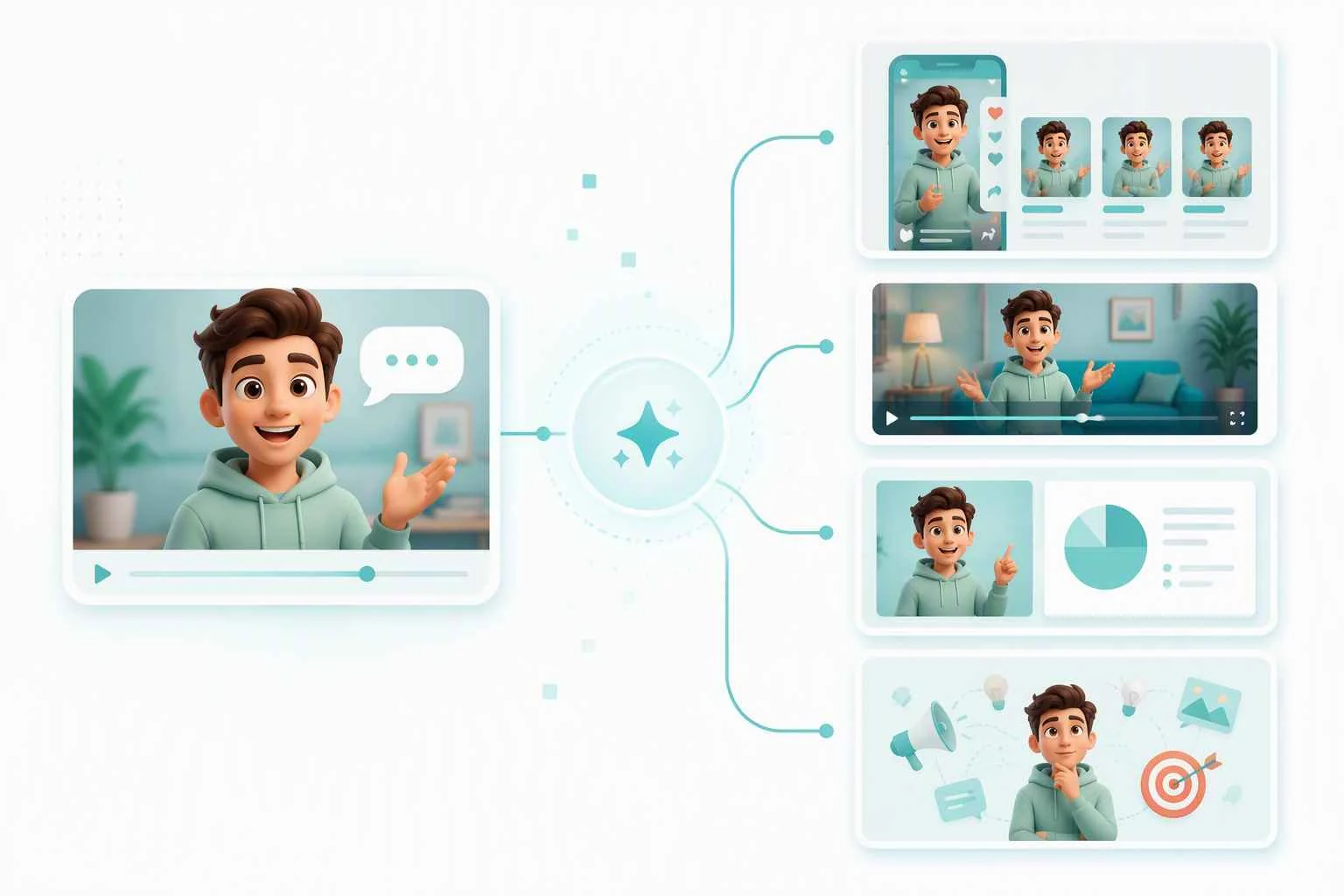
A favorite character does not need a full animation workflow to feel more alive on screen. Start with the artwork you already have, whether it is a clean illustration, a comic-style face, or a playful avatar. The talking cartoon tool transforms that single image into a video built around a speaking character, so an idea can move from a still visual to a shareable clip without redrawing every frame.
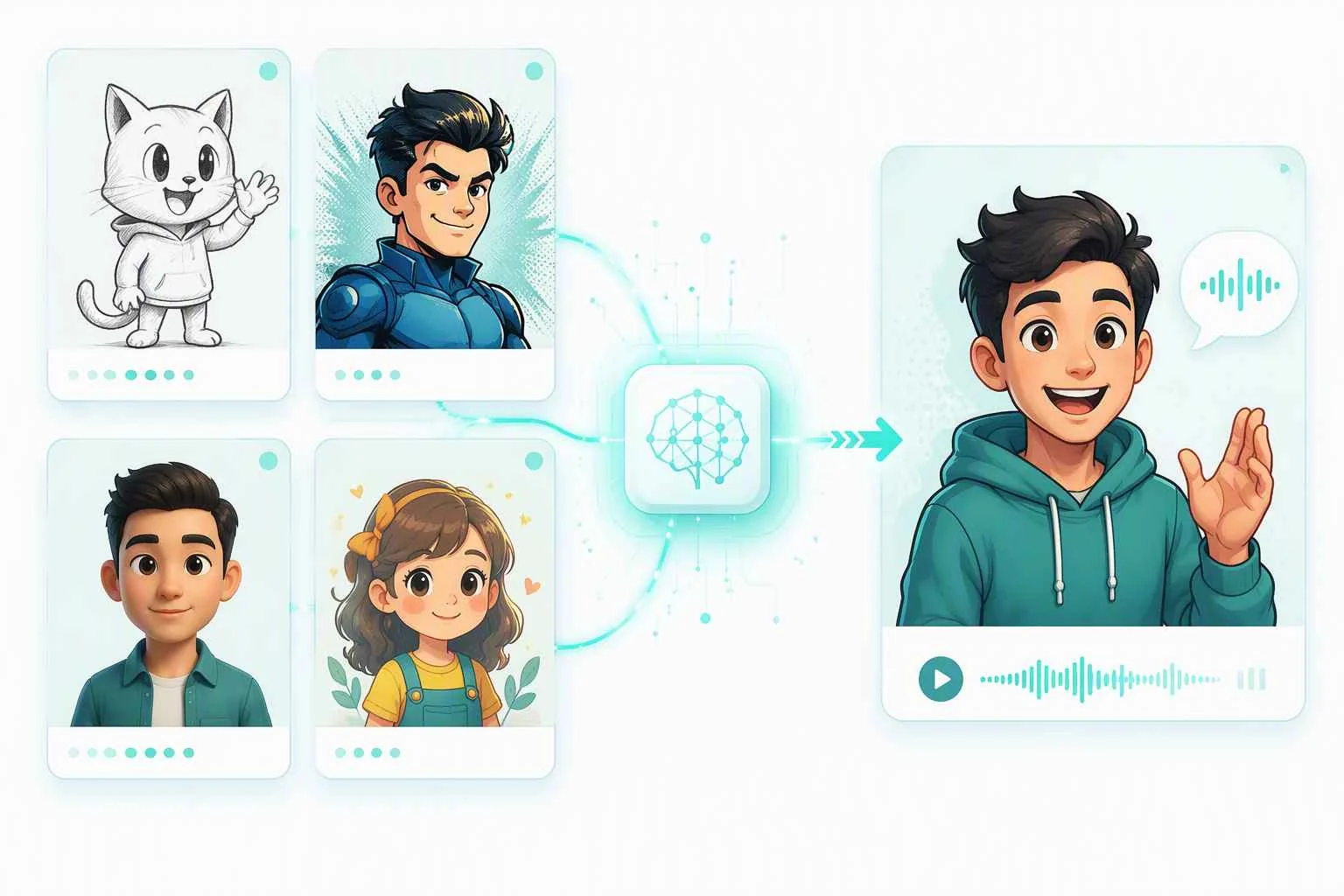
Create an Animation of Talking From a Single Image
When a story, greeting, or short-form post needs a character moment, an animation of talking gives the image a clear role. Upload the cartoon image, let EzRemove process it, and use the resulting video wherever a brief character-led visual fits the message. You can also use the AI lip sync tool to match the character’s mouth movements with recorded audio or a chosen voice. This approach is useful when the focus is the personality of the illustration rather than a complicated scene with many moving parts.
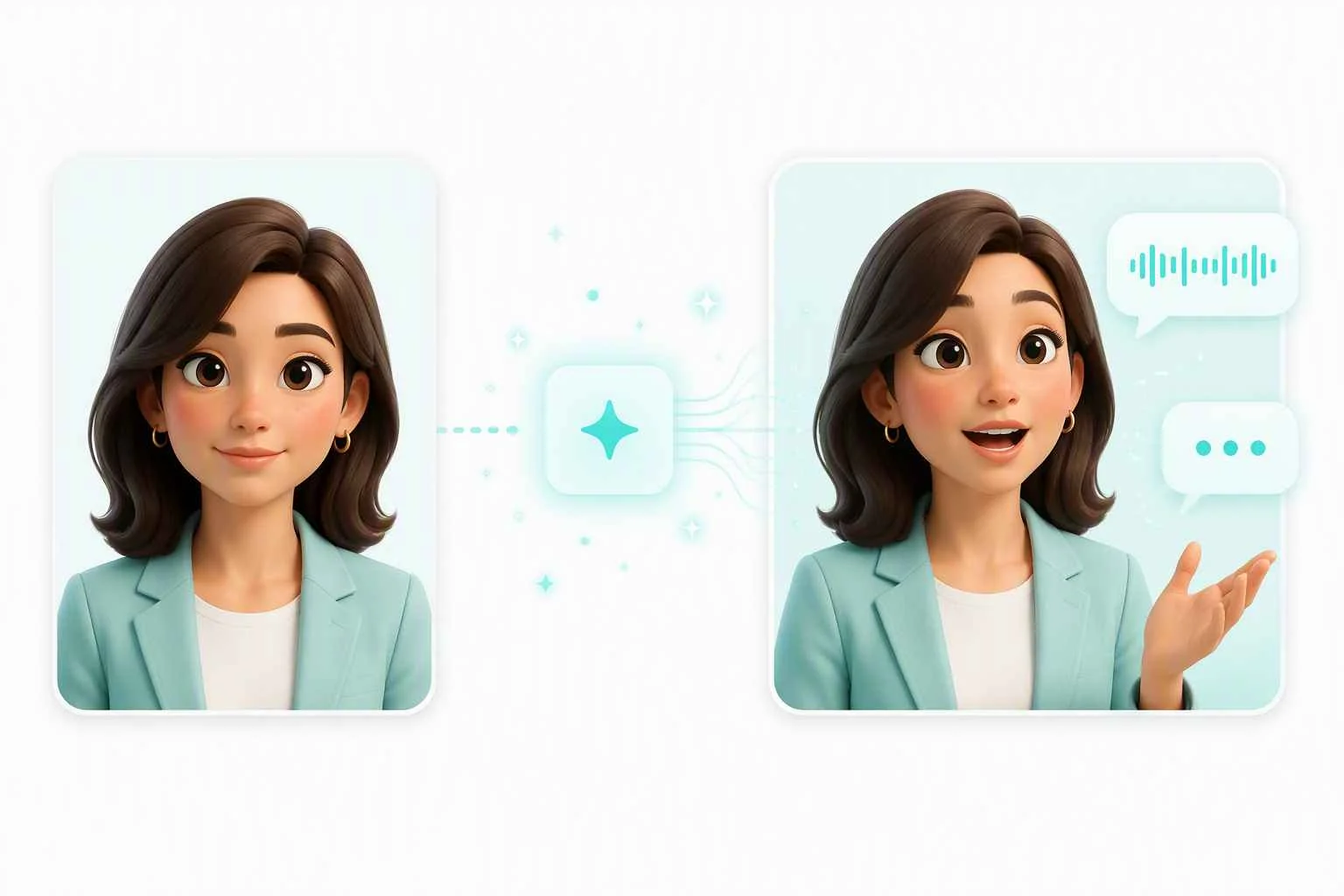
Use Your Own Cartoon Style and Character Design
A talking cartoon works best when the audience can immediately recognize the character. Use a hand-drawn mascot, a digital illustration, a comic character, or an avatar that already belongs to your project. Clear artwork keeps the character easy to read in the final video. When the original image needs more definition, first enhance the source image before creating the talking cartoon.
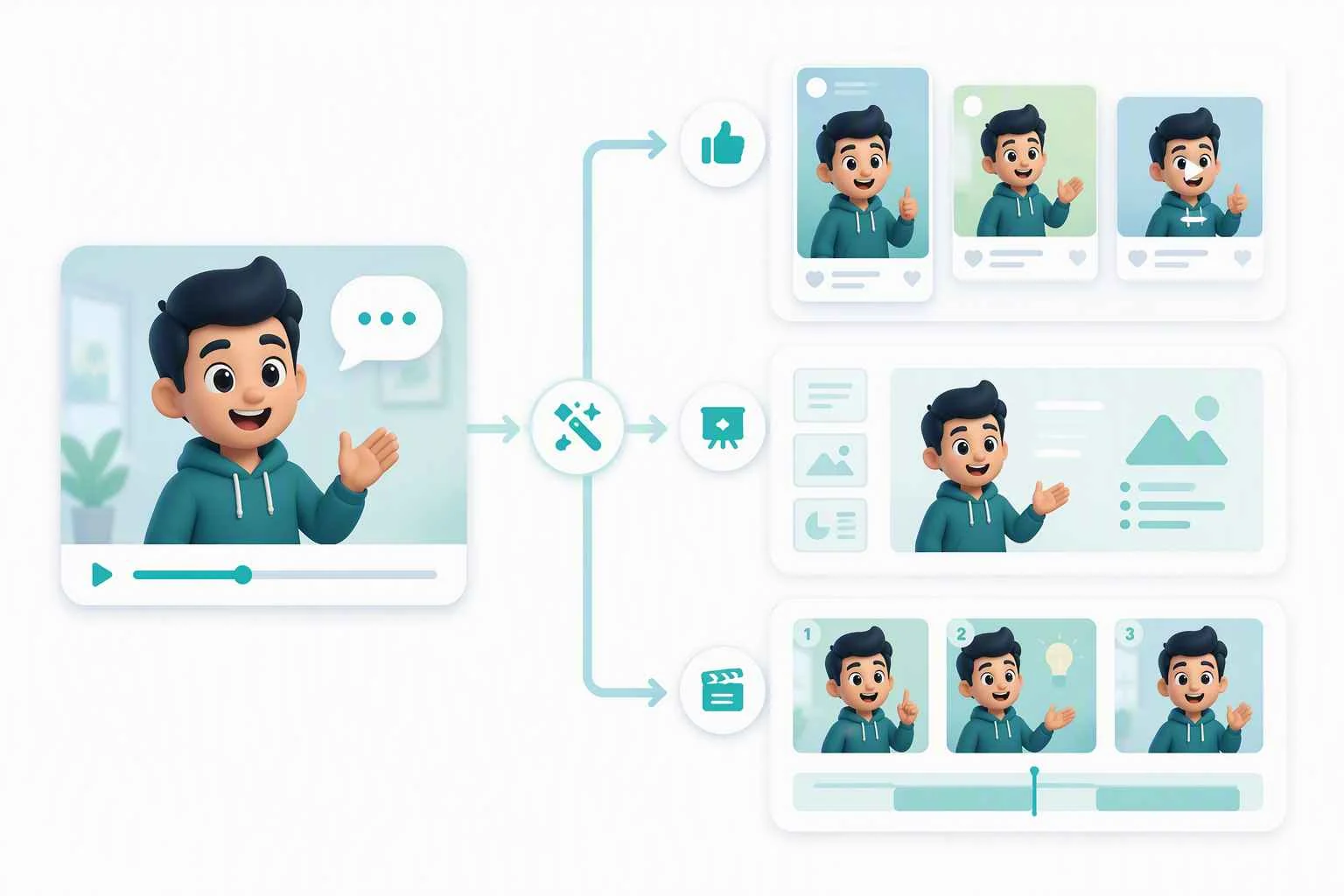
Make an Animated Person Talking for Simple Messages
An animated person talking can make a birthday note, a classroom prompt, a quick announcement, or a creator intro feel less static than an image alone. Keep the concept simple: one recognizable character, one focused message, and one short video that gives the visual a speaking presence. That makes the finished clip easier to place in a post, a presentation, or a message thread without asking viewers to decode a busy scene.
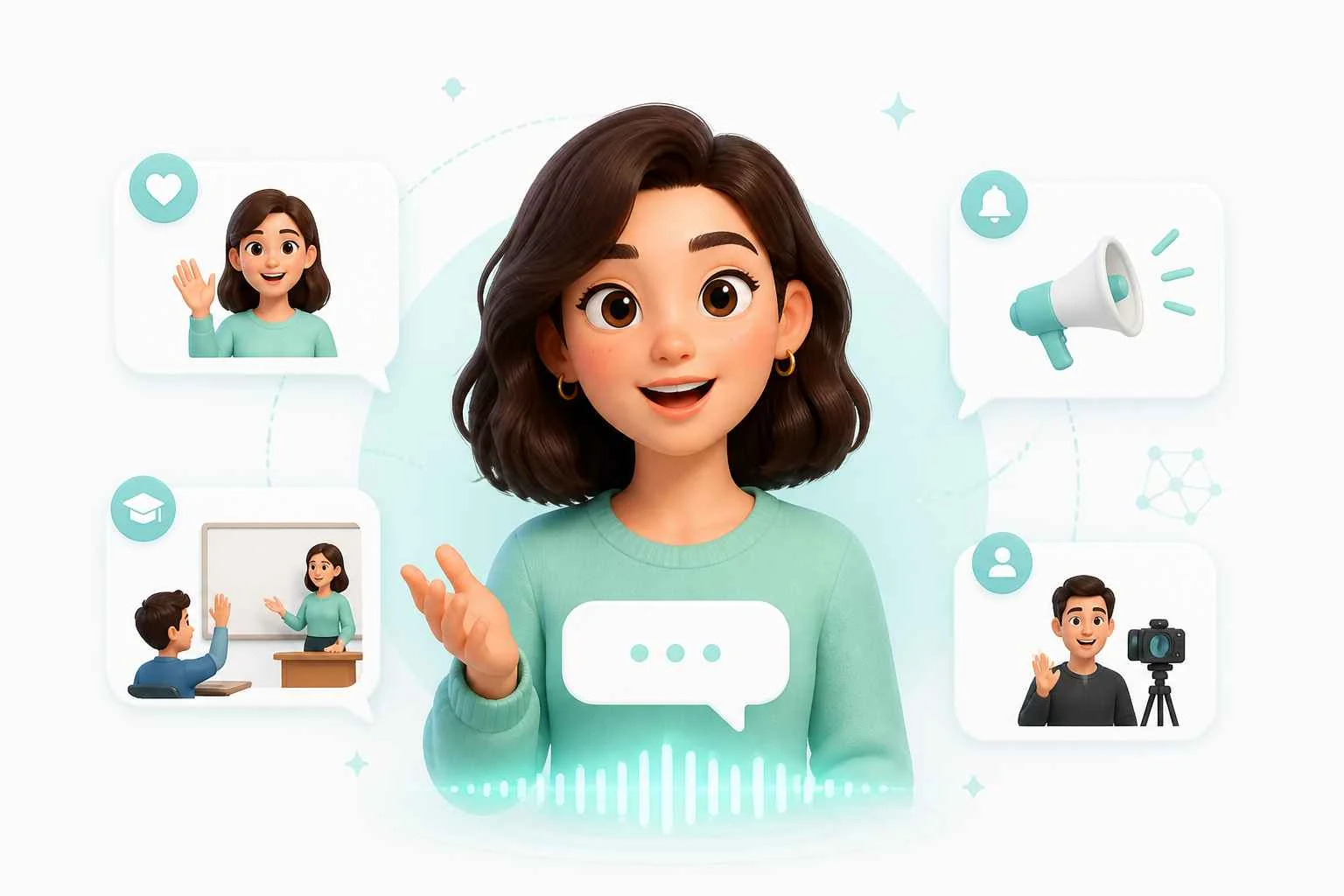
Start With a Talking Cartoon, Then Build the Next Scene
A character-led clip can be a fun place to start when you have a bigger idea in mind. After making a talking cartoon, try different movements, visual references, or a wider scene. You can also explore talking animals for playful pet and mascot videos. When the idea needs more action or a complete setting, generate an AI video from text, images, or visual references. Each tool adds something different without making the original character concept too complicated.
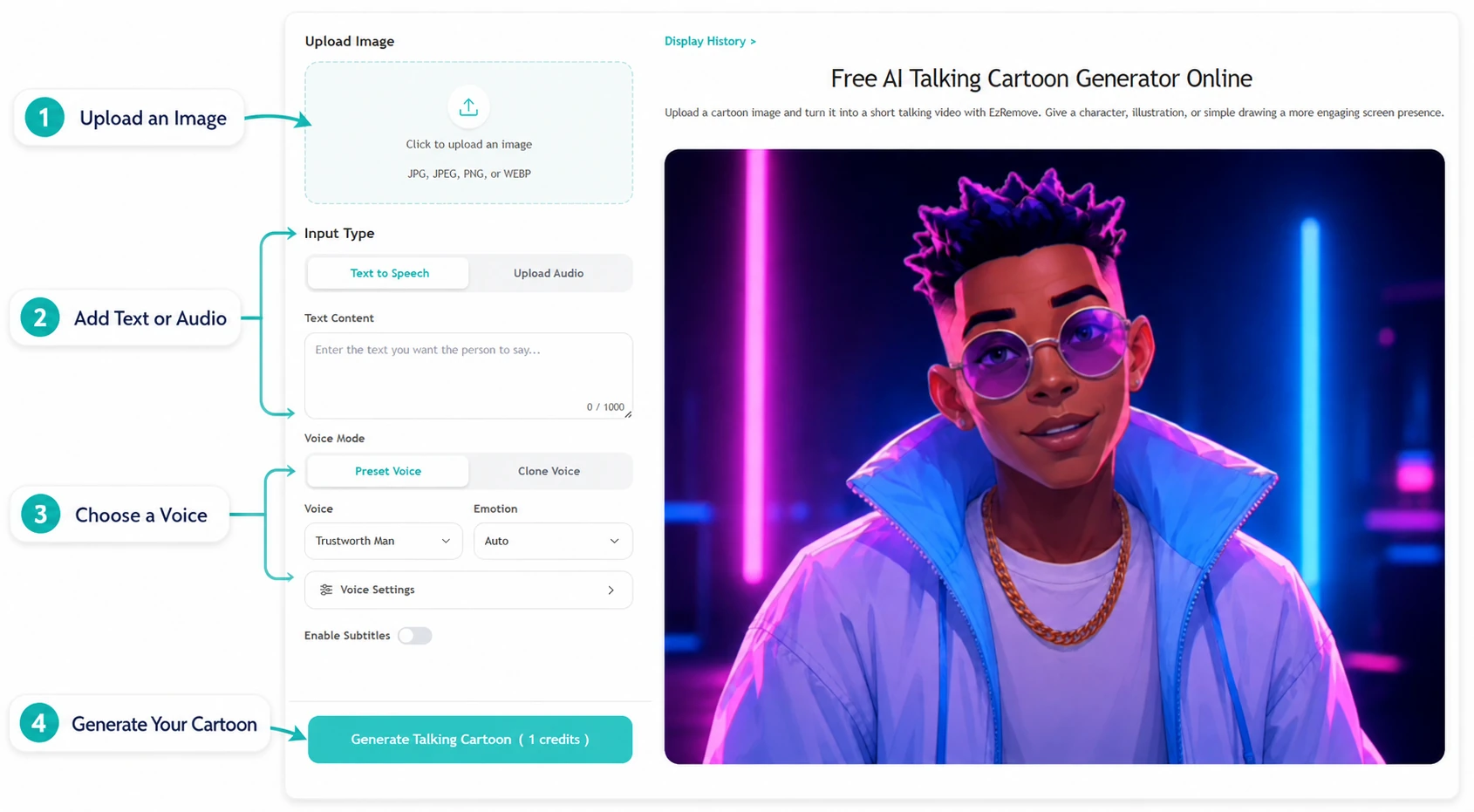
How to Use EzRemove Talking Cartoon Online
-
1
Upload a cartoon image
Choose the character, illustration, or drawing you want to animate and upload it to the talking cartoon tool. A clear, front-facing character image makes the result easier to read.
-
2
Generate the talking cartoon video
Start the creation process. EzRemove uses the uploaded image to produce a short video with the character presented as a talking cartoon.
-
3
Download and use your video
Review the generated clip, download it when it is ready, and add it to the post, message, presentation, or creative project you are building.
Ways to Use a Talking Cartoon Online
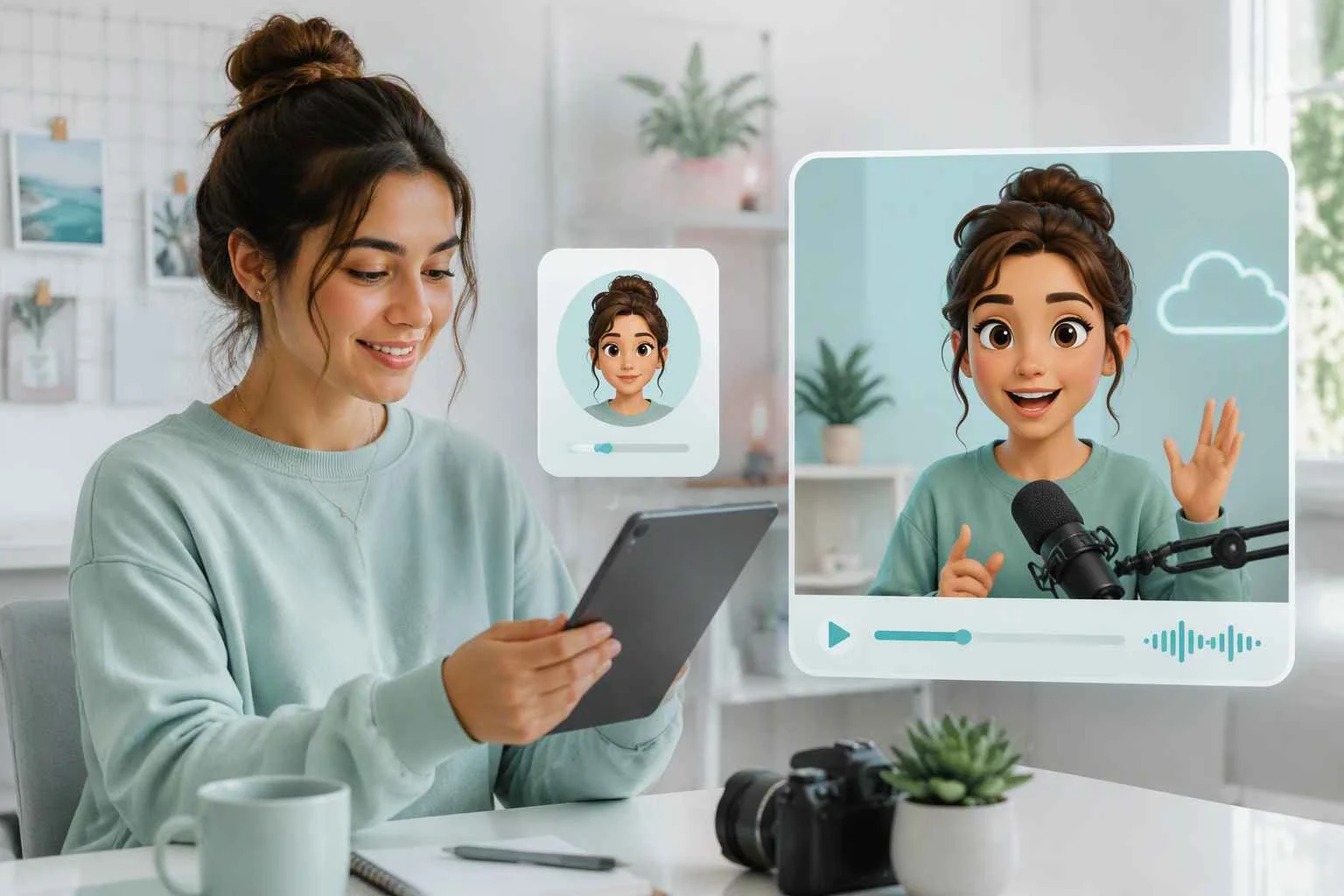
Talking Cartoons for Social Media Intros
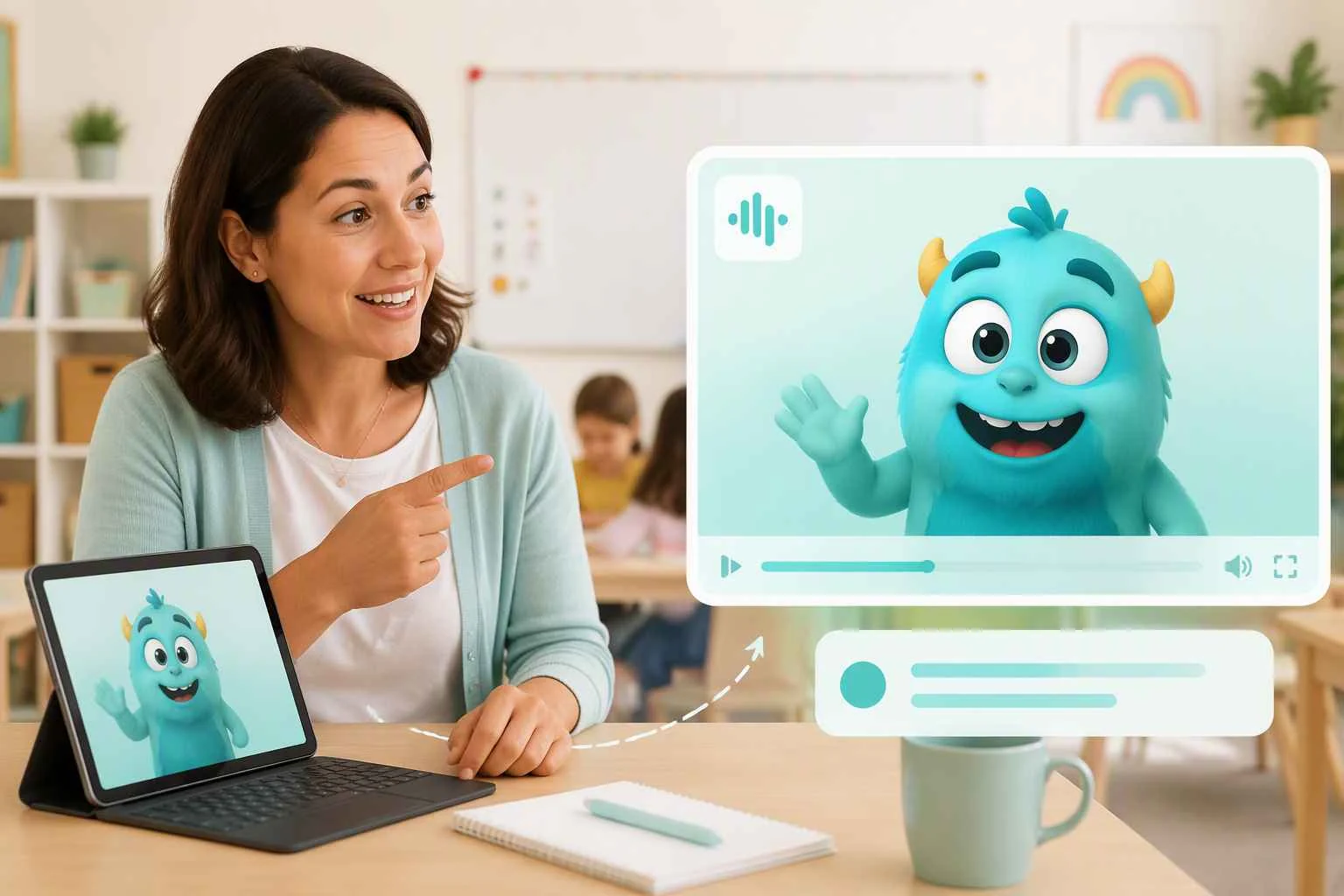
Cartoon Character Speaking for Classroom Prompts
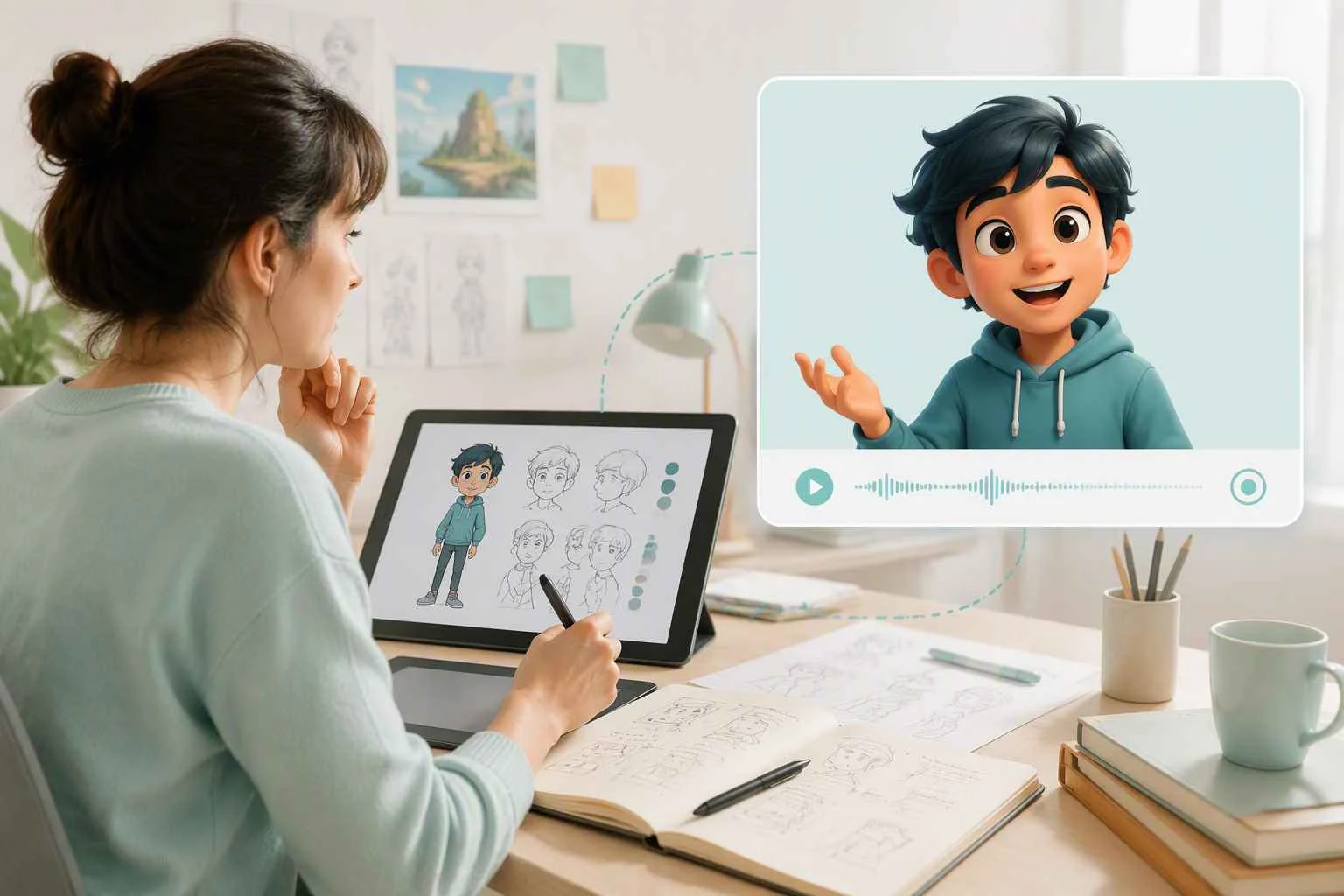
Animated Talking Characters for Story Concepts
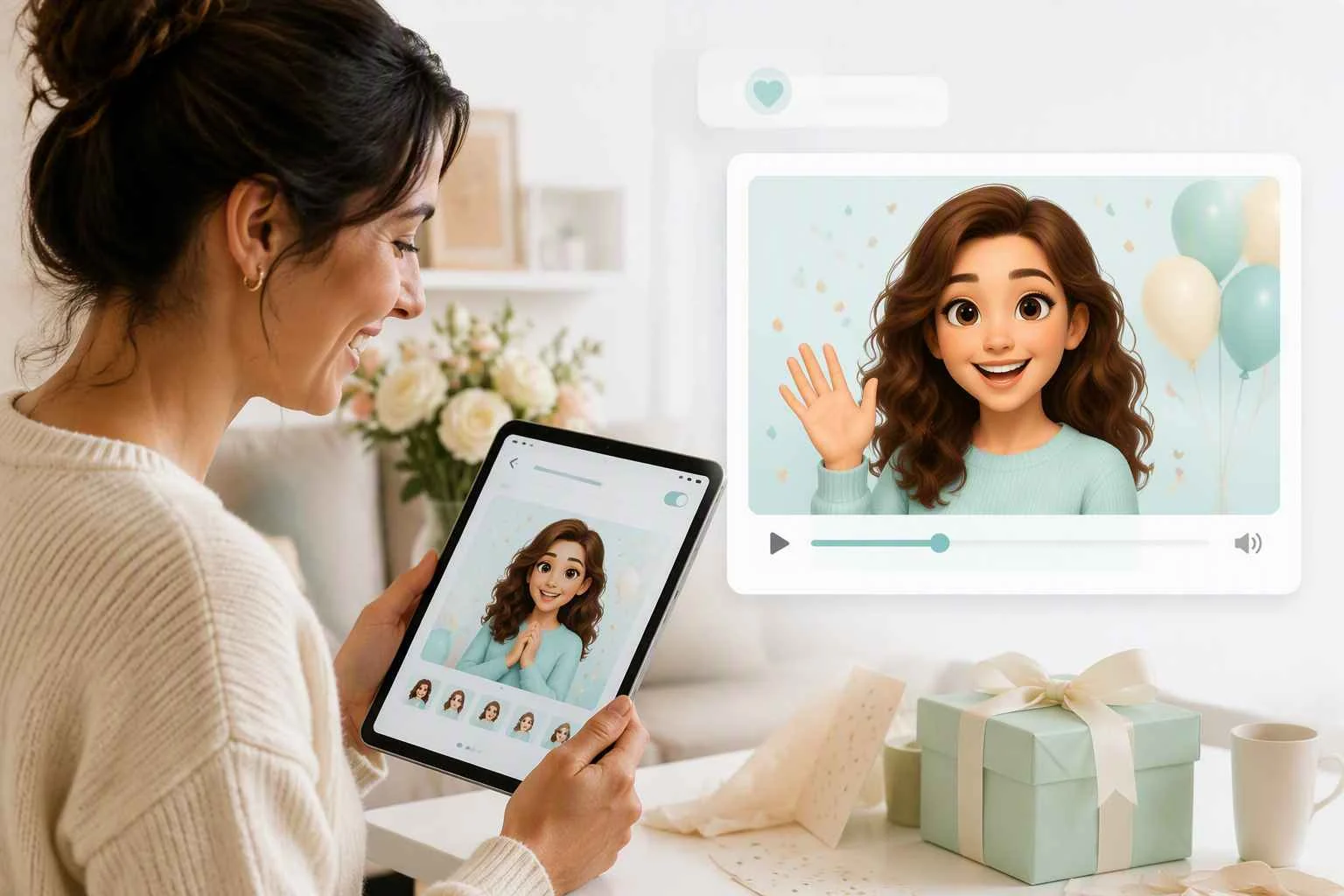
Talking Cartoon Greetings and Invitations
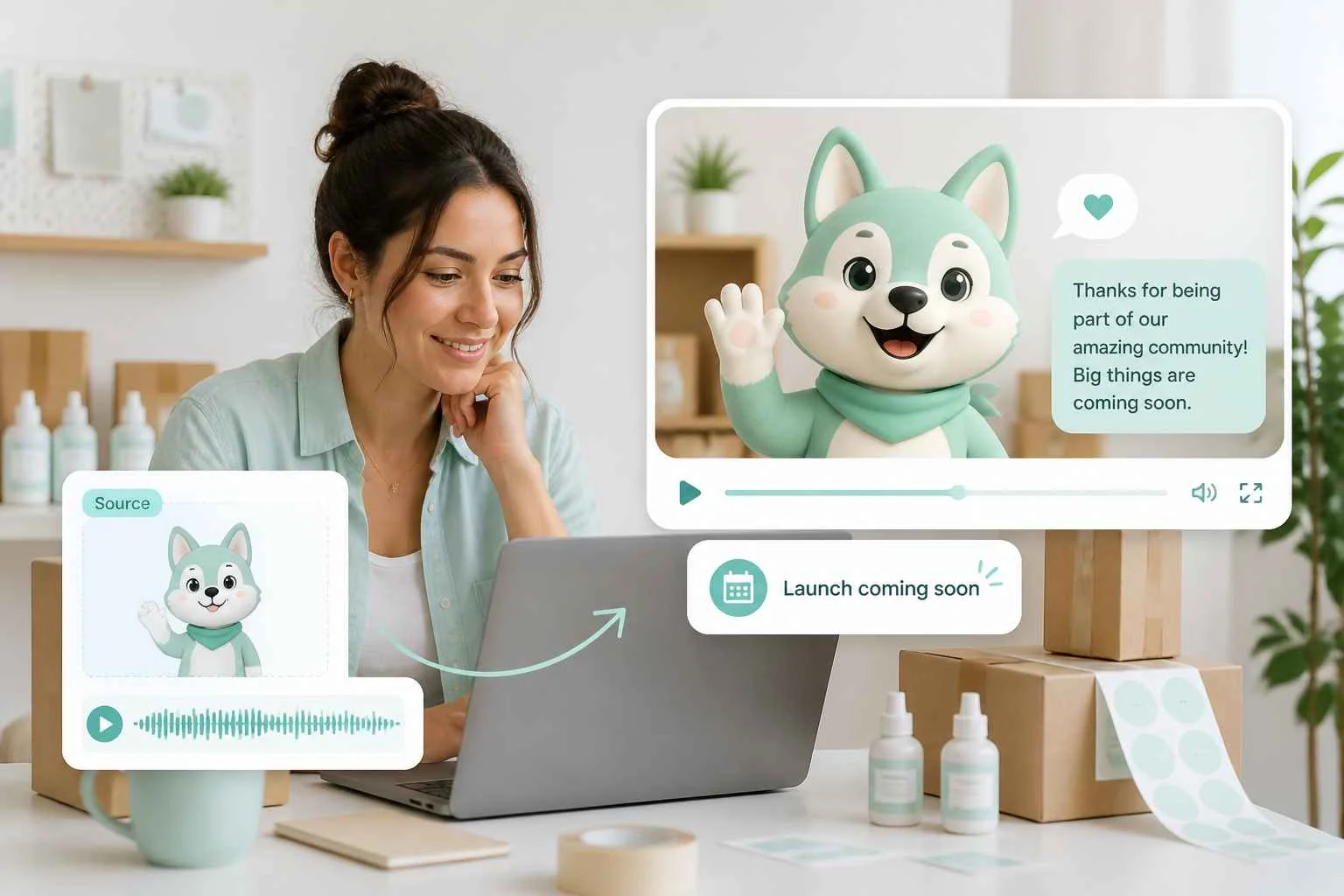
Mascot Videos for Small Brand Moments
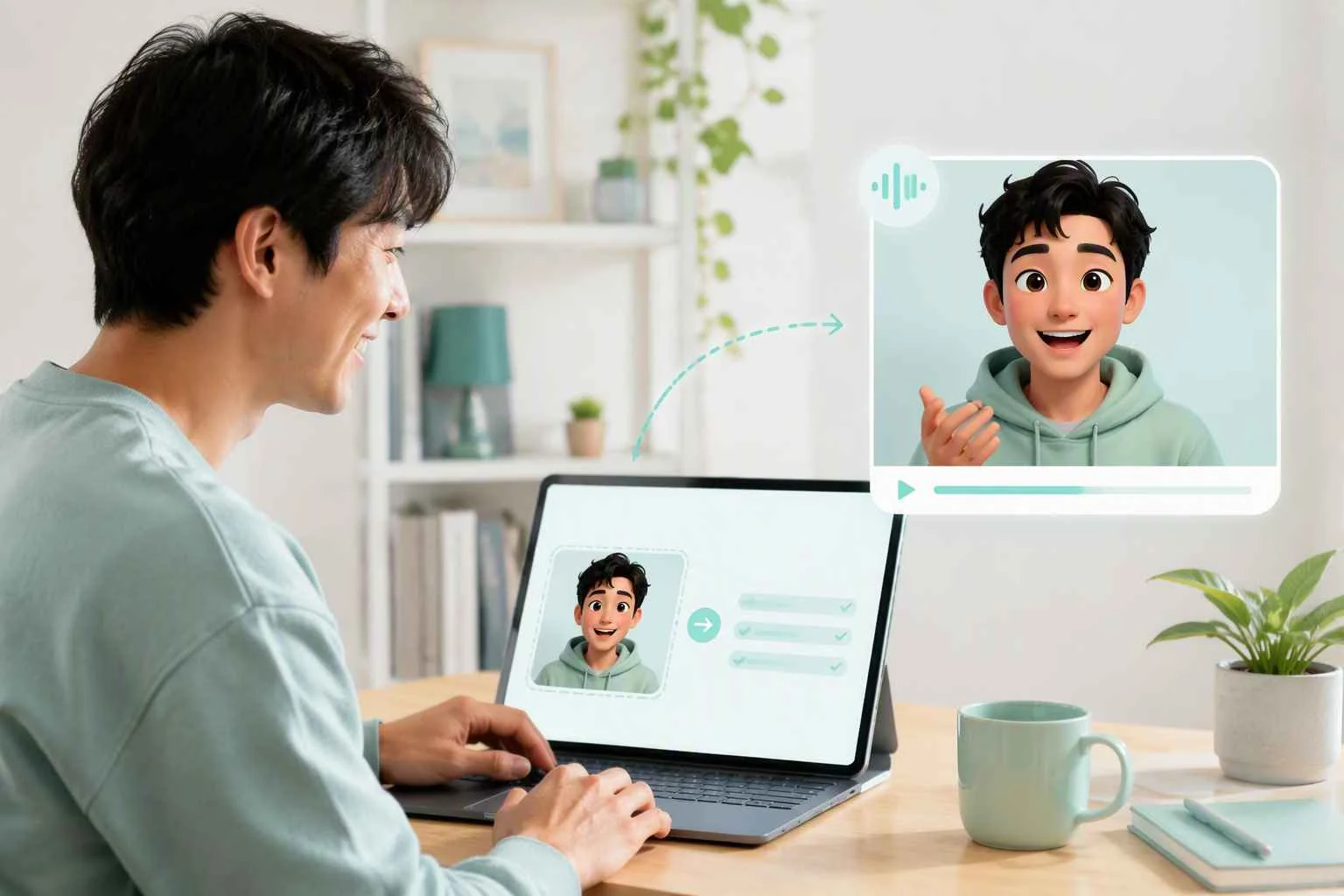
Animated Person Talking for Personal Projects
Why Creators Choose an Online Talking Cartoon Tool

Free Daily Credits to Try Talking Cartoon
Start with daily free credits and test the feature with your own character image before committing to a larger creative project.
Turn One Cartoon Image into a Talking Video
Move from a static illustration to a talking cartoon video in one focused workflow: upload the image, generate the clip, and download the result.

Give Existing Characters a New Role
Use the mascot, avatar, comic figure, or original illustration your audience already recognizes, then give it a more active screen presence.

Skip Frame-by-Frame Setup for Short Character Clips
Create a compact character moment without planning every animation frame yourself, which is useful when you need an intro, greeting, or simple visual prompt.

Make More from Artwork You Already Own
Reuse one approved character image across social posts, classroom activities, personal greetings, and small brand updates instead of leaving the artwork as a static asset.

Test a Character Idea Before Expanding the Story
Use a short talking cartoon to see how a character-led idea feels on screen before investing time in a longer video or a more detailed scene.
Creator Feedback on Talking Cartoon Videos



FAQs about Talking Cartoon
What is a talking cartoon?
A talking cartoon turns an uploaded cartoon character, illustration, or avatar into a short video with a speaking presence.
How do I make a cartoon character speaking video?
Upload a clear cartoon image, generate the video, then review and download the result.
Can I use my own drawing or avatar?
Yes. Start with artwork you have permission to use, such as an original drawing, mascot, avatar, or illustration. Clear character images are easier to recognize in the video.
Do I need animation experience to create a talking cartoon online?
No complex animation workflow is needed for the basic process: upload an image, generate the video, and download the result.
Is the talking cartoon tool free to use?
Yes. EzRemove is a free talking cartoon tool with daily free credits for trying the feature. Use the daily credits to test your character image and decide how the result fits your project.
What image should I upload for the best result?
Choose a clear image with one easy-to-read cartoon character or illustration. Check the upload area for current file requirements.
Where can I use a talking cartoon video?
Use a generated clip in a social post, class activity, presentation, personal greeting, or small brand update. Follow the usage rules for your artwork and platform.
How should I handle privacy and rights?
Only upload images you own or have permission to use. For personal artwork or sensitive material, review EzRemove's current privacy policy and terms before uploading, and avoid using a person's likeness without the appropriate consent.