Skip to content
Best AI Video Generators in 2026: Top AI Tools Compared
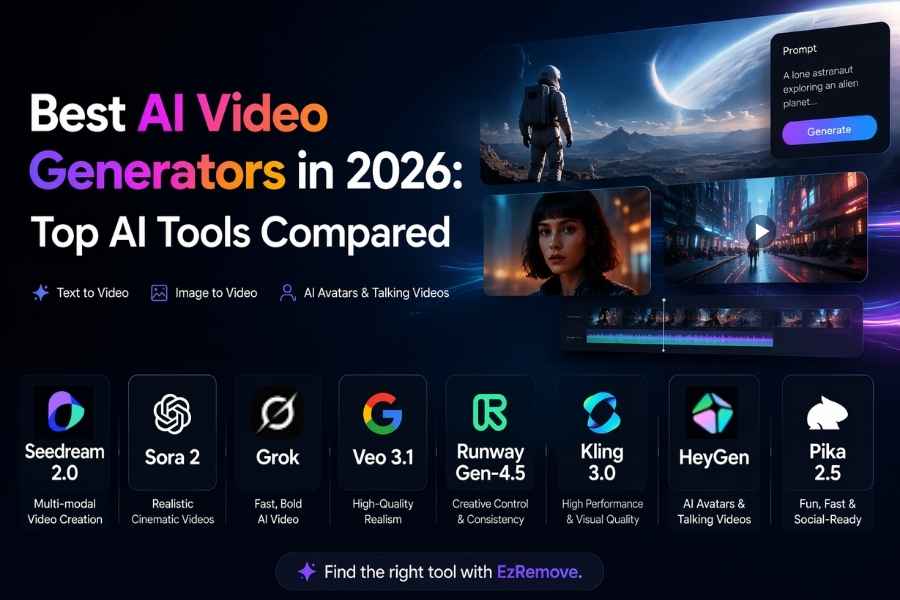
AI video generation can now turn a simple prompt, image, or visual reference into a cinematic scene, animated product video, scroll-stopping social clip, or realistic digital presenter. The real challenge is no longer whether AI can create video, but which model can deliver the realism, consistency, creative control, speed, or presentation style your project needs.
This guide compares eight leading AI video models and video-generation platforms in 2026: Seedream 2.0, OpenAI Sora 2, Grok Imagine, Google Veo 3.1, Runway Gen-4.5, Kling 3.0, HeyGen, and Pika 2.5. Each option supports different workflows, including cinematic text-to-video, image animation, talking avatars, social effects, product content, and marketing videos. We also explain how EzRemove brings supported models into one multifunctional platform, making it easier to create AI videos from text, images, or visual references.
Quick Picks
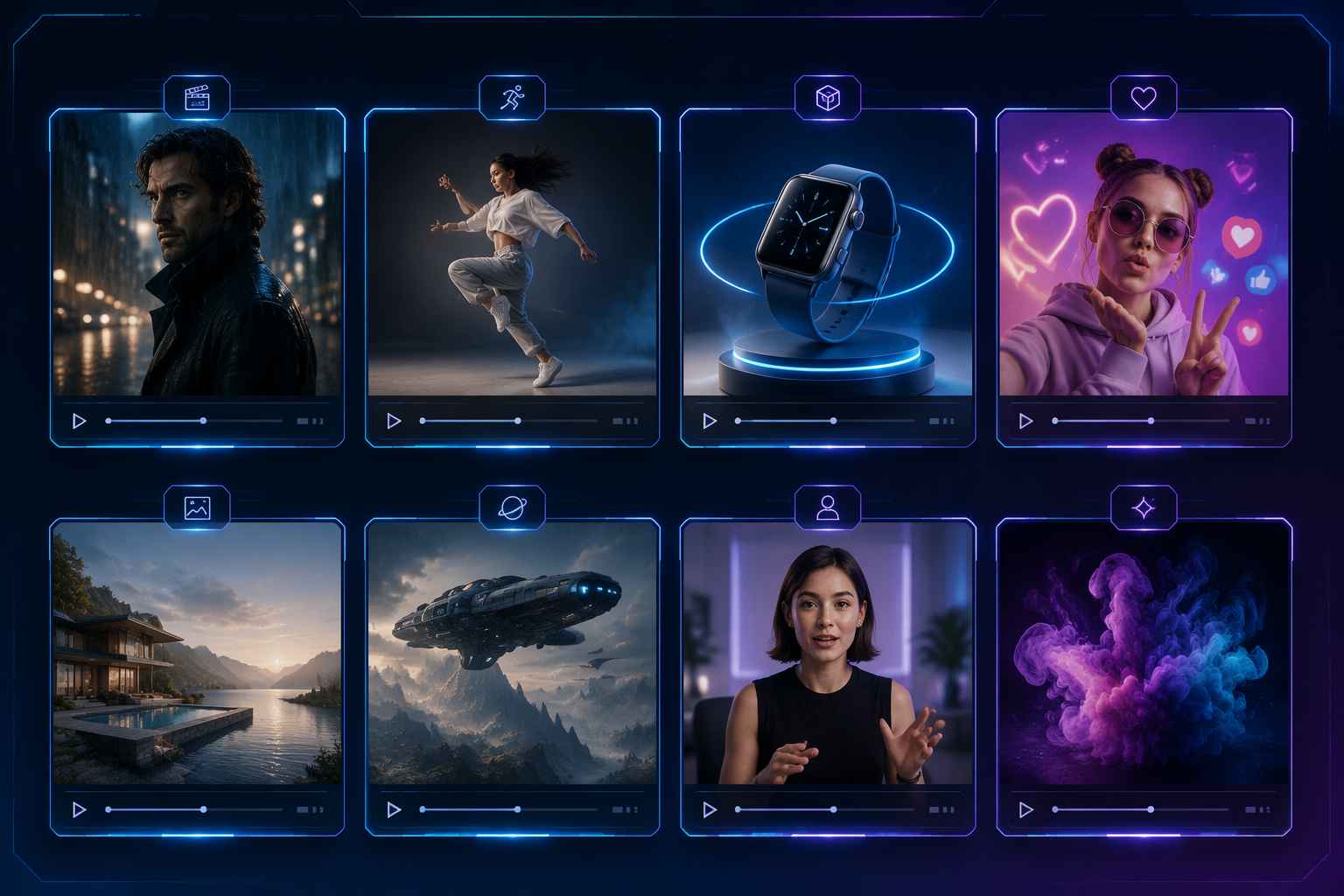
Best for cinematic realism: Google Veo 3.1
Best for professional creative control: Runway Gen-4.5
Best for human motion and dialogue: Kling 3.0
Best for text- and image-led creative generation: Seedream 2.0
Best for fast text-to-video and image-to-video experiments: Grok Imagine
Best for avatar-led business videos: HeyGen
Best for social effects: Pika 2.5
Best for photorealistic concepts: OpenAI Sora 2
AI Video Model Comparison Table
| Tool | Best for | Free or trial access | Why it made the list |
|---|---|---|---|
| Seedream 2.0 | Text- and image-led visual creation and animation | Free or trial credits vary by official product or platform entry point | Supports both text-to-video and image-to-video workflows for products, concepts, and visual assets |
| OpenAI Sora 2 | Photorealistic concepts and cinematic prompts | Access varies by current OpenAI product, account, and plan; no standalone public video plan is listed | Strong choice for detailed prompts, photorealistic concepts, and cinematic visual exploration |
| Grok Imagine | Fast text-to-video and image-to-video exploration | Free tier to try; SuperGrok is $30/month and includes image and video generation | Supports text-to-video, image-to-video with reference photos, follow-up edits, and videos up to 15 seconds at 720p in supported experiences |
| Google Veo 3.1 | Realistic cinematic scenes | Gemini or Flow trial access and regional Google AI plan eligibility vary | Realistic scenes, strong environmental detail, and native audio on supported versions |
| Runway Gen-4.5 | Professional creative control | Free plan with limited credits; paid plans add more credits and features | Camera direction, reference-led creation, generative editing, and serious creator tooling |
| Kling 3.0 | Human movement and dialogue | Regional free access and trial credits vary by account or plan | Strong motion handling, action scenes, dialogue experiments, and character consistency |
| HeyGen | Avatars, narration, and localization | Small free plan or trial access; limits vary by plan and region | Lip sync, presenters, script-led videos, and multilingual marketing workflows |
| Pika 2.5 | Social effects and transformations | Free plan or monthly credits with limits that vary by plan | Fast iteration, stylized transformations, and strong artistic consistency for social content |
Model capabilities can vary by product, region, plan, and access point. Check each provider's latest terms before using an output in paid or client work.
How We Compare AI Video Models
The best model is not simply the one with the most impressive demo. A useful comparison should consider:
- Motion and realism: Are movement, lighting, shadows, reflections, faces, hands, and object interactions believable?
- Prompt adherence: Does the model follow the subject, action, camera direction, setting, and style?
- Consistency: Can a person, product, logo, or character remain recognizable across the clip?
- Input flexibility: Can you use text, an image, a reference, a first frame, or an existing video?
- Audio: Does the model support dialogue, lip sync, ambient sound, or music?
- Iteration speed: How quickly can you create and compare useful variations?
- Production readiness: Are exports, licenses, privacy, and commercial terms clear?
These criteria explain why different models suit different jobs.
Best AI Video Model for Cinematic Realism
Google Veo 3.1
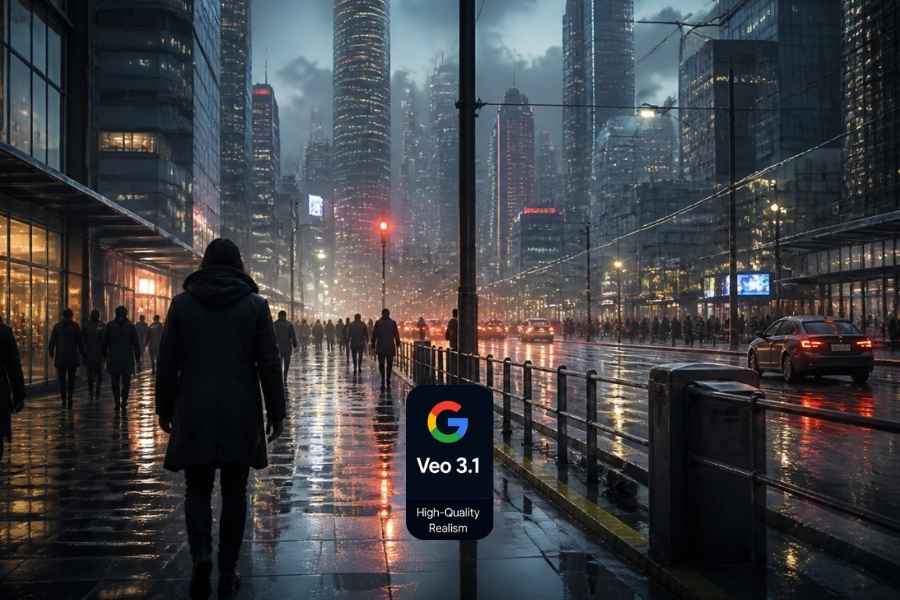
Google Veo 3.1 is a strong choice for realistic cinematic scenes, atmospheric B-roll, establishing shots, and prompts that depend on lighting or physical behavior. On supported versions, native audio adds dialogue, ambience, and sound effects without requiring a separate generation step.
Veo works especially well when a scene depends on environmental detail, such as rain on pavement, fabric in the wind, reflections on glass, or a camera moving through a location. Access, limits, and commercial terms vary by the Google product or API used.
Best for: Cinematic B-roll, realistic environments, visual concepts, and native-audio experiments.
Best AI Video Model for Professional Creative Control
Runway Gen-4.5
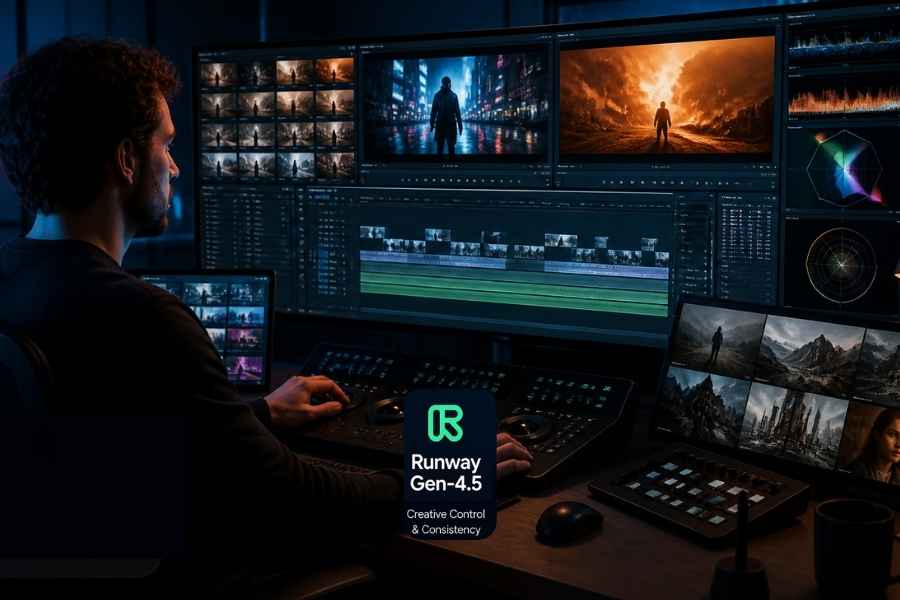
Runway Gen-4.5 is designed for creators who want more control than a simple prompt-to-clip interface. It combines text and image generation with reference-led workflows, camera direction, AI editing, and a more complete creative environment.
Runway is useful for agencies, filmmakers, motion designers, and marketers who need to iterate on a visual direction and assemble generated clips with other shots. It requires more time and credit management than a simple image-to-video tool, but that trade-off can be worthwhile for deliberate art direction.
Best for: Professional control, reference-driven creation, editing, and creative experimentation.
Best AI Video Model for Human Motion and Narrative Clips
Kling 3.0
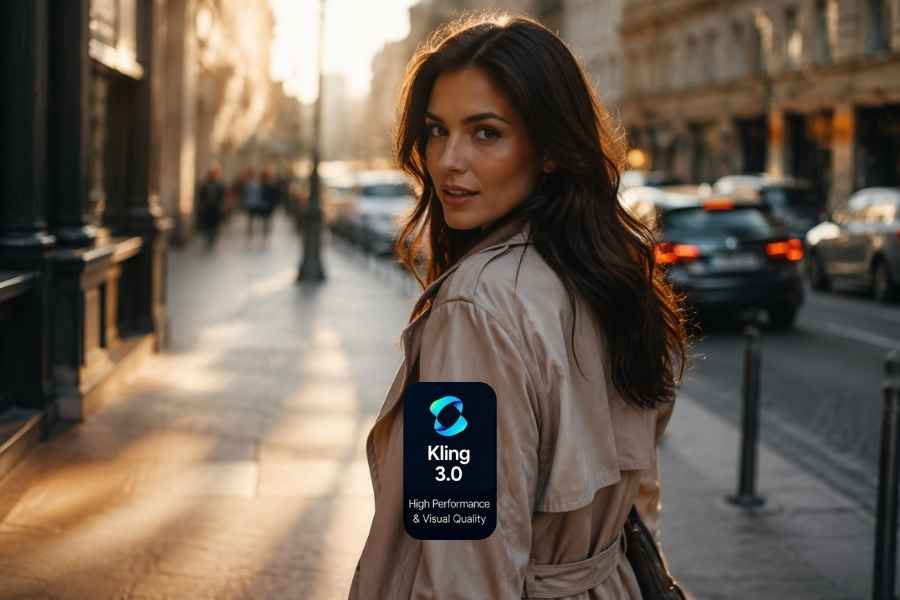
Kling 3.0 is often considered for scenes with walking, gestures, dialogue, camera movement, or complex human action. Image-to-video inputs can help preserve a character's appearance, while supported versions provide native audio and multi-shot features.
It is useful for short narrative scenes and social videos that depend on believable body movement. Test hands, faces, object interaction, and identity consistency on the exact action your project needs.
Best for: Character scenes, human movement, dialogue experiments, and cinematic social clips.
Best AI Video Model for Text- and Image-Led Creation
Seedream 2.0
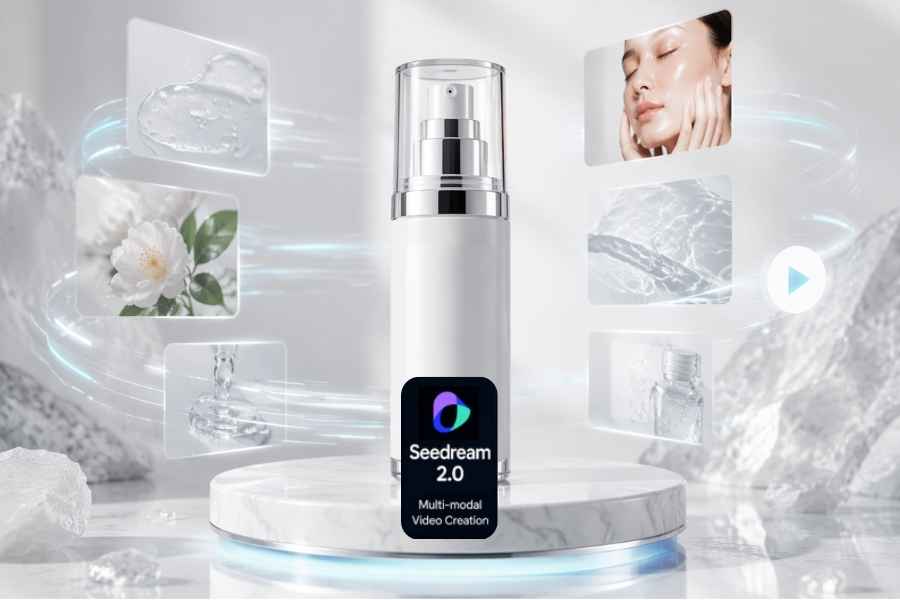
Seedream 2.0 supports both text-to-video and image-to-video workflows where video access is available. You can start with a written concept, or provide a product image, character design, illustration, or reference composition to guide the result.
This makes Seedream 2.0 relevant to ecommerce, advertising, product concepts, and visual development. Text prompts are useful when you are exploring a new idea, while an image or reference can provide stronger guidance for composition and identity.
Best for: Text- and image-led creative work, product visuals, reference-based concepts, and consistent visual assets.
Best AI Video Model for Fast Text-to-Video and Image-to-Video Experiments
Grok Imagine
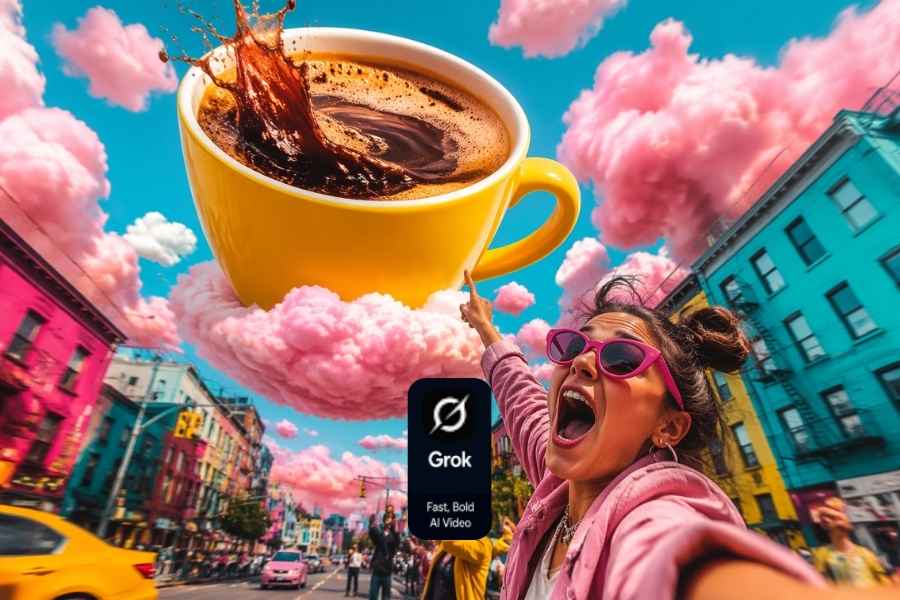
Grok Imagine is xAI's image and video creation experience inside Grok. It supports text-to-video and image-to-video generation, allowing users to describe a scene or provide a reference photo, then refine the result with follow-up prompts in the same conversation. The official Grok page also lists image generation, video generation up to 15 seconds at 720p, and image generation up to 2K in supported experiences.
That makes Grok Imagine useful for social hooks, playful concepts, visual jokes, product ideas, and early creative tests. It is less suitable for complex storyboarding or demanding shot-to-shot continuity than a dedicated production suite. Verify the current controls, limits, exports, and commercial terms before using it for exact product labels or long-running production.
Best for: Fast text-to-video, image-to-video, conversational prompting, social experiments, and lightweight visual testing.
Best AI Video Model for Social Effects
Pika 2.5
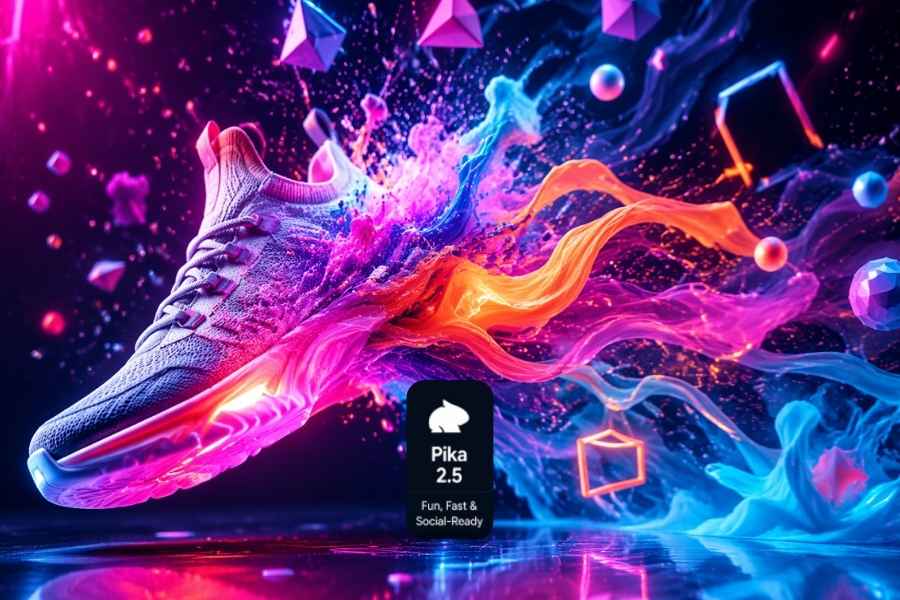
Pika 2.5 is a strong option for short, stylized, and attention-grabbing content. Its transformation and effect-oriented workflows are useful for TikTok, Reels, Shorts, memes, and product hooks.
Its strength is creative speed: a creator can test a transformation without building it manually in an editor. It is less suited to long realistic scenes with strict identity or continuity requirements.
Best for: Social effects, stylized product reveals, quick transformations, and daily creative experiments.
Best AI Video Model for Photorealistic Concept Shots
OpenAI Sora 2
OpenAI Sora 2 is associated with detailed prompts, photorealistic scenes, and cinematic visual exploration. When access is available, it can be useful for concept shots, atmospheric scenes, and visual storytelling experiments.
Because product access can change, treat OpenAI Sora 2 as an access-dependent option rather than the only foundation for a production pipeline. Confirm current limits, exports, commercial use, and supported features before planning recurring work.
Best for: Photorealistic concepts, cinematic prompts, and visual exploration when available.
Best AI Video Platform for Avatars and Business Communication
HeyGen
HeyGen focuses on turning scripts into presenter-led videos with AI avatars, voices, captions, and localization. It fits training, onboarding, explainers, sales videos, and multilingual communication. Choose it when the message needs a presenter; choose a cinematic or effects model when the goal is an original environment, product animation, or abstract visual effect.
Best for: AI avatar videos, script-led content, training, sales enablement, and localization.
Which Model Should You Choose?
Use this simple decision framework:
- Choose Google Veo 3.1 when realism, atmosphere, and native audio matter most.
- Choose Runway Gen-4.5 when you need professional creative control and editing.
- Choose Kling 3.0 for human movement, dialogue, and narrative action.
- Choose Seedream 2.0 for text- and image-led product visuals and reference-based concepts.
- Choose Grok Imagine for fast text-to-video, image-to-video, and conversational exploration.
- Choose Pika 2.5 for effects, transformations, and scroll-stopping content.
- Choose OpenAI Sora 2 for photorealistic experiments when current access fits your needs.
- Choose HeyGen for presenter-led, narrated, and localized business videos.
If the video contains a specific product, person, or character, start with an image or visual reference rather than a text prompt alone. If the idea is still abstract, use text-to-video first. The starting input often affects the result as much as the model choice.
A Simple Way to Test Different Models
The fairest comparison uses one subject, action, duration, and output format. Run the same prompt through two or three models and record the result.
Check five things:
- Did the model follow the requested action and camera movement?
- Did the subject remain stable from the first frame to the last?
- Were faces, hands, reflections, labels, and small objects usable?
- How many generations were needed before you found a good version?
- Can the result be exported and used for the intended commercial purpose?
Do not compare only the prettiest first result. For product videos, consistency and readable branding usually matter more than dramatic effects; for social content, speed and variety may matter more; for filmmaking, emphasize camera logic, atmosphere, and shot-to-shot consistency.
A Practical Prompt Formula
A reliable video prompt can follow this structure:
Subject + action + camera + setting + style + constraints
For example:
A black wireless headphone case on a white pedestal. The case opens slowly while the camera makes a smooth close-up push. Bright studio lighting, premium product advertisement style. Keep the logo, proportions, and colors unchanged.
State what should move and what should stay stable. One clear subject and one simple camera move are easier to control than several characters, locations, and changes in a short clip.
EzRemove: A Multifunctional AI Creation Platform
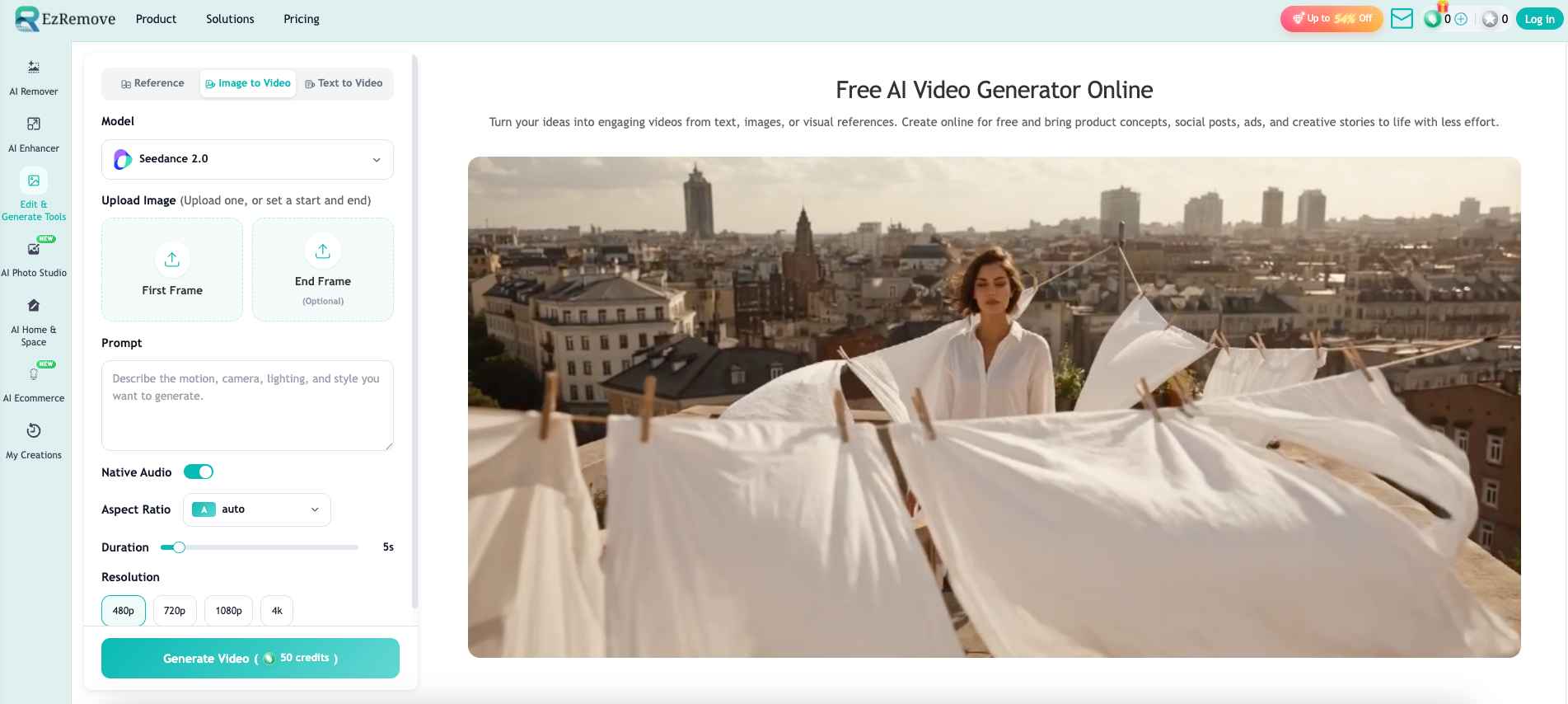
EzRemove is a multifunctional AI platform for image editing, image generation, and other creative tasks. It now also offers an AI video generator, where users can explore the latest supported models, including Seedream 2.0, Grok Imagine Video, and other popular options, to create videos from text, images, or visual references online.
EzRemove brings model selection, input preparation, generation settings, and output creation into one online workflow. Depending on the models currently available on the platform, users can test different options without opening separate tools, then compare how each model handles the same image, product, prompt, or creative idea.
Pay Once with One-Time Credits
EzRemove also supports a pay-as-you-go approach through one-time credit purchases. Instead of committing to another recurring subscription for every model, you can buy a credit pack when you need it and use those credits for eligible generations on the platform. This is useful for occasional creators, marketers testing a campaign, and teams that want to compare models before committing to a monthly plan.
The exact pack price, balance, expiration policy, and generation cost depend on the current EzRemove pricing page, selected model, duration, and resolution. Check the displayed cost before generating. One-time credits do not make every model free; they make it easier to pay for the experiments you actually run.
What You Can Do in EzRemove
Text to Video: Start with a written idea when you do not have a suitable visual. Describe the subject, action, camera, setting, and mood, then select an available model.
Image to Video: Upload a product photo, portrait, illustration, character, or landscape and ask the selected model to add motion. This is usually the better choice when identity, product shape, or composition matters.
Reference to Video: Use an image or video reference to communicate lighting, style, character direction, composition, or overall mood.
For image-led creation, EzRemove can support a first-frame image and an optional end-frame image. This gives the model a clearer beginning and ending for product reveals, camera transitions, and short visual stories.
How to Use EzRemove's AI Video Generator
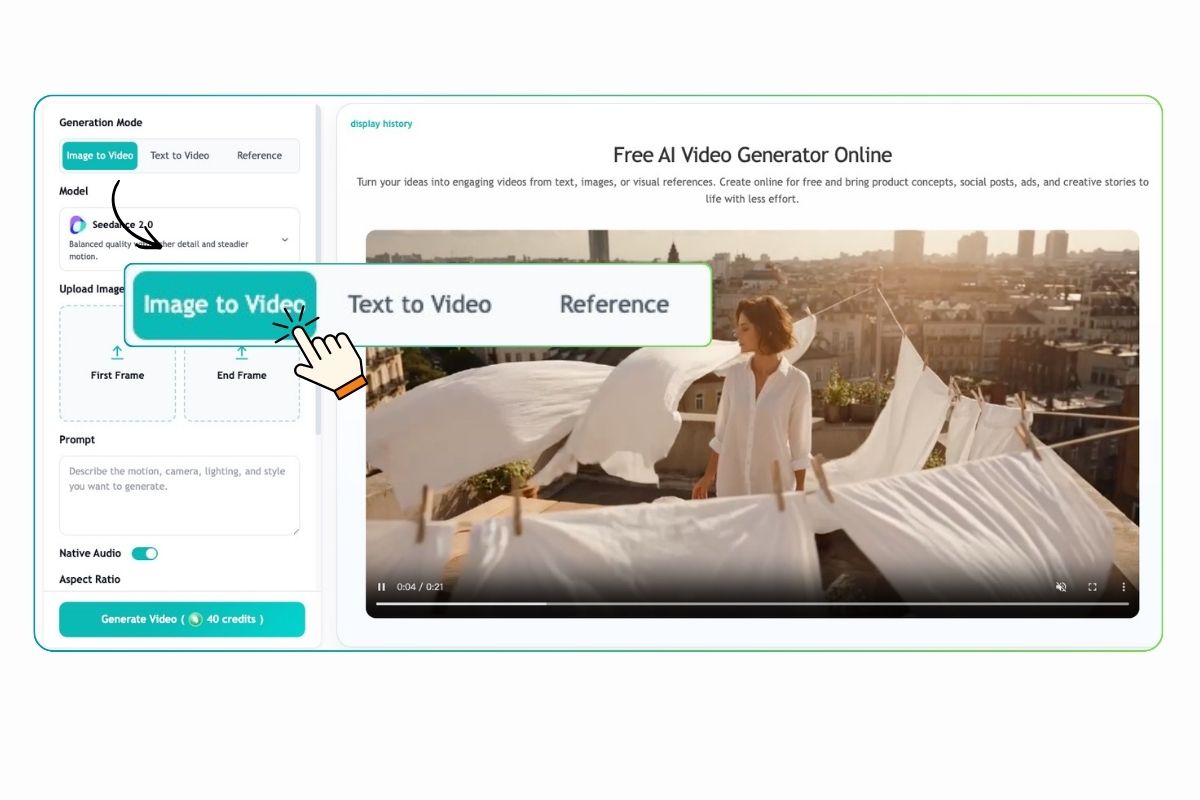
Step 1: Choose a Mode and Add Your Input
Select Text to Video, Image to Video, or Reference to Video. Enter a scene description, upload a first frame with an optional last frame, or add an image or video reference to guide the result.
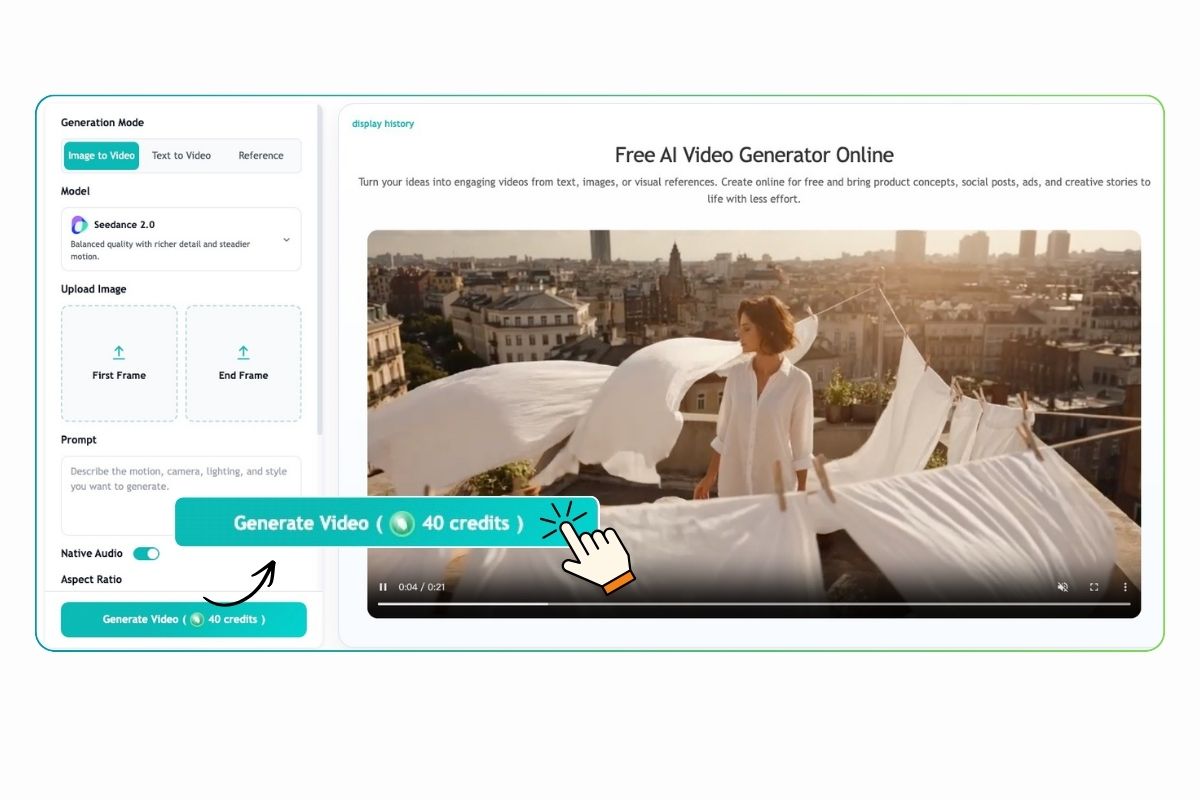
Step 2: Describe the Video and Adjust Settings
Write a clear prompt covering the subject, action, camera movement, atmosphere, and visual style. Then choose an AI video model, aspect ratio, duration, and resolution. The required credits are displayed before generation.
Step 3: Generate, Review, and Download
Generate the video and check its movement, framing, and subject consistency. Refine the prompt, input, frames, model, or settings when needed, then download the finished clip.
Frequently Asked Questions
What is the best AI video model in 2026?
There is no universal winner. Google Veo 3.1 is a strong choice for realism, Runway Gen-4.5 for control, Kling 3.0 for human motion, Seedream 2.0 for text- and image-led concepts, Grok Imagine for fast text-to-video and image-to-video experiments, Pika 2.5 for social effects, OpenAI Sora 2 for photorealistic concepts when available, and HeyGen for avatar-led communication.
Is EzRemove an AI video model?
No. EzRemove is a multifunctional AI platform that provides access to supported AI video models. Users can choose a generation mode, select an available model, and create videos through one online workflow.
Does EzRemove require a monthly subscription?
EzRemove supports one-time credit purchases for eligible video generations, so occasional users can pay for credits when they need them instead of adding another recurring subscription. The current credit-pack price and generation cost depend on the selected model and output settings.
Should I use text-to-video or image-to-video?
Use text-to-video for a new idea. Use image-to-video when a product, person, artwork, or composition already matters. An image gives the model a stronger identity and framing reference.
Can AI-generated videos be used commercially?
AI-generated videos may be used for advertisements, social media, product pages, marketing campaigns, presentations, and other commercial projects, subject to EzRemove's current terms and applicable laws.
You are responsible for ensuring that you have the rights to any uploaded images, references, logos, characters, trademarks, or other protected materials.
Why does AI video change my product or character?
Start from a clean image or reference, simplify the movement, use a shorter clip, and state what must remain unchanged. Add exact product text and branding in post instead of relying on generated pixels.