Skip to content
How to Use an AI Product Image Generator for E-commerce
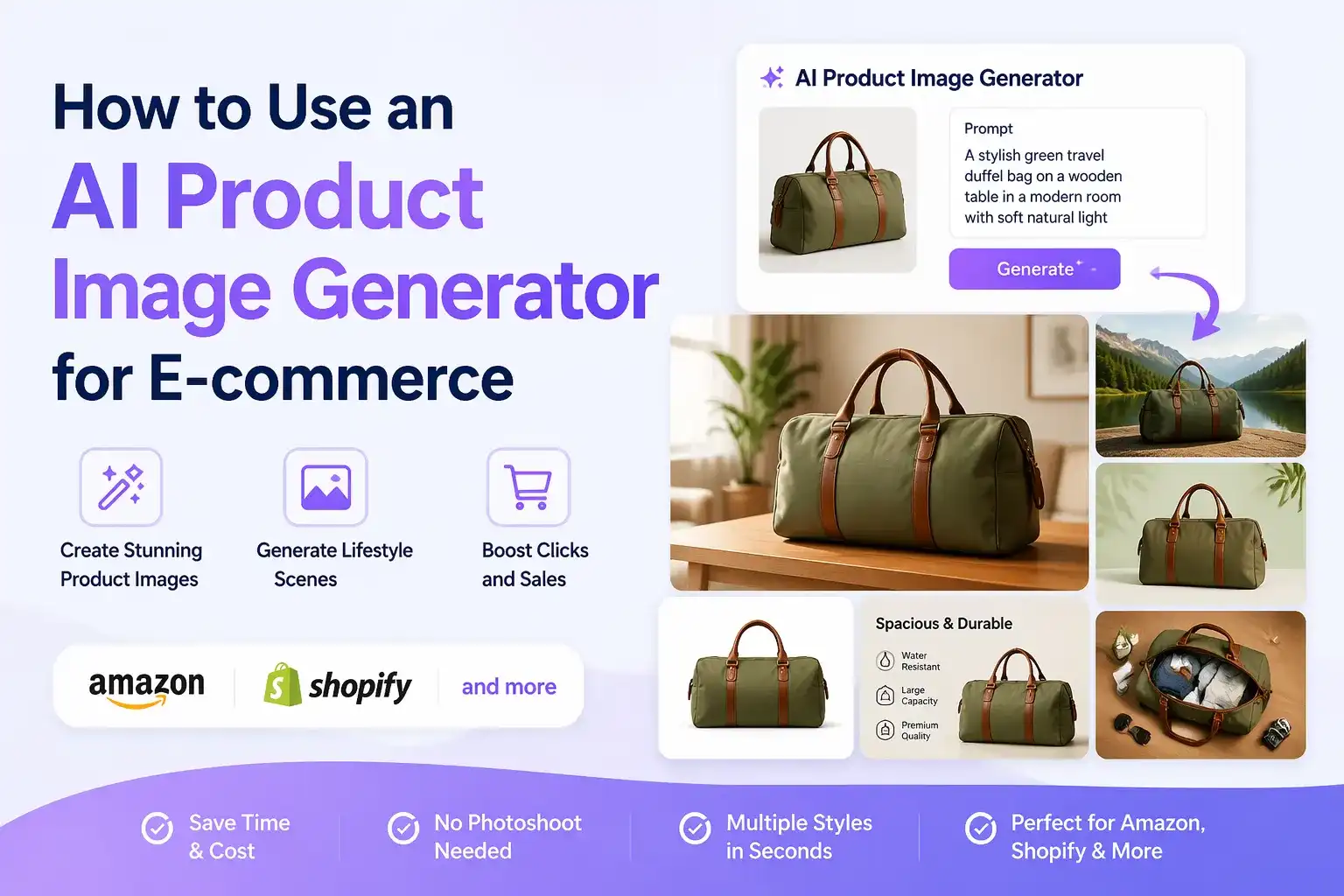
Product images often determine whether an online shopper stops, clicks, and buys. Yet creating high-quality e-commerce visuals can be expensive and slow. A single product may need a clean white-background image, lifestyle photography, detail shots, seasonal creative, social media assets, and multiple sizes for different marketplaces.
An AI product image generator can shorten that process. With a product photo, a written description, or both, you can create polished product visuals online and produce new backgrounds, lifestyle scenes, product variations, and marketing visuals without arranging a full photo shoot for every campaign. When the source image needs cleanup before generation, you can also refine the product photo before creating new scenes.
The important part is learning how to use the tool correctly. AI should preserve the product's shape, color, label, and proportions while changing the environment around it. This guide explains how to use an AI product image generator for e-commerce visuals, how to write effective prompts, how to create marketplace-ready product images, and how to refine the results before publishing.
What Is an AI Product Image Generator?
 An AI product image generator is a tool that creates or transforms product visuals from text prompts, reference images, or existing product photos. Depending on the tool, you may be able to:
- Generate a product scene from a text description.
- Replace or remove a background.
- Place an existing product into a lifestyle setting.
- Create seasonal or campaign-specific visuals.
- Generate product bundles, arrangements, or color variations.
- Produce advertising images for social media and landing pages.
- Expand an image to a new aspect ratio without losing the main subject.
This is different from asking an AI image model to invent a product from nothing. For e-commerce, the safest workflow usually starts with a real product photo. The reference image gives the model information about the product's identity, structure, packaging, and visual details.
Why Use AI Product Photography for E-commerce?
Traditional product photography remains important, especially for regulated categories and catalog accuracy. However, AI product photography can complement a traditional shoot by making creative variations faster and more affordable.
Create More Visuals from One Product Photo
One clean source image can become a studio image, a kitchen scene, a bathroom shelf, a travel scene, or a seasonal campaign visual. This helps small brands build a larger product image library without photographing every possible environment.
Test Different Customer Contexts
Customers want to understand how a product fits into their lives. A lifestyle product photo can show a lamp in a living room, skincare on a bathroom counter, or a backpack beside outdoor equipment. You can test several contexts and learn which visual direction fits your audience.
Produce Campaign Assets Faster
Marketing teams often need new visuals for holidays, product launches, promotions, email campaigns, and social posts. An AI product image generator can help create first drafts quickly, leaving the team more time for copywriting, campaign strategy, and performance testing.
Keep Creative Direction Consistent
When you use the same product reference, lighting direction, background style, and prompt structure, you can build a more consistent visual language across product pages, ads, and social channels.
Reduce the Cost of Early Experiments
Not every idea deserves a full photo shoot. AI-generated e-commerce visuals let you explore a concept before investing in location rental, props, models, and production time.
The Main Types of E-commerce Product Images
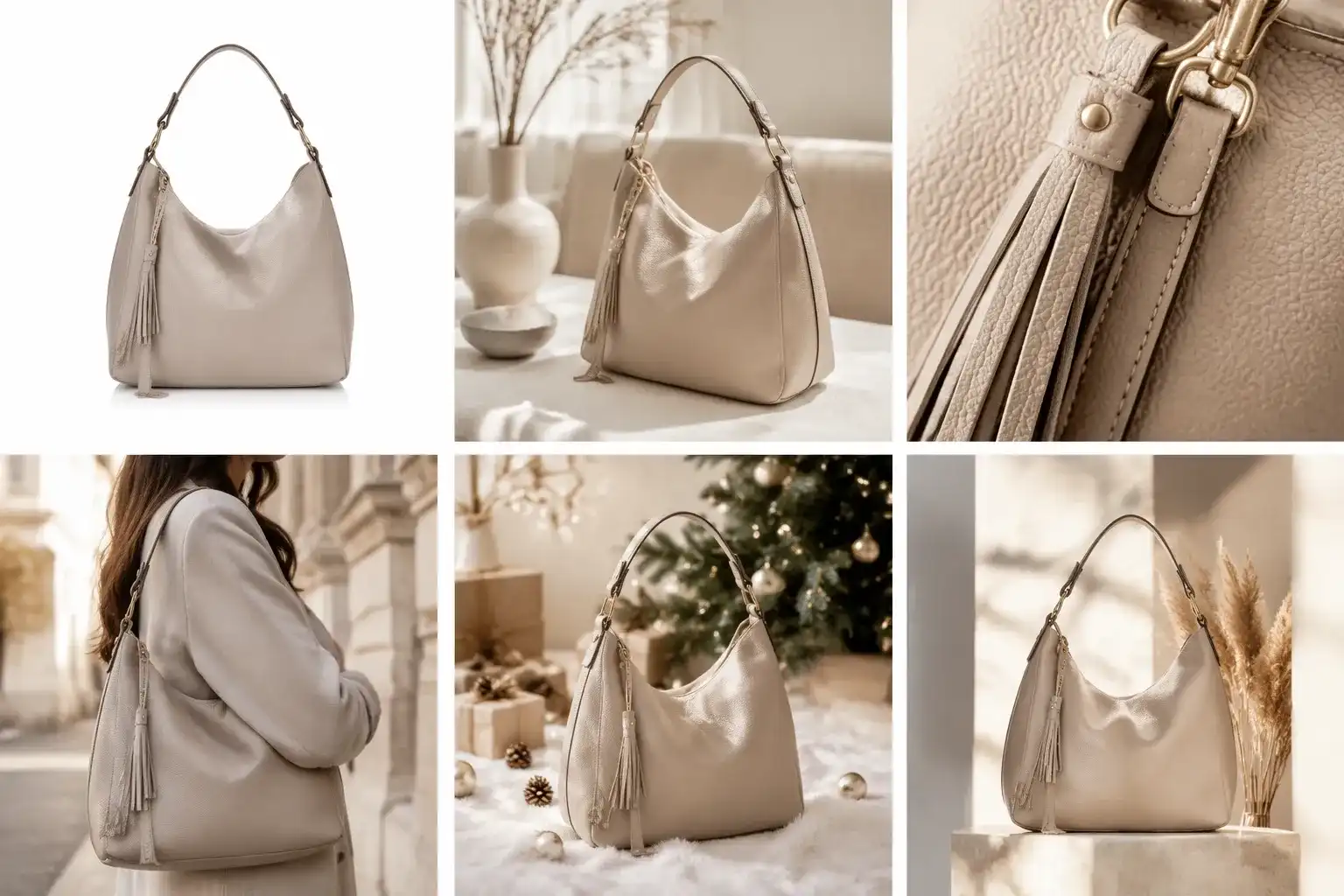
Before generating an image, decide what role it will play in the buying journey. Different images need different prompts and quality checks.
1. Main Product Listing Image
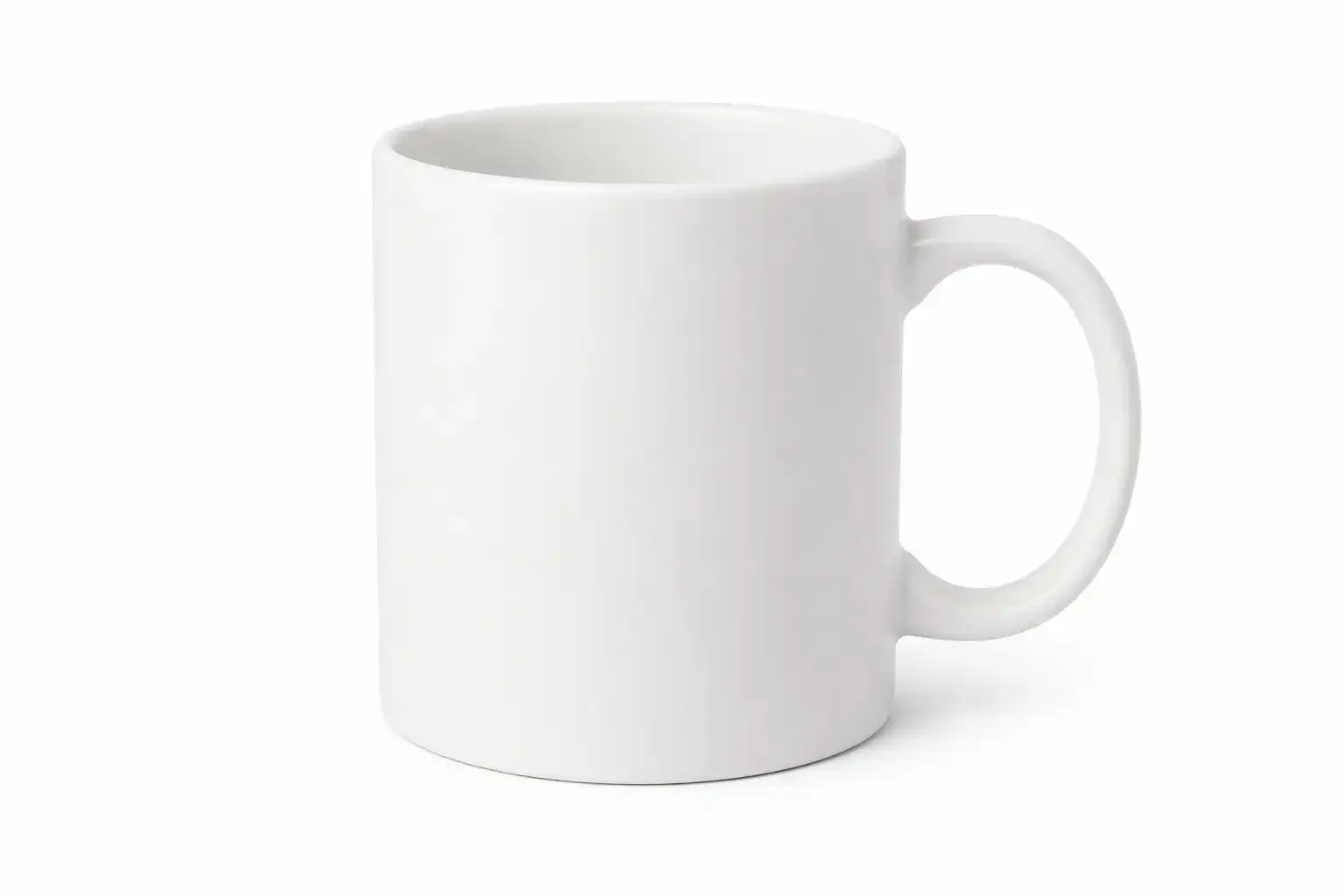
The main image should make the product easy to identify. Use a simple background, accurate proportions, clean edges, and a clear view of the item. For marketplaces such as Amazon, follow the platform's latest image requirements and avoid adding claims, badges, or decorative elements that are not allowed.
2. Lifestyle Product Photo
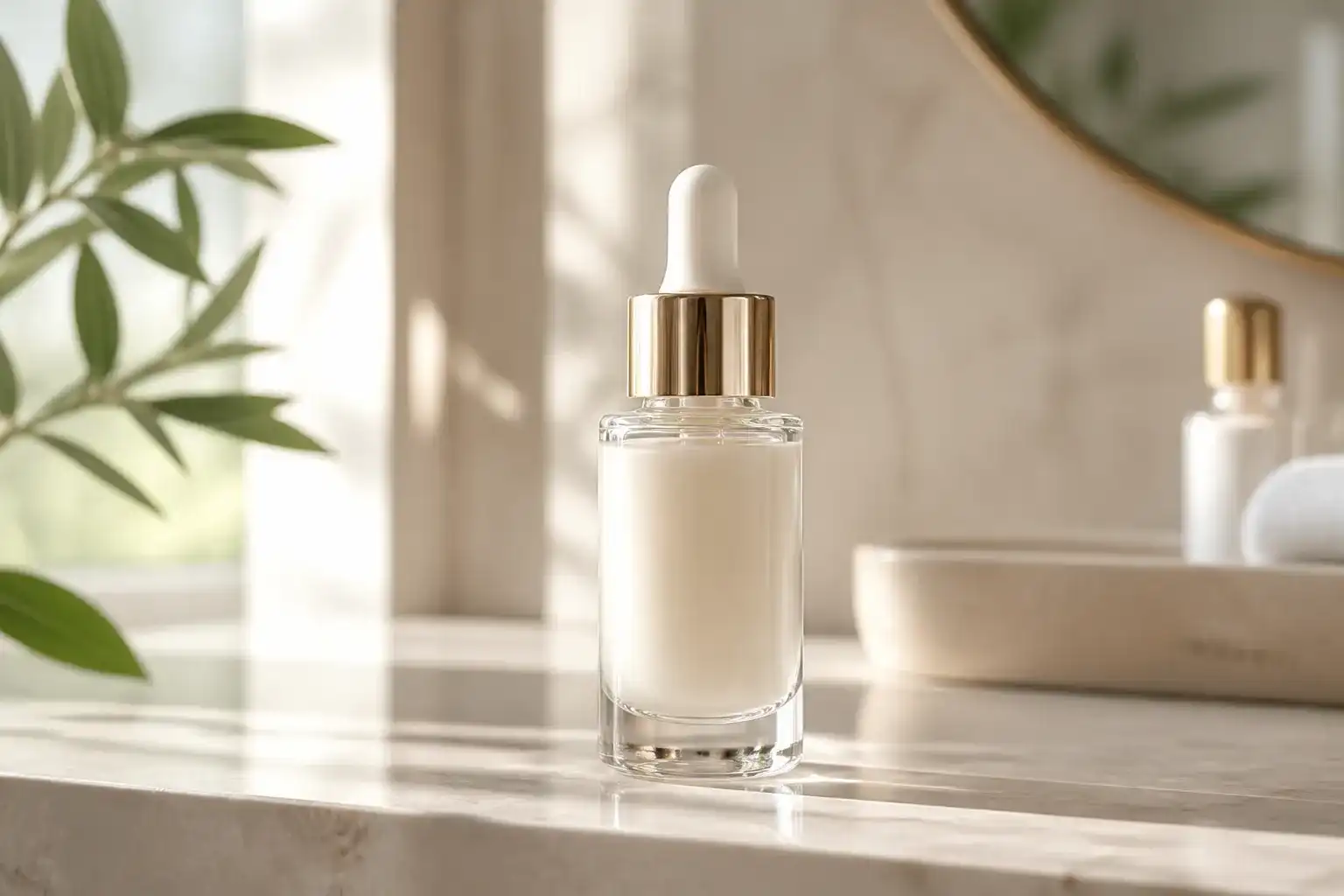
A lifestyle product photo places the item in a believable environment. It can communicate scale, use, mood, and target audience. Lifestyle visuals are often useful for product detail pages, brand websites, advertisements, and social media.
3. Feature or Detail Image
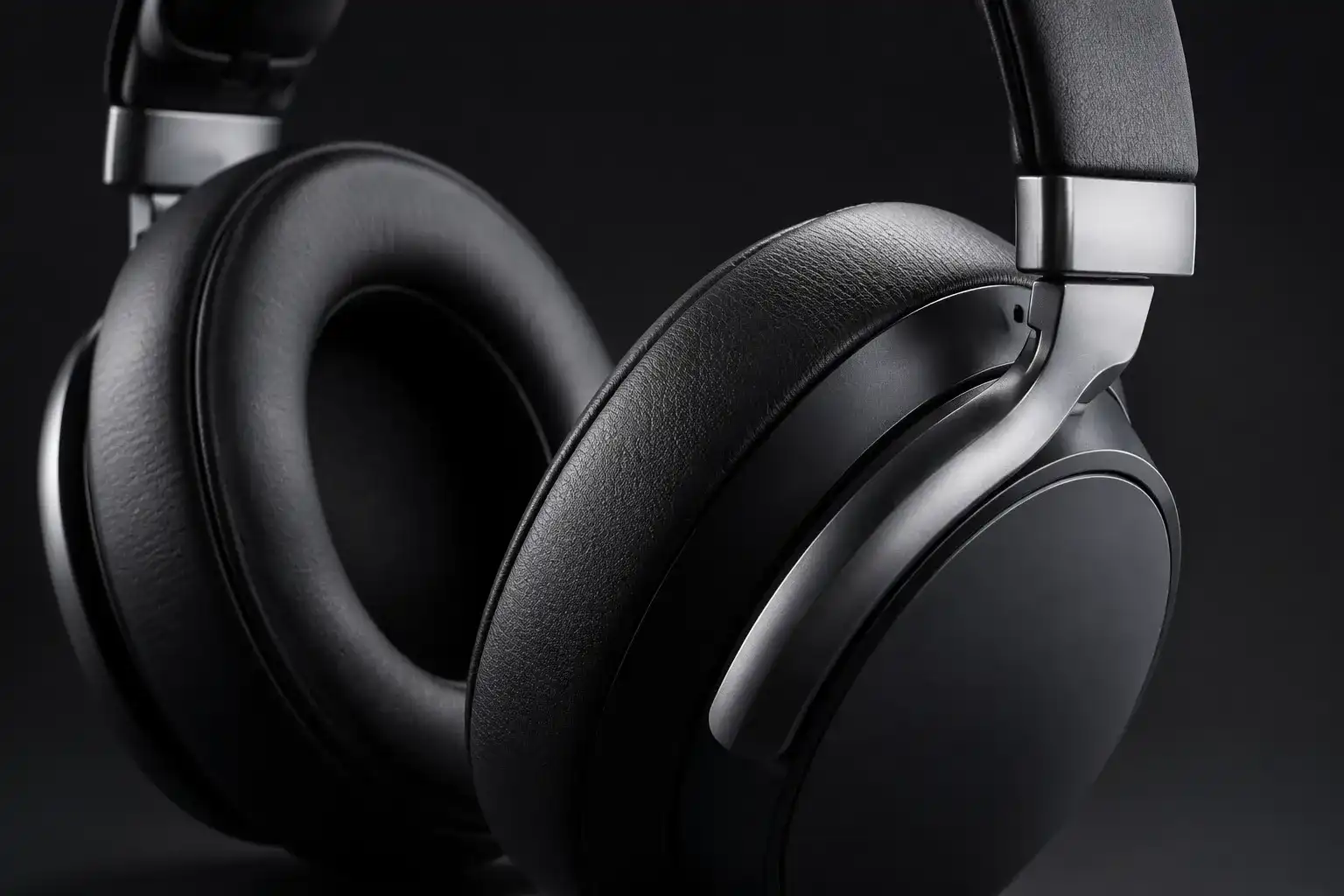
Use a close-up to show texture, material, controls, stitching, ingredients, connectors, or other important features. Do not let AI invent technical details. If accuracy matters, use the original product photo and edit the surrounding context instead of asking the model to redraw the product.
4. Scale and Use-Case Image
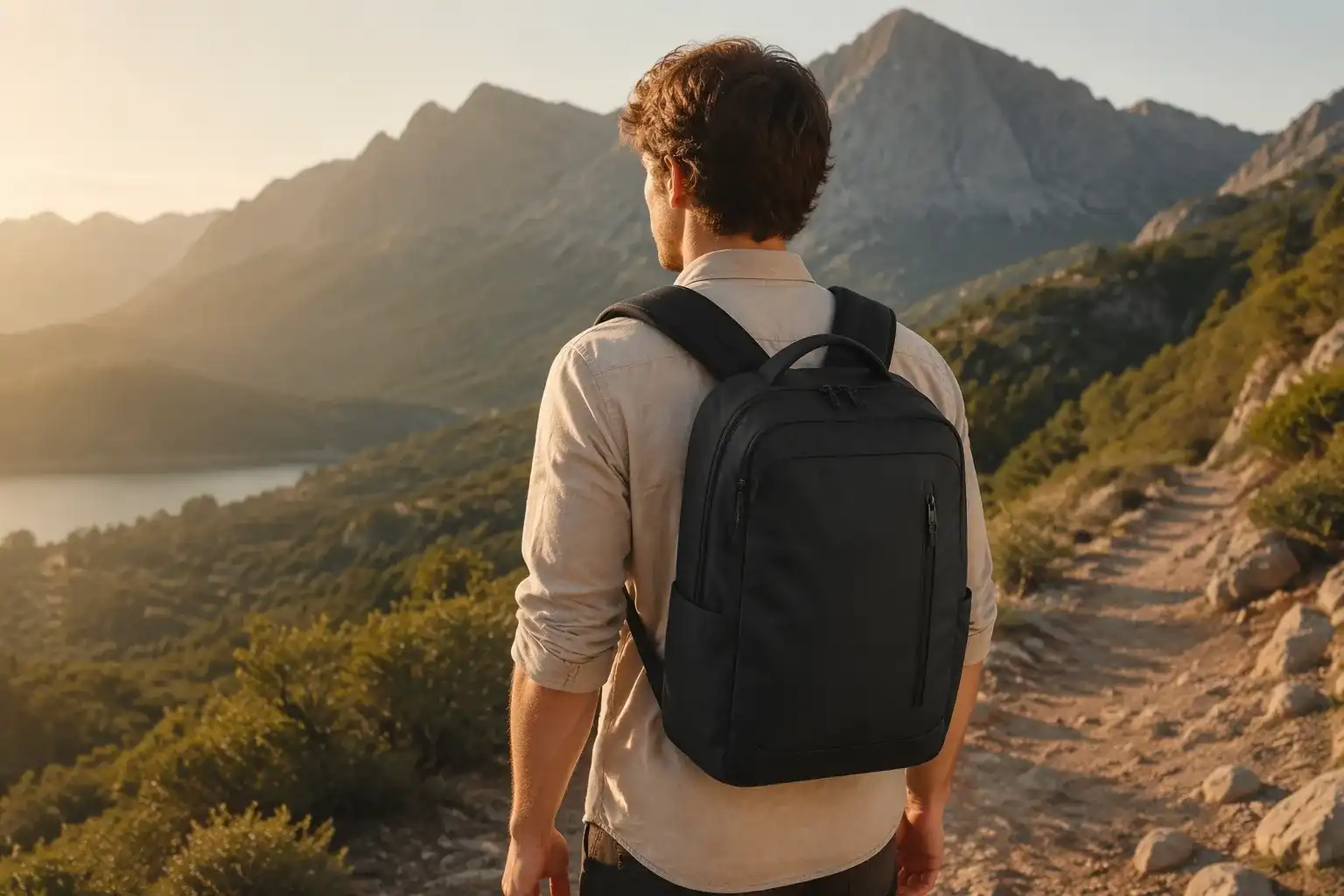
An image showing a person using the product can explain size and function. Make sure the hands, body position, product placement, and perspective look natural. If the product has a specific safety or usage requirement, verify the image carefully.
5. Seasonal and Promotional Visual
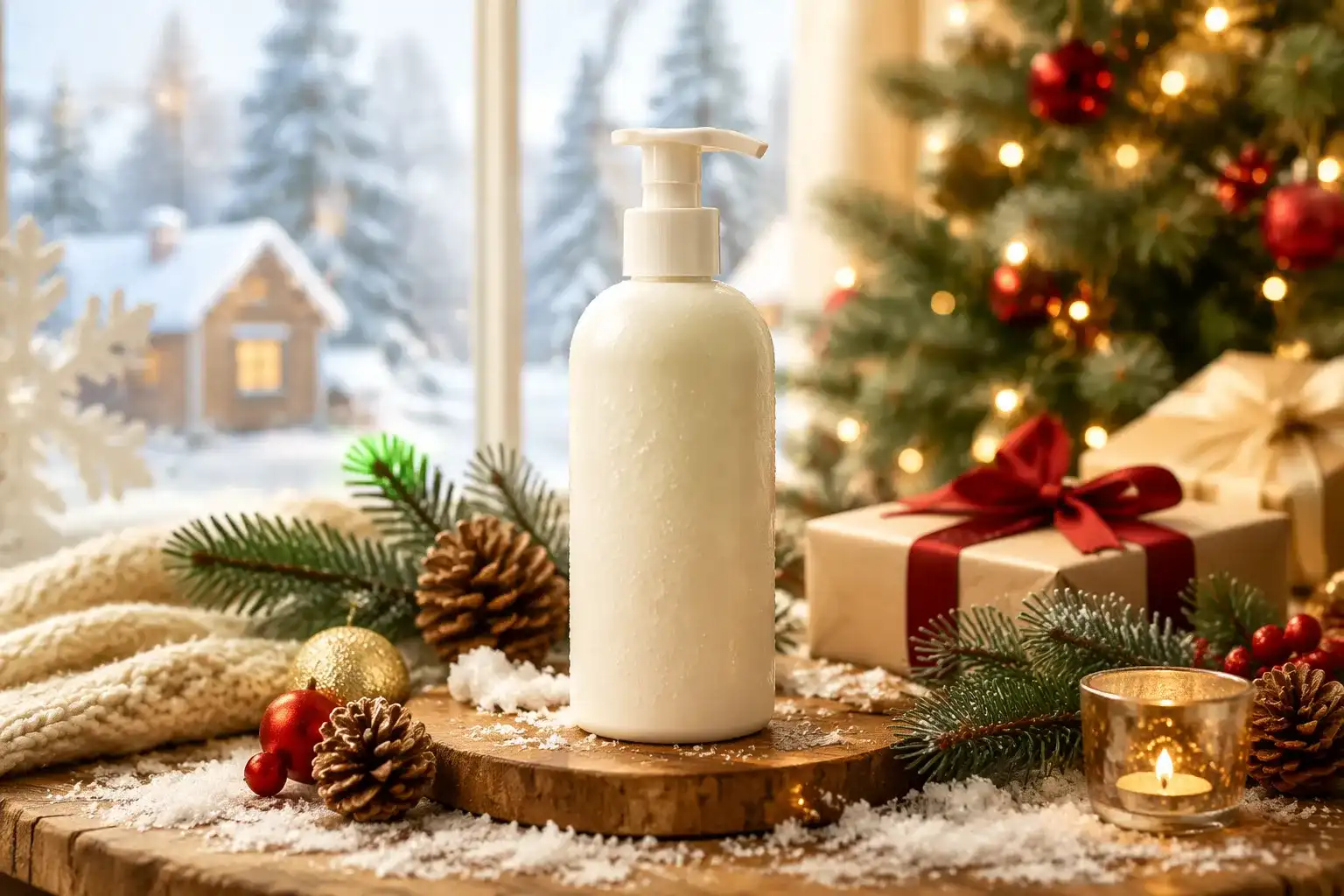
Seasonal scenes can support holiday campaigns, summer launches, gift guides, and limited-edition promotions. Keep the product as the visual anchor and avoid adding unreadable or inaccurate promotional text inside the generated image.
6. Social Media and Ad Creative
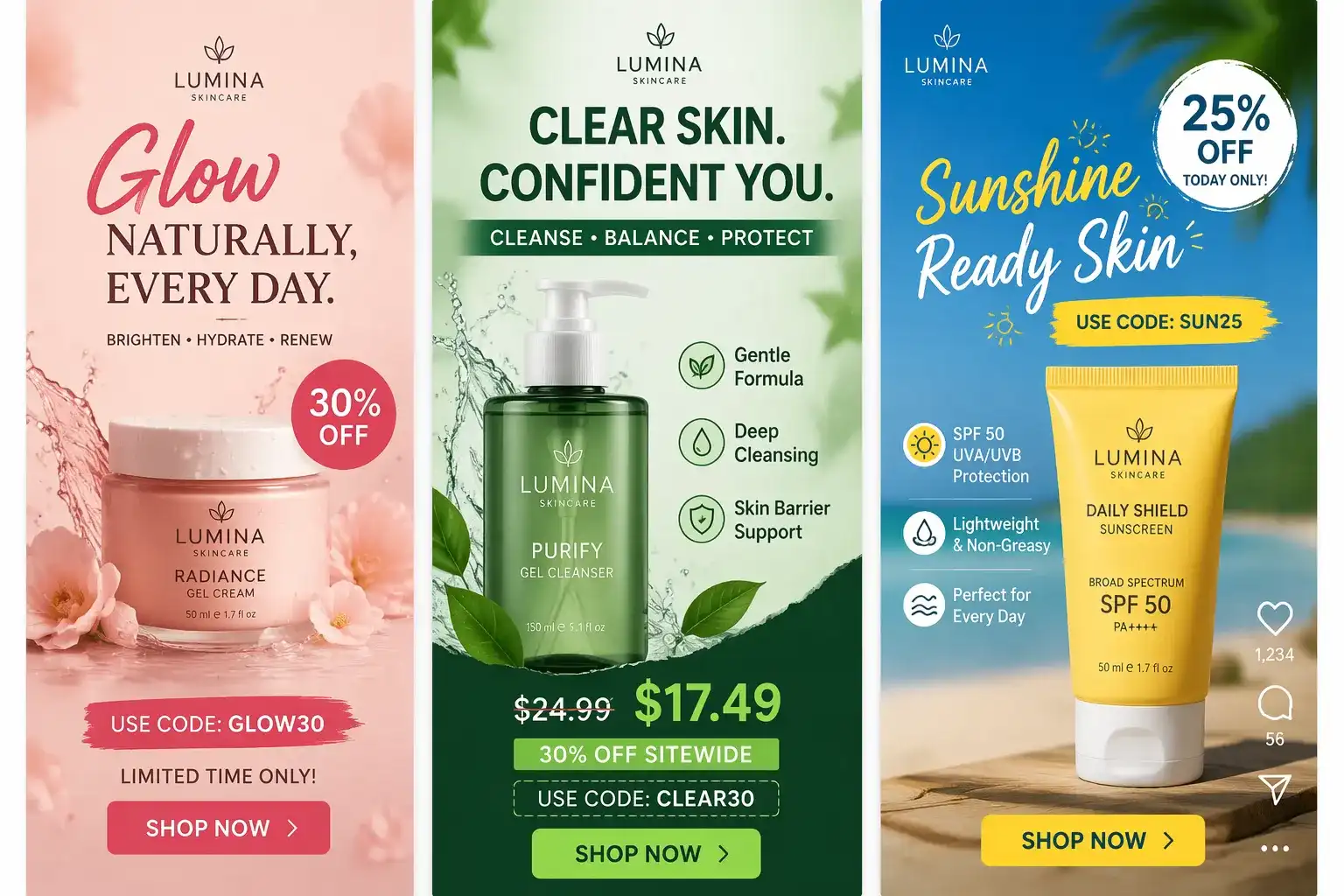
Social visuals often use stronger color, more movement, or a vertical composition. Generate versions for the intended placement, then add exact captions, prices, discount codes, and calls to action in a design or editing tool.
How to Use EzRemove AI Product Image Generator
EzRemove's AI image workflow can help e-commerce teams turn a product photo into additional marketing visuals without rebuilding every scene manually.
Step 1: Upload a Clear Product Image
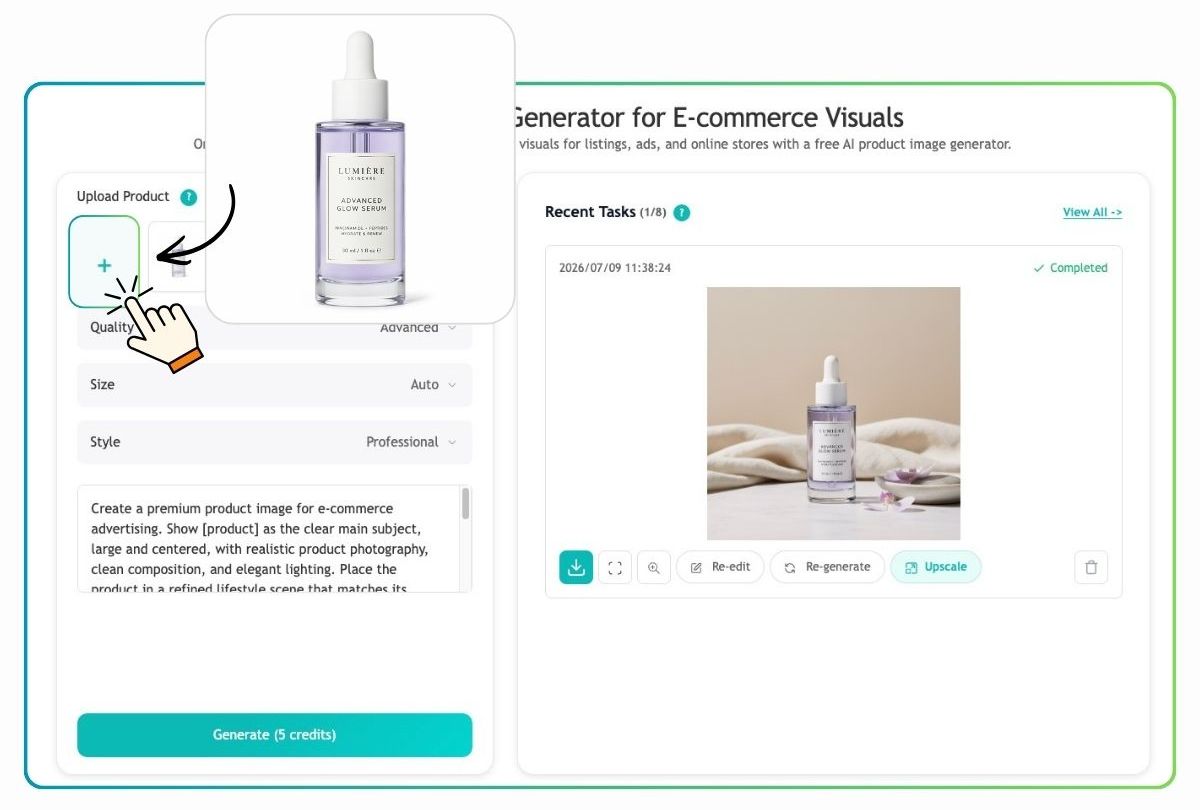
Add a well-lit photo that shows the full product clearly. A simple white-background image or a basic store photo works well, helping the AI preserve the product's shape, color, packaging, and key details while creating a more polished setting. If the product is still in development and no real photo is available, you can first create a concept visual with the AI Image Generator and use it as the starting reference.
Step 2: Choose a Style and Describe the Scene
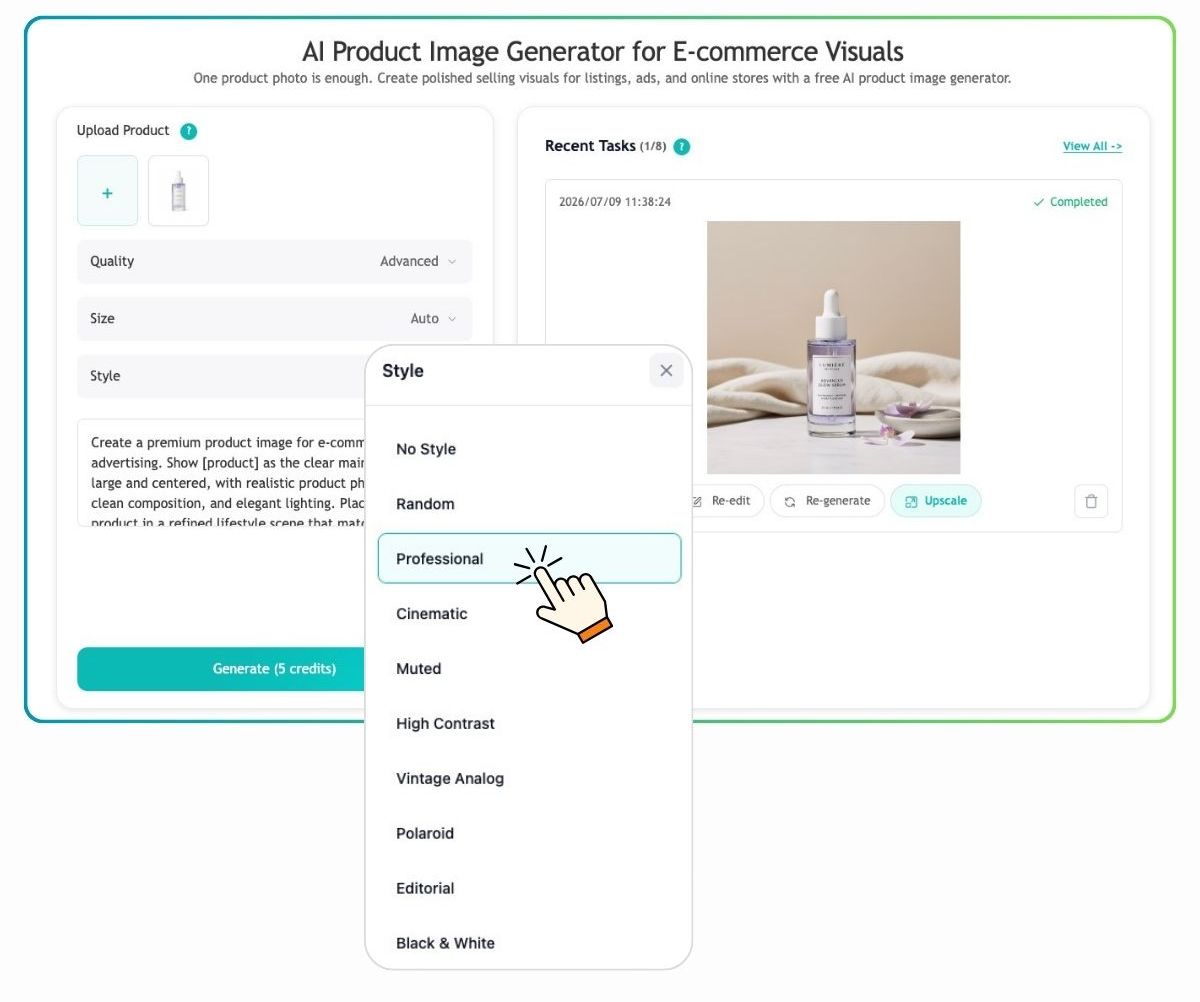
Select the image quality, size, and visual style for your intended use. Then write a prompt describing the background, lighting, composition, mood, and product placement. You can create a clean marketplace image, a natural lifestyle scene, a seasonal promotion, or a premium advertising visual.
Step 3: Generate, Refine, and Download
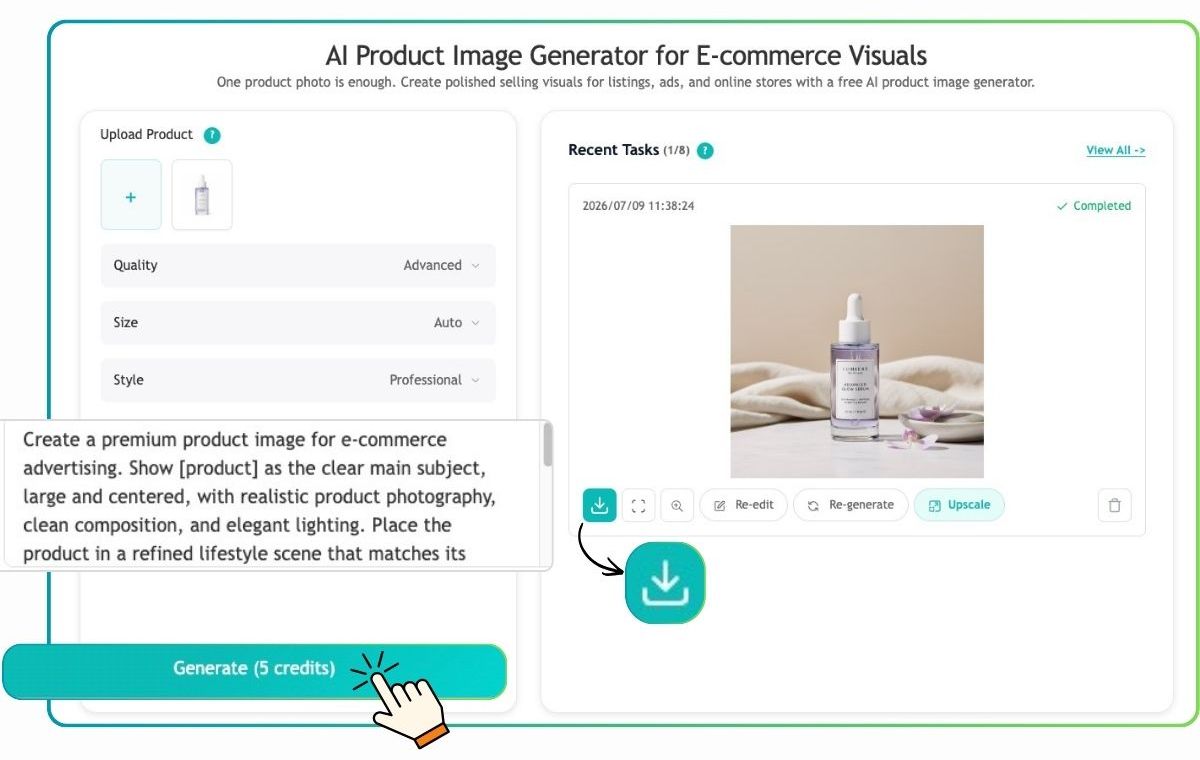
Generate the product image and review the product accuracy, background, lighting, shadows, and overall presentation. Download the finished result, or refine specific details, upscale the image, and create more variations for product listings, advertisements, landing pages, and social media.
E-commerce Product Image Prompt Examples
Clean Marketplace Image
Create a clean studio product image using the uploaded ceramic coffee mug. Center the mug on a pure white background with soft natural shadow, front three-quarter view, accurate handle shape and proportions. Keep the logo and product color unchanged. No extra objects, no decorative text, no badges.
Skincare Lifestyle Image
Place the uploaded glass skincare serum bottle on a pale stone bathroom counter with soft morning light, subtle green leaves in the background, shallow depth of field, premium clean beauty photography. Keep the bottle, cap, label layout, and logo unchanged. Do not invent text or additional packaging.
Outdoor Product Image
Show the uploaded waterproof backpack beside a hiking trail at golden hour, with natural rocks and soft mountain scenery in the background. The backpack should remain the main subject, with realistic scale, fabric texture, straps, and zippers. Editorial outdoor e-commerce photography, no extra logos or text.
Holiday Campaign Image
Place the uploaded scented candle on a warm wooden table with subtle winter decorations, soft amber lighting, elegant seasonal atmosphere, and clear space on the left for campaign copy. Keep the candle jar, lid, label, colors, and proportions unchanged. No generated words or price tags.
Social Media Product Image
Create a vertical social media product visual using the uploaded wireless headphones. Place them on a modern desk with bold blue and violet lighting, a clean background, dynamic perspective, and enough negative space at the top for a headline. Preserve the headphones' shape, ear cushions, buttons, and colors. No text or watermark.
Common Mistakes to Avoid
Asking the Model to Change Everything at Once
Prompts containing several locations, camera movements, characters, and product changes are difficult to control. Start with one product, one environment, and one clear visual goal.
Using an Unclear Source Image
If the reference is blurry, cropped, or poorly lit, the model may reproduce those problems or invent missing details. Start with the cleanest available product photo.
Treating AI Text as Final Copy
Always proofread labels, packaging, product specifications, prices, and claims. Add important text after generation.
Ignoring Marketplace Requirements
Amazon, Shopify themes, social platforms, advertising networks, and other marketplaces can have different rules for backgrounds, dimensions, text overlays, claims, and product representation. Review current requirements before publishing.
Choosing Visual Style over Product Clarity
The image should help shoppers understand the product. Dramatic lighting, excessive props, and busy backgrounds may look attractive but reduce clarity and trust.
Forgetting Usage Rights
Only upload images, logos, people, locations, and reference materials that you have permission to use. Check the current terms of the AI platform and any applicable copyright, trademark, privacy, and likeness requirements.
How to Build a Repeatable E-commerce Visual Workflow
A successful AI product photography process is not just about generating one attractive image. Build a system that your team can repeat:
- Create a source-image folder for each product.
- Define approved backgrounds, lighting styles, and brand colors.
- Save prompt templates for marketplace, lifestyle, seasonal, and social visuals.
- Generate controlled variations instead of unrelated images.
- Use a review checklist for product accuracy and compliance.
- Export channel-specific sizes and keep the original files.
- Track which image appears in each campaign or product listing.
Over time, this workflow can make AI-generated e-commerce visuals more consistent and easier to scale across a catalog.
Frequently Asked Questions
What is the best AI product image generator for e-commerce?
The best tool depends on the image you need. Choose an image-led workflow when product accuracy matters, a text-led workflow when you are exploring a new concept, and an editing workflow when you mainly need background removal, expansion, or cleanup. Test several variations with the same product reference before choosing a production tool.
Can an AI product image generator create images for Amazon?
It can help create product listing and marketing visuals, but you must follow Amazon's current image requirements and verify product accuracy. Use a clean main image, avoid unapproved claims or overlays, and review the final file before uploading.
Can AI generate a lifestyle product photo from a product image?
Yes. Upload a clear product reference and describe the setting, lighting, camera angle, and mood. Tell the model which product details must remain unchanged, then inspect the result for shape, color, logo, and scale.
How can I keep my product consistent across multiple images?
Use the same high-quality reference image, repeat the most important constraints, keep the product placement and camera logic simple, and change only the environment or lighting between variations. For important branding, compare every result with the original source.
Are AI-generated product images good for Shopify?
They can be useful for Shopify product pages, collection banners, email campaigns, and social ads. Export the correct aspect ratio, maintain a consistent brand style, and make sure the image represents the actual product.
Should I use a real product photo or generate the product from text?
Use a real product photo whenever the exact shape, label, color, or packaging matters. Text-to-image is better for early concept exploration or products that do not yet exist, but generated product details require careful review before commercial use.
Conclusion
An AI product image generator can help e-commerce brands create more product listing images, lifestyle product photos, seasonal campaign visuals, and social media assets from a small set of source materials. The strongest results come from a disciplined process: begin with a clear product reference, define the image's purpose, write a structured prompt, generate controlled variations, inspect the product carefully, and add exact copy during post-production.
EzRemove brings image editing and AI image generation into one accessible workflow. With text prompts, product references, and one-time credit purchases for eligible generations, it can help creators and e-commerce teams test visual ideas without committing to a full photo shoot for every variation.
The goal is not to replace product accuracy with decoration. Use AI to create useful visual context around the real product, then review every image before it reaches a marketplace, product page, advertisement, or customer.