Genjutsu AI Video Generator
Keep the motion you already captured, then change the character, outfit, product, background, or style with reference-guided video transformation.
Keep the Motion You Already Like
Reshooting a useful performance just because the setting or character needs to change is expensive and frustrating. Genjutsu AI Video starts from footage you already have, then follows the original movement, camera direction, framing, and timing as closely as the selected model allows. Use the result to explore a new version of a dance clip, product shot, social post, or creative concept without rebuilding the take from zero.
Replace the Character Without Rebuilding the Shot
Have the right movement but the wrong performer? Add a clear reference image and describe who should appear in the scene. Genjutsu AI Video can help you explore character replacement while keeping the source performance as the creative guide. For better consistency, use a sharp reference with a clear view of the subject and describe which person should change when more than one subject appears.
Swap Products, Outfits, and Objects in Existing Footage
A finished video can become a new campaign asset when the visual target changes. Replace a bottle, package, prop, outfit, or other selected object while asking the rest of the shot to stay recognizable. This is useful for product variations, early packaging concepts, seasonal styling, and social content that needs more than one visual direction.
Restyle the Scene Around the Same Performance
Sometimes the action works, but the world around it does not. Guide the video toward a different location, visual era, material, or artistic style while keeping the original performance as the starting point. Try a cinematic look, an illustrated treatment, a new environment, or a more imaginative version of an existing clip. If you need to prepare the reference first, refine it with the AI Photo Editor or Image to Image workflow.
How to Use Genjutsu AI Video Online
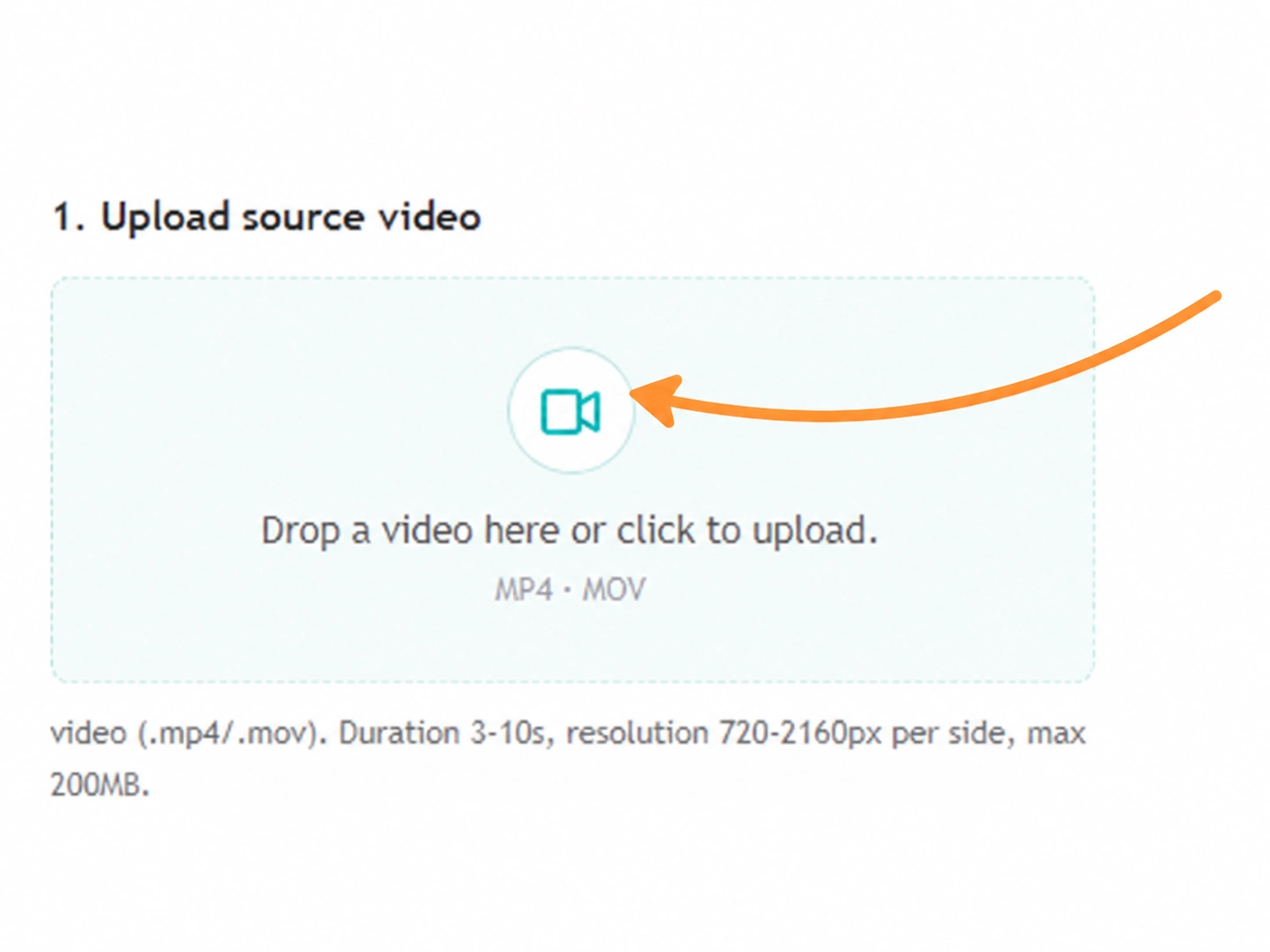
Step 1. Add Your Source Video
Choose a short video with readable movement and a clear subject. The source footage provides the action, timing, and camera direction that guide the transformation.
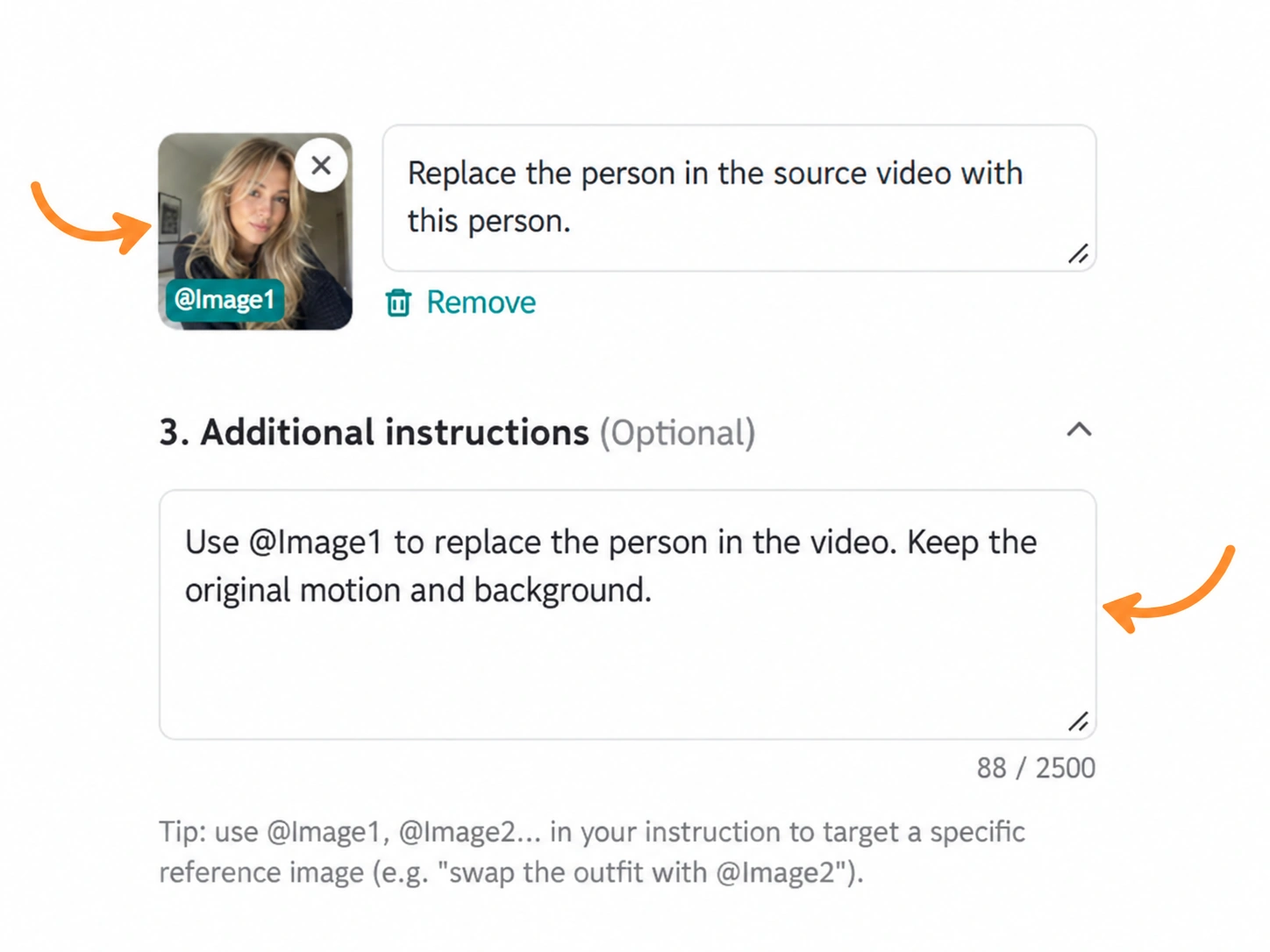
Step 2. Add References and Describe the Change
Upload the character, product, outfit, object, scene, or style reference you want to introduce. Then explain what should change and what should stay. Short, specific instructions usually make the intended result easier to review.
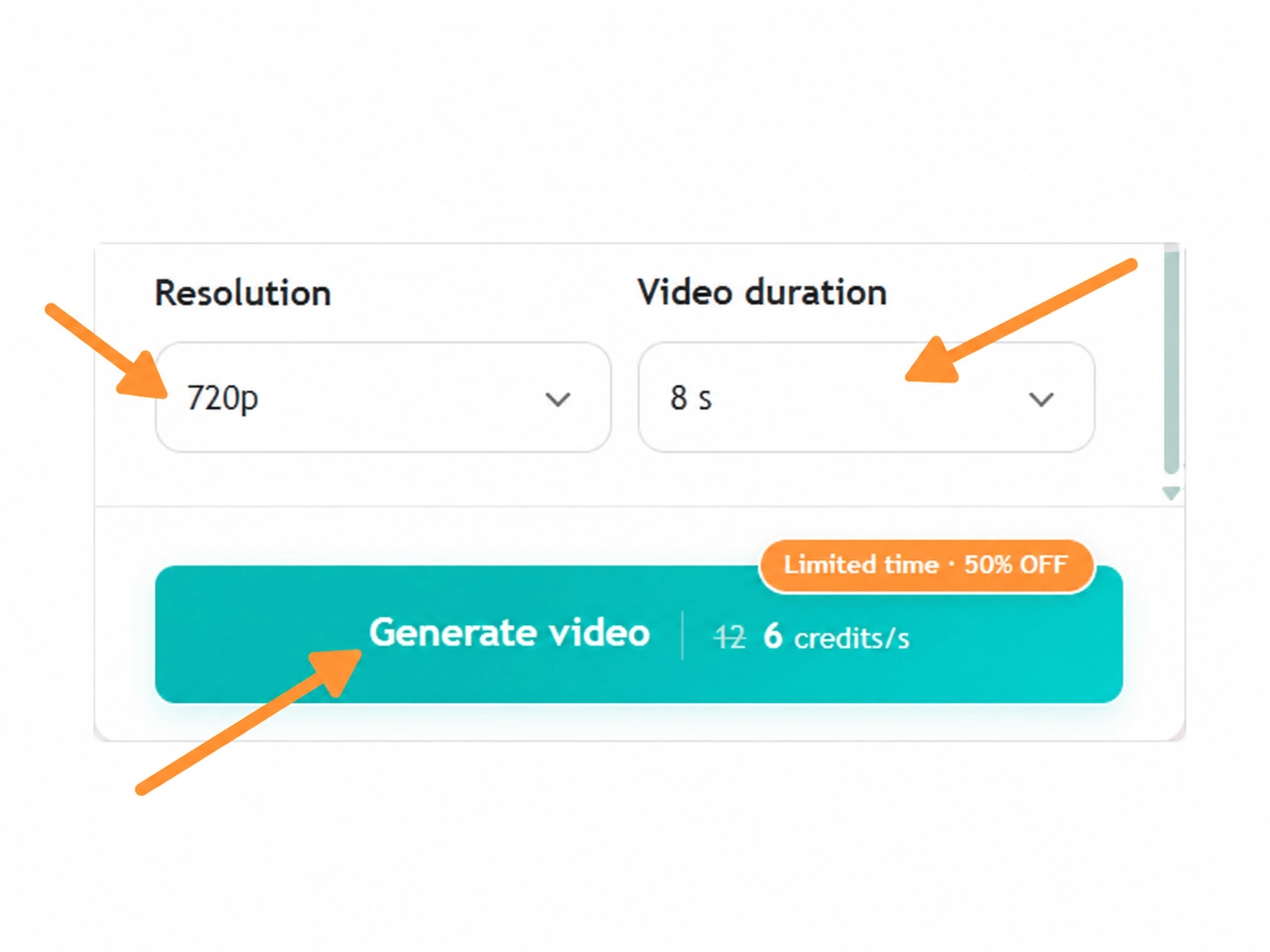
Step 3. Choose Settings and Generate
Select the available model, duration, aspect ratio, and resolution for your goal. Review the estimated credit cost when shown, generate the video, and compare the result with the original before downloading or refining the next version.
Ways to Use Genjutsu AI Video for Real Projects
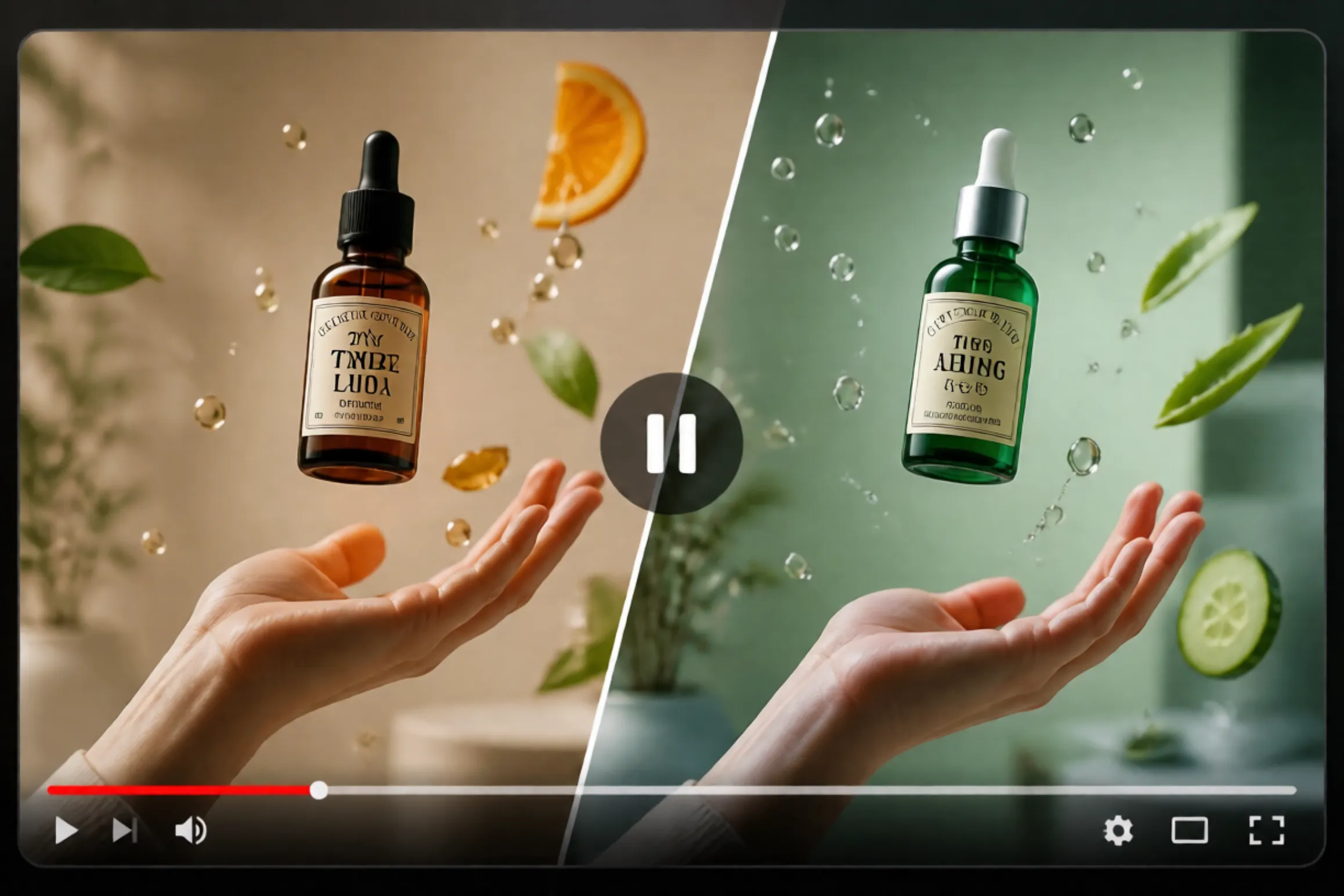
Need Another Version of a Product Ad?
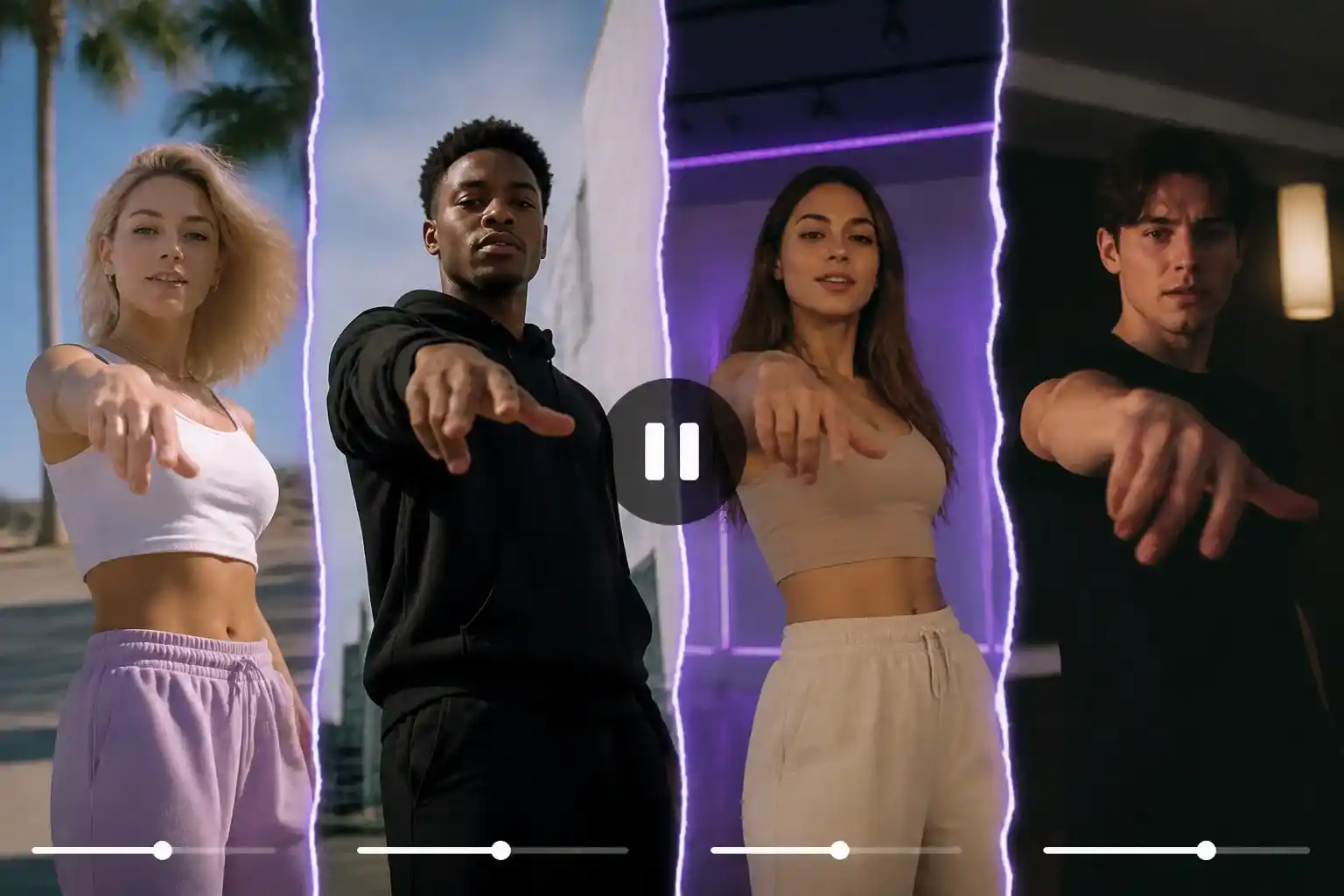
Want a New Character in a Finished Performance?
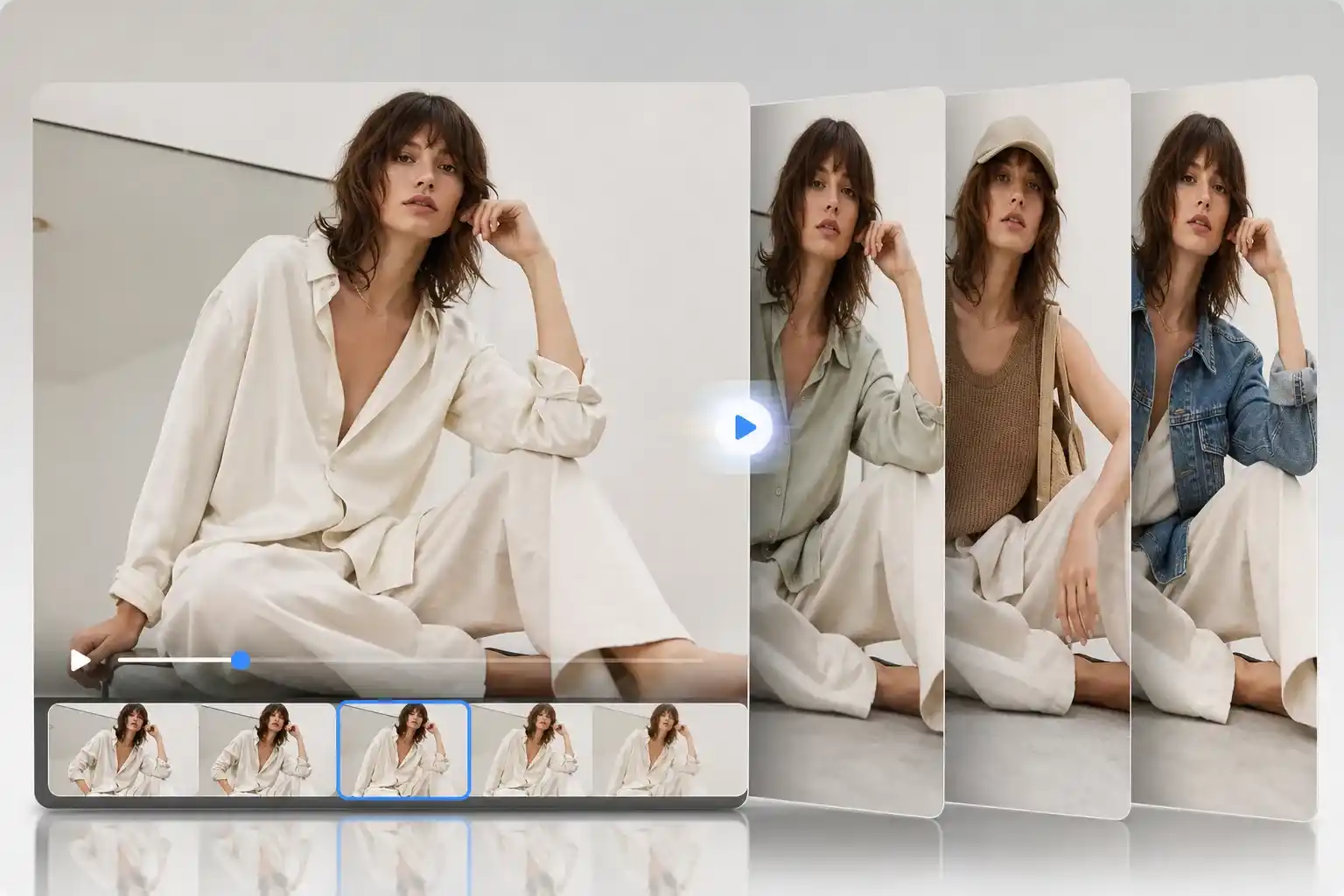
Is One Outfit Holding Back the Campaign?
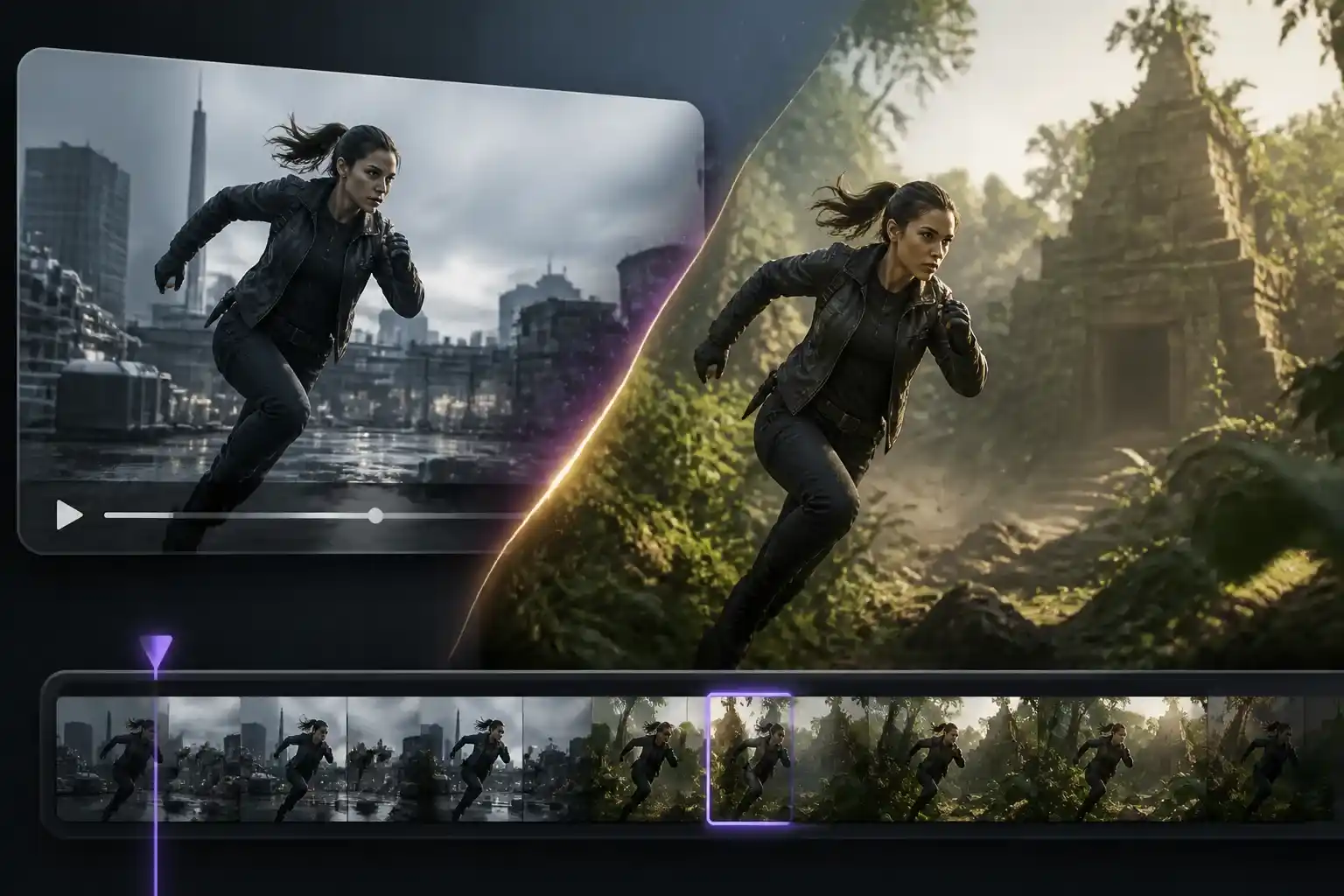
Have a Strong Clip but the Wrong Background?
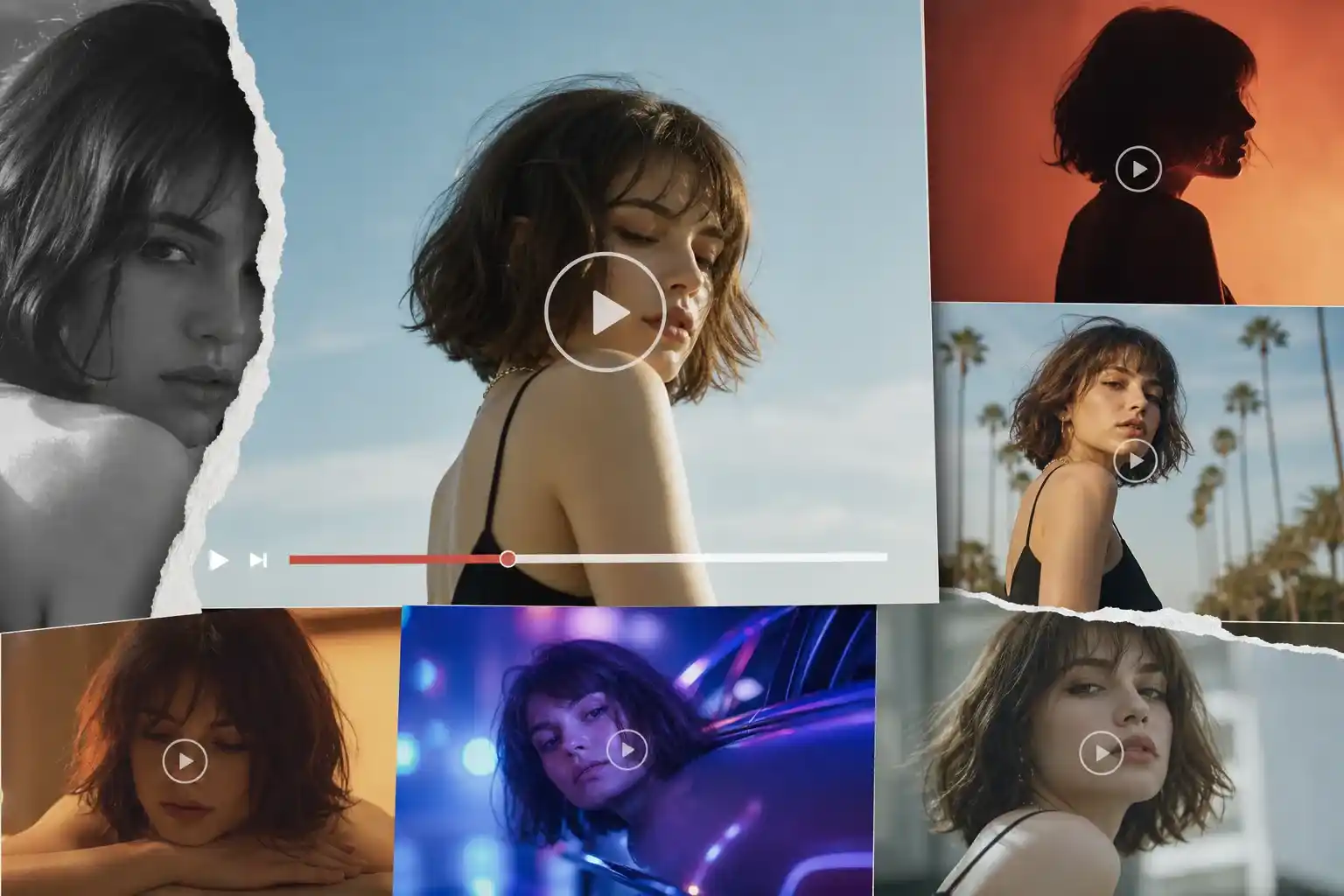
Need More Social Content from One Take?
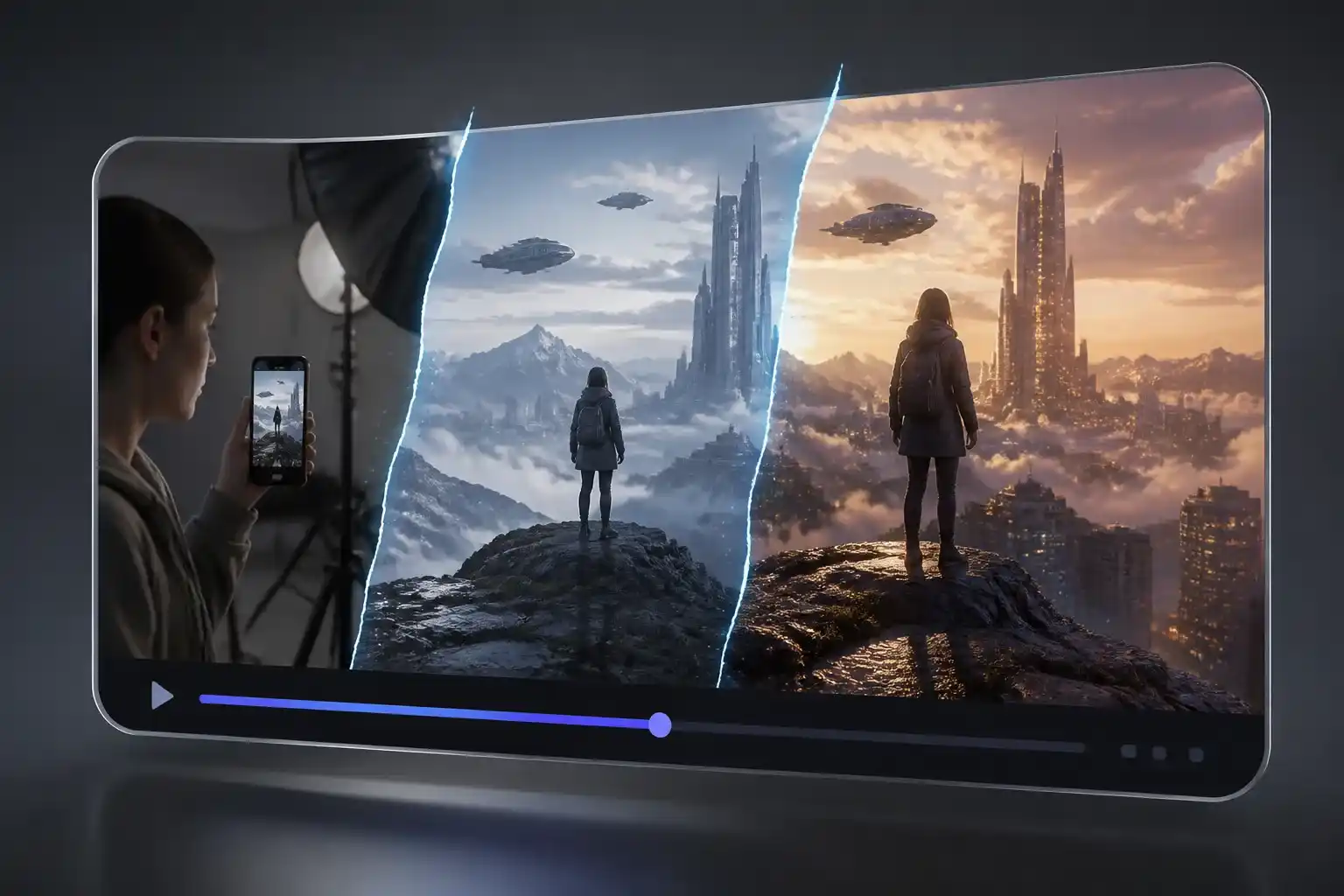
Want to Test a Concept Before a Full Shoot?
Why Creators and Teams Choose EzRemove

Make Existing Footage Work Harder
When a clip already has the right action, replacing the entire production is unnecessary. Genjutsu AI Video lets you use existing footage as the starting point for more creative directions.

Keep the Creative Decision in Your Hands
Choose the visual reference, name the target, and explain what must stay. The workflow gives you a clearer way to direct a transformation than relying on a vague prompt alone.

Explore More Variations Before Spending More
A product team, creator, or marketer can compare several directions before booking another shoot, changing the storyboard, or sending a final asset to production.

Use the Input You Already Have
Start with a video, reference image, product visual, or early concept. When the input needs work first, connect the workflow with EzRemove's image editing and generation tools.

Fit the Output to the Job
Available model, duration, aspect ratio, resolution, and credit options can be reviewed inside the EzRemove video workflow, so a quick concept test and a more polished draft do not need the same setup.

Move from Exploration to Production
Use Genjutsu AI Video to answer the visual question first: which character, product, outfit, scene, or style works best? Then keep refining the strongest direction in the rest of the EzRemove creation workflow.
What Creators Say About AI Video Transformation



Genjutsu AI Video FAQ
Genjutsu AI Video is a reference-guided video transformation workflow. Start with existing footage, add visual references, and describe the character, product, outfit, object, background, or style you want to change.