AI Zombie Video Generator
Upload two photos and get the viral zombie trend clip back: the cabin standoff, the leap, and a hug that lands in your happiest day. Fifteen seconds, with sound, ready for TikTok, Reels and Shorts.
Two Photos In, a Full Zombie Love Story Out
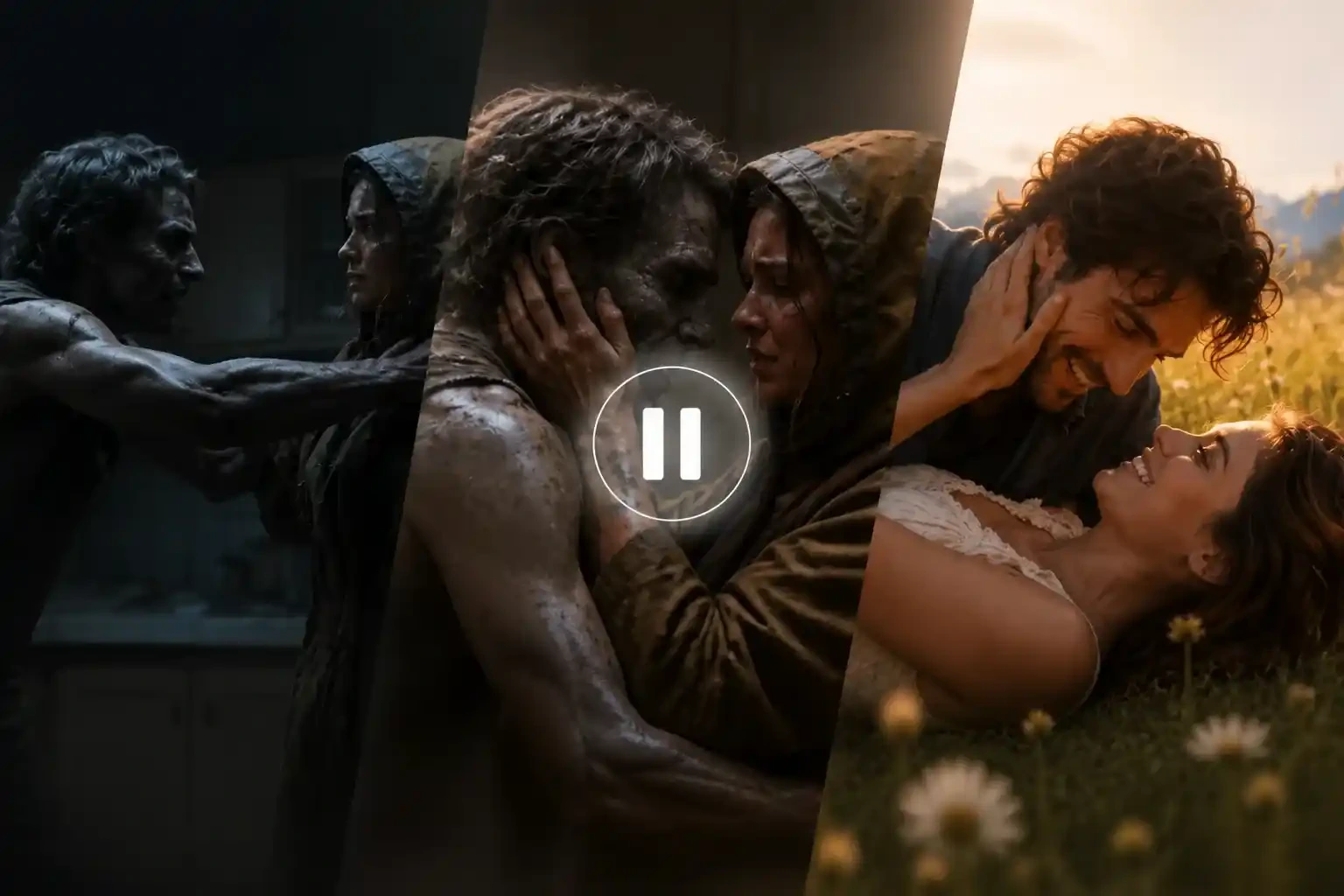
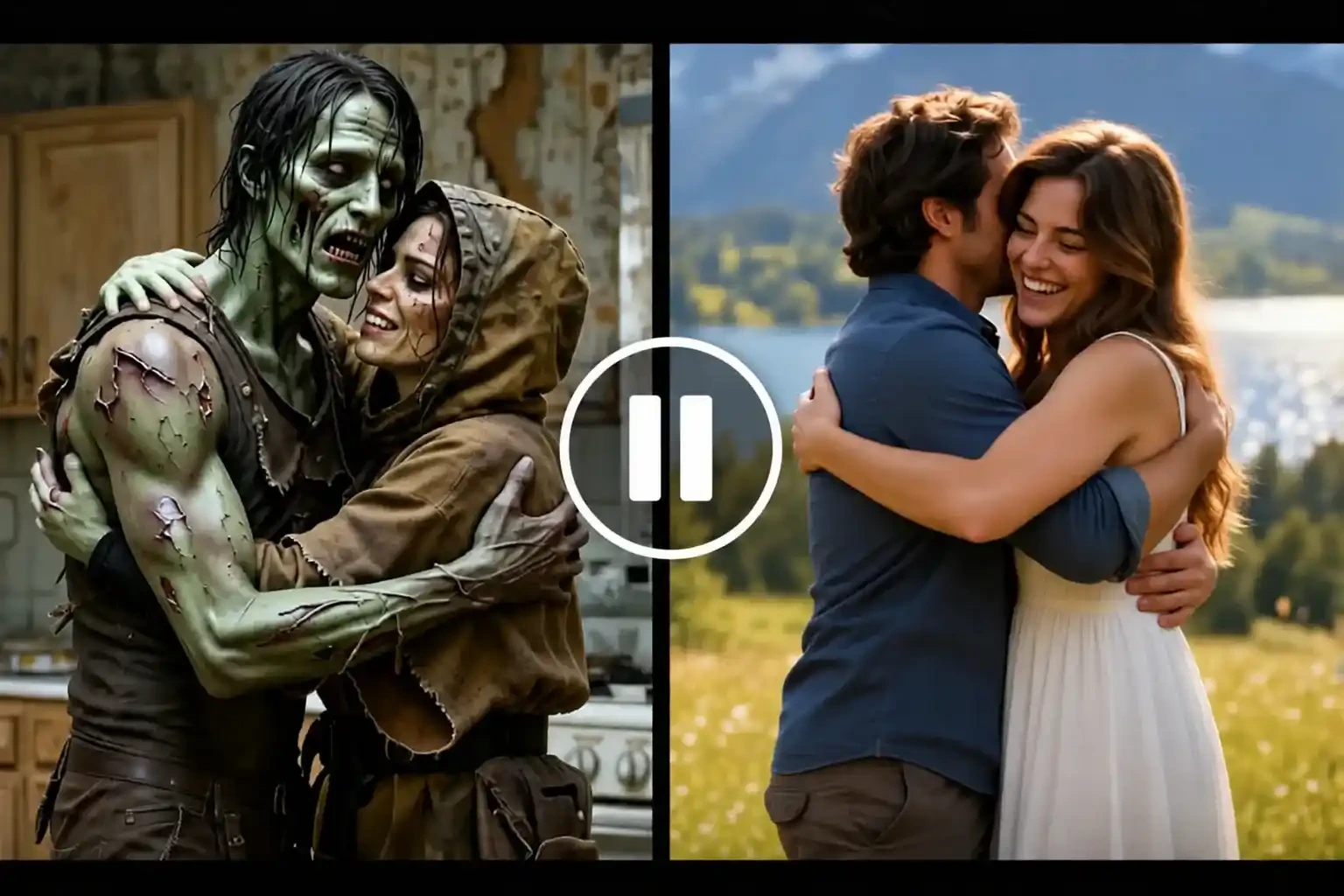
- The zombie love story took over TikTok and Reels in late September 2026 for one reason: it is not a horror clip, it is a love story with a gun in it. One of you has turned. The other cannot pull the trigger. The clip cuts at the moment of contact, and the same leap lands as a hug in the brightest day you ever had together.
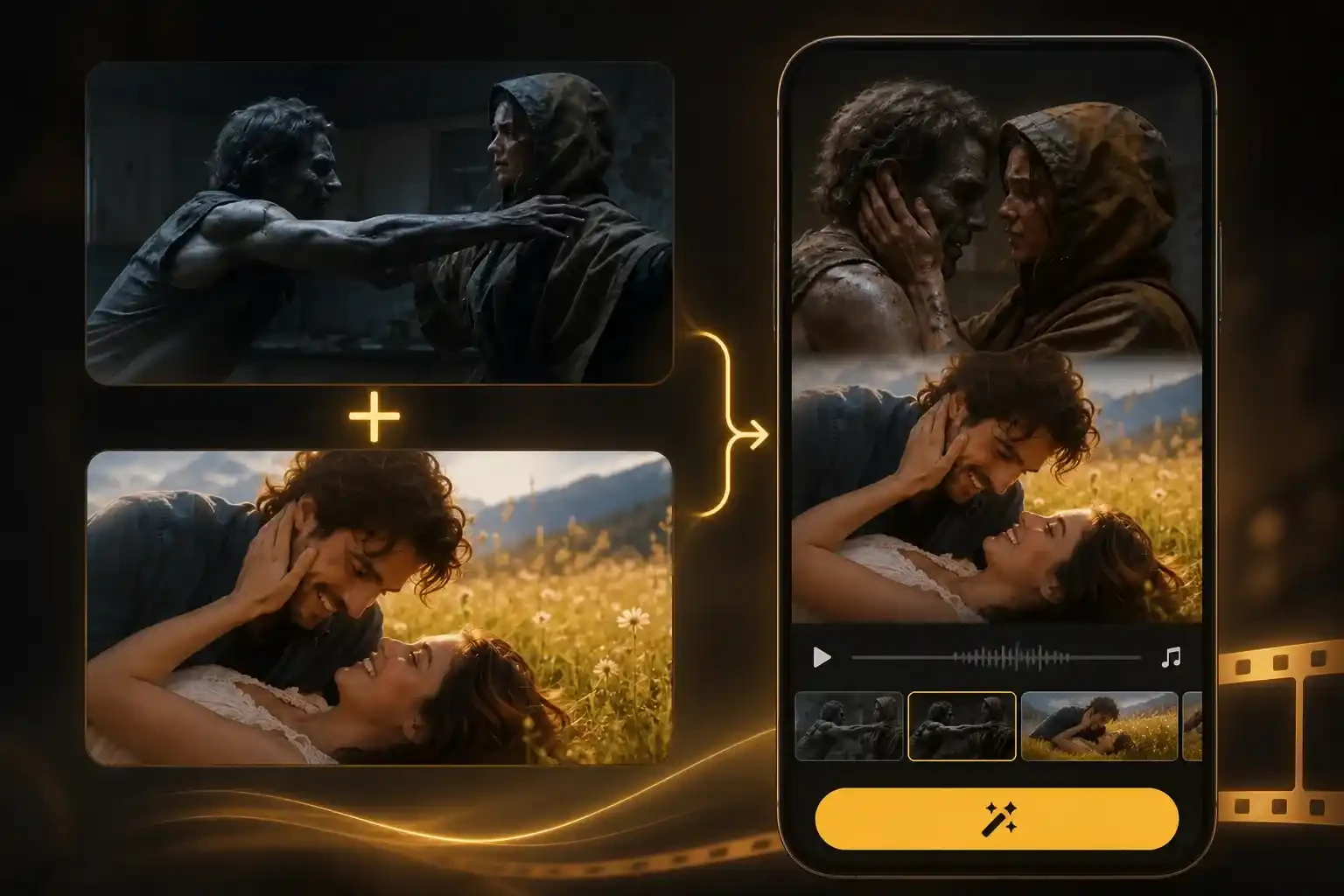
- Rebuilding that by hand means two prompts, two accounts, and an evening in CapCut. This generator takes the two photos and returns the whole story in one pass — the standoff, the turn, the leap and the memory — as a single MP4 with sound already in the file.
- Photo 1 stays human and holds the gun. Photo 2 turns and comes back as themselves in the memory. Swap the two uploads if you want the roles the other way round.
The Four Beats Your AI Zombie Video Follows
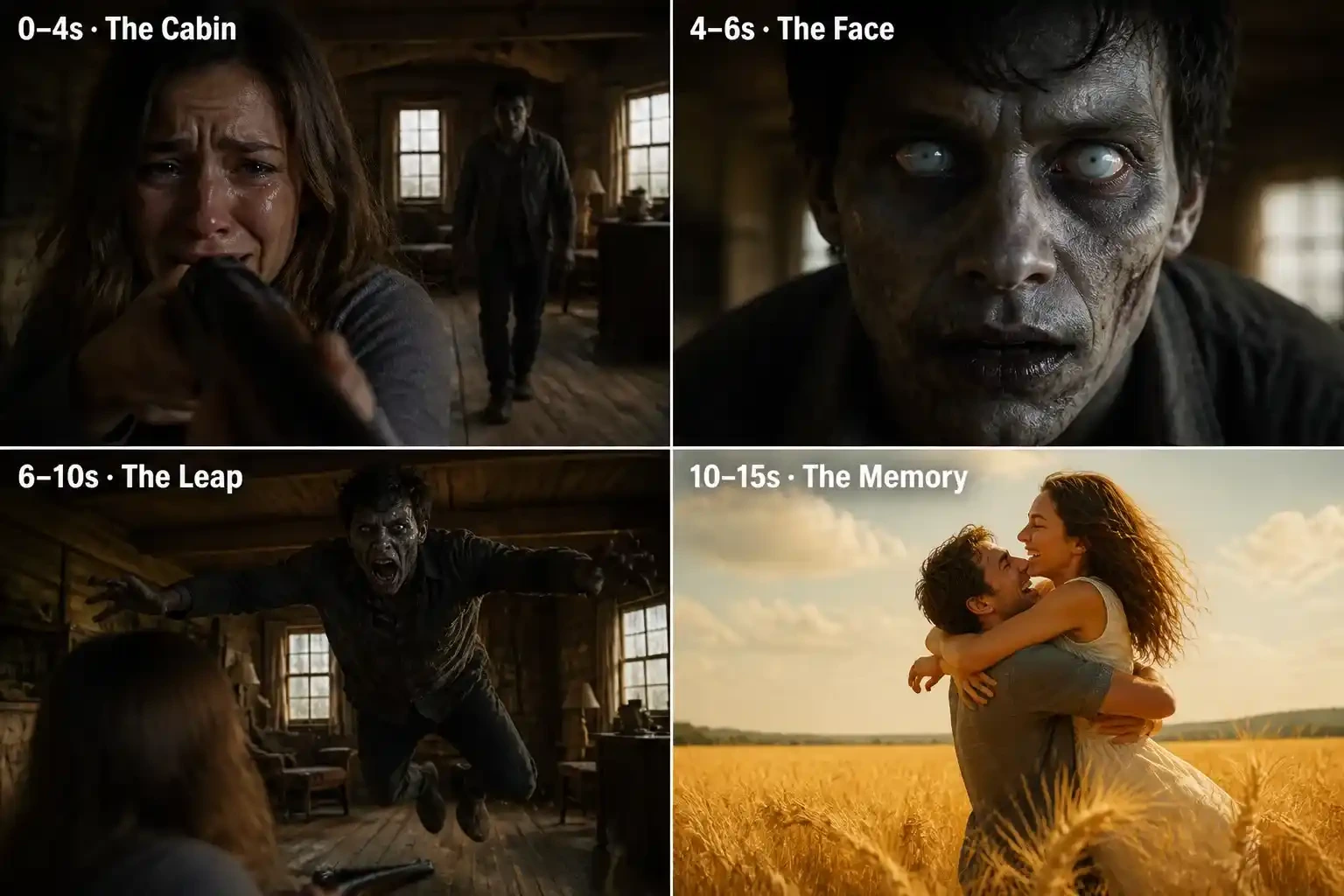
- Every clip runs on the same shot list, so yours cuts on the beat viewers already expect:
- ● 0–4s · The Cabin — a tearful close-up behind a raised gun, then the one who turned walking closer across the room.
- ● 4–6s · The Face — an extreme close-up: grey skin, white eyes, and still a face you recognise.
- ●6–10s · The Leap — the gun drops, both arms open, and the zombie sprints across the room and jumps.
- ●10–15s · The Memory — mid-air, the film cuts to a golden wheat field, and the same leap lands as a hug between the two of you, alive.
- Fifteen seconds is what the full four beats need. The shot list is fixed, so timing and likeness vary a little between runs, and a clearer photo tightens both.
No Prompt to Write, Nothing to Edit
- The camera direction, the match cut and the emotional score are already written into the generator. You do not copy a prompt from a comment section, you do not book a CapCut template, and you do not splice two clips together to make the flashback work.
- What you do is pick two photos and press generate. If a run fails, the credits go back to your balance automatically — no support ticket, no form.
- For the trend's own sound, download the clip and add the track inside TikTok or Instagram when you post. The generator ships its own score, never the copyrighted trending song.
Vertical for Reels and Shorts, or 16:9 for a Wider Story
- Pick the frame at upload, at the same price. 9:16 fills a phone screen for TikTok, Instagram Reels and YouTube Shorts, and keeps the two of you close together in a tall frame. 16:9 leaves more room around the leap and the wheat field, and suits YouTube or a wider cinematic post.
- Both export as MP4 with sound and no watermark, so you can post the file as it lands or drop it into your own editor for captions.
Photos That Keep Both Faces Recognisable
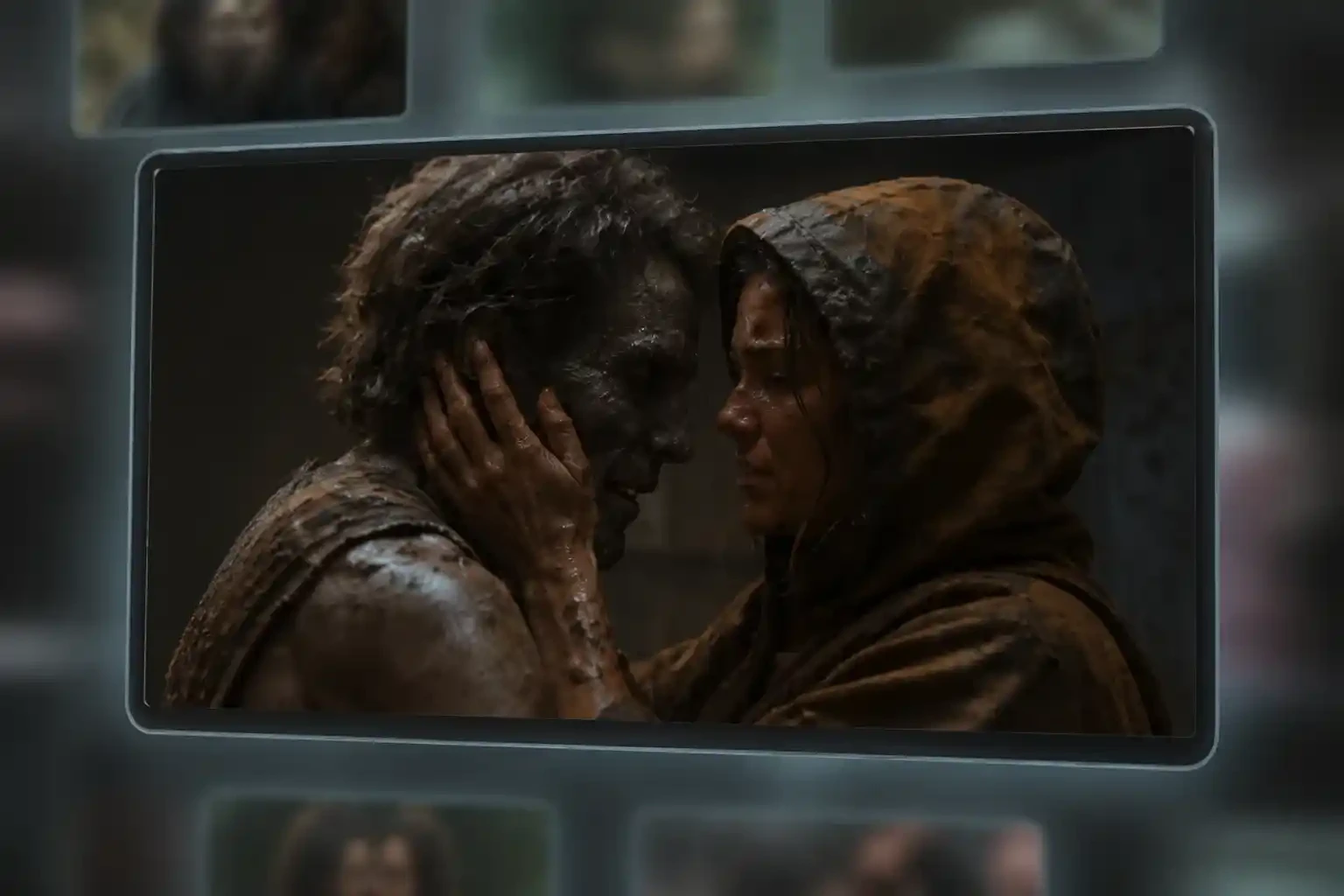
- Face consistency is the part that decides whether the clip works, and it is decided before generation by the two photos you upload. One person per image, facing the camera, with even light and the whole head in frame. Sunglasses, masks, heavy filters and group shots give the model too little to hold on to, and the face drifts during the leap.
- If your only photo of them is an old, low-resolution shot, sharpen a low-resolution photo first and upload that instead. Pets work the same way: keep the face and any distinctive markings clearly visible, and shoot at eye level.
How to Use the EzRemove AI Zombie Video Generator Online
-
1
Step 1 · Upload two photos
Add one clear photo of the survivor and one of the person or pet who turns. If the photo needs a crop, a background change or a quick fix, clean up a photo before you upload — the generator reads whatever you give it. The generator resizes and reads both faces, then waits.
-
2
Step 2 · Choose a format and generate
Pick 9:16 for Reels, Shorts and TikTok, or 16:9 for a wider frame, and choose your resolution. Submit, and the shot list runs: the cabin, the face, the leap, and the cut into the memory, in one continuous clip with sound.
-
3
Step 3 · Download and post
The finished MP4 lands in your account, with sound and no watermark. Download it, add the trend's sound or your own captions, label the post as AI-generated, and publish. If the run failed, your credits are already back.

What You Can Create with an AI Zombie Video Generator
Anniversary posts for couples
You want something that says you would still choose them at the end of the world. Cast your partner as the one who turns, and the memory beat does the talking — no caption explaining the joke needed.
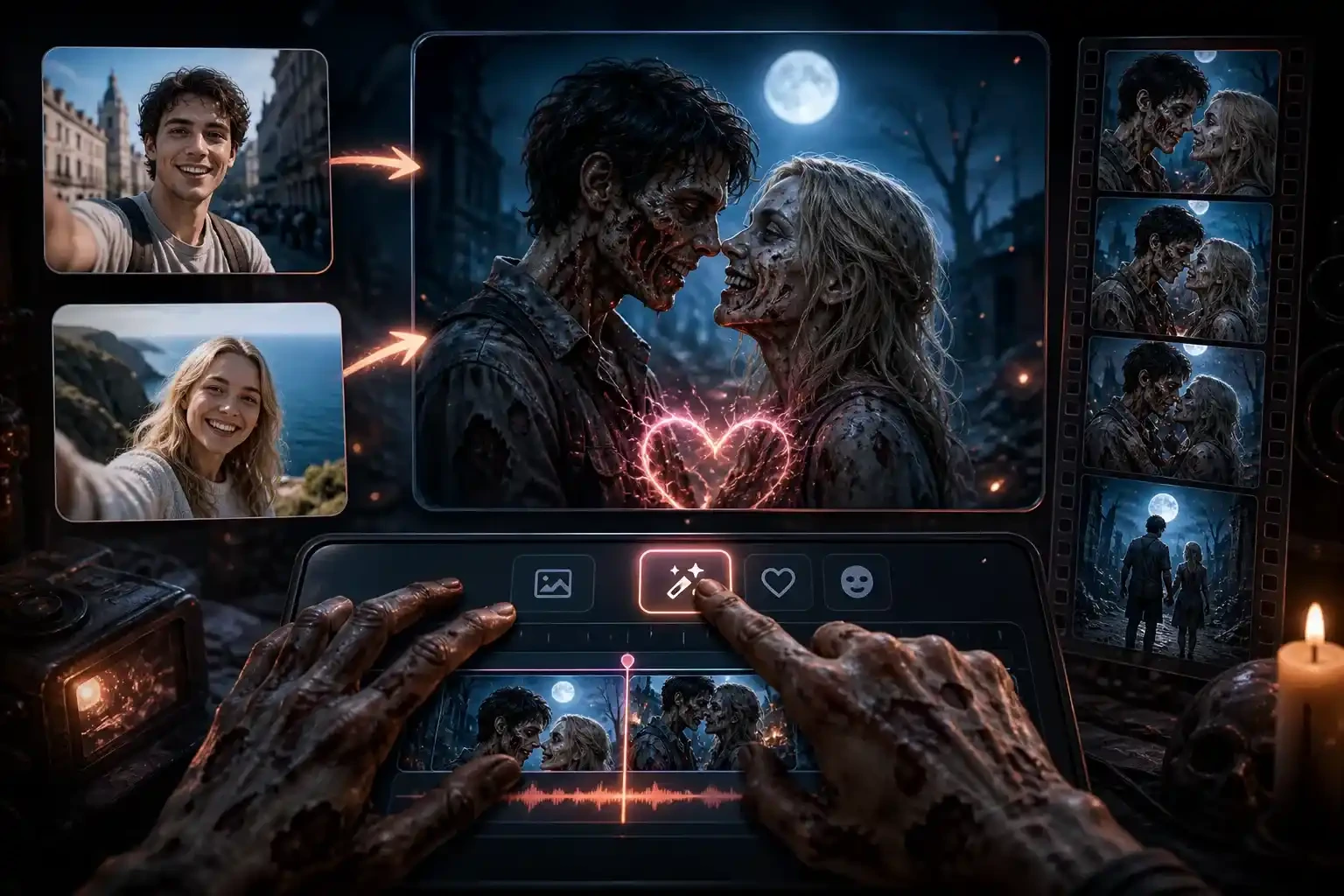
Trend clips for TikTok, Reels and Shorts
You are chasing the format while it is still climbing. A finished 9:16 clip with sound beats a template you have to cut yourself, and you can post it the same evening.
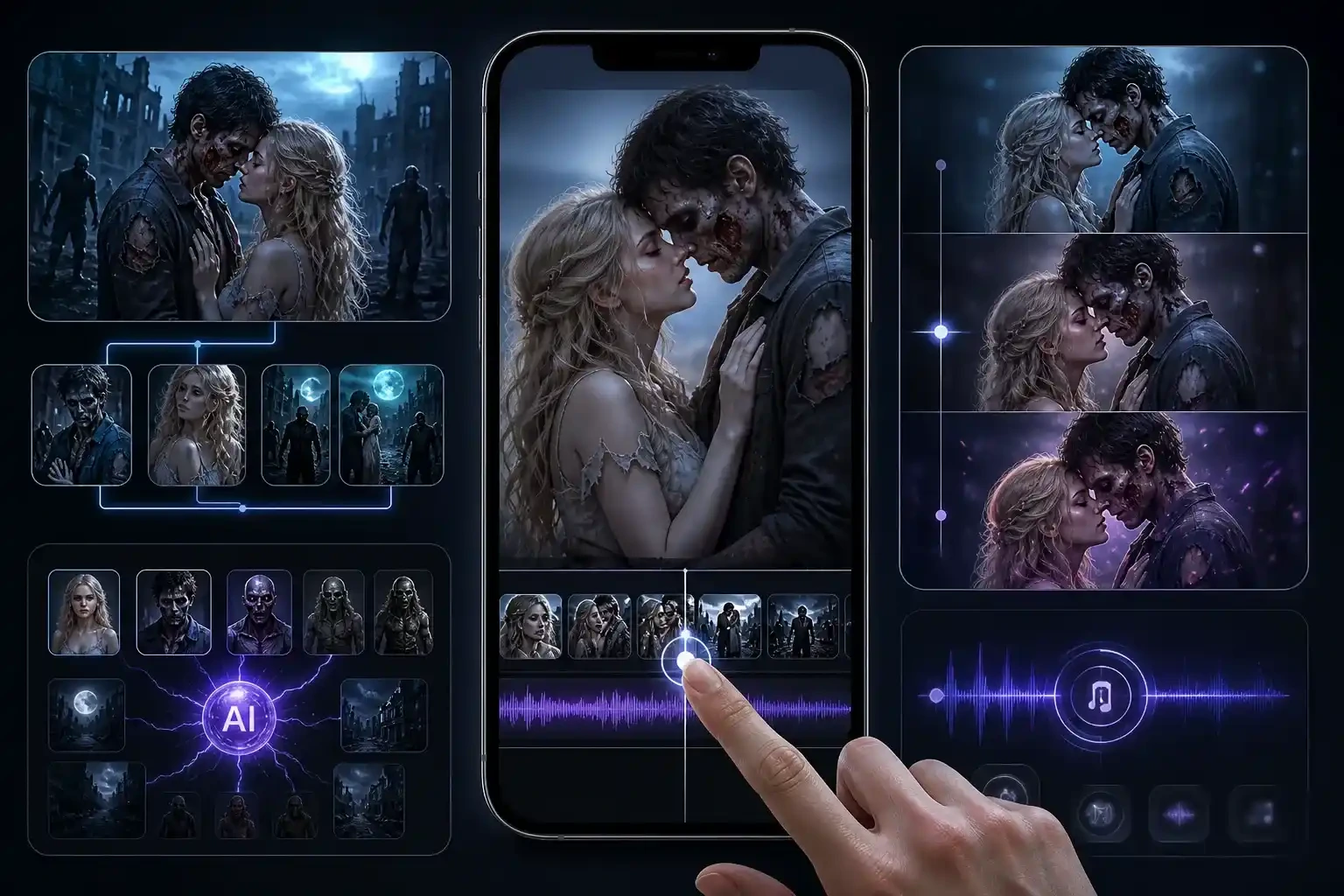
Zombie dog and zombie cat videos
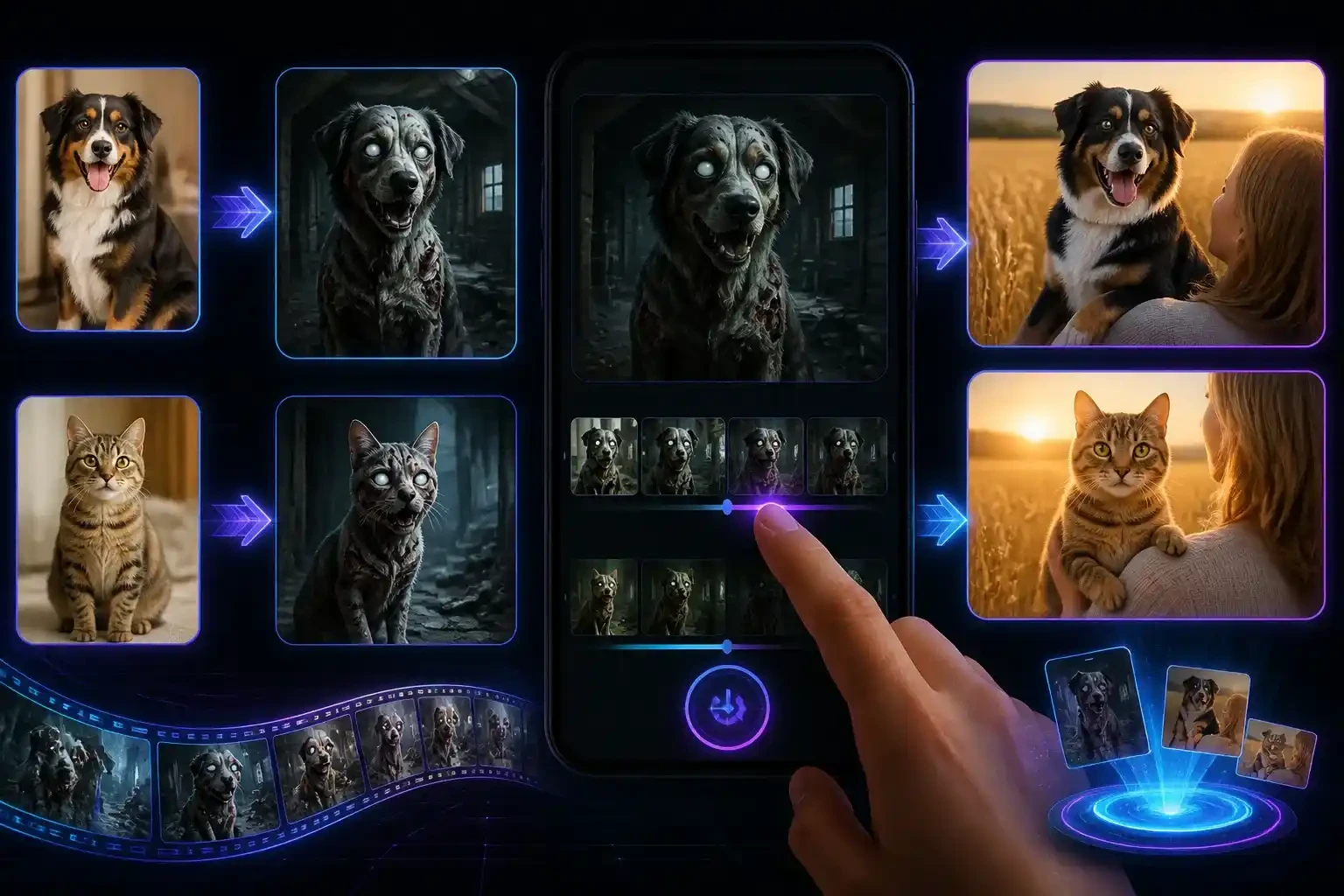
Pet versions are the ones that get sent to the whole family. Your dog shows up grey and white-eyed in the cabin, and lands in your arms in the wheat field with its real coat and markings back. No photo of your pet? Generate a reference image of your pet first, then use that.
Long-distance partners
Two photos taken years and countries apart still cut together, because the memory beat uses the same two faces. It is the version that travels best in a chat at 2am.
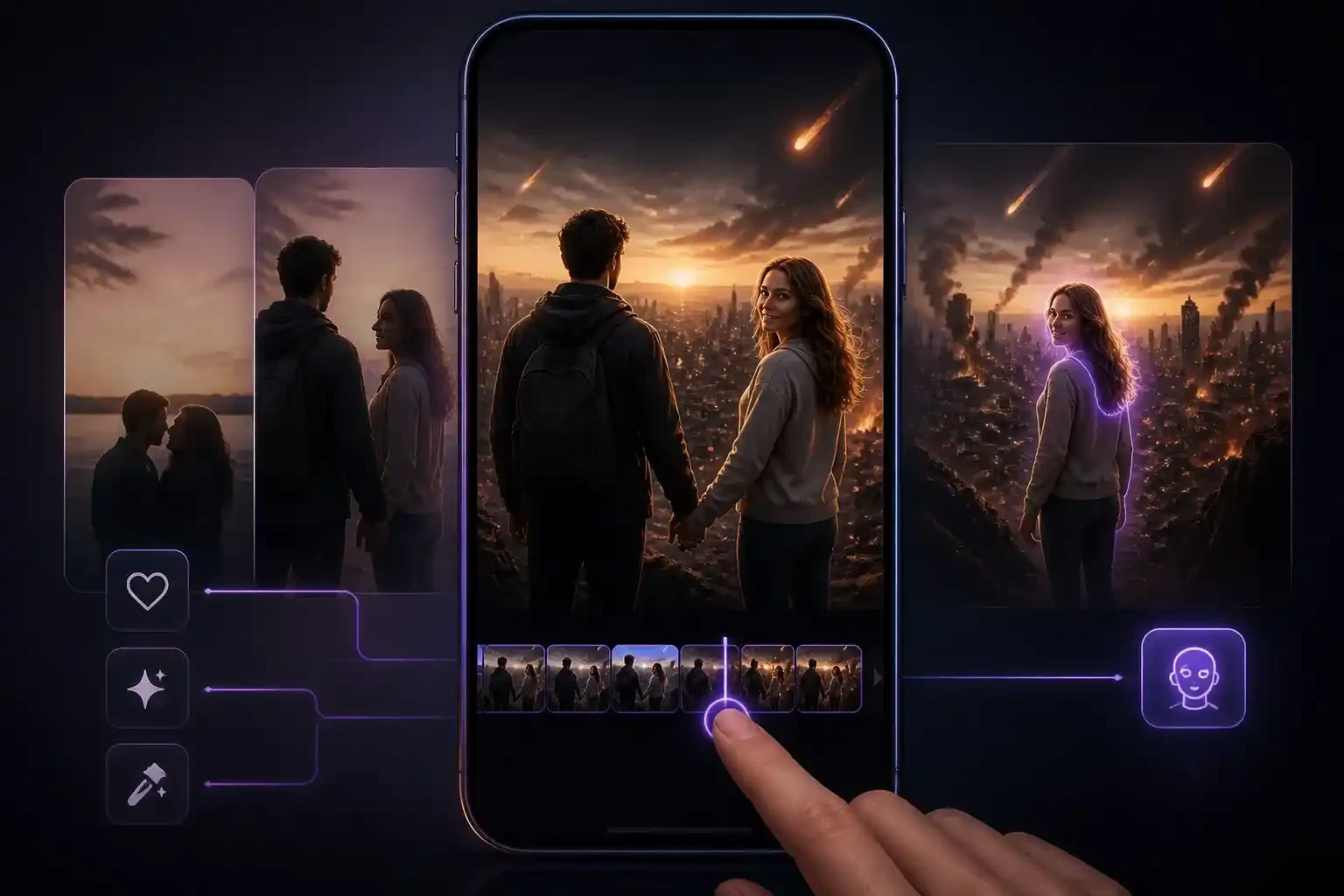
Best friends and siblings
Two friends, one infected, one who will not leave. The story reads the same without the romance, which makes it the safest version for a group chat.
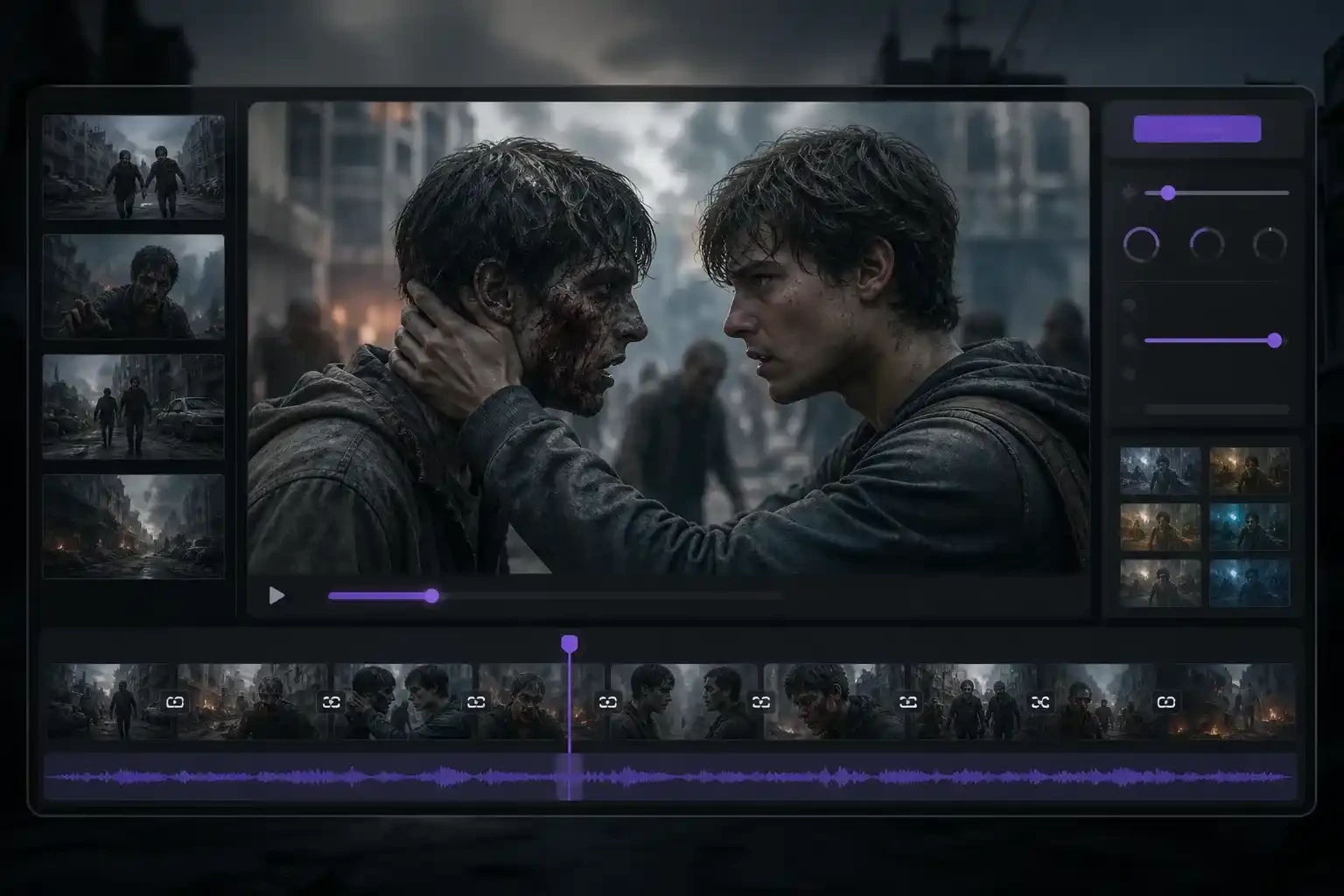
Halloween and seasonal posts
The trend peaks around Halloween for a reason. Make it in October, post it with the season's sound, and it lands while everyone is already in costume.
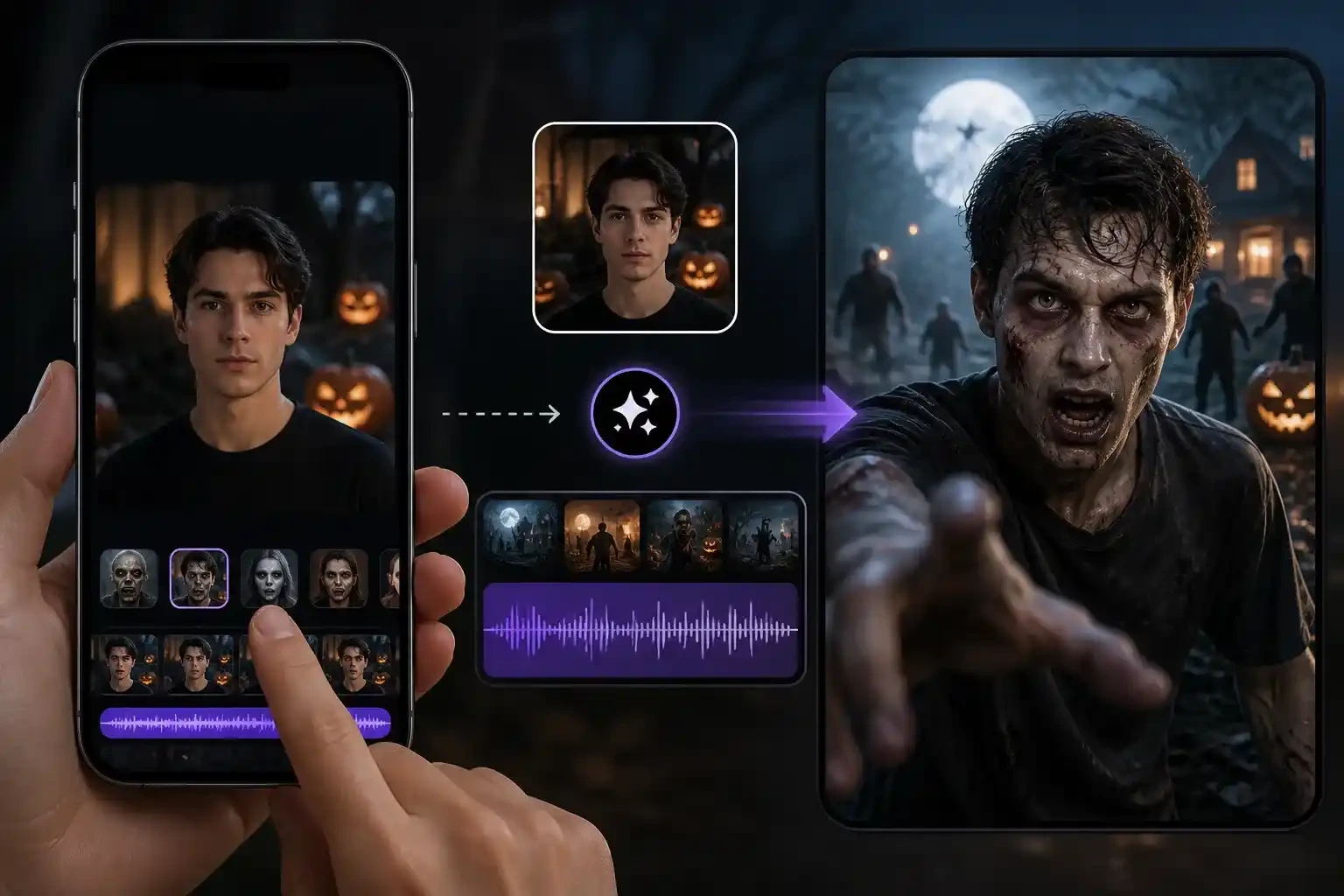
Why Creators Pick EzRemove for AI Zombie Videos
The whole story in one generation
The standoff, the turn, the leap and the flashback come back as one clip. There is no second prompt for the memory and nothing to stitch afterwards.

Faces that survive both scenes
Both photos are carried as separate references, so the person who turns is recognisable under the zombie make-up and looks like themselves again in the sunlight.

Sound included, ready to post
Every clip exports as an MP4 with its own score and ambience, with no watermark. Add the trending track in TikTok or Instagram if you want it, or post as-is.

Failed renders refunded automatically
AI generation fails sometimes. When it does, the credits return to your balance on their own, and you can try again with a clearer photo.

Pay in credits — one-off or subscription
Every video is priced in credits. Buy a one-time pack when you only need one clip, or subscribe if you make them every week. Failed renders go back to your balance either way.
Photos deleted after 30 days
Uploads are encrypted in transit and used for your one generation. They are deleted automatically within 30 days and are never used to train models.
AI Zombie Video Generator FAQ
What is an AI zombie video?
It is a short clip built from two of your photos around the viral zombie love story: one of you has turned, the other raises a gun and cannot fire, and the contact cuts to a happy memory of you both. Ours runs 15 seconds with sound, and the whole story comes from one generation.
How do I make an AI zombie video from two photos?
Upload one photo of the survivor and one of the person or pet who turns, choose 9:16 or 16:9, then generate. There is no prompt to write and nothing to edit afterwards.
Is the AI zombie video generator free?
Generating a video requires payment — each clip is charged in credits when you submit it. You can buy credits as a one-time pack, or subscribe if you make clips regularly. If a render fails, the credits return to your balance automatically.
How much does one video cost, and what happens if it fails?
Videos are sold per clip, with the price shown before you submit. Failed renders are refunded automatically to your balance, so you only pay for clips you actually receive.
Can my dog or cat be the zombie?
Yes. Use a clear, front-facing photo of your pet as the second upload. It turns in the cabin scene and comes back with its real coat and markings in the memory beat.
How long does it take, and how long is the video?
The finished clip is 15 seconds — the length the full four beats need. Rendering takes a few minutes depending on the queue, and your video is waiting in your account when it is done.
Does the video include sound?
Yes. Every clip exports with its own score and scene ambience mixed in, as an MP4 with no watermark. The trending song is copyrighted, so add that inside TikTok or Instagram when you post.
Is the zombie gory?
No. The zombie look is grey skin, dark veins and clouded eyes — no blood, no bites, no wounds. The story is built around the embrace and the memory, not the horror.
Which format should I choose, 9:16 or 16:9?
Use 9:16 for TikTok, Instagram Reels and YouTube Shorts, where it fills the screen. Choose 16:9 for YouTube or a wider cinematic post. Both cost the same and both include sound.
What happens to my photos?
They are encrypted in transit, used for your one generation, and deleted automatically within 30 days. They are never used to train AI models.
Can I post the video commercially or on a brand account?
The clip is yours to post, including on brand accounts. Only upload photos of yourself, your own pet, or people who agreed to appear, and label the post as AI-generated wherever the platform asks.
Can I make a longer AI video?
This generator is built for the fixed 15-second trend format. For longer or open-ended clips, generate longer AI videos with our general AI video generator.